Gloss finish that gives each cut edge a neat shine
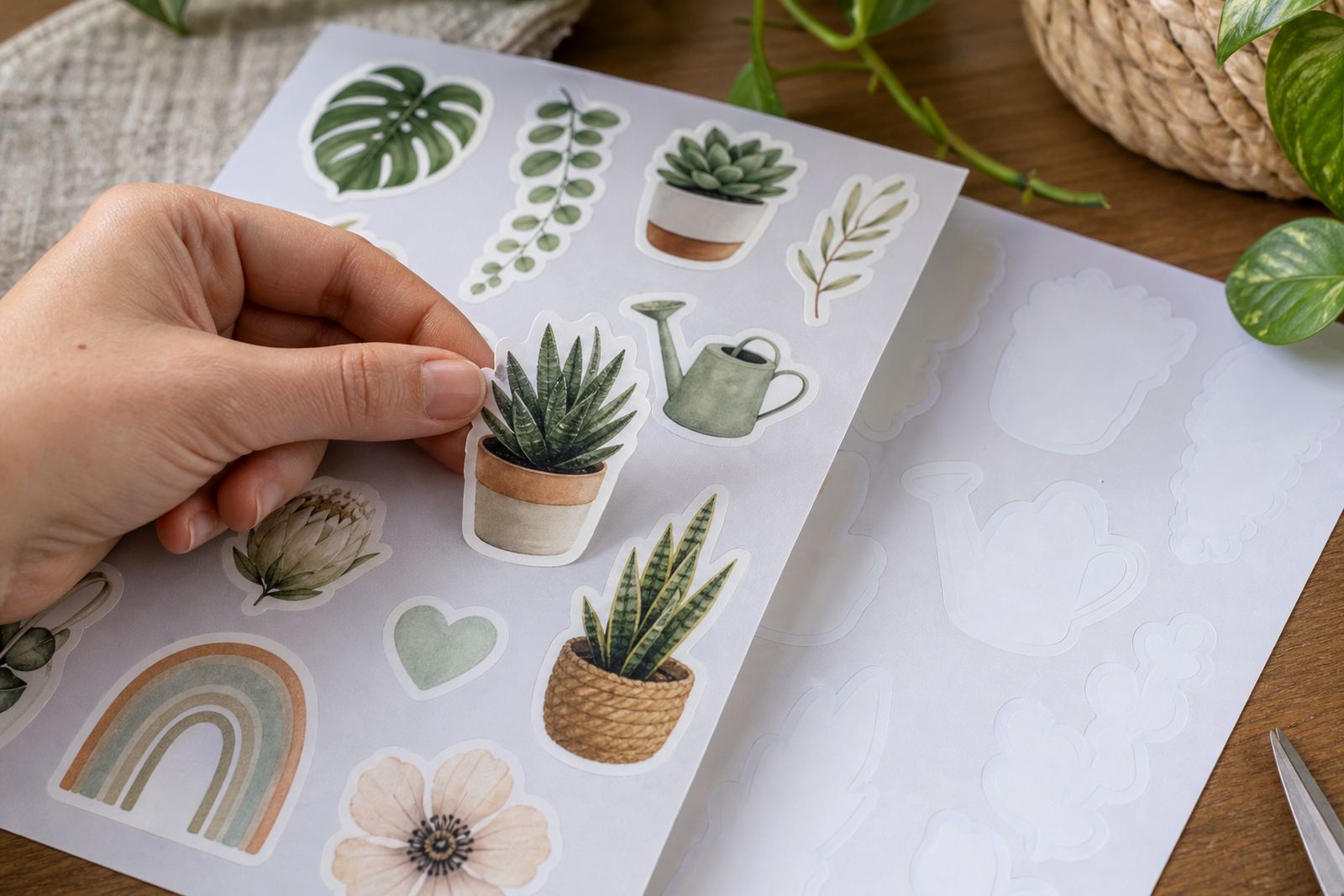
Gloss cutter sheets are printable sticker sheets with a smooth shiny face and a cutting layer that works well with craft cutters. The finish gives colour a stronger pop, which suits logos, labels, product seals, planner stickers and event pieces that need a cleaner presentation than plain paper stock. In the hand, the sheet feels smooth and lies flat enough for accurate feeding through benchtop printers and cutting machines.
For crafters in Durbanville, Cape Town and further afield, gloss sheets are a practical option when you want a brighter look without moving to heavier vinyl. They work well for indoor use, home organisation and gifting, where the sticker is handled often but not exposed to hard weather. The surface can pick up fingerprints during handling, so clean hands and careful stacking help keep the sheet looking sharp before cutting.
- Smooth glossy face for a bright printed finish
- Suitable for labels, planner stickers and short craft runs
- Feeds through many home printers and craft cutters
- Best stored flat in a dry room away from dust
Sizes and sheet options for cutter work
Gloss cutter sheets are supplied in sizes that suit home printers and small studio workflows, with sheet formats that can be trimmed or fed through a cutter. Common options include A4 for general label work and smaller cut pieces for test runs, sampler sets and narrow layouts. If you work with a craft cutter, the sheet should match the machine mat size and the printable area you plan to use.
For users in Johannesburg, Pretoria and Bloemfontein, the main point is matching the sheet to your printer tray and cutter mat before you start a batch. A neat printed outline helps the cutter read the design more accurately, and that matters when you are making repeat labels or stickers with tight borders. If your artwork sits close to the edge, allow enough margin for feeding and trimming, because different printers leave slightly different unprintable edges.
- A4 sheets for everyday sticker and label work
- Smaller cut pieces for sample jobs and test prints
- Works with printed cut lines for machine cutting
- Allow margins for printer feed and cutter registration
Inkjet and laser compatibility for different studio setups
These gloss cutter sheets are available for both inkjet and laser printing, and the right pick depends on your machine and the finish you want. Inkjet sheets are built to take liquid ink cleanly, while laser sheets are made to handle toner and heat transfer from a laser printer. Using the correct type matters for colour hold, drying and cut quality, especially when you are doing labels with solid fills or fine lettering.
Inkjet users often need a little more drying time before cutting, particularly in humid coastal weather around Cape Town and Durban where moisture can slow surface set. Laser users should confirm that the sheet is rated for laser printing before feeding it through the machine, because heat tolerance differs from one stock to another. If you are printing full sheets of stickers for home storage or product labelling, a small test print helps check colour, feed and cut alignment before the full run.
- Inkjet sheets suit liquid ink printers
- Laser sheets suit toner based printers
- Drying time matters more in humid areas
- Test prints help check colour and alignment
Where glossy cutter sheets fit best in real use
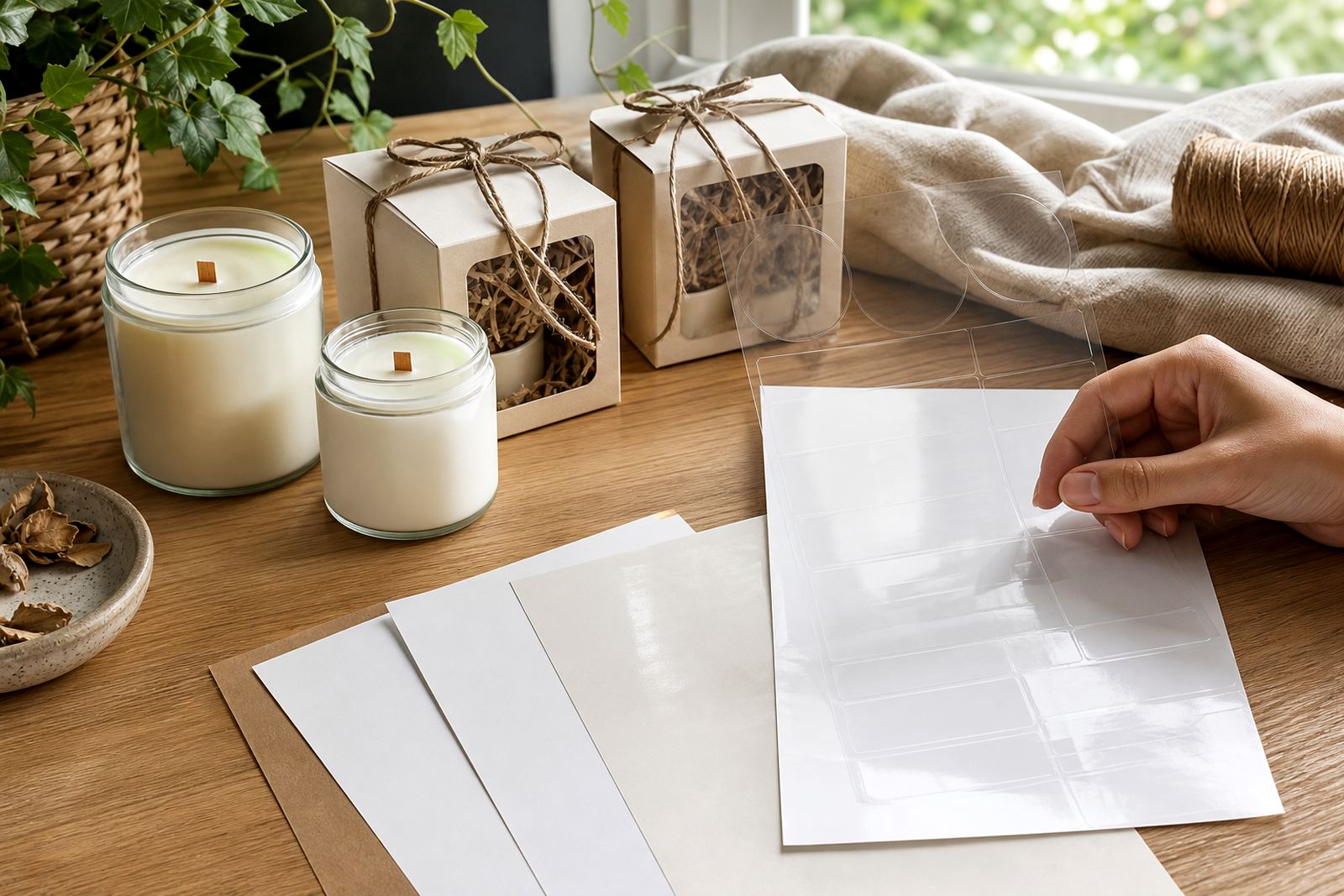
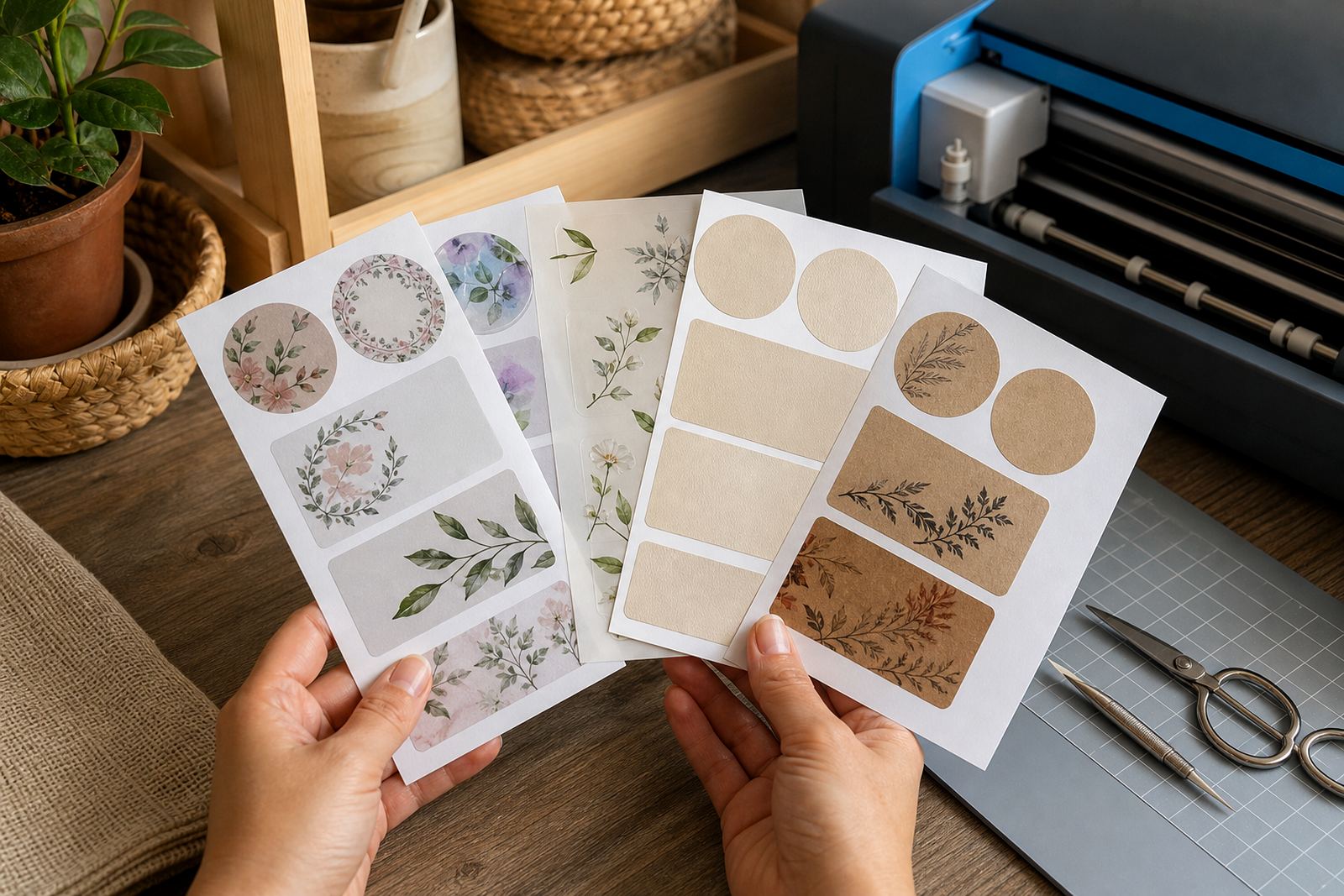
Gloss cutter sheets suit work that needs a clean, bright face rather than a soft matte look. They are often used for home organisation labels, pantry tags, gift wraps, kids' craft projects, sticker packs and small maker runs where appearance matters as much as legibility. The shine gives photographs, icons and bold type a lively finish, which can help simple designs stand out on boxes, jars and envelopes.
They are also handy for short-run branding pieces in a home studio, where you need an attractive label without moving to specialist production stock. For outdoor exposure, constant moisture or rough handling, a more weather-tolerant sheet may be better suited, but for indoor and light-use applications gloss is a straightforward option. The sheet cuts cleanly by hand with a craft knife or scissors, and it also works well with cutters that follow registration marks for more exact shapes.
- Home organisation labels and pantry tags
- Gift stickers and personalised project packs
- Indoor craft labels and short-run maker work
- Hand cutting or machine cutting both work well
Cutting, application and handling on the worktable
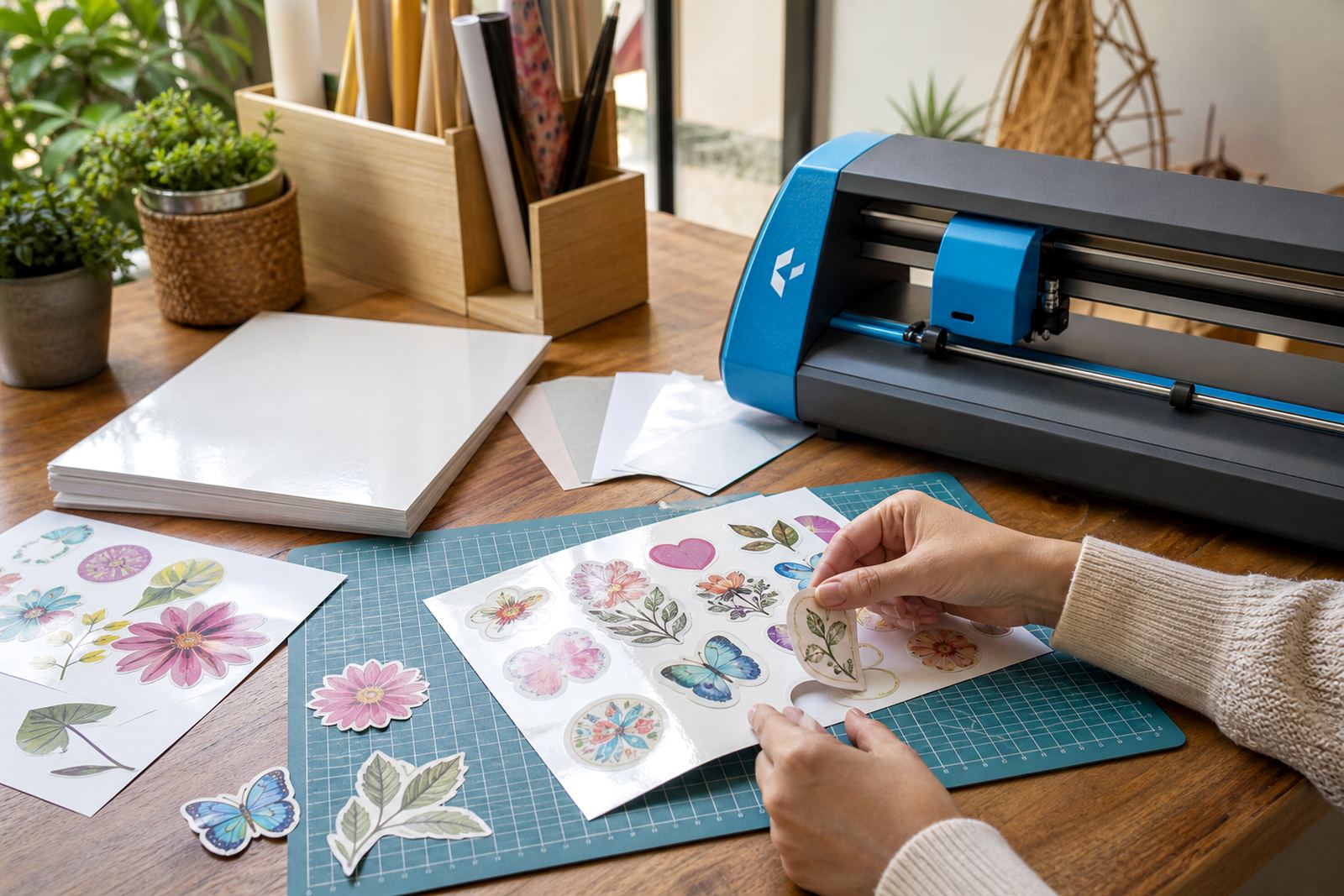
Gloss cutter sheets can be trimmed by hand or processed through a craft cutter, depending on how exact the shape needs to be. For hand cutting, a sharp blade and a clean cutting mat give the tidiest edge, while rounded corners can help stickers last a bit longer on jars and folders. For machine cutting, the sheet should sit flat on the mat and the blade depth should be set for the stock thickness so the liner does not tear.
Application is straightforward for flat surfaces, but it helps to clean the item first so dust and oils do not trap under the sticker. On jars, tins and storage tubs, work from one edge and press out air slowly. If the room is damp or the printer room is warm, allow the printed sheet to settle before cutting, because gloss stock can show scuffs if it is handled too soon. A little care here saves you from lifting corners later, and that matters on pieces that will be touched often.
- Use a sharp blade for hand cutting
- Set cutter depth to the sheet thickness
- Clean the target surface before sticking
- Press from one edge to avoid trapped air
Ordering details that help the sheet fit the job
When ordering gloss cutter sheets, it helps to confirm the printer type, sheet size, cutting method and the look you want from the final sticker. If you need a bright label for a jar, a clear border for a logo, or a full-cover sticker with vivid colour, those details guide the sheet selection. Let the team know whether the sheets are for inkjet or laser use, because that changes the material choice from the start.
It also helps to note whether you will cut by hand, with a benchtop cutter, or with a heavier craft machine. That affects the way the artwork should be spaced and how much margin should sit around the design. If you are working from Durbanville to Stellenbosch or sending sheets to Gauteng, the delivery address and package size should be checked carefully so the order lands where it should. A short note on storage is useful too, because flat storage keeps the gloss surface neat and prevents curling at the corners.
- Printer type: inkjet or laser
- Sheet size and number of sheets needed
- Cutting method: hand, craft cutter or both
- Delivery town and storage space available
Key facts
| Product type | Gloss printable sticker sheets for cutter work |
|---|---|
| Finish | Smooth shiny gloss surface |
| Compatibility | Inkjet or laser options available |
| Sheet sizes | A4 and other cutter-friendly sheet formats |
| Cutting methods | Hand cutting or craft cutter use |
| Common uses | Labels, planners, gifts, home organisation and indoor craft work |