

Picking a sheet that matches the job
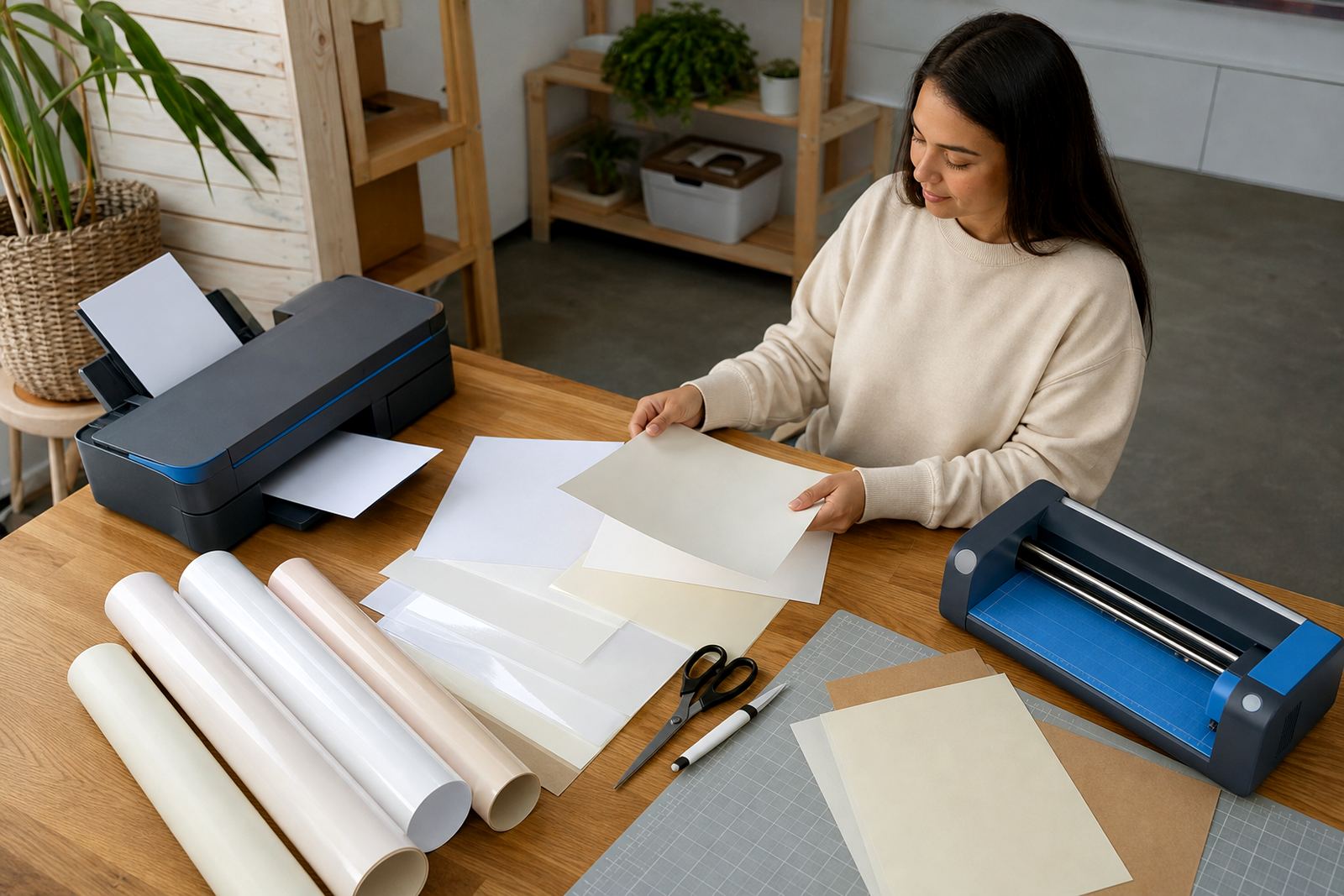
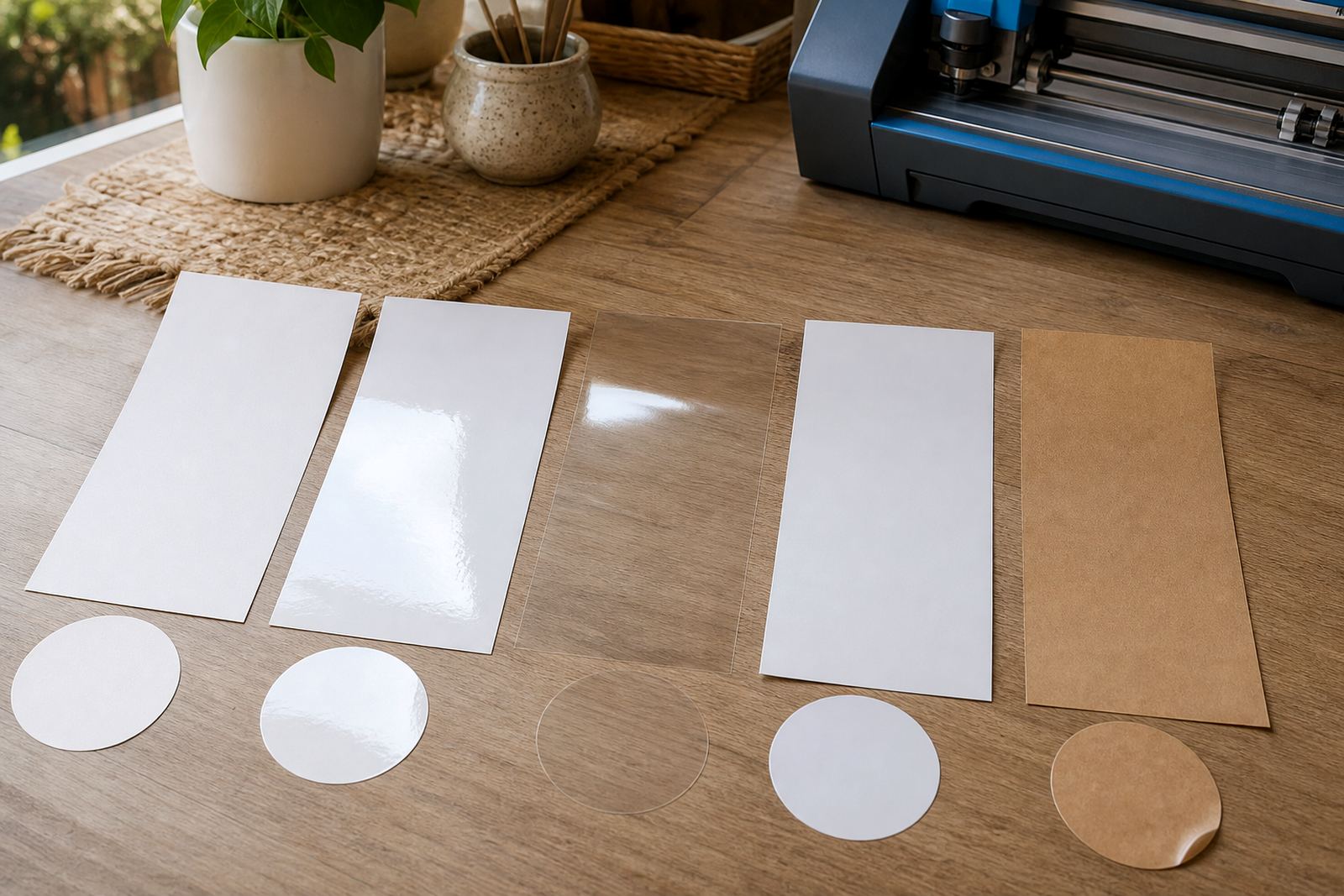
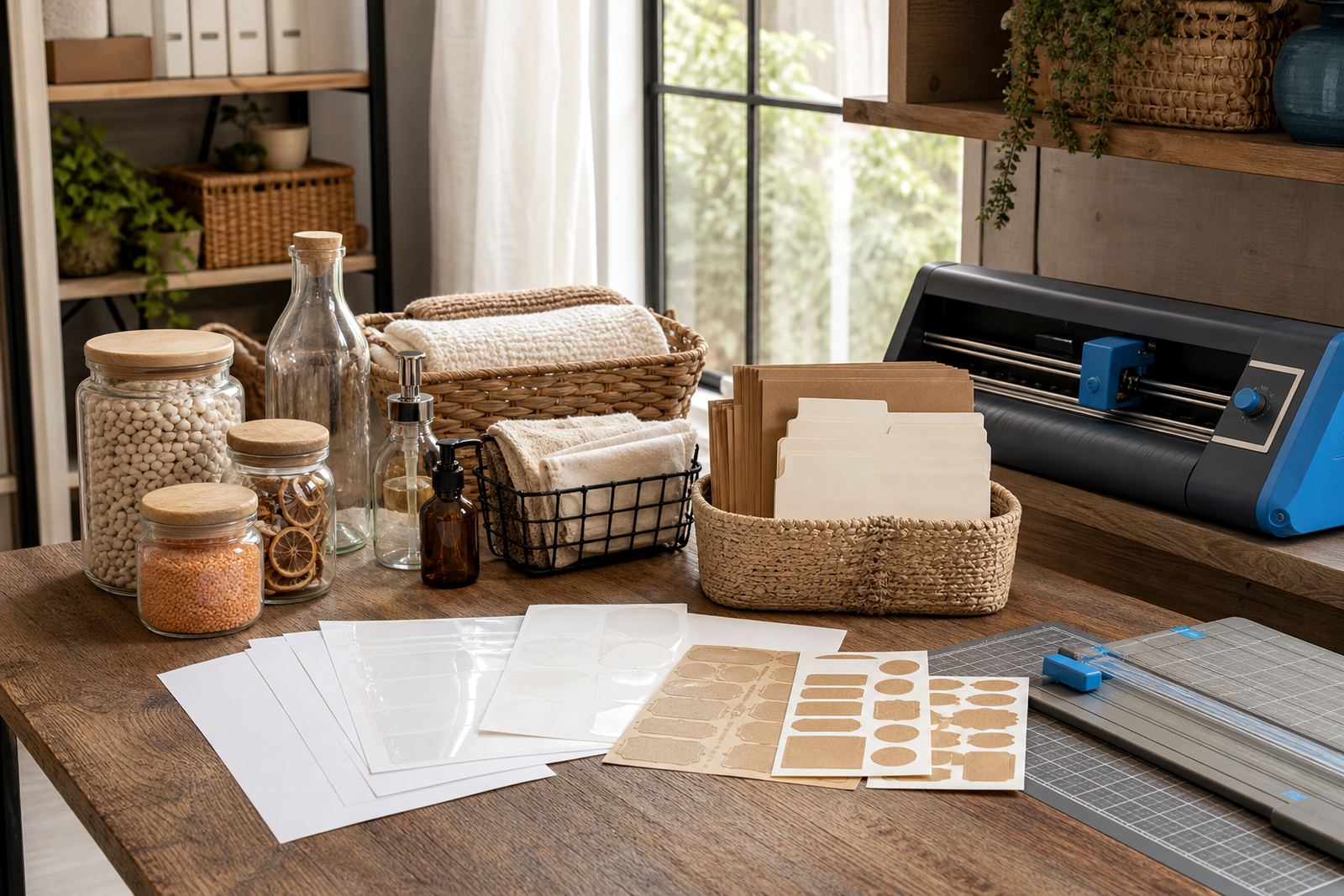
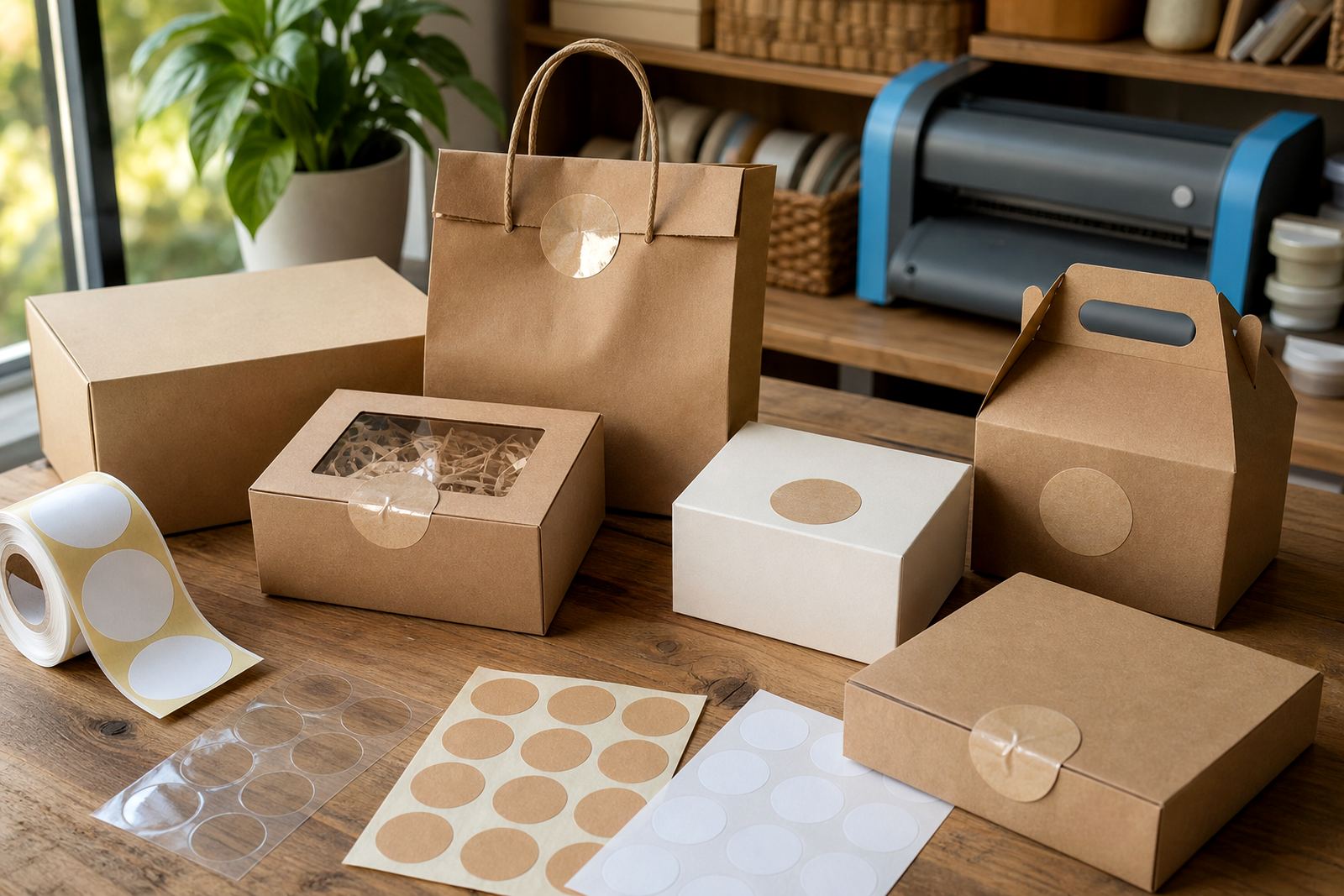
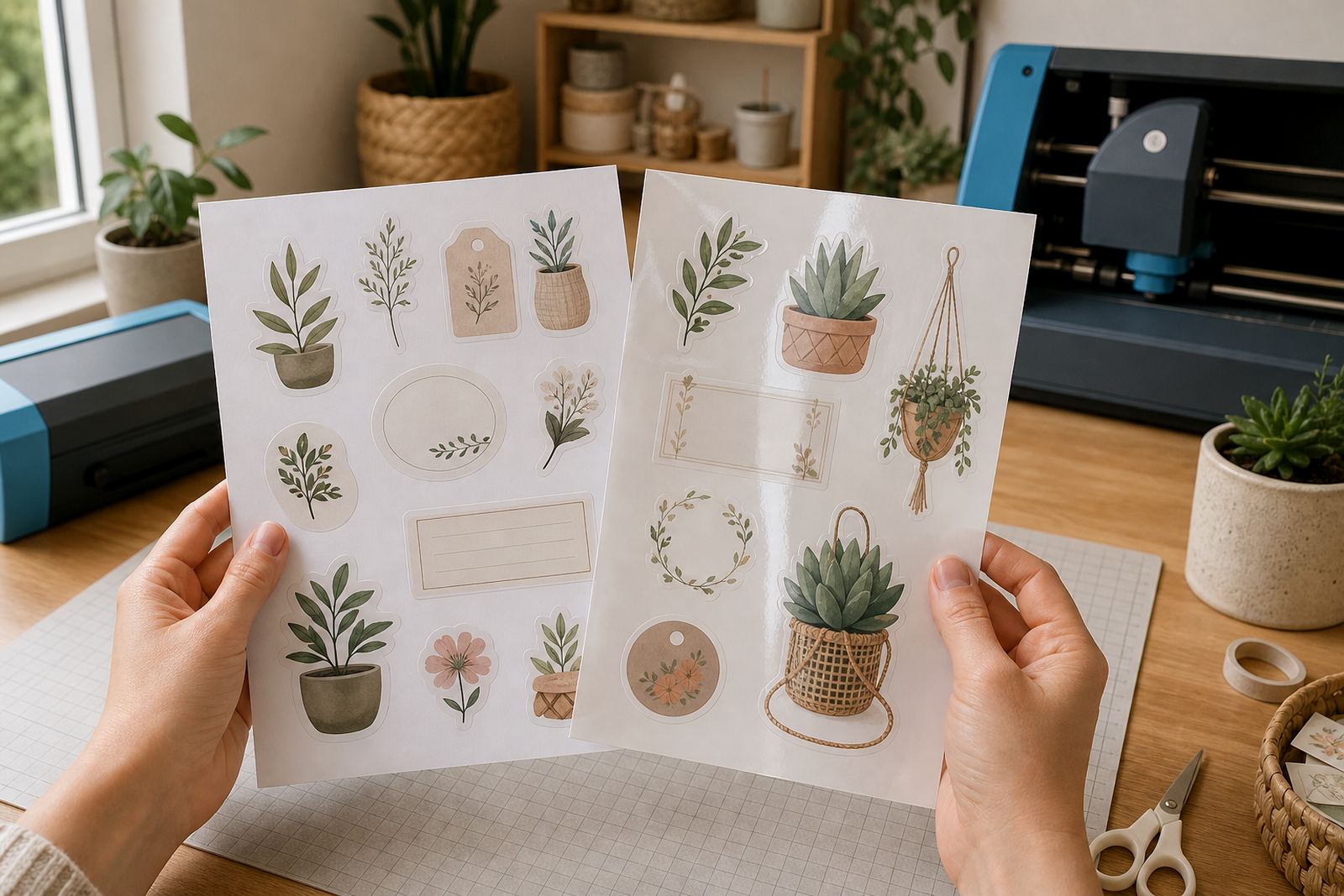
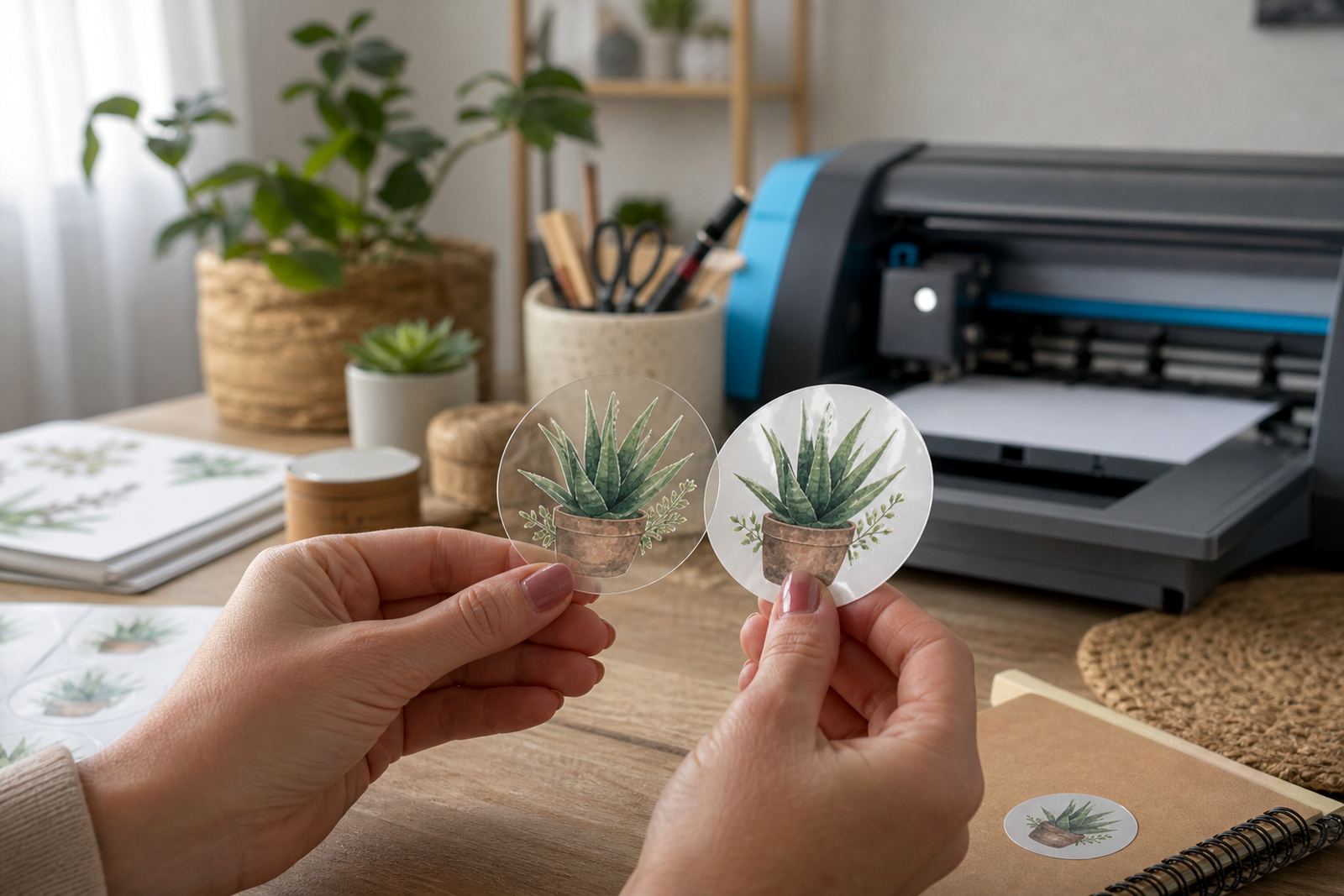
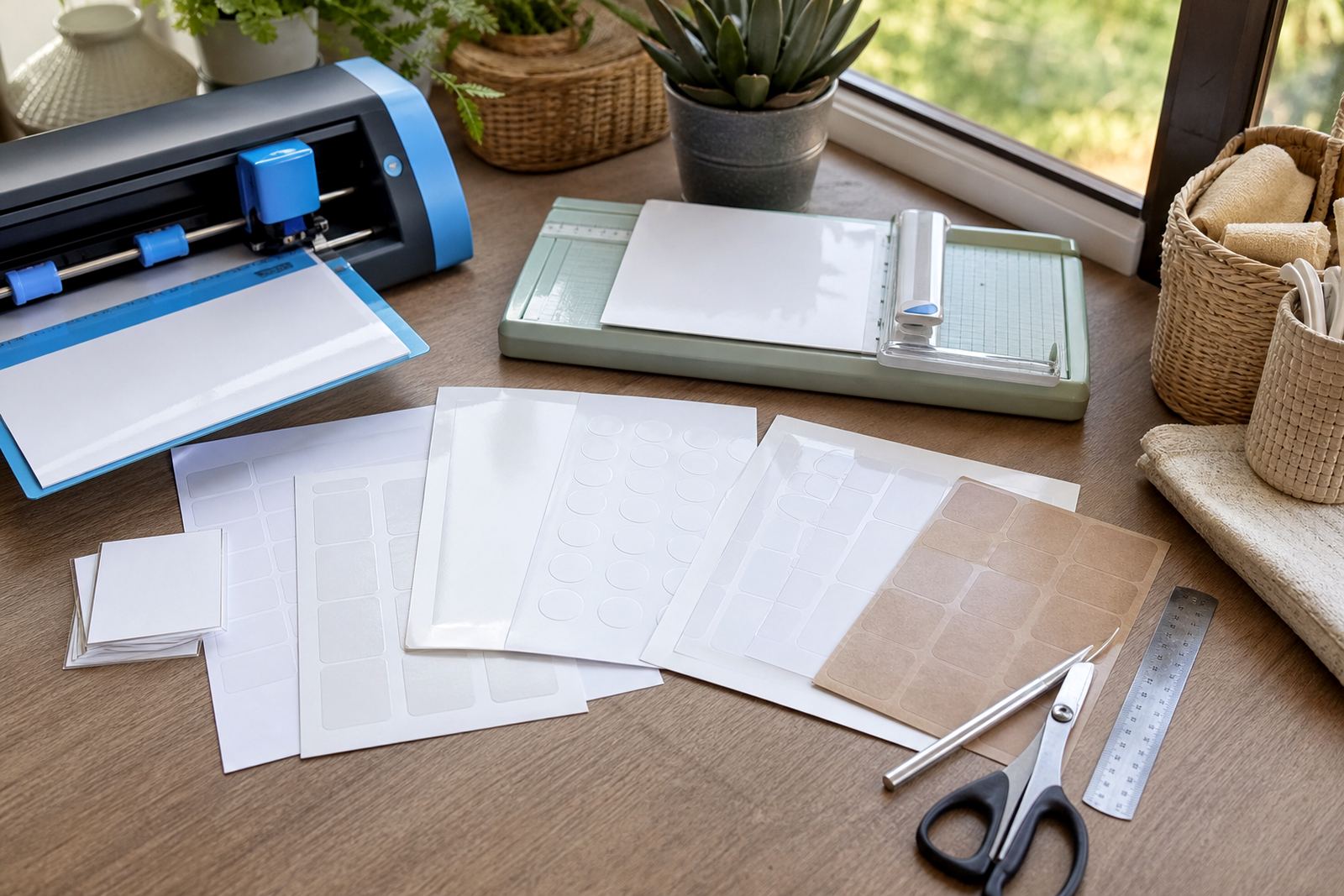
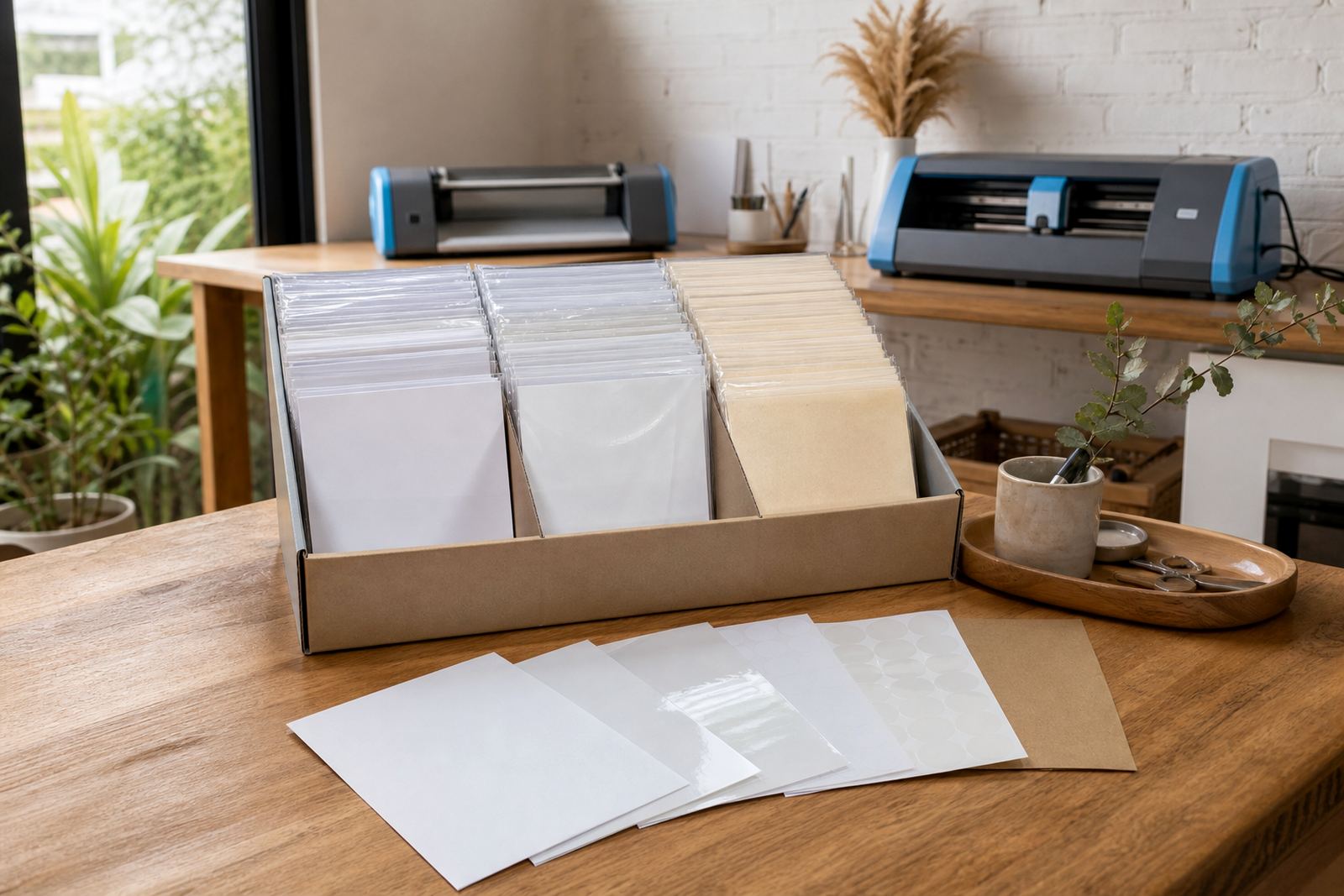
The right sticker paper starts with the finish and the surface you want to use it on. Matte sheets suit labels, pantry jars and notes where glare is not helpful. Gloss sheets give a brighter look for gift stickers and decorative packs. Clear sheets suit glass, jars and light coloured surfaces when you want the background to show through. Vinyl sheets handle a tougher finish for items that get handled often, while kraft sheets give a natural look for handmade goods and earthy packaging.
It also helps to match the sheet size to your printer tray and the cut method you plan to use. A home maker in Durbanville may only need a few pages for labels and party stickers, while a small craft seller in Cape Town might use full sheets for batch work. The paper should feed cleanly, print clearly, and cut without tearing at the edges.
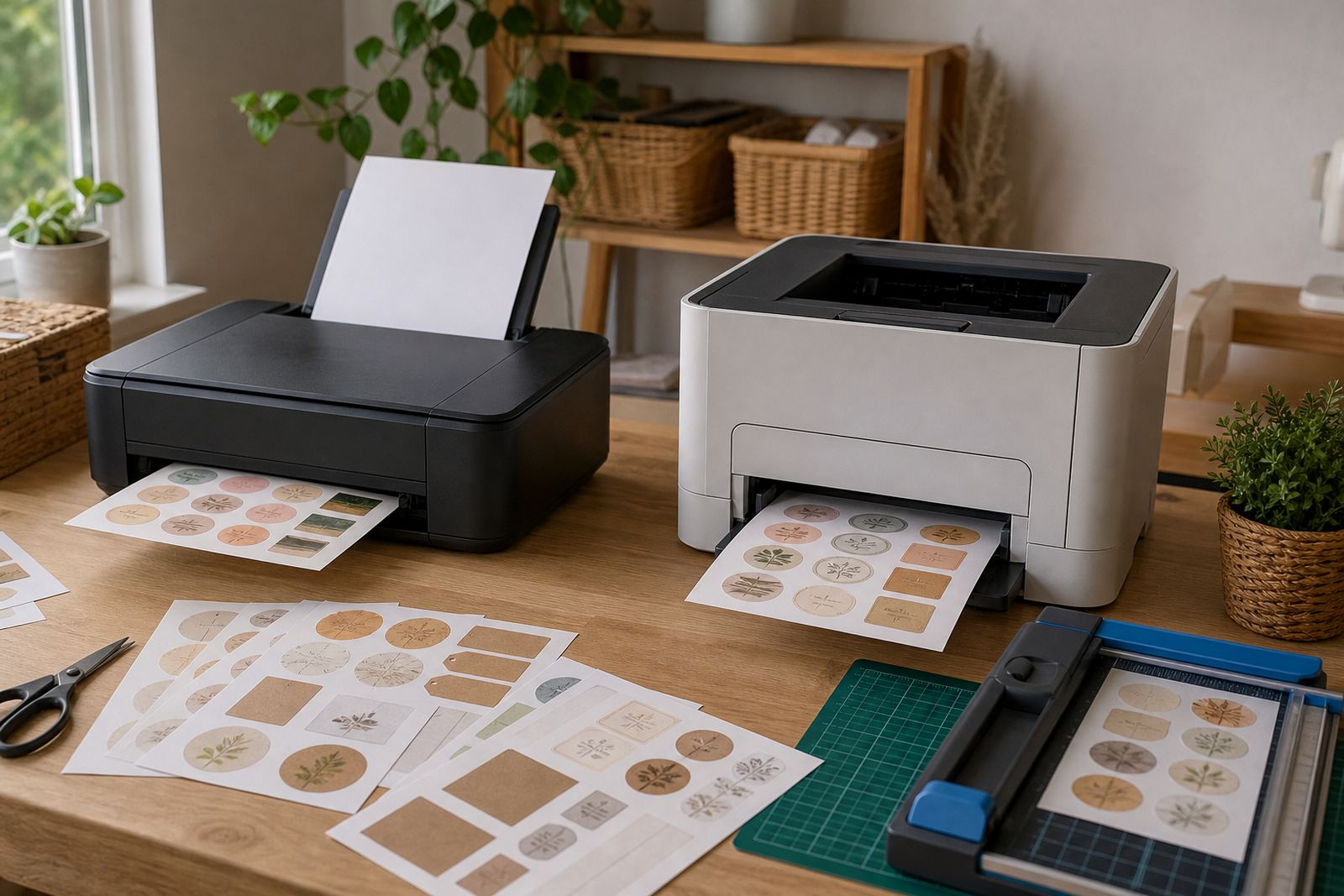
Inkjet and laser setups need different checks
Printable sticker paper is not one size fits all. Inkjet sheets are made to absorb liquid ink, so the print dries into the coating and stays sharp when handled carefully. Laser sheets are made for toner and heat, so they need a surface that can cope with the fusing process. Using the wrong sheet in the wrong printer can affect colour, finish and feed quality.
- Check that the sheet is marked for your printer type before loading a full run.
- Use the plain paper or label setting if the paper feed is giving you trouble.
- Allow fresh ink to dry fully before stacking or cutting the sheets.
- Keep laser sheets flat and dry so they feed evenly through the tray.
For colour tests, start with a small corner print and inspect the blacks, reds and fine lines. If the print looks too wet or too pale, the paper setting may need adjusting. A neat test sheet saves wasted stock and gives a better read on the final colour.
Cutting by hand or with a craft cutter
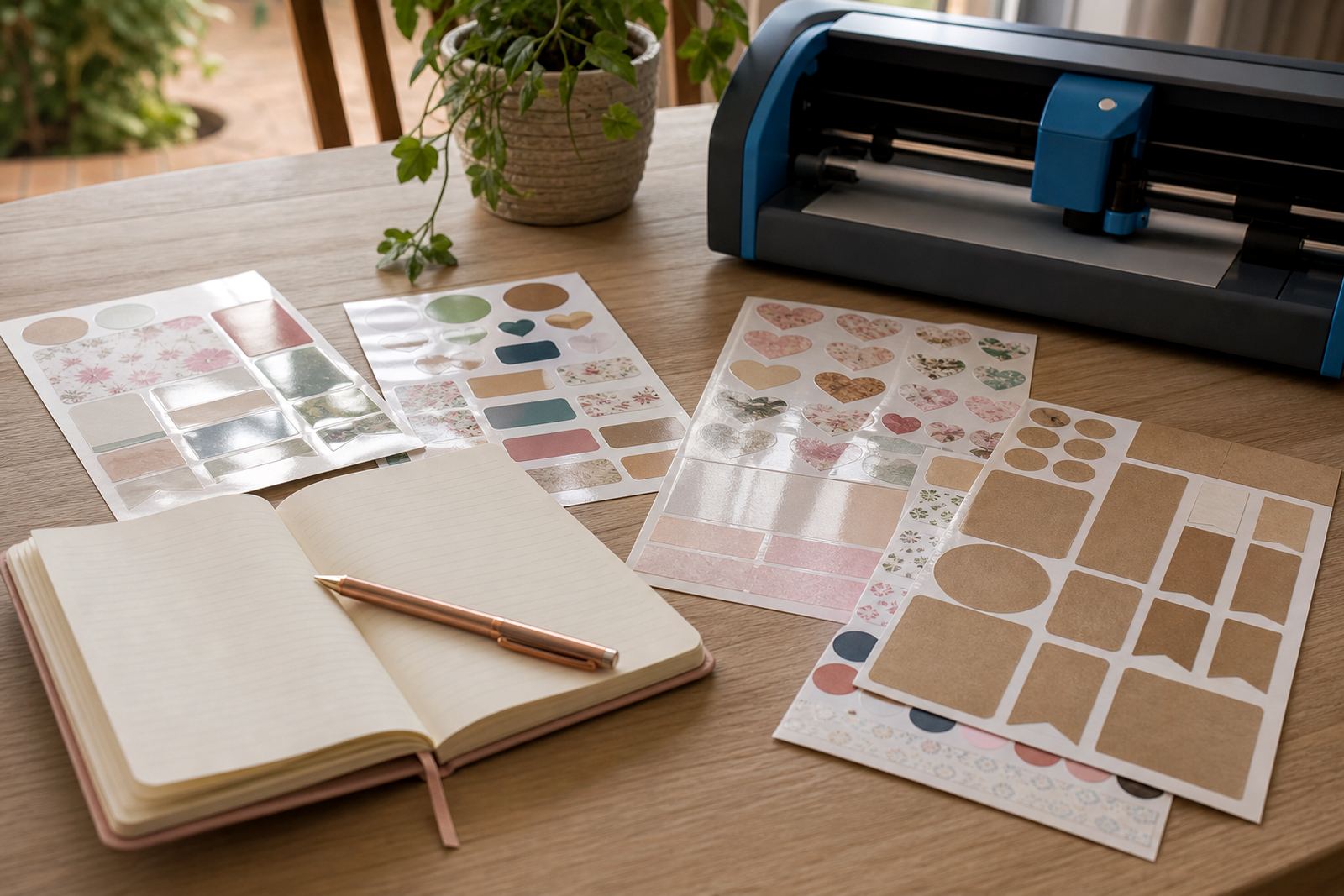
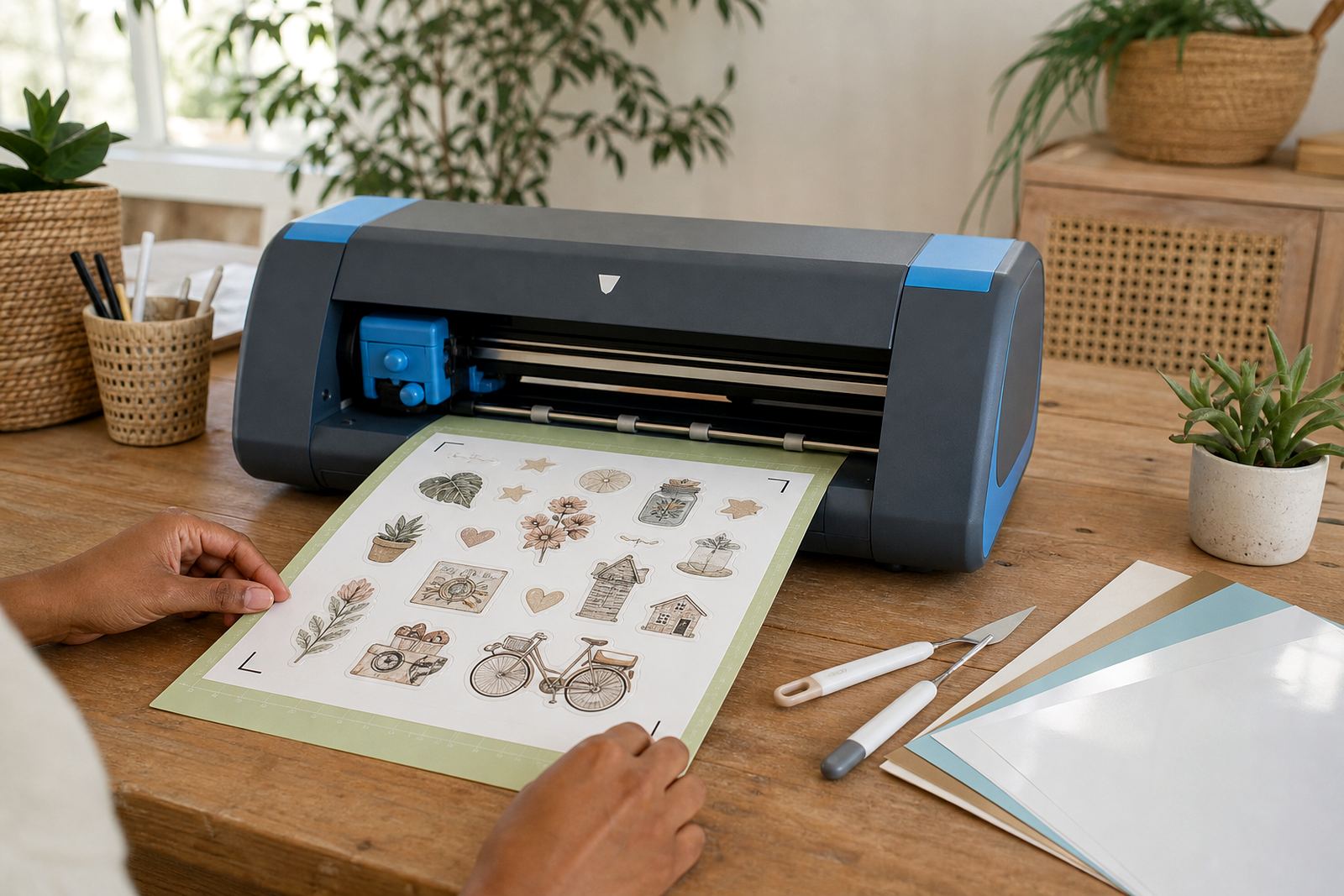
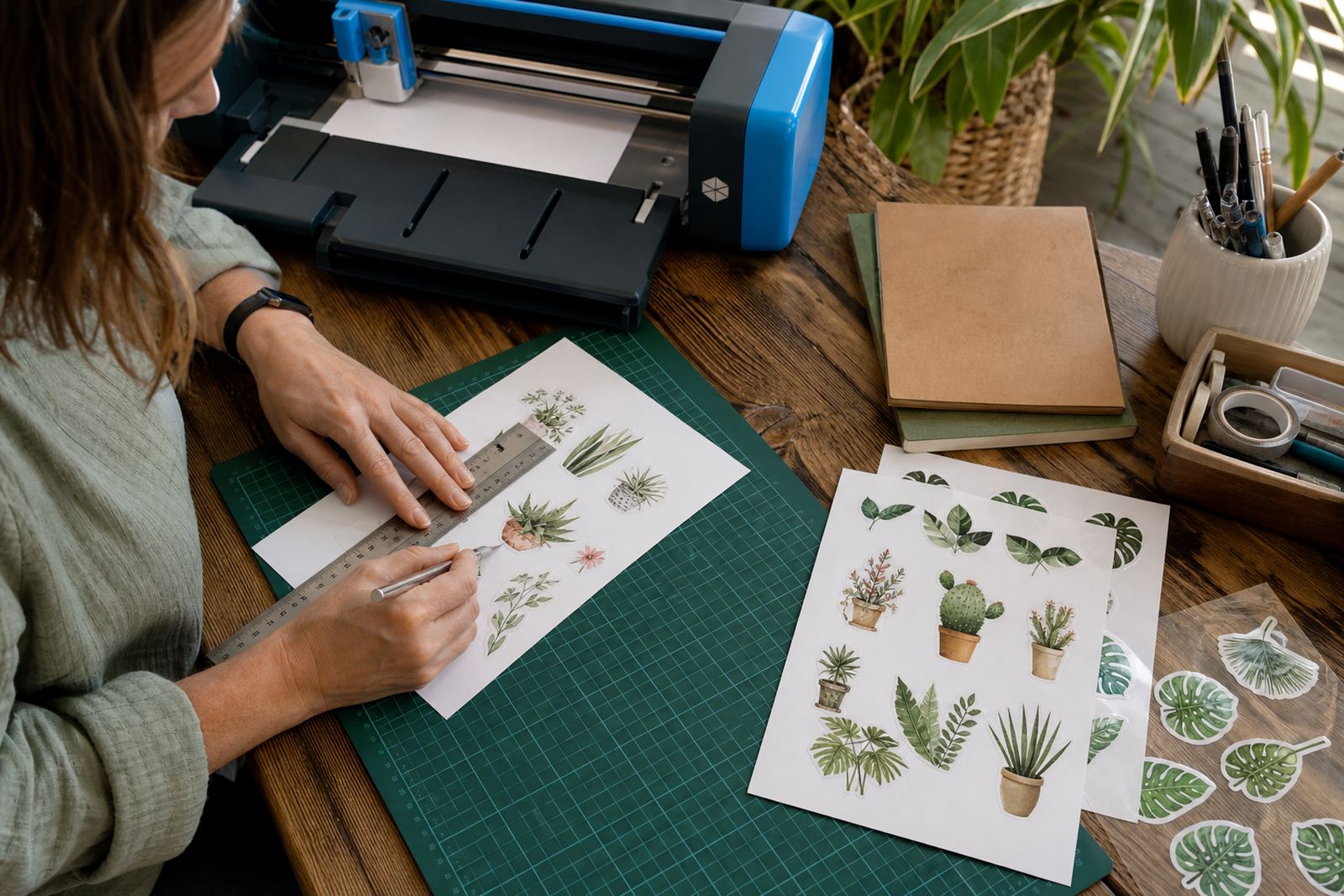
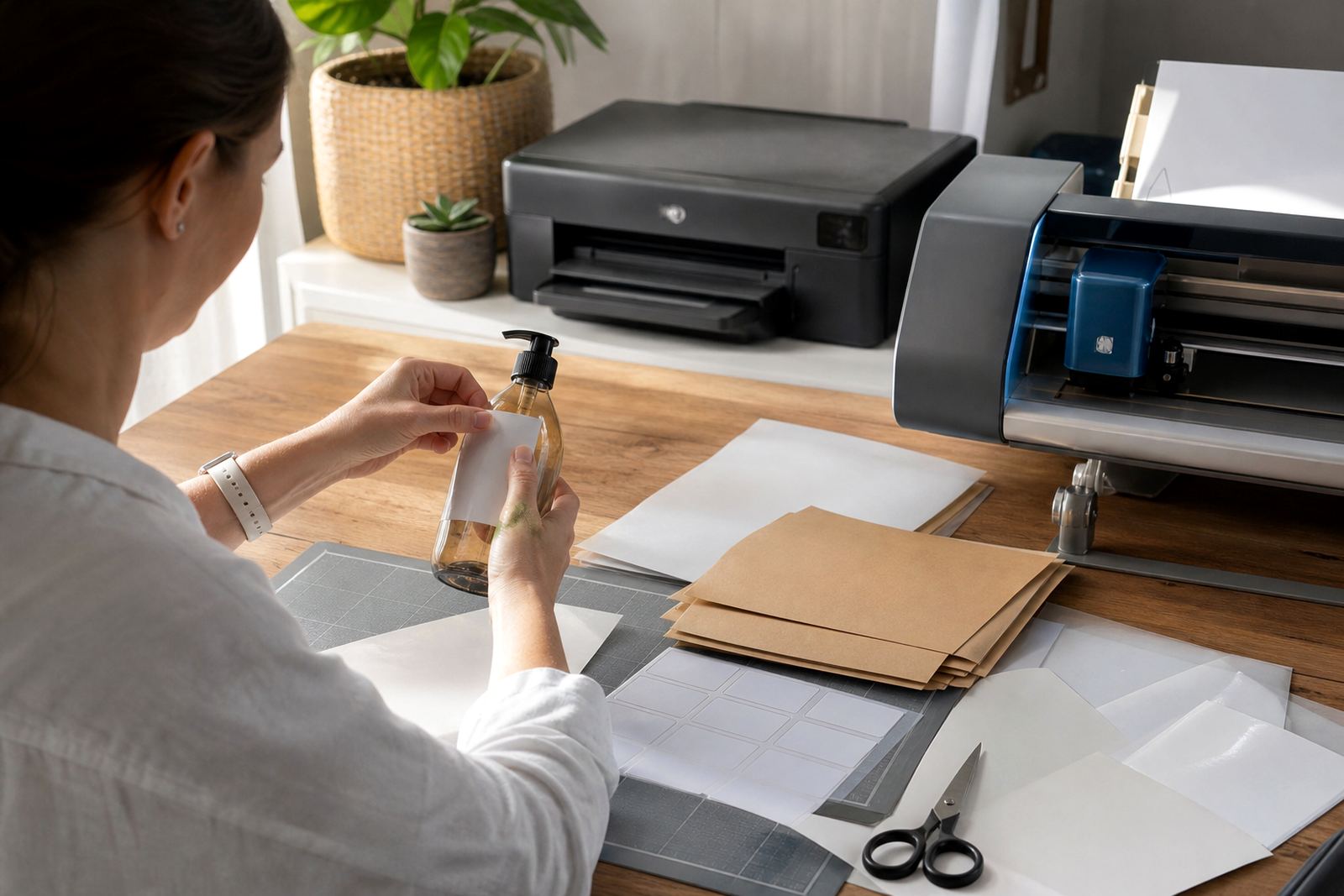
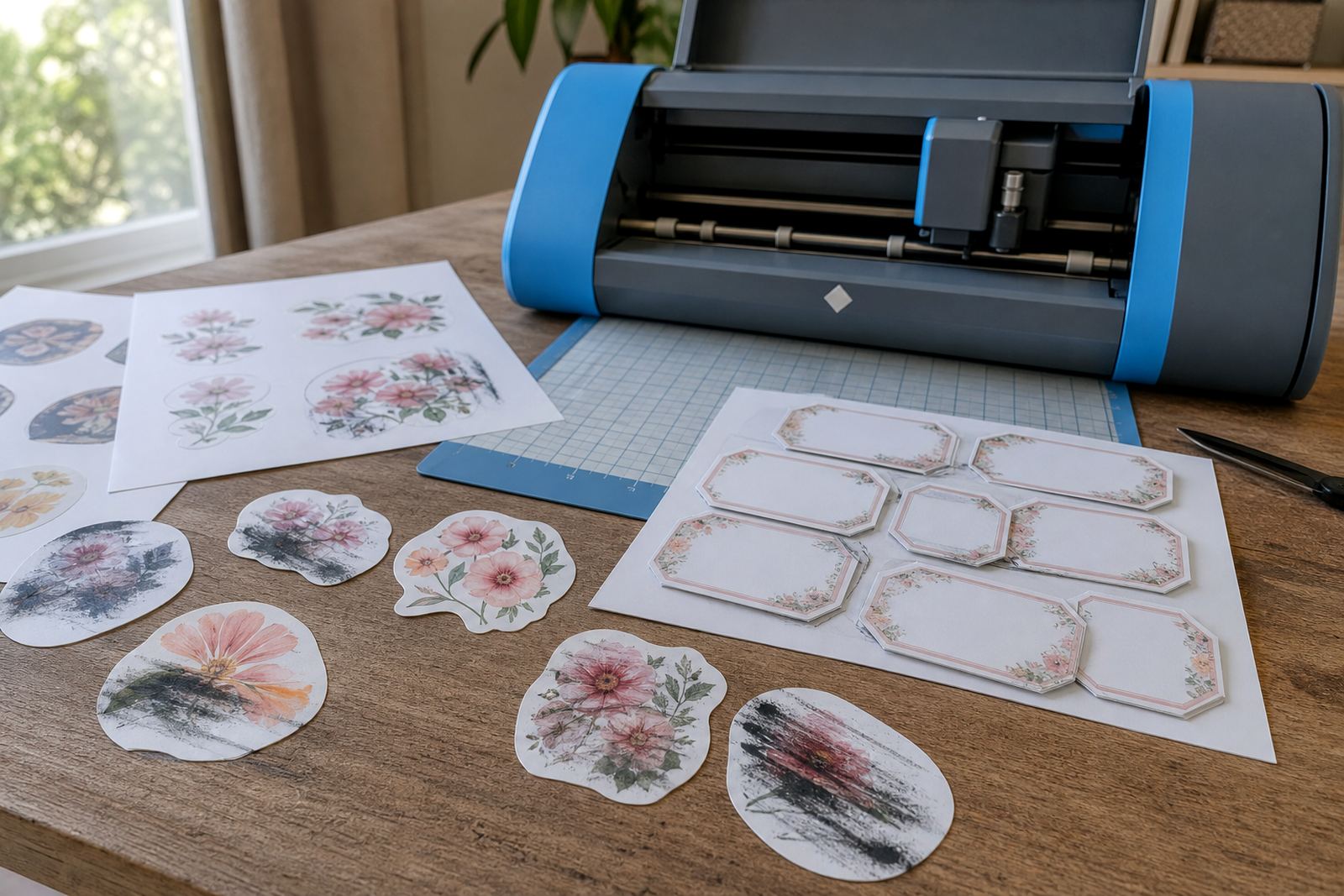
Both hand cutting and machine cutting can give neat results if the sheet is handled with care. A craft knife, ruler and cutting mat work well for straight label shapes, while scissors are fine for simple borders and casual projects. Craft cutters are useful for repeated shapes, small text and full sheet kiss cuts where the top layer is cut but the backing stays intact.
When using a cutter, the blade depth, mat grip and cut pressure need to suit the paper thickness. Too much pressure can cut through the backing or leave rough edges. Too little pressure can leave shapes half cut and hard to peel. For hand cutting, clean blades and a steady surface matter more than speed.
- Leave a clean margin around artwork so the cut path has room.
- Keep the blade sharp and replace dull blades before edges start fraying.
- Test one sheet before cutting a full batch of labels or stickers.
- Store cut sheets flat so corners do not curl in damp weather.
Keeping colours clear and edges tidy
Print quality depends on the file, the printer setting and the paper coating working together. Crisp artwork, good contrast and the right paper finish all matter. A gloss surface can make colours pop, though it may show fingerprints more easily. Matte paper hides glare and often gives a calmer result for text heavy labels. Clear sheets need careful design so the background does not swallow small type.
In coastal areas like Durban or the Atlantic side of Cape Town, moisture in the air can affect how flat the sheets stay. Keep packs in a dry cupboard, away from heat and direct sun. If sheets feel slightly curled, place them under a flat weight for a while before printing. That small step helps the sheet feed better and can reduce edge lift after cutting.
Care for labels after they are printed
Once stickers are printed, the way they are used matters just as much as the paper itself. Labels for jars, storage tubs and gift packs should be pressed onto a clean, dry surface. Oils, dust and moisture can weaken the grip. For home organisation, it helps to wait before filling containers so the adhesive can settle properly.
Some sheets can tolerate light handling better than others, but printed stickers still need sensible care. Avoid rubbing fresh prints too hard, and keep finished sheets away from damp laundry rooms or direct sun on a windowsill. If a label is for a bottle or kitchen tin, smooth it from the centre outward to push out air pockets.
A few habits that save wasted sheets
Most printing problems come from small setup slips, not the material itself. A tidy file, a suitable printer setting and a calm first test usually do more than any fancy workaround. For home crafters and small sellers, that keeps the process predictable and the sheets usable.
- Load only a few pages first if the printer has been standing for a while.
- Keep spare sheets in the original pack until you need them.
- Match the artwork size to the sheet size before sending the print.
- Store finished stickers in a dry, dust free place if they will be used later.
StickerPaper supplies printable sticker paper for Durbanville, Cape Town and delivery across South Africa, including Johannesburg, Durban, Pretoria and Bloemfontein. If you need help with printer settings, cut lines or sheet care, use the enquiry form on the contact page and choose the guide that fits your project.