

Skip to content
Home / Notes

Craft Notes

These editorial notes help crafters understand printable sticker paper more clearly before they buy or print. Topics cover finishes, printer compatibility, cutting methods and care from established general knowledge.

Craft Notes
Matte Or Gloss

Matte Or Gloss

Compare matte and gloss sticker paper finishes for writing, colour appearance and overall look.

Why Clear Labels

Why Clear Labels

Clear sticker paper suits projects where you want a light transparent effect on the surface below.

When Vinyl Helps

When Vinyl Helps

Vinyl sticker paper is often chosen for flexible labels that need a stronger-feel material.

Kraft Look Ideas

Kraft Look Ideas

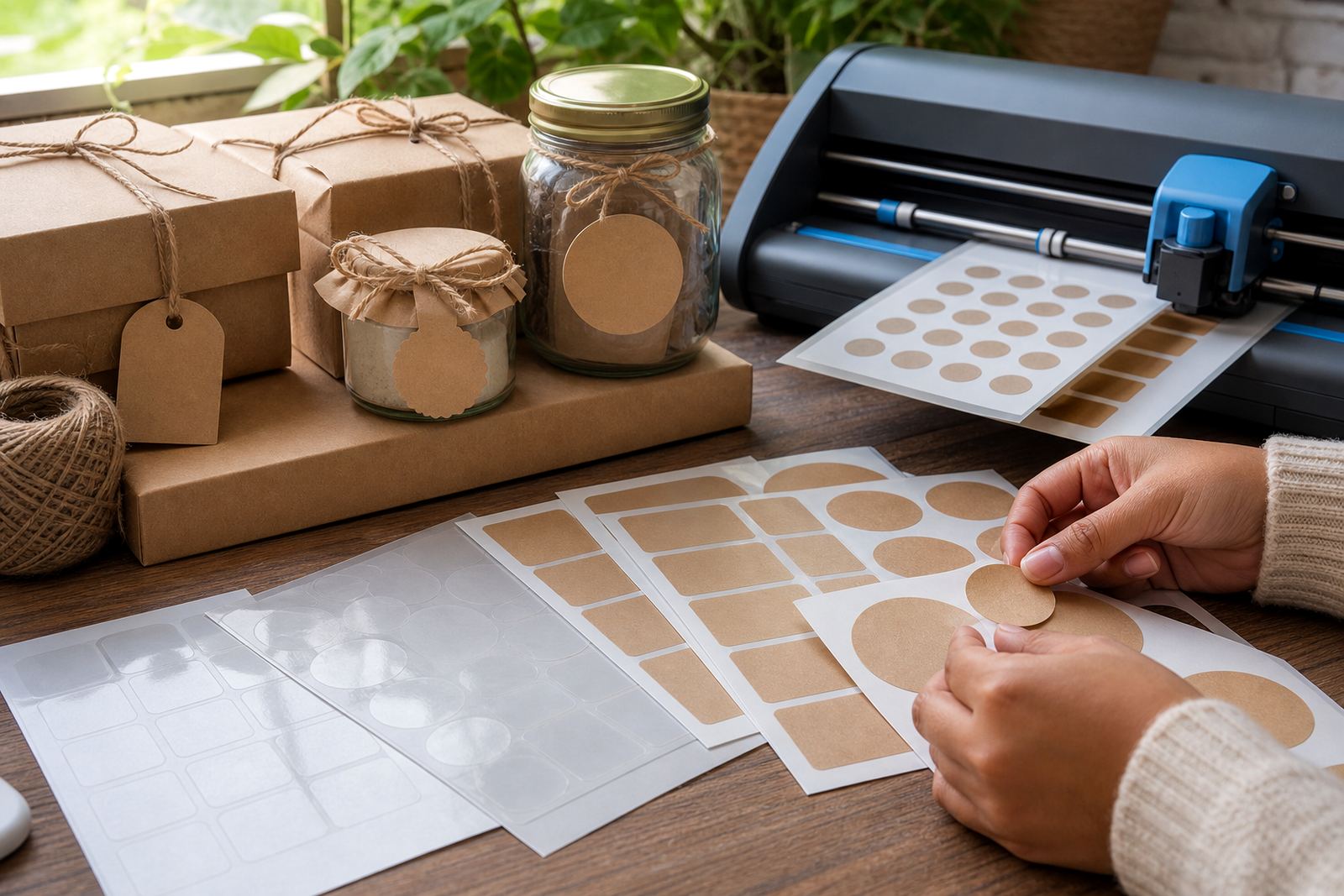
Kraft sticker paper gives packaging and gifts a warm natural look with simple printed designs.

Inkjet Printing Basics

Inkjet Printing Basics

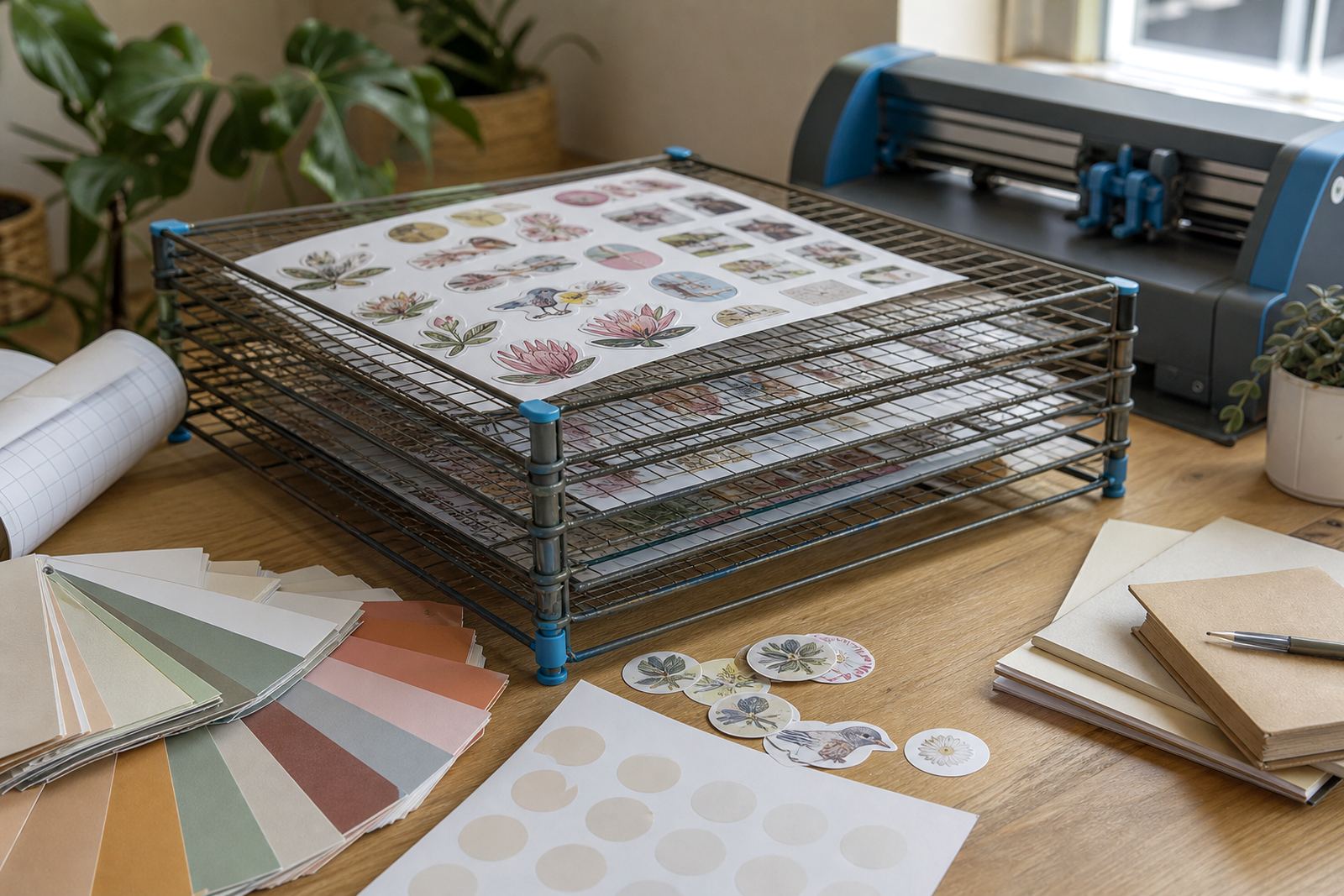
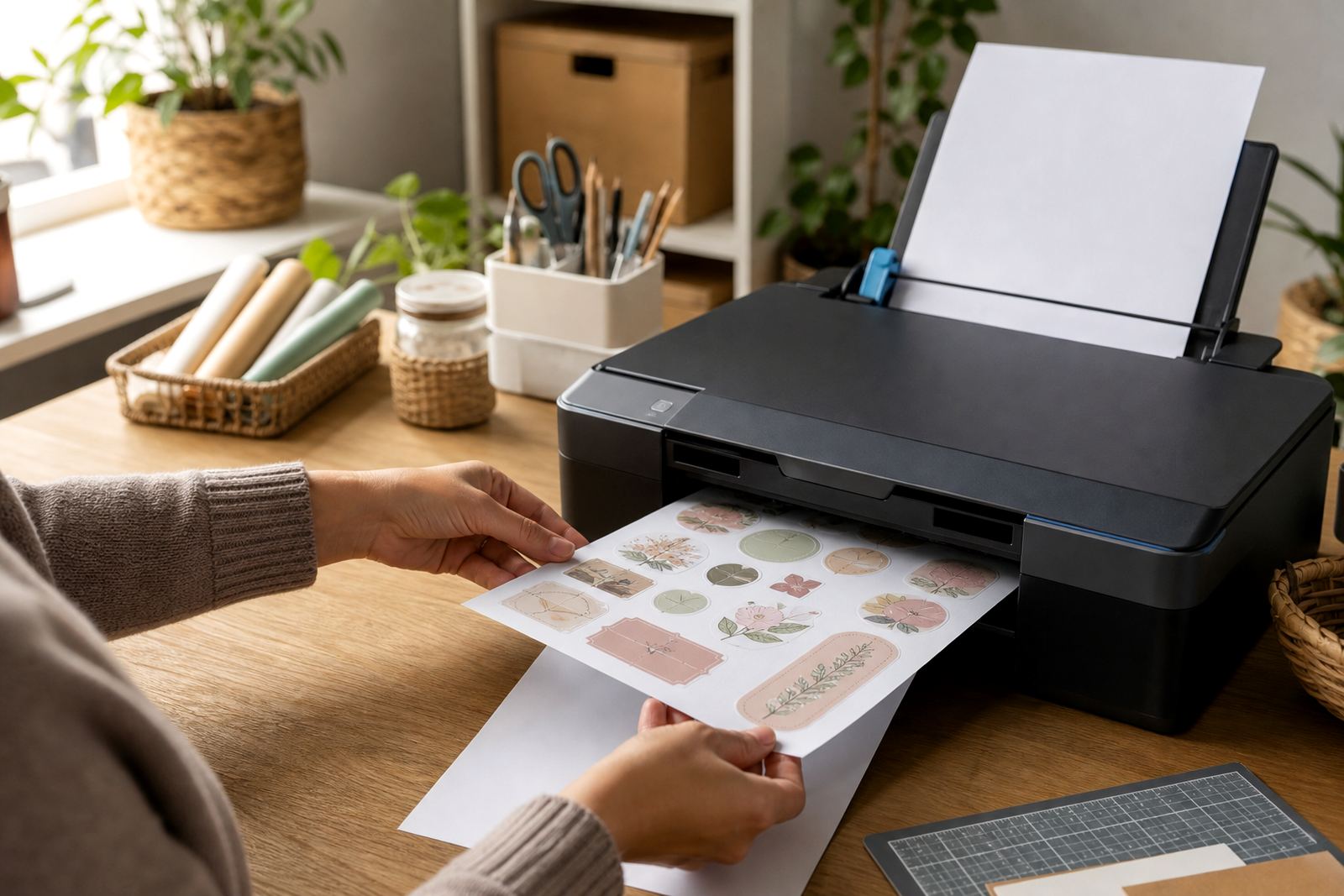
Inkjet users should check compatibility, allow drying time and handle freshly printed sheets carefully.

Laser Printing Basics

Laser Printing Basics

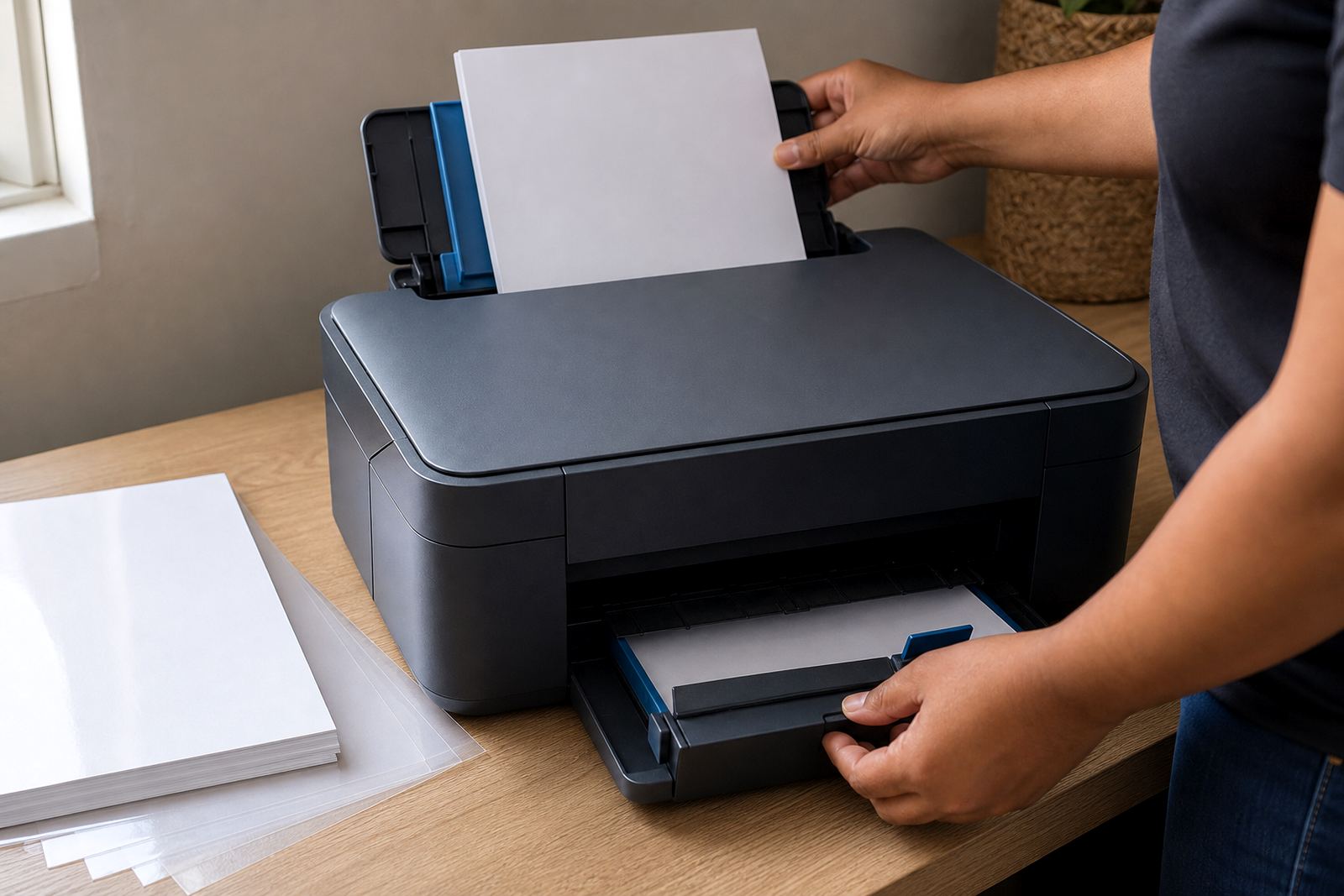
Laser compatible sticker paper works best when media guidance and feed direction are followed properly.

Checking Compatibility

Checking Compatibility

Always match sticker paper to your printer type before printing to avoid poor results.

Why Test Prints

Why Test Prints

Test prints help confirm colour, alignment and cut position before using more sticker sheets.

Drying Time Notes

Drying Time Notes

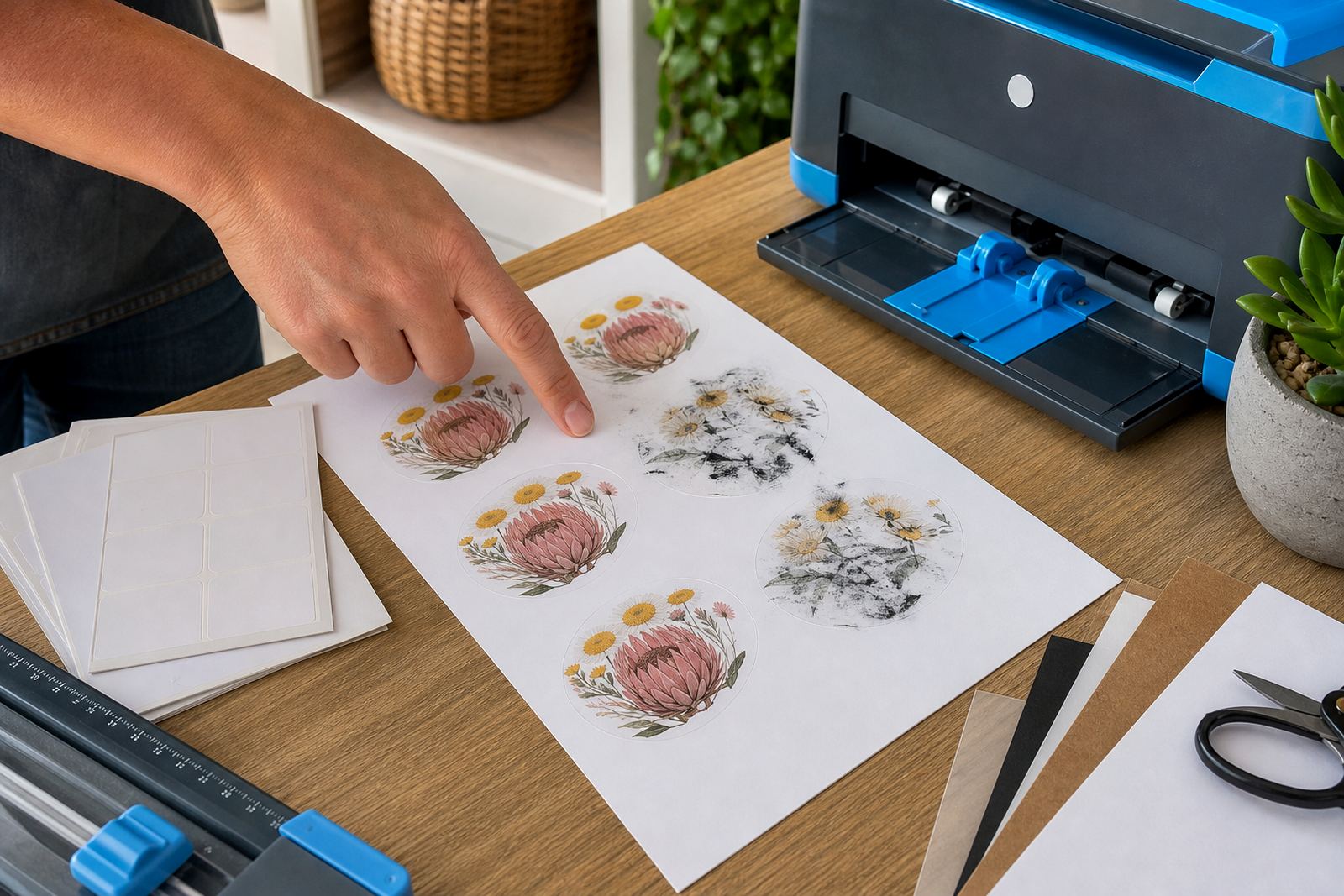
Drying time matters especially for some inkjet prints where touching too early can mark the finish.

Avoiding Smudges

Avoiding Smudges

Smudge prevention starts with the right sheet, suitable settings and patient handling after printing.

Feeding Sheets Safely

Feeding Sheets Safely

Flat clean sheets and proper feed support can reduce misfeeds when printing sticker paper.

Cutting By Hand

Cutting By Hand

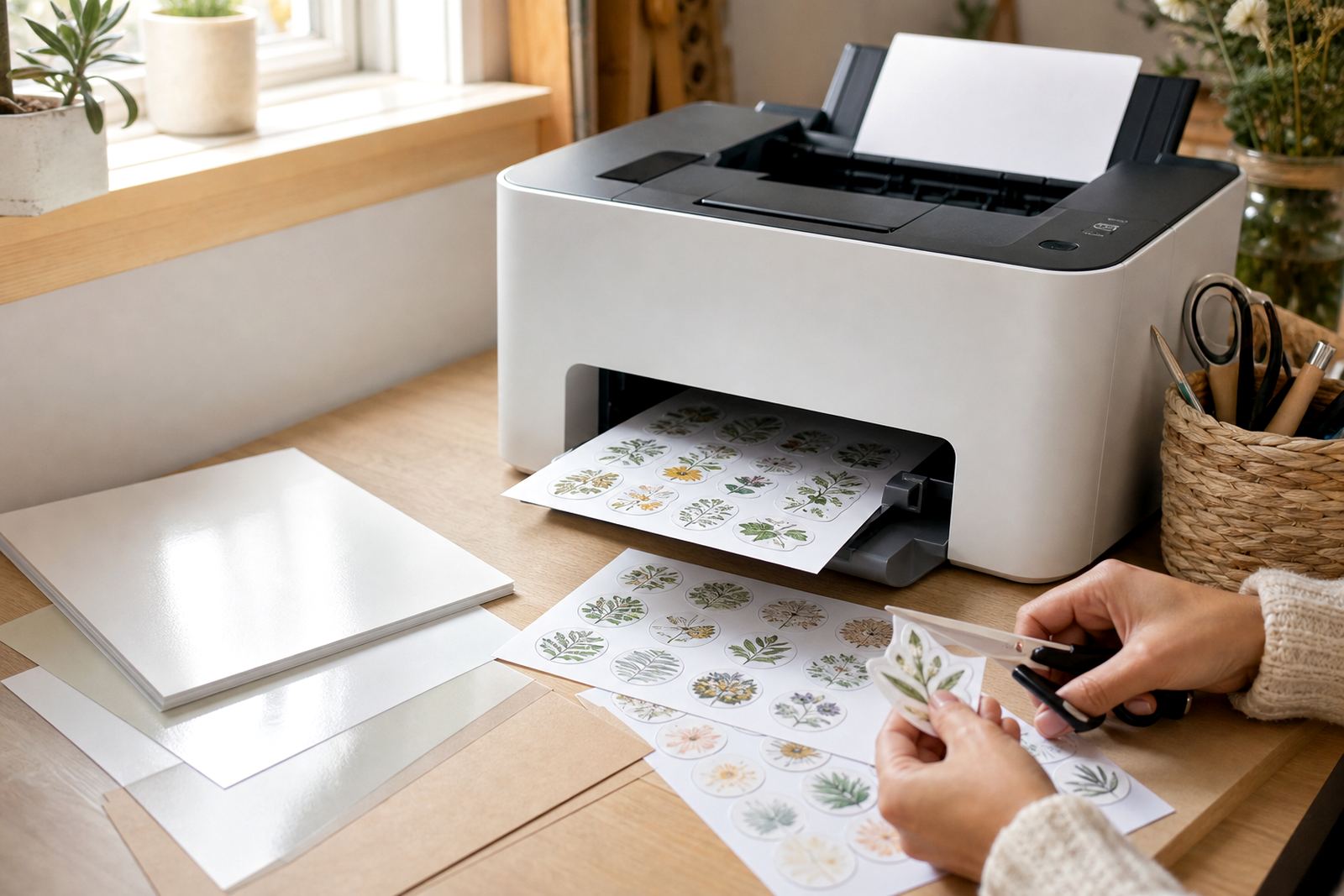
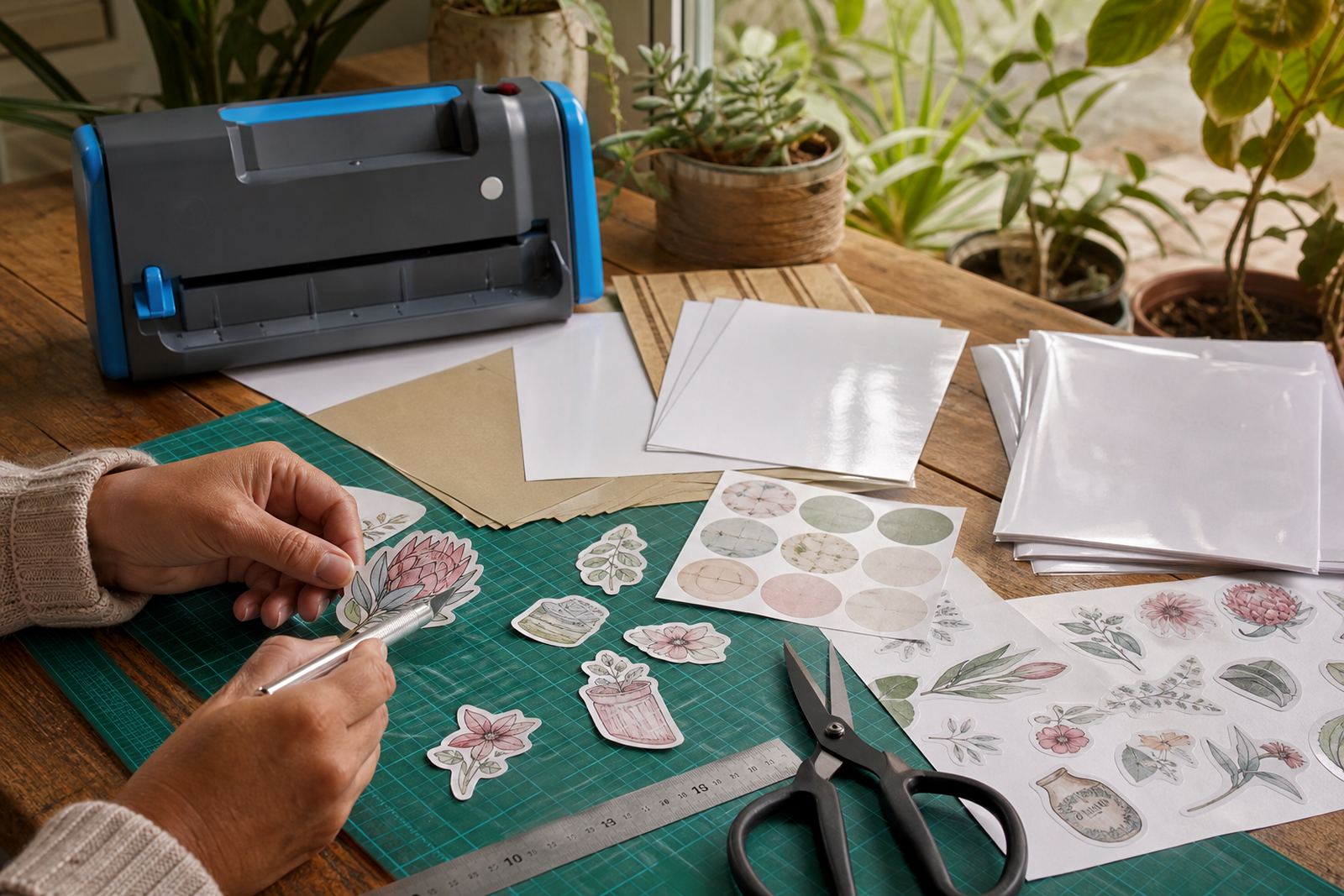
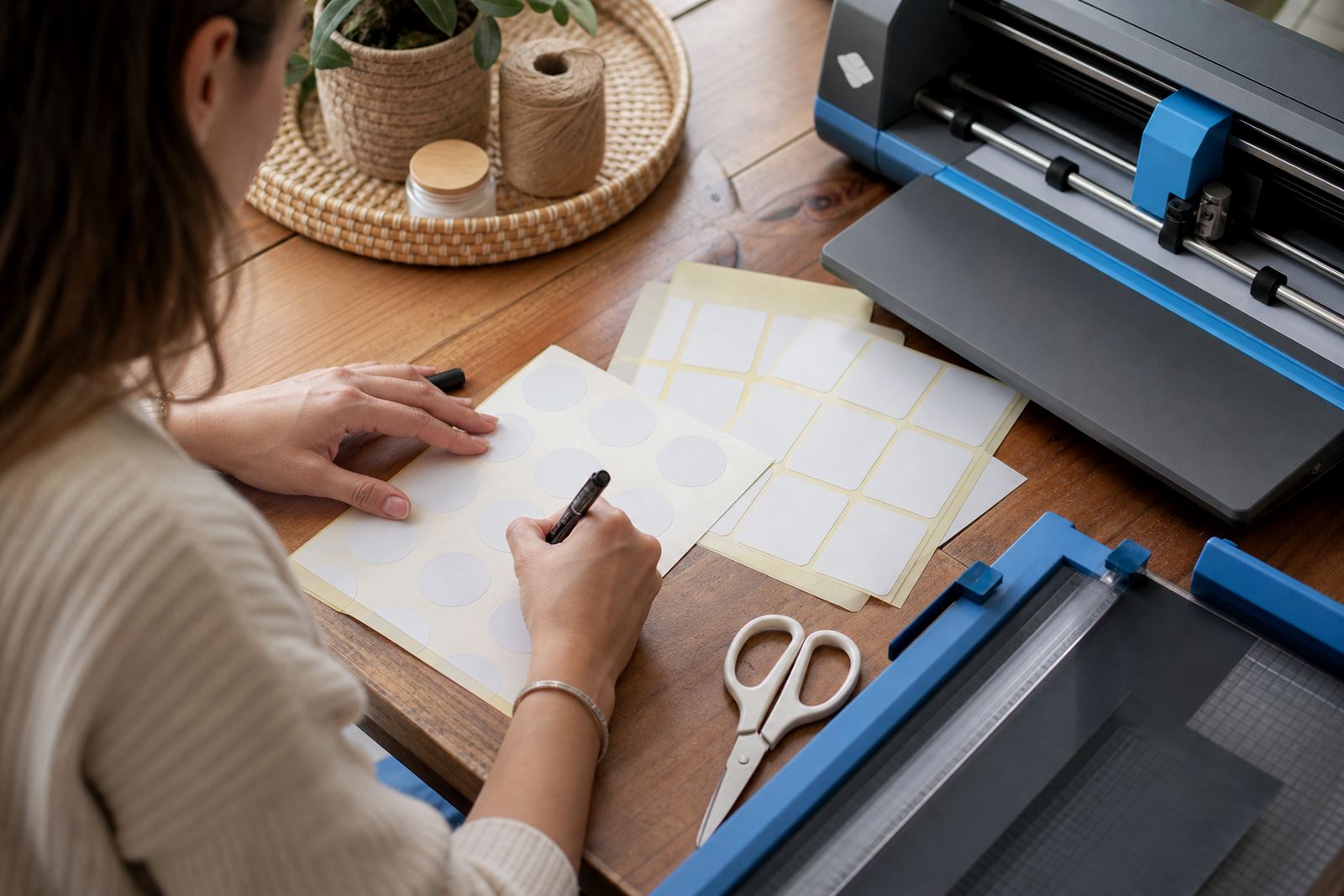
Scissors and craft knives remain useful for simple labels, tags and low-volume custom shapes.

Using Craft Cutters

Using Craft Cutters

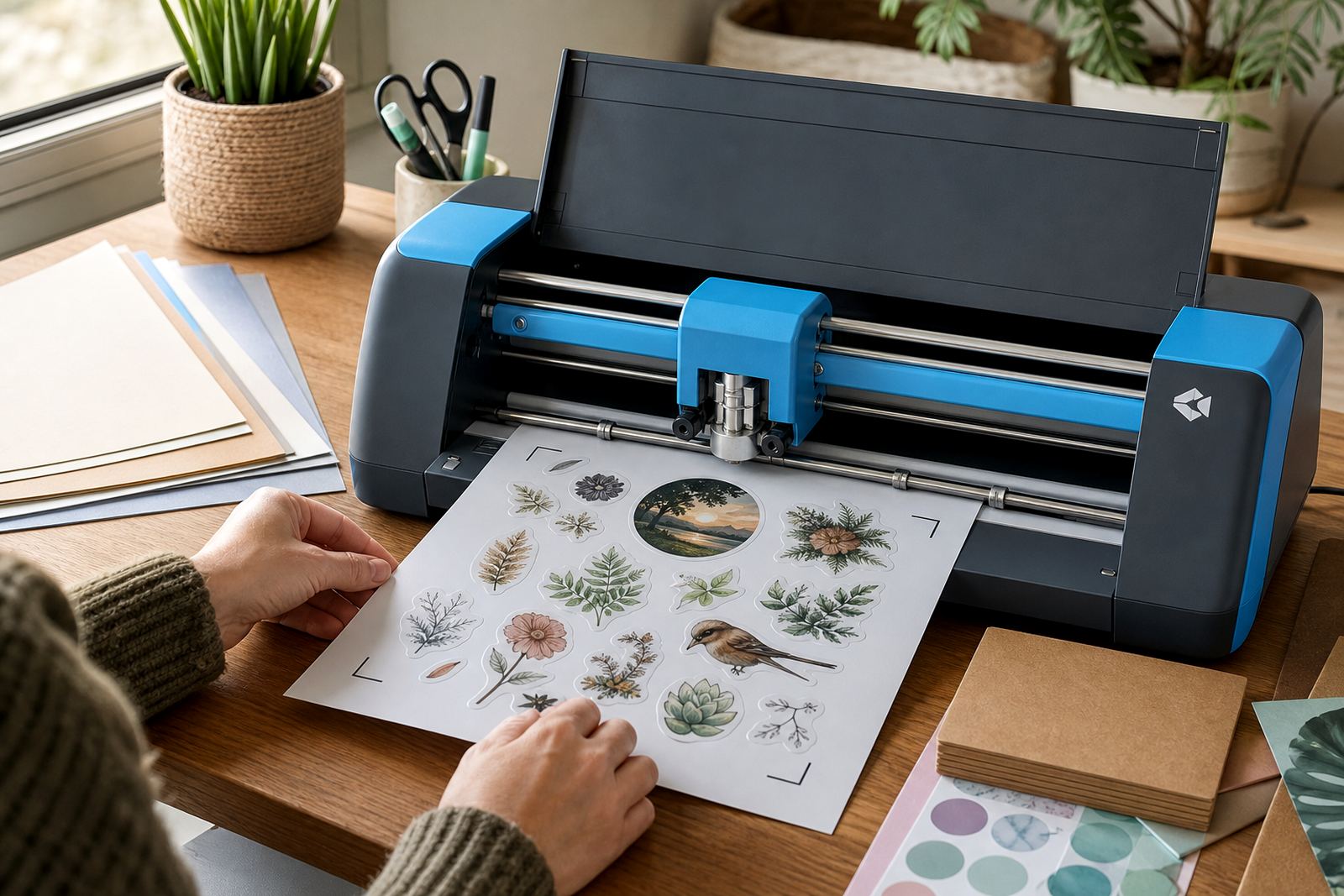
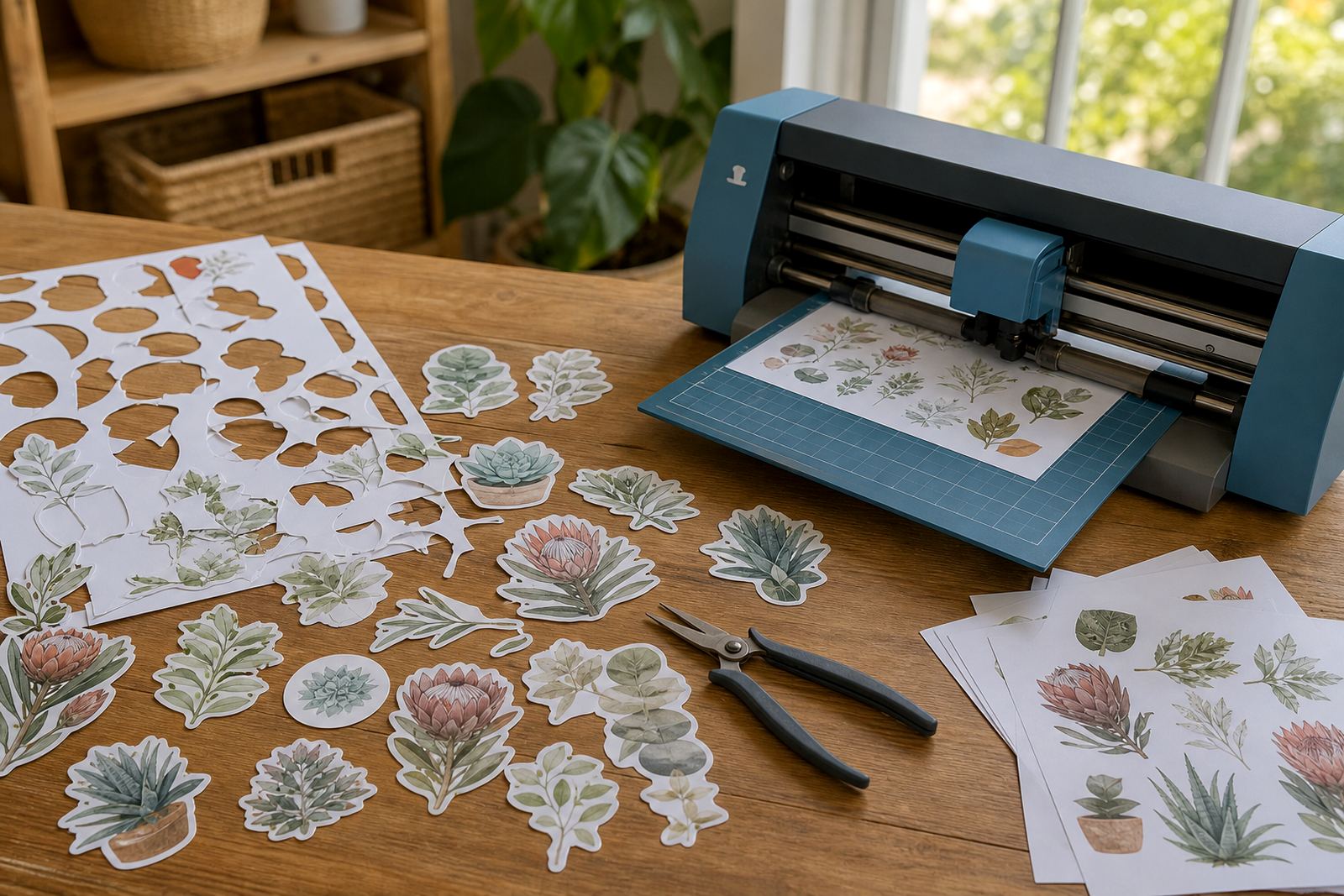
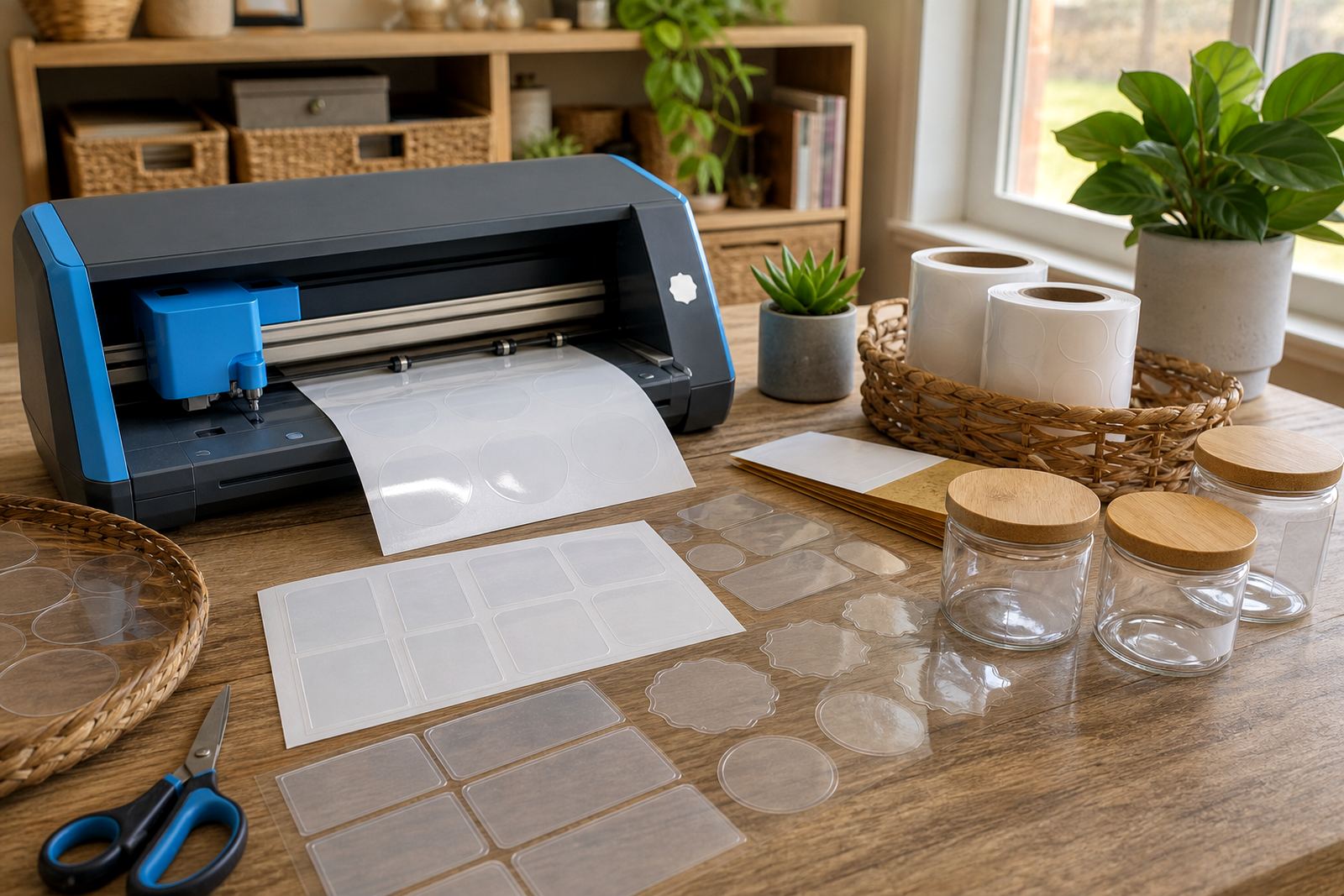
Craft cutters help produce repeatable sticker shapes when settings and test cuts are dialled in.

Kiss Cut Explained

Kiss Cut Explained

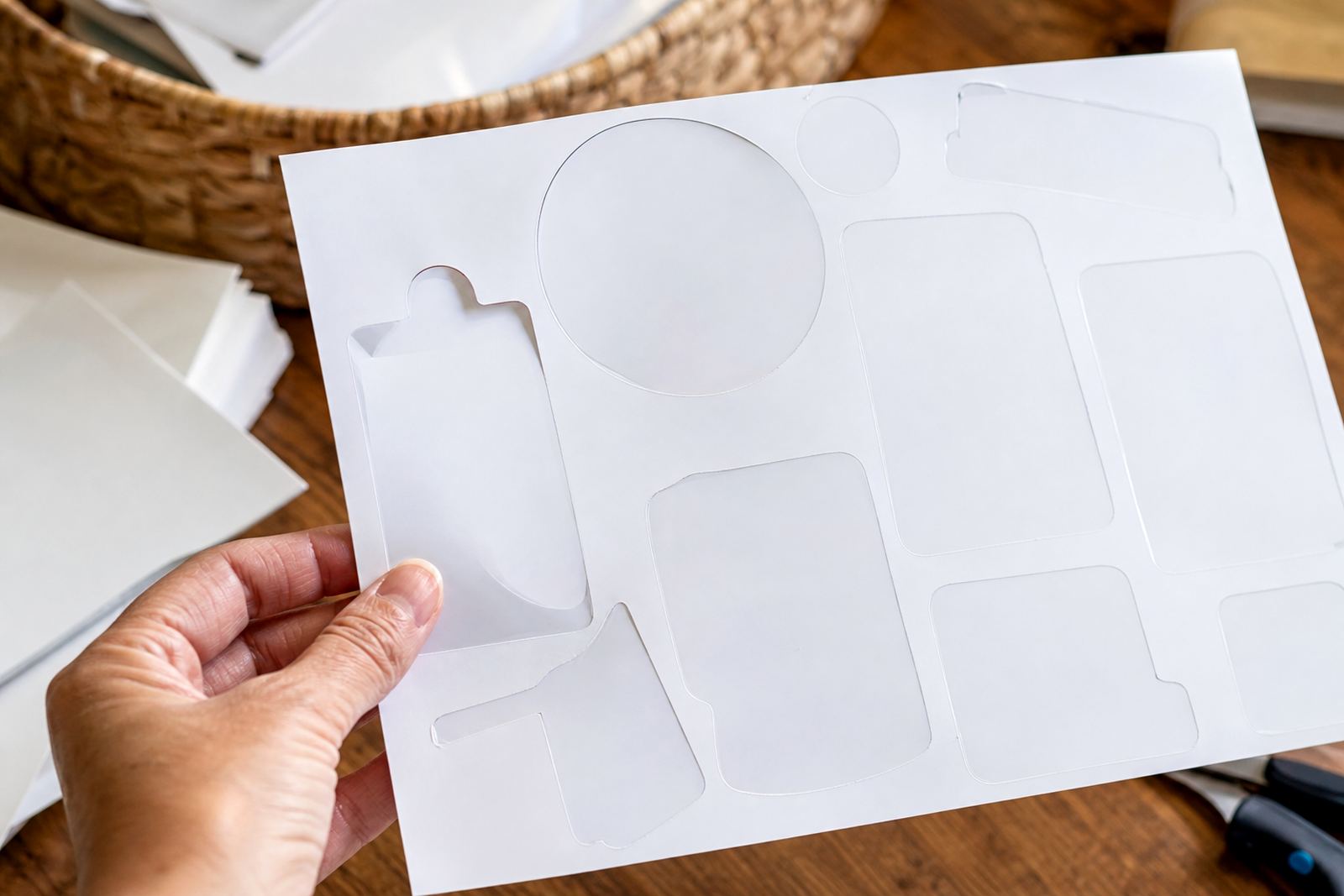
A kiss cut slices the sticker layer while leaving the backing sheet mostly intact.

Full Cut Explained

Full Cut Explained

A full cut goes through both sticker and backing to create separate shapes.

Choosing Sheet Sizes

Choosing Sheet Sizes

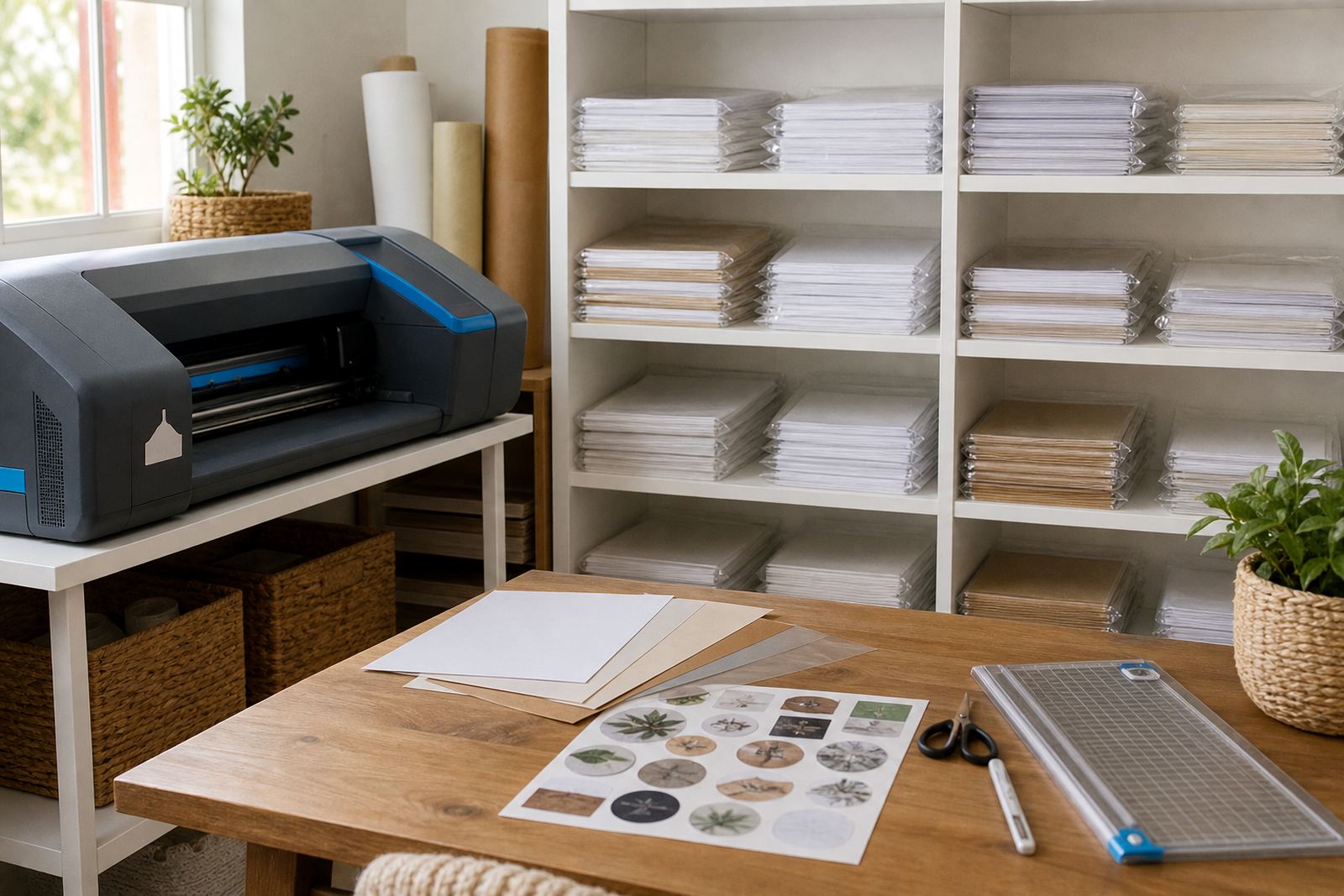
Sheet size affects layout efficiency, storage convenience and how much you print at once.

Print Quality Settings

Print Quality Settings

Higher quality settings can improve detail, though they may affect speed and ink use.

Colour Expectations

Colour Expectations

Printed colours may vary between screens and paper finishes, so test sheets are helpful.

Printing On Kraft

Printing On Kraft

Kraft paper changes colour appearance because the base is brown rather than white.

Writing On Matte

Writing On Matte

Matte sticker paper is often preferred when you want to write on labels after printing.

Gloss Finish Care

Gloss Finish Care

Gloss surfaces look polished but benefit from careful handling to avoid fingerprints and marks.

Clear Surface Choice

Clear Surface Choice

Clear labels usually show best on smooth clean surfaces where the transparent effect stands out.

Vinyl Flexibility Notes

Vinyl Flexibility Notes

Printable vinyl tends to feel more flexible than many paper-based sticker sheets.

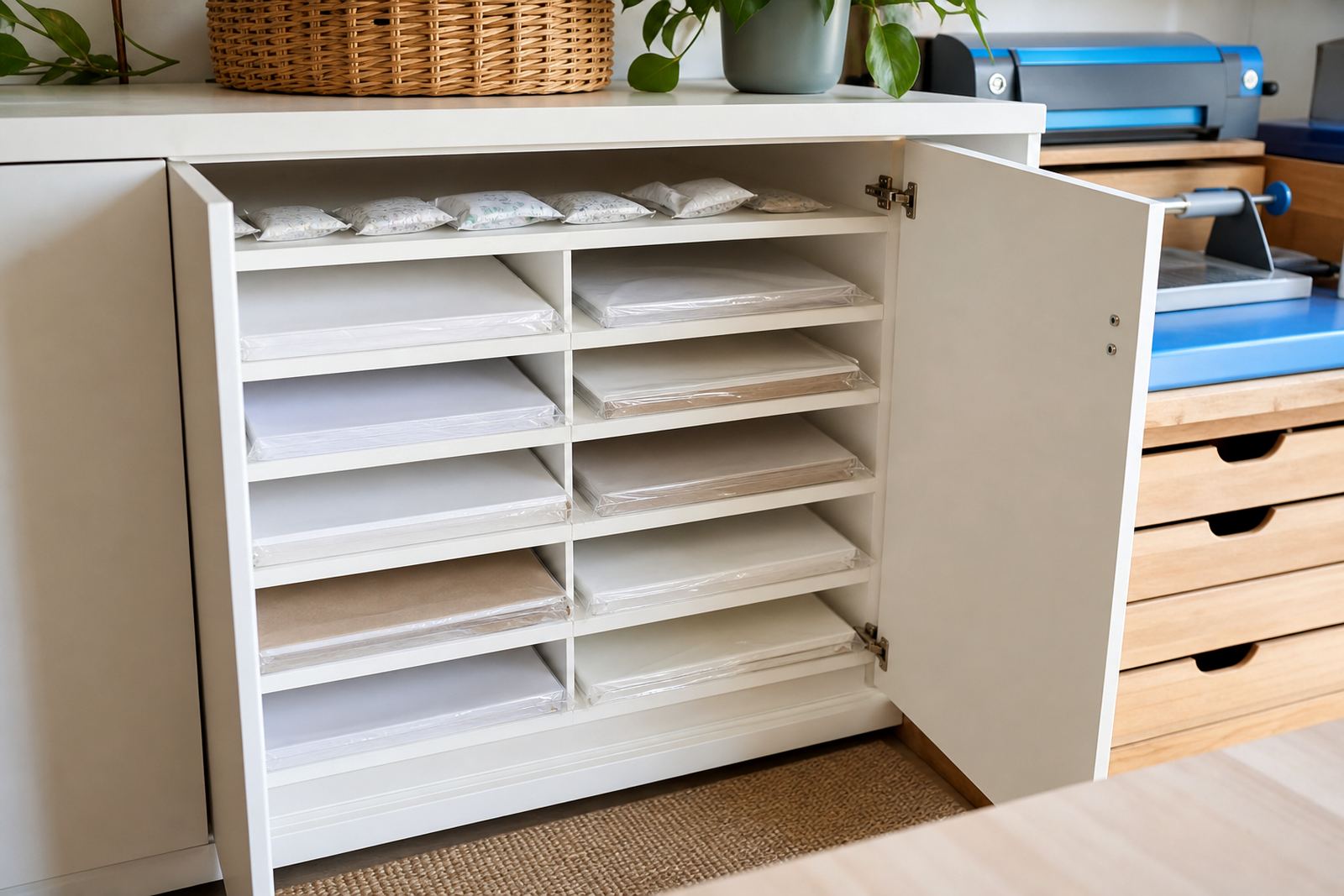
Store Sheets Flat

Store Sheets Flat

Flat dry storage helps keep sticker paper in better condition for later printing and cutting.

Heat And Humidity

Heat And Humidity

Heat and moisture can affect printable sticker paper, so moderate storage conditions are best.

Surface Prep Basics

Surface Prep Basics

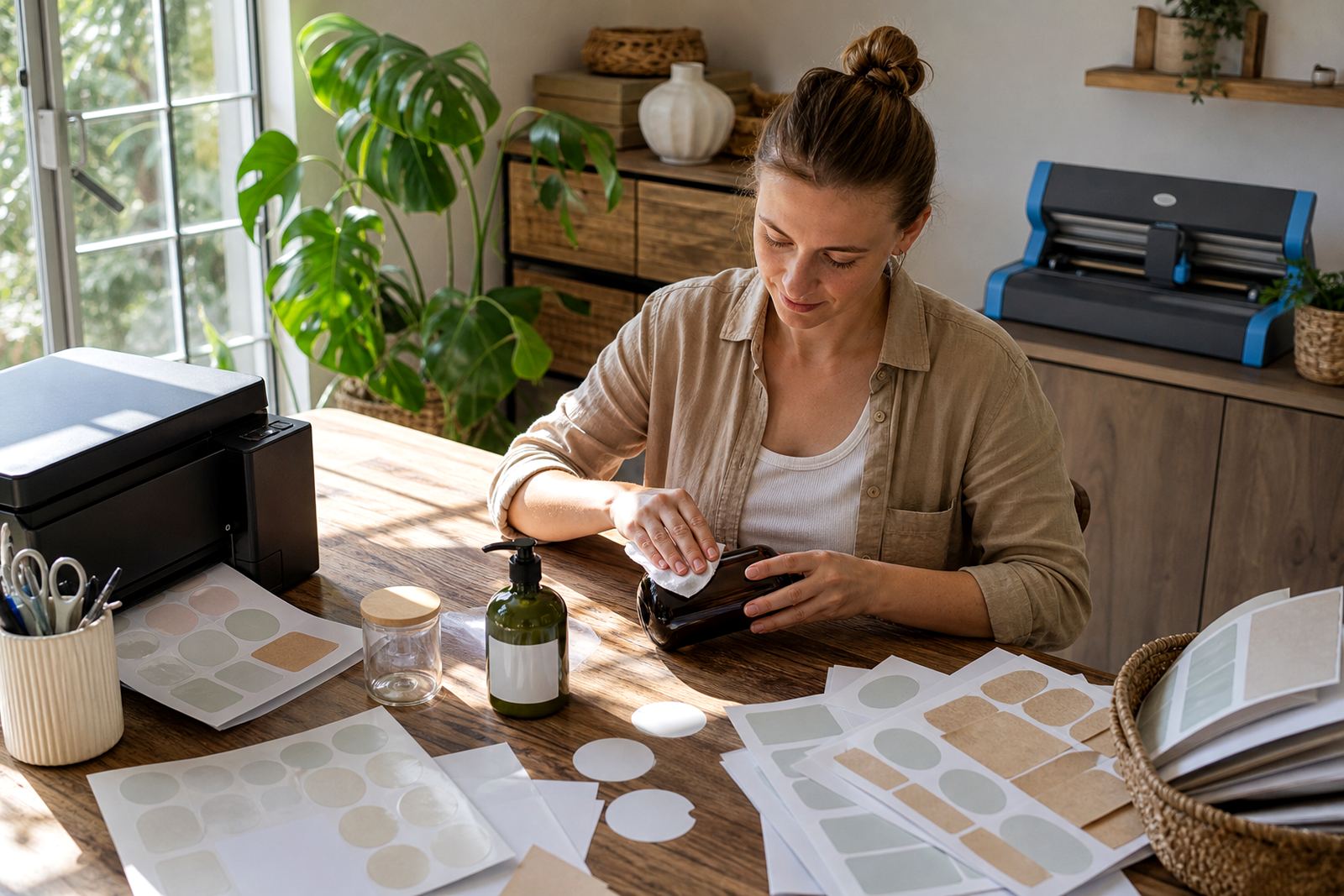
Clean dry surfaces help labels stick more neatly and reduce trapped dust or bubbles.

Reduce Air Bubbles

Reduce Air Bubbles

Applying from one edge and smoothing gently can help reduce bubbles under stickers.

Peeling Corner Tips

Peeling Corner Tips

Rounded corners and clean application can help reduce edge lifting on some projects.

Planner Finish Choices

Planner Finish Choices

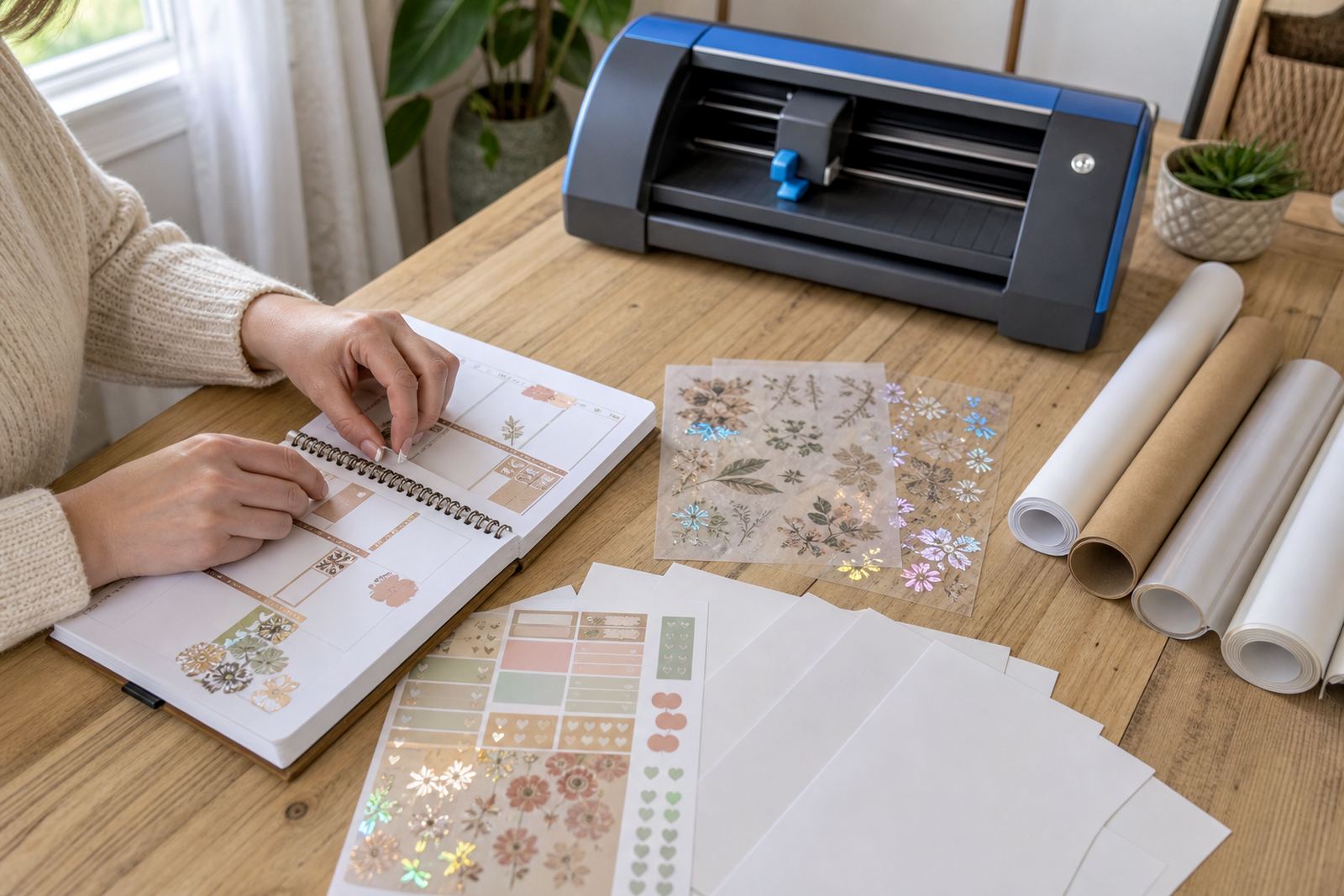
Planner stickers often use matte for writing and gloss for bright decorative accents.

Jar Label Finishes

Jar Label Finishes

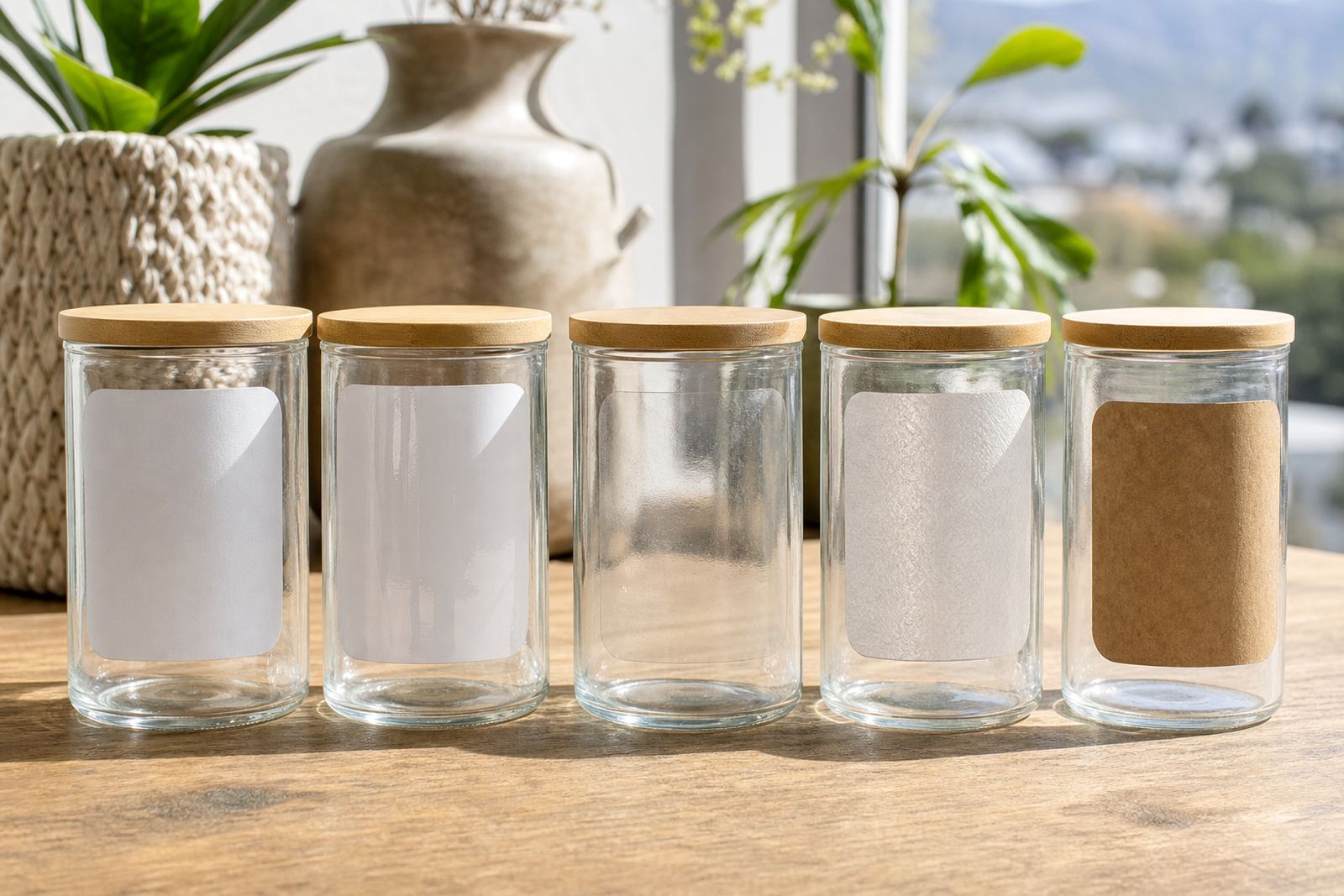
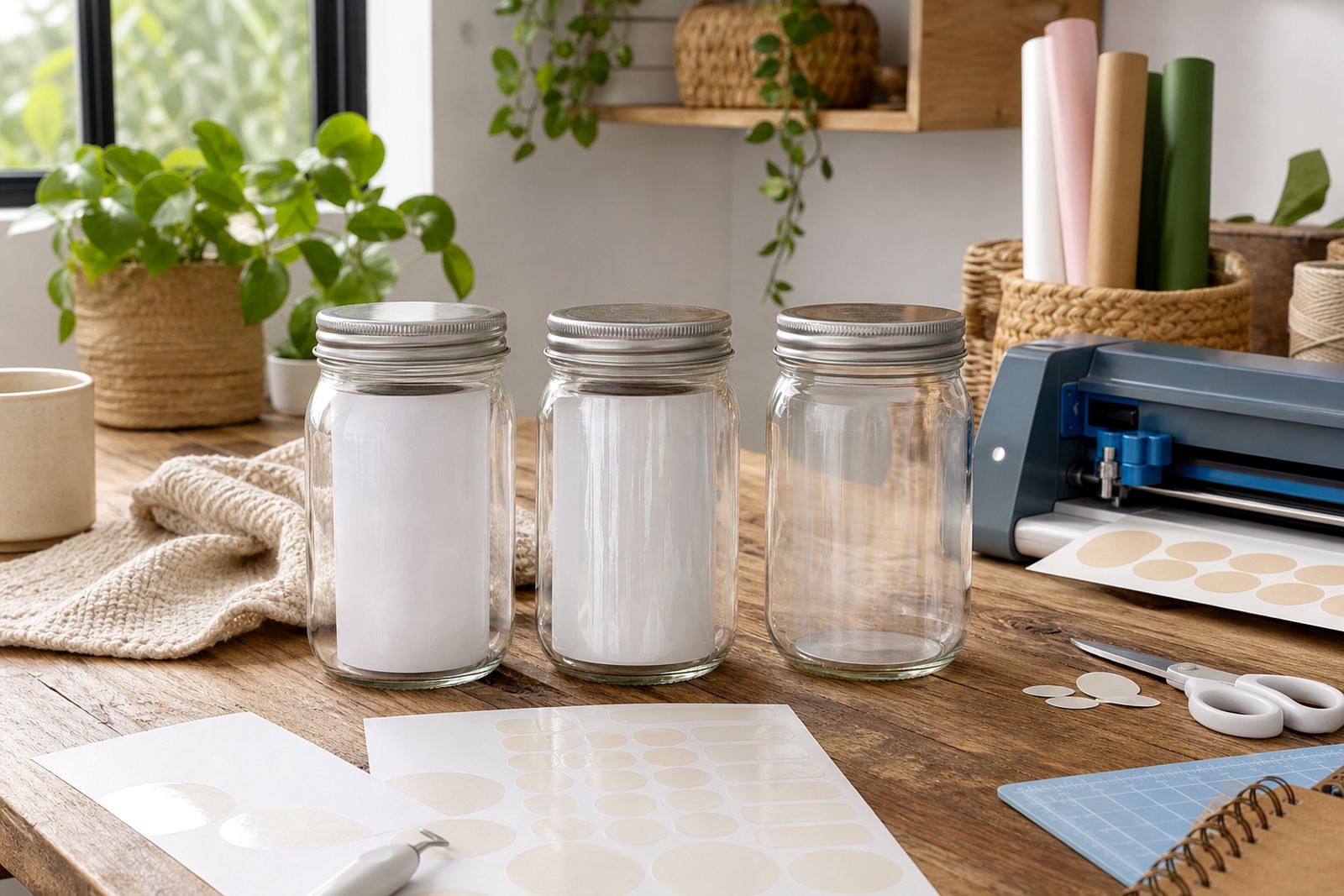
Jar labels can look classic in matte, polished in gloss or minimal in clear.

Gift Sticker Ideas

Gift Sticker Ideas

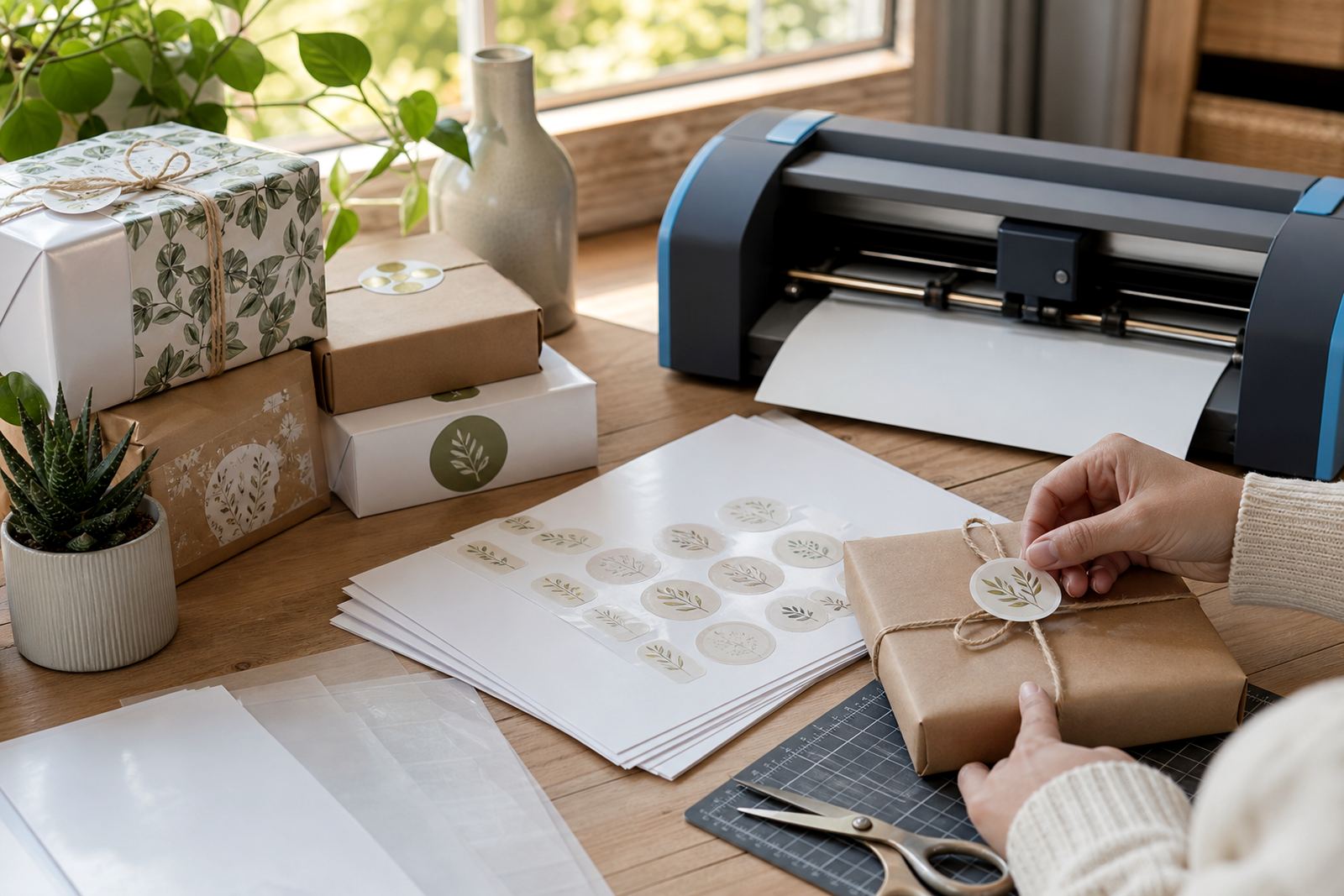
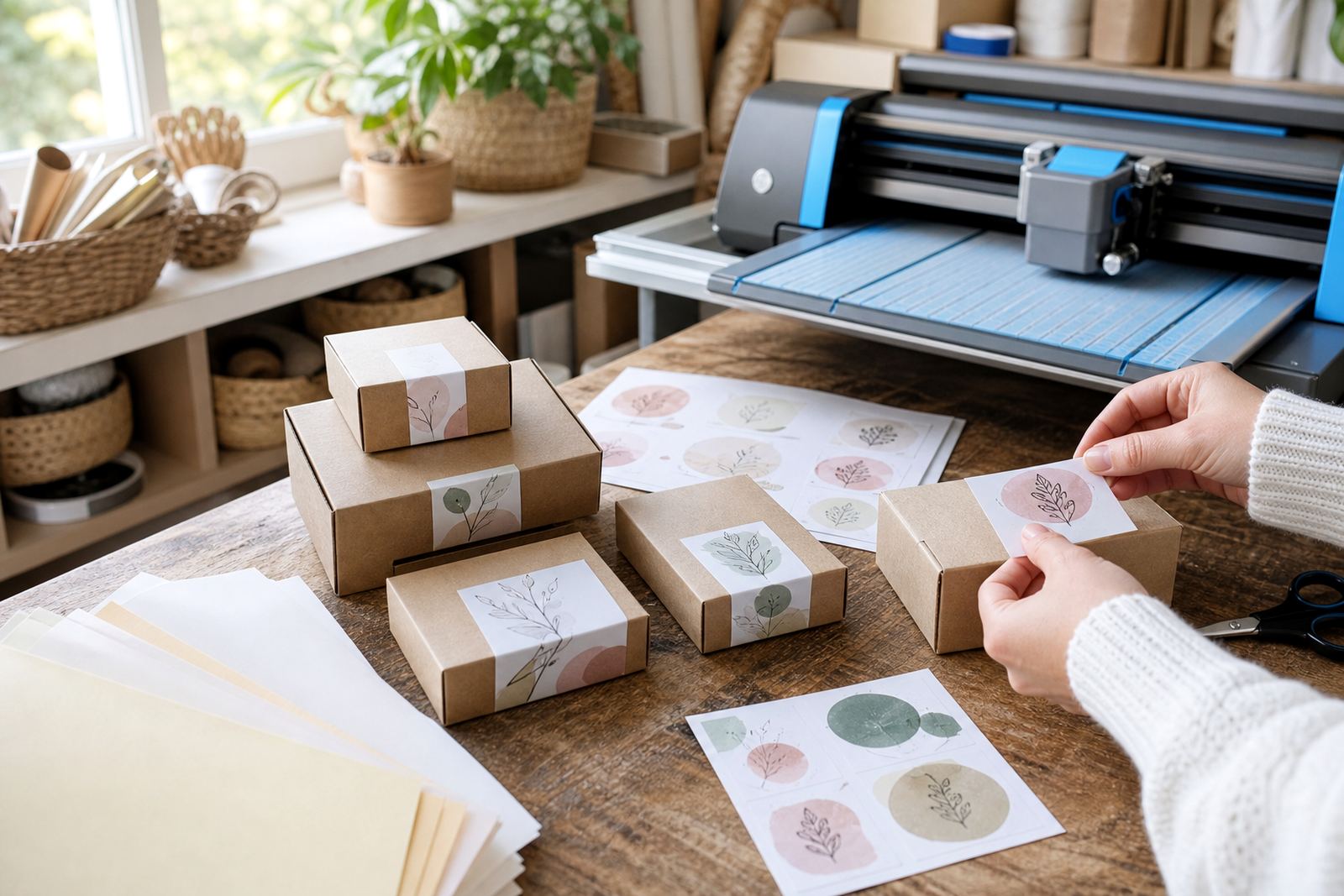
Printable sticker paper can personalise wrapping, tags, seals and favour packaging easily.

Teacher Label Ideas

Teacher Label Ideas

Teachers often use printable stickers for rewards, folders, books and classroom organisation.

Home Organisation Uses

Home Organisation Uses

Sticker paper supports tidy storage systems for kitchens, studies, laundry spaces and craft rooms.

Small Batch Packing

Small Batch Packing

Home makers use printed stickers to finish small-batch packaging with a personal consistent look.

Round Or Square

Round Or Square

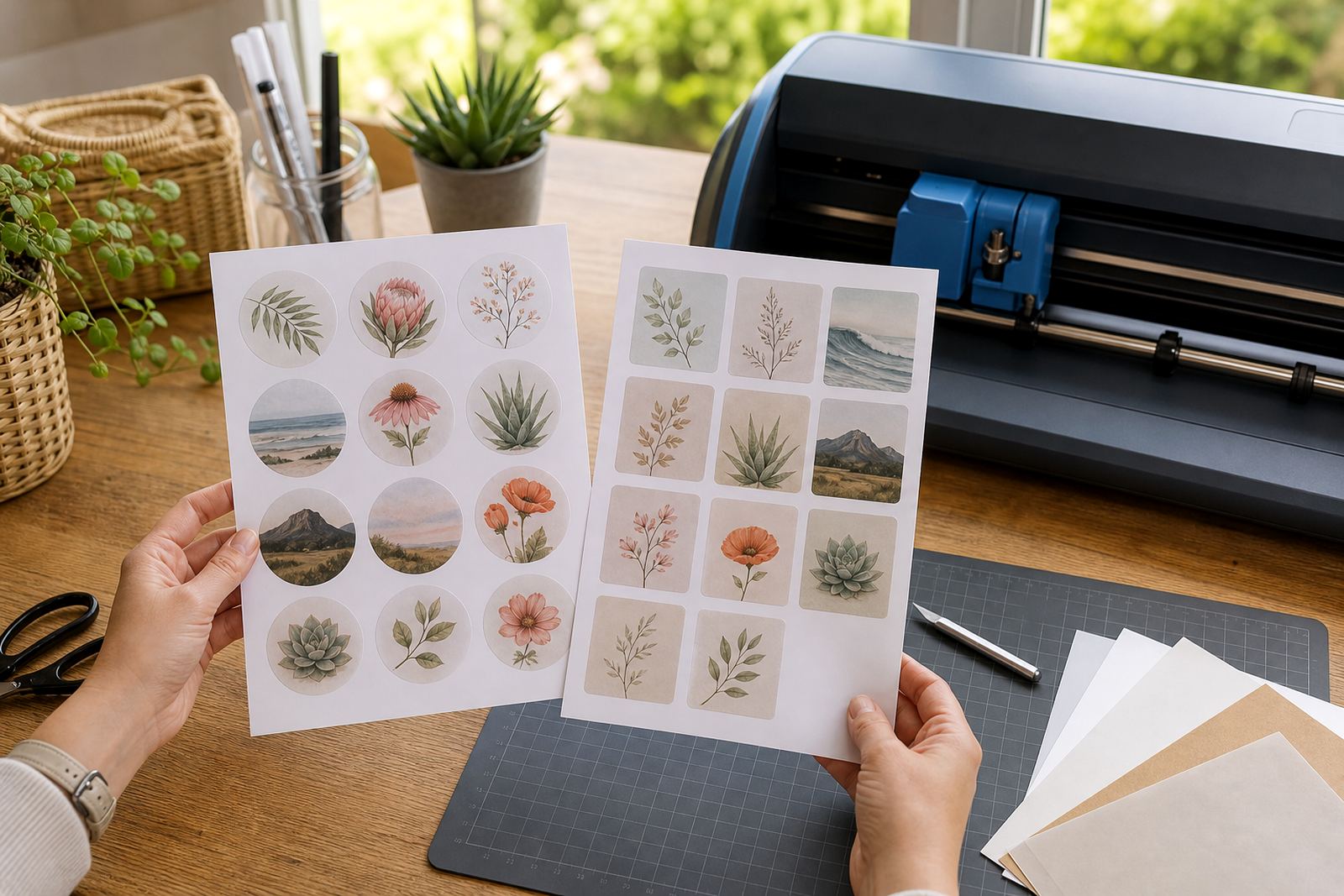
Sticker shape changes the mood of a design, from soft circles to clean straight-edged labels.

Simple Layout Planning

Simple Layout Planning

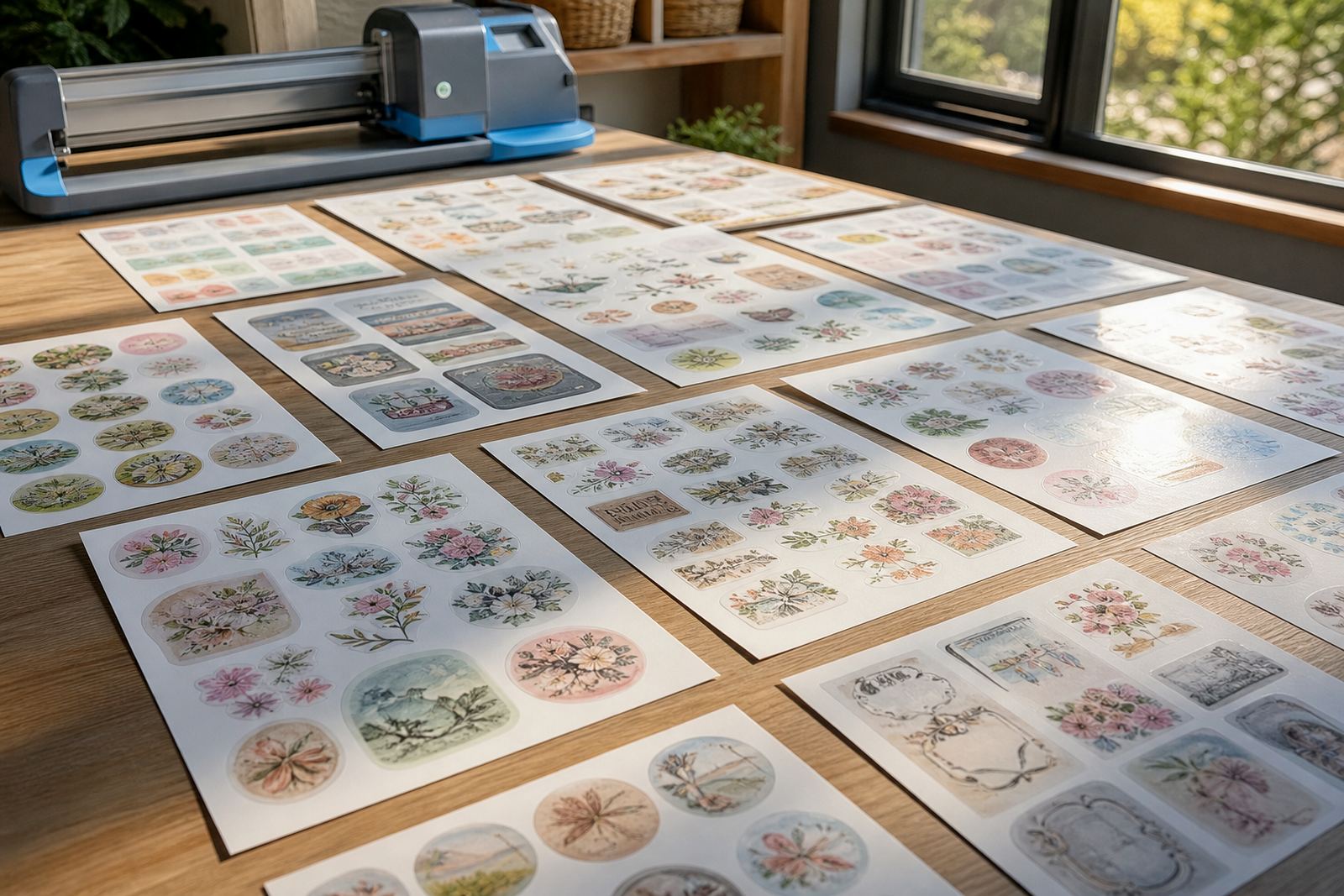
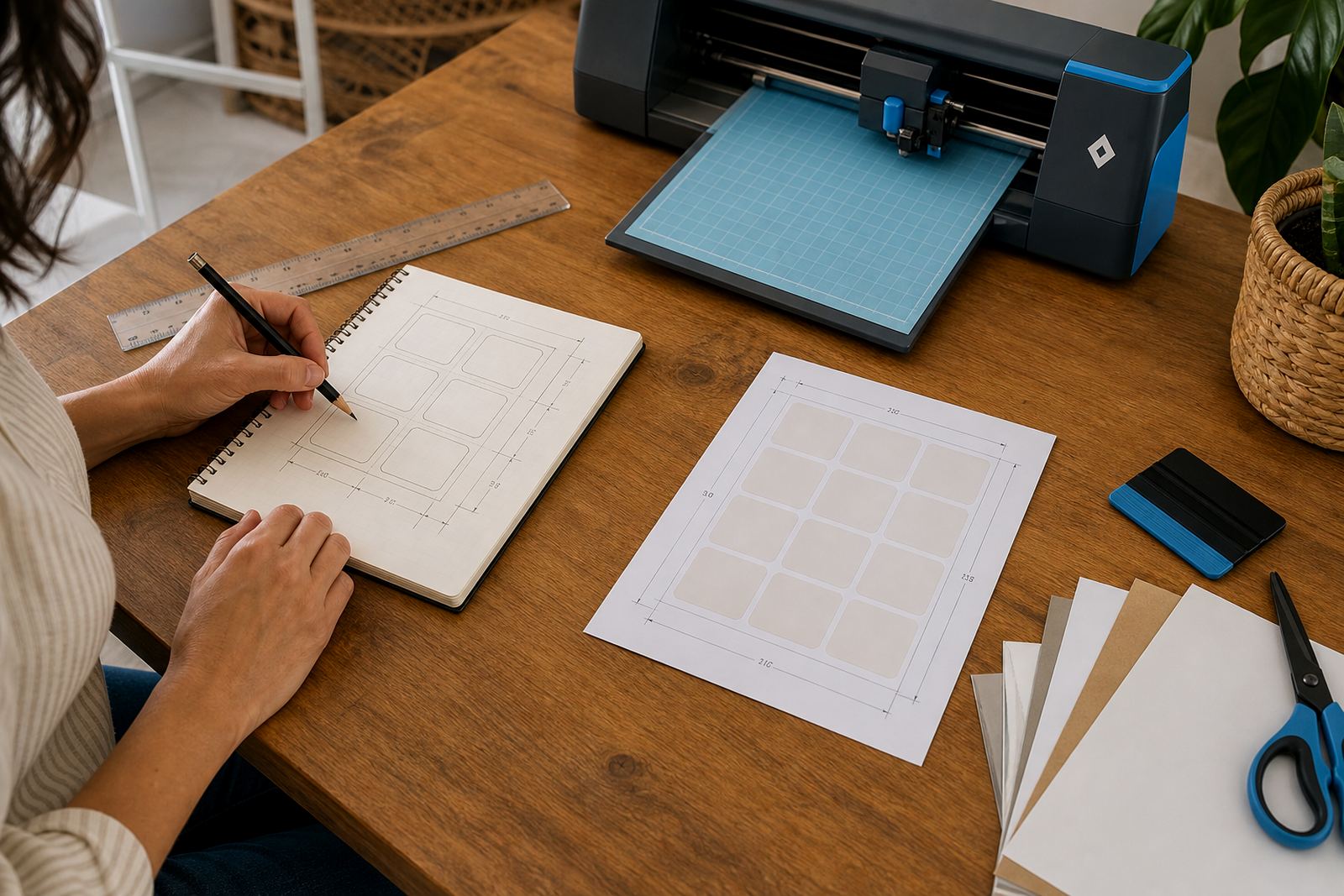
A well-planned layout helps fit more labels neatly onto a printable sticker sheet.

Checking Print Margins

Checking Print Margins

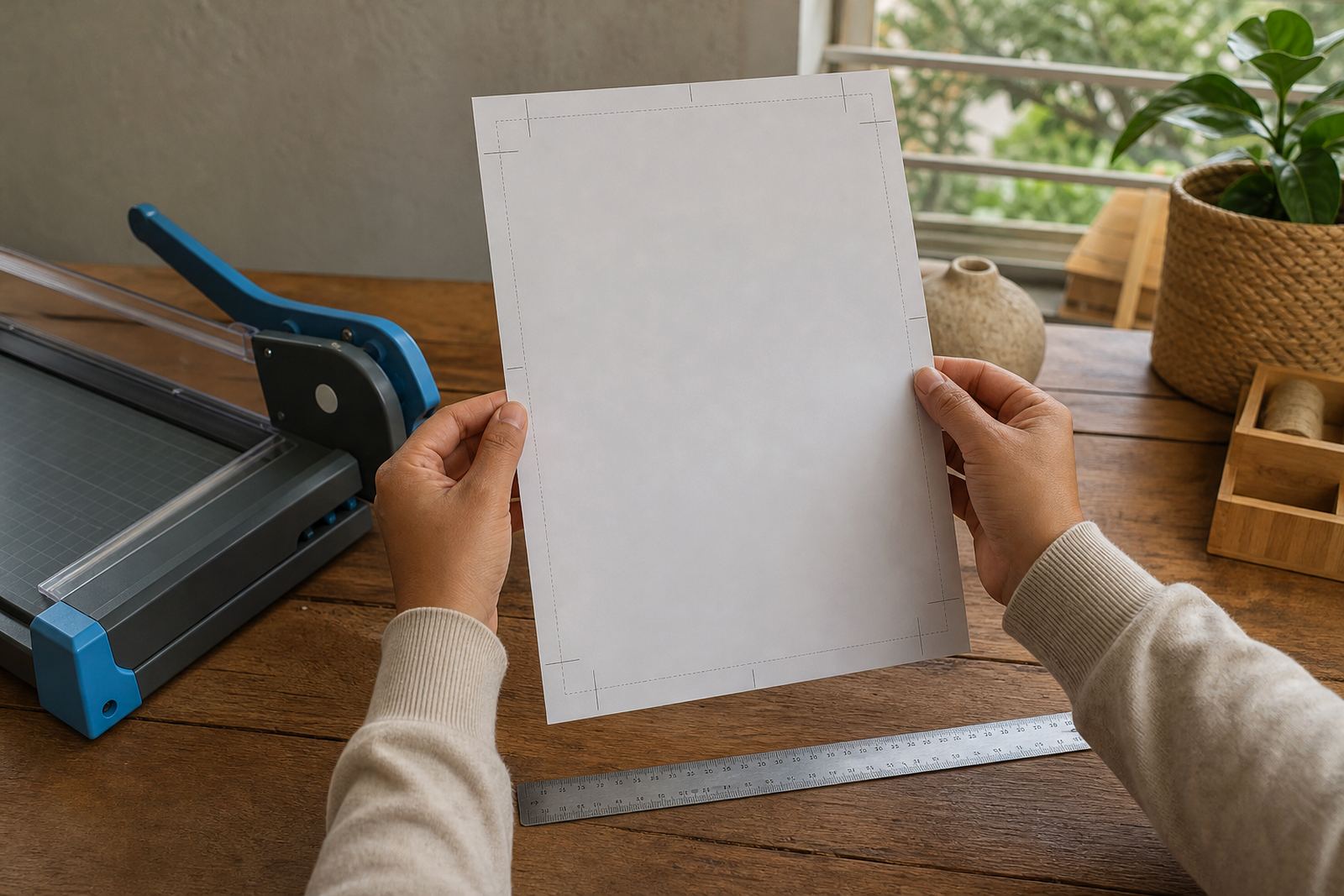
Margin checks help avoid designs printing too close to sheet edges or cut lines.

Backing Paper Notes

Backing Paper Notes

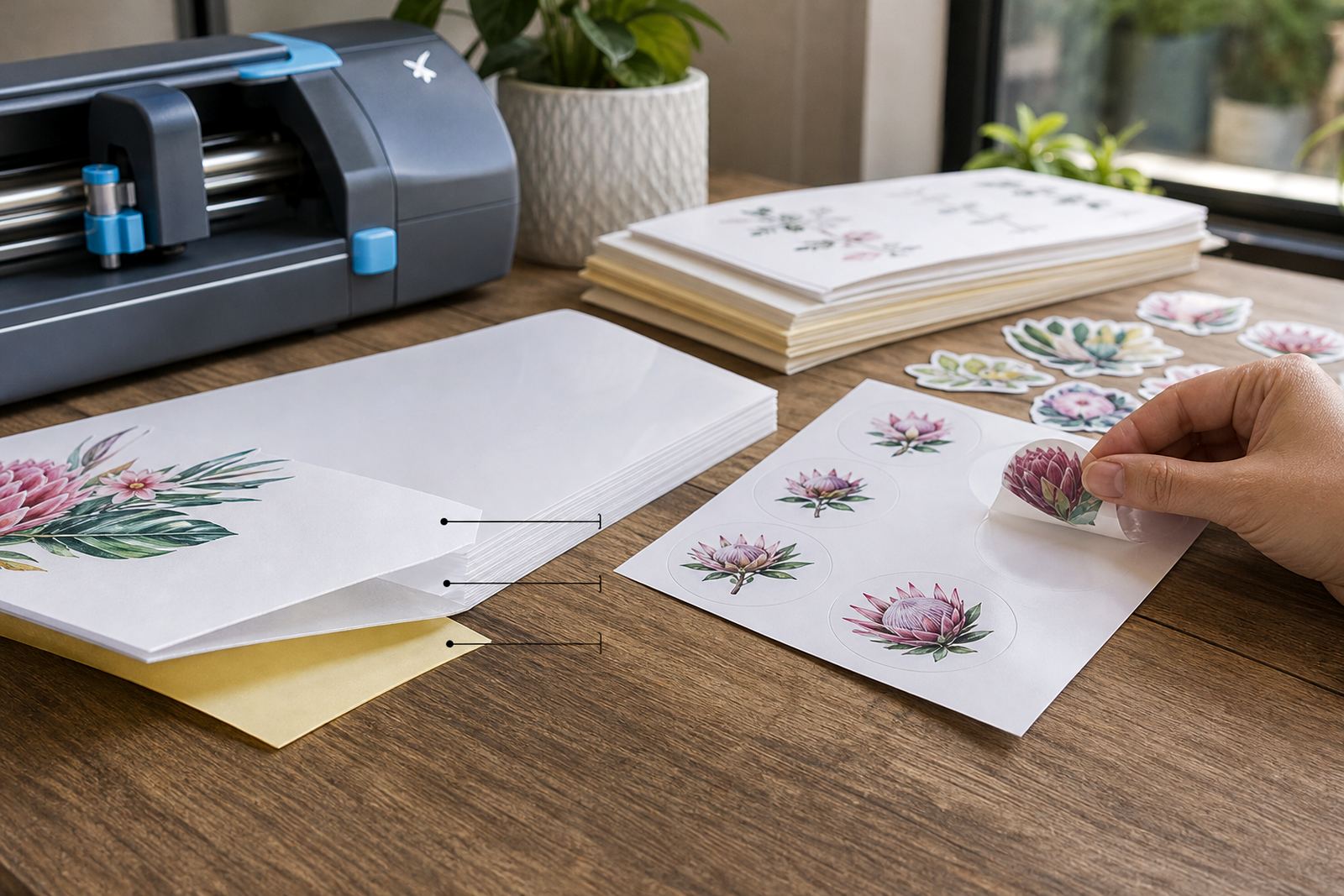
Backing sheets protect the adhesive side and affect how stickers peel after cutting.

Adhesive Care Basics

Adhesive Care Basics

Keeping sticker paper clean and properly stored helps preserve the adhesive before use.

Reading the finish before you load the tray

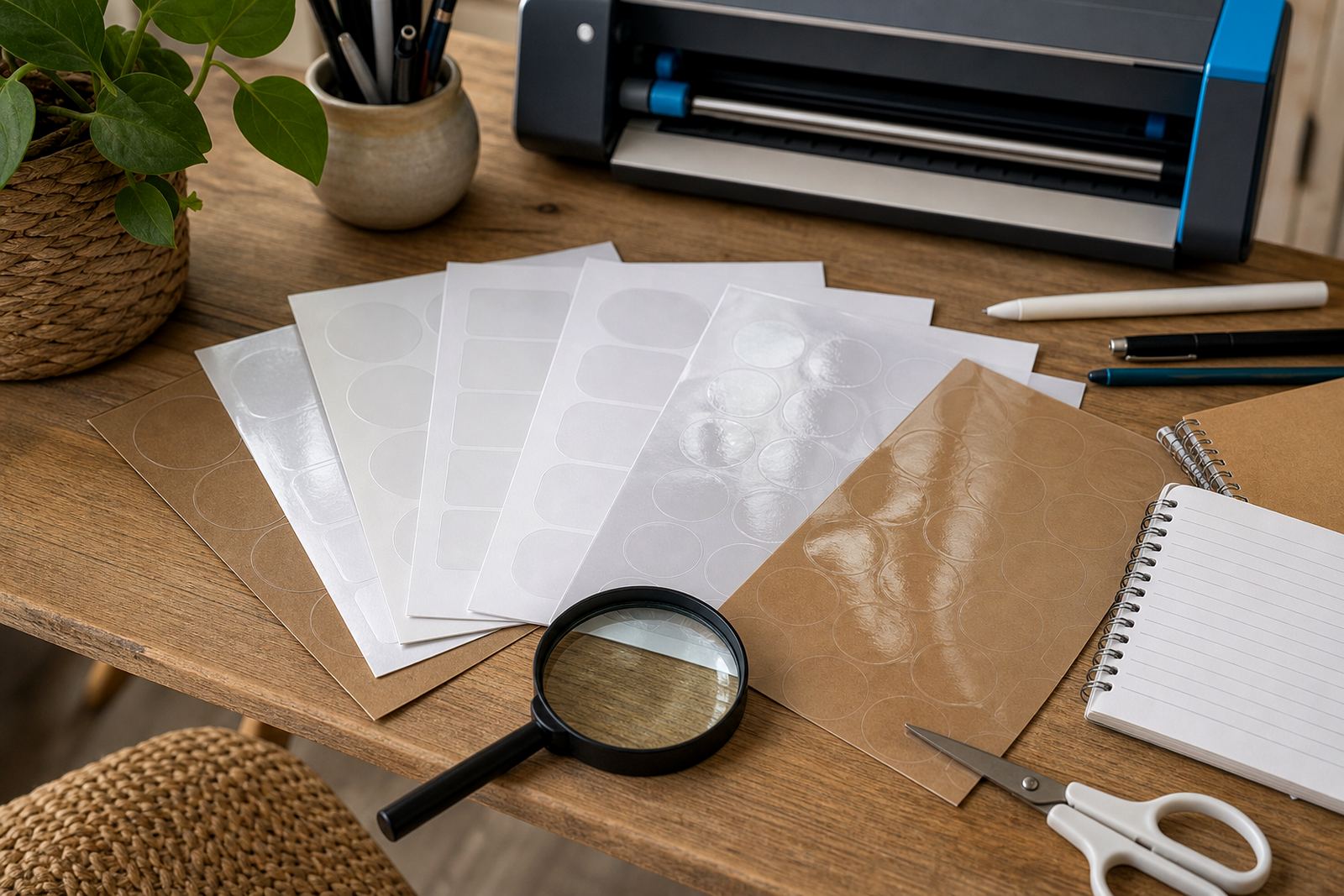
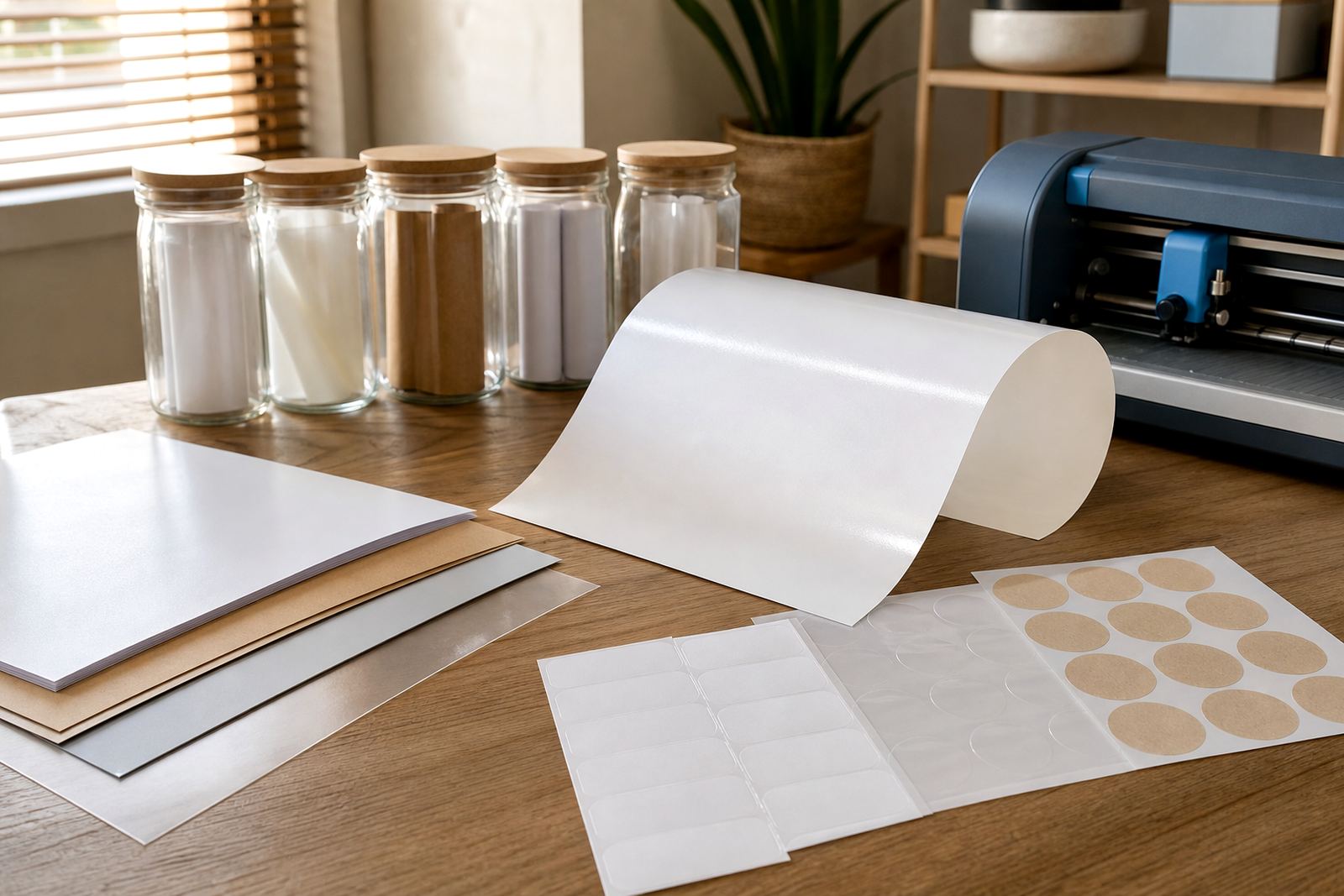
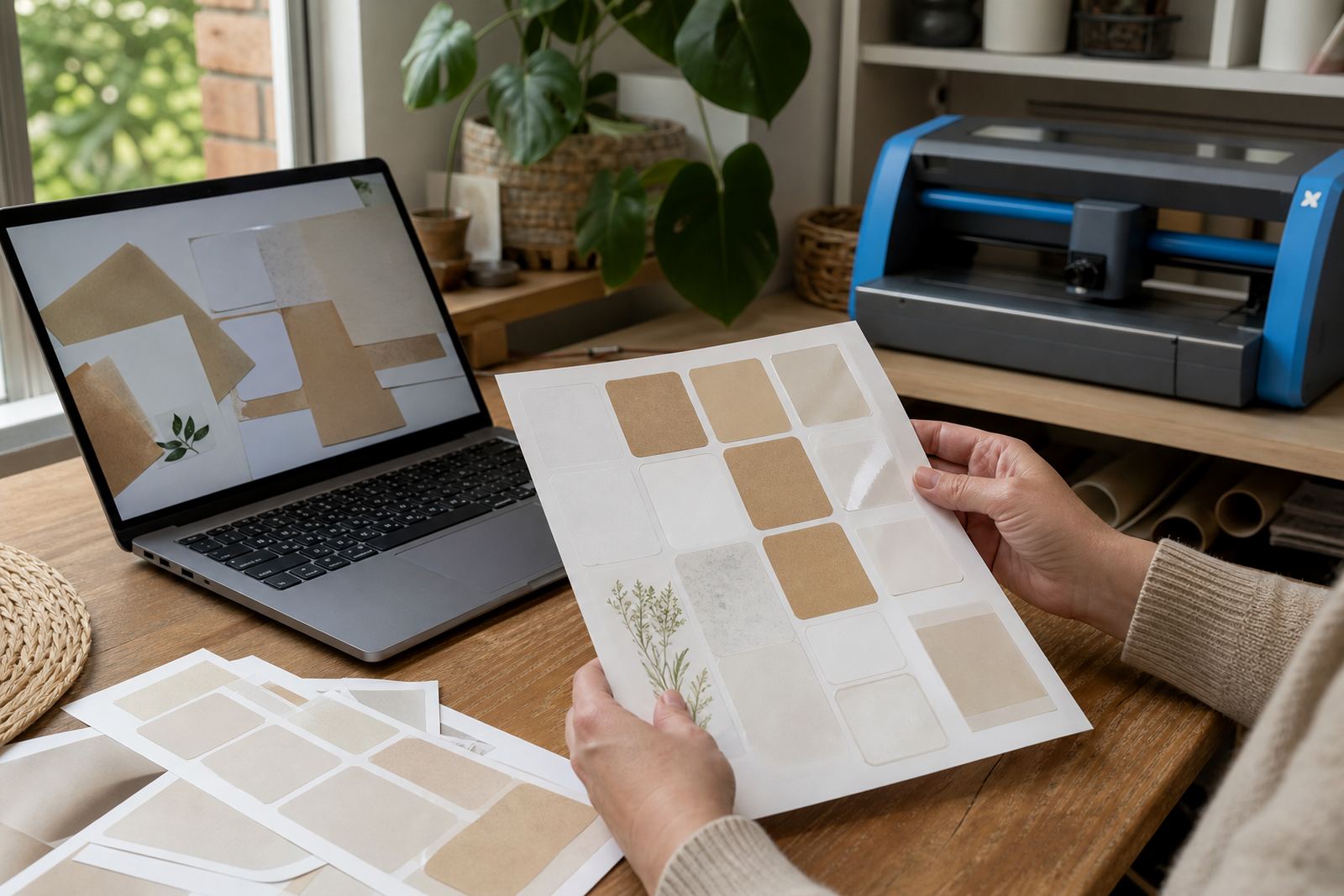
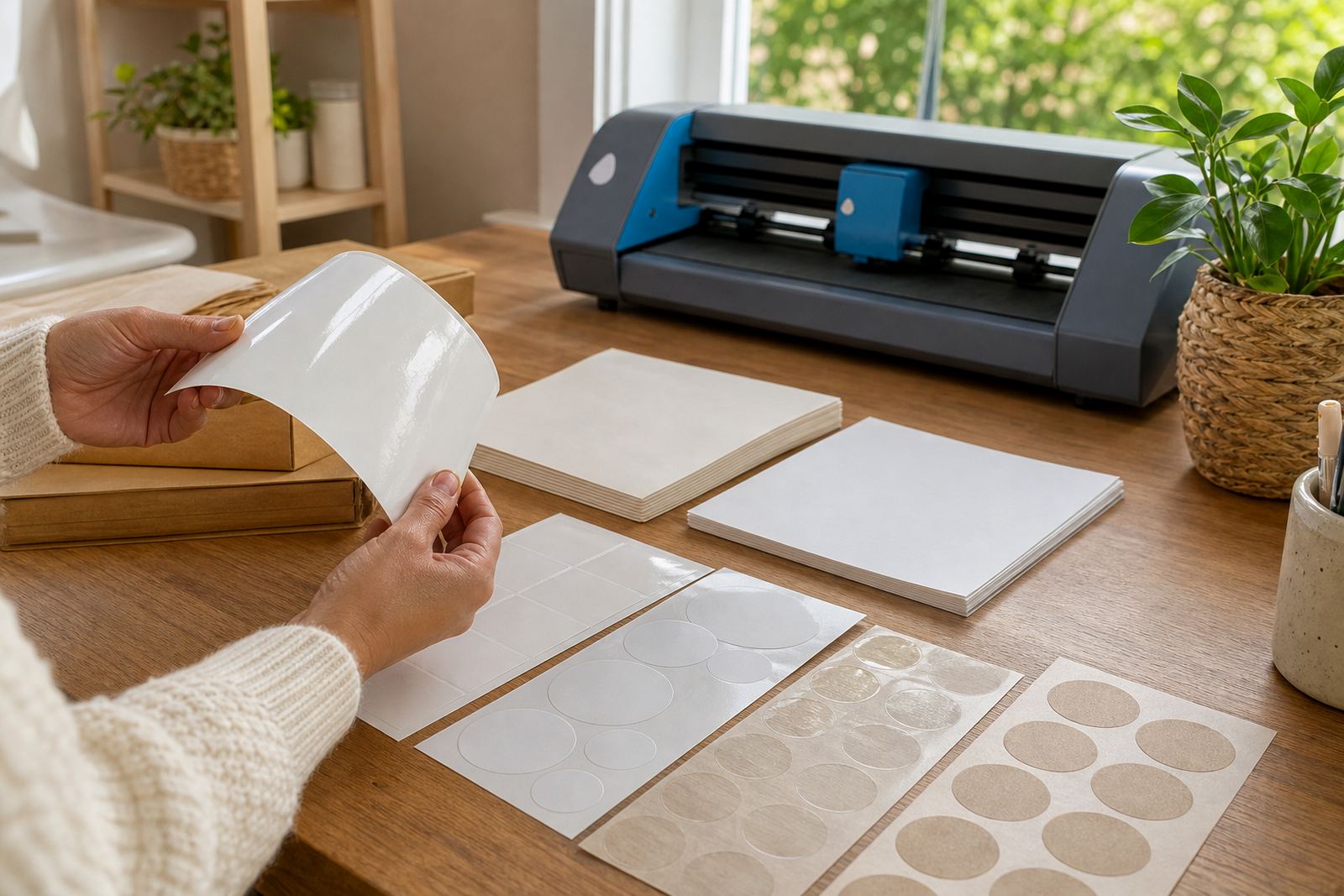
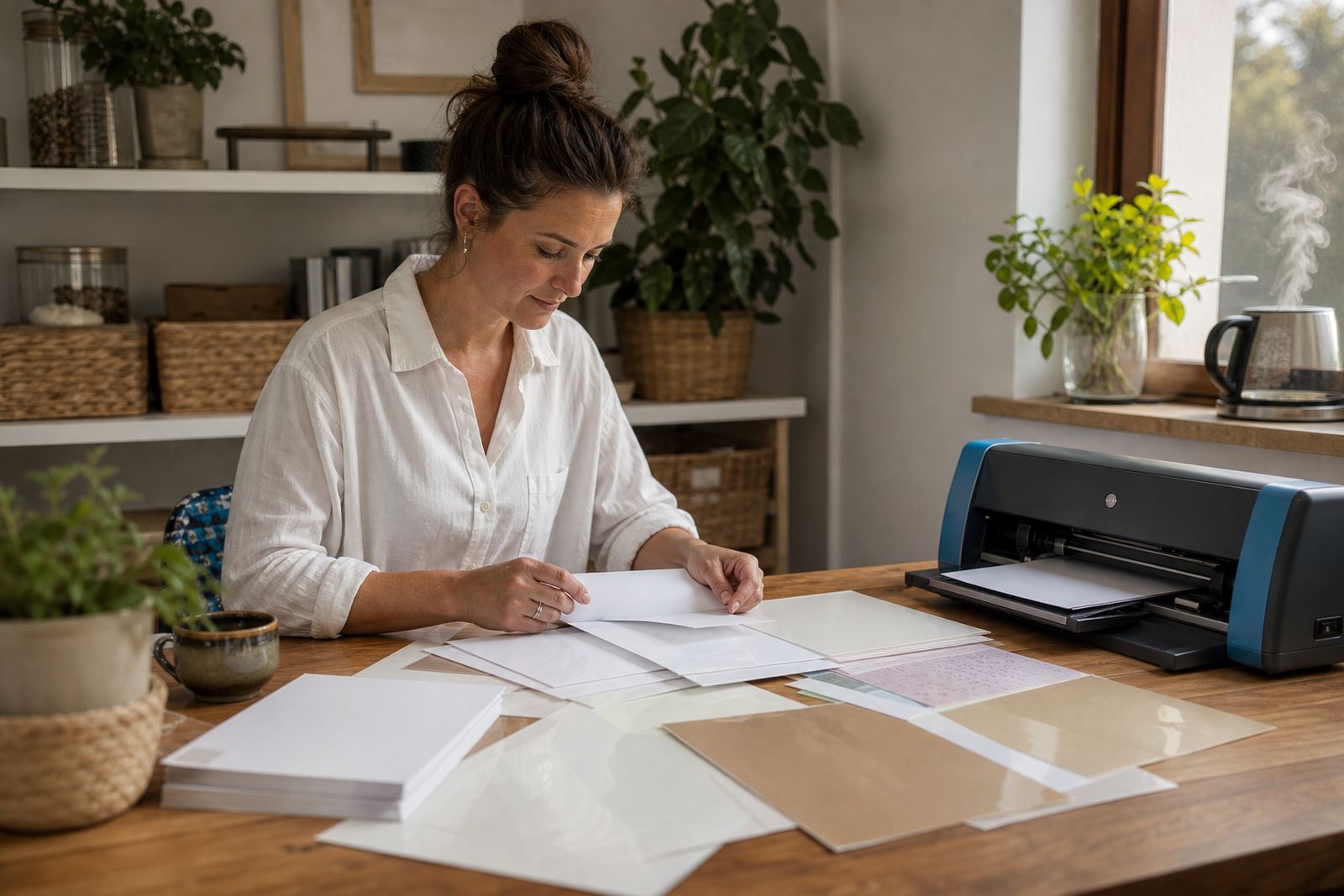
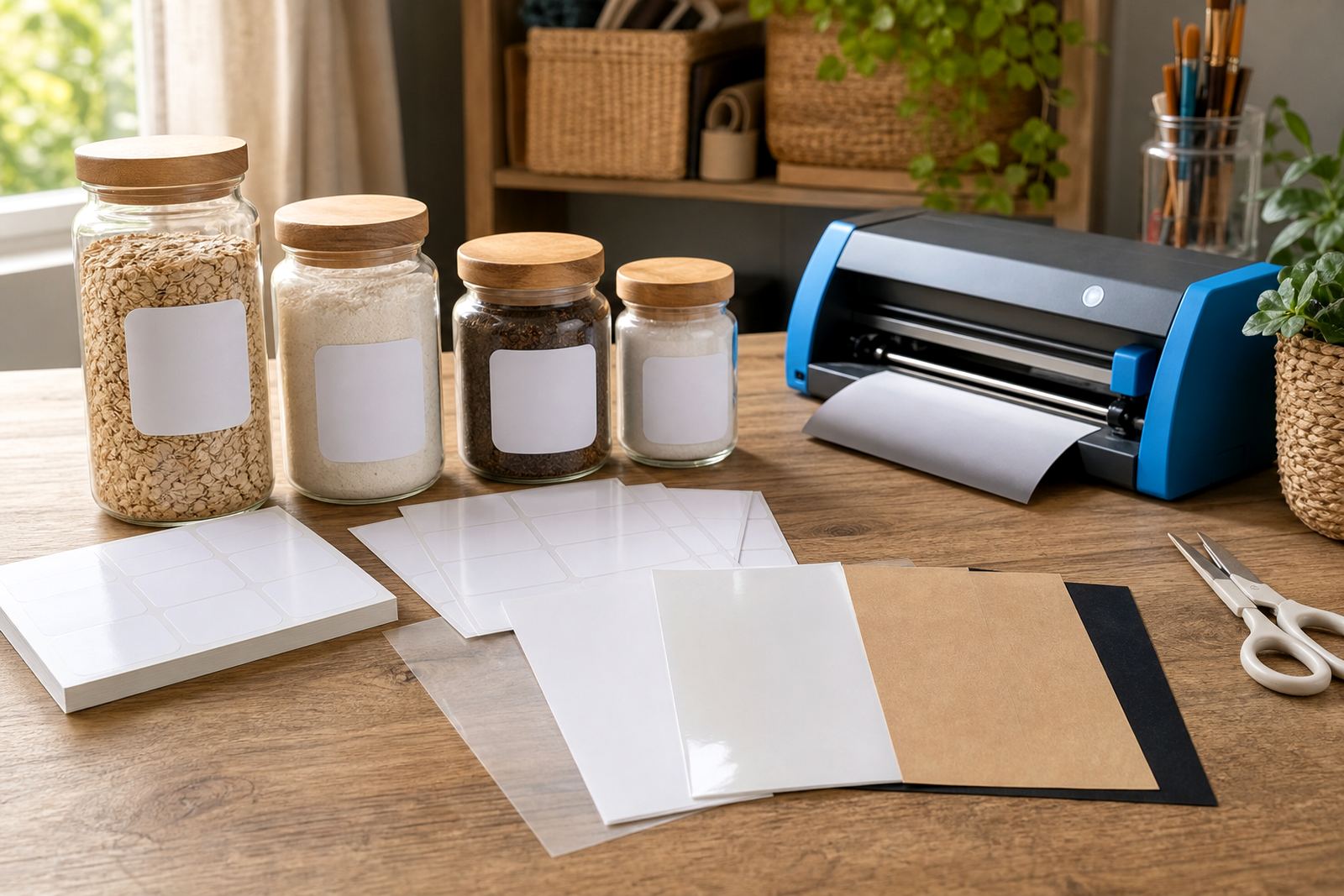
Different finishes suit different jobs, and the best choice often starts with the surface you want to show. Matte paper gives a softer look and takes writing neatly, which works well for pantry labels, party jars and school projects. Gloss has a brighter finish for colour-heavy artwork, product labels and gifts where a polished look matters. Clear sheets let the background show through, while vinyl gives extra durability for items handled often. Kraft brings a natural brown tone that suits handmade labels and earthy packaging.

If you are deciding between them, think about the lighting where the sticker will be seen, the colours in the artwork, and whether the label needs a clean writable surface. Matte is usually the easiest starting point for most home makers, while clear and vinyl are better when the final look is more specific.

Inkjet and laser use without the guesswork

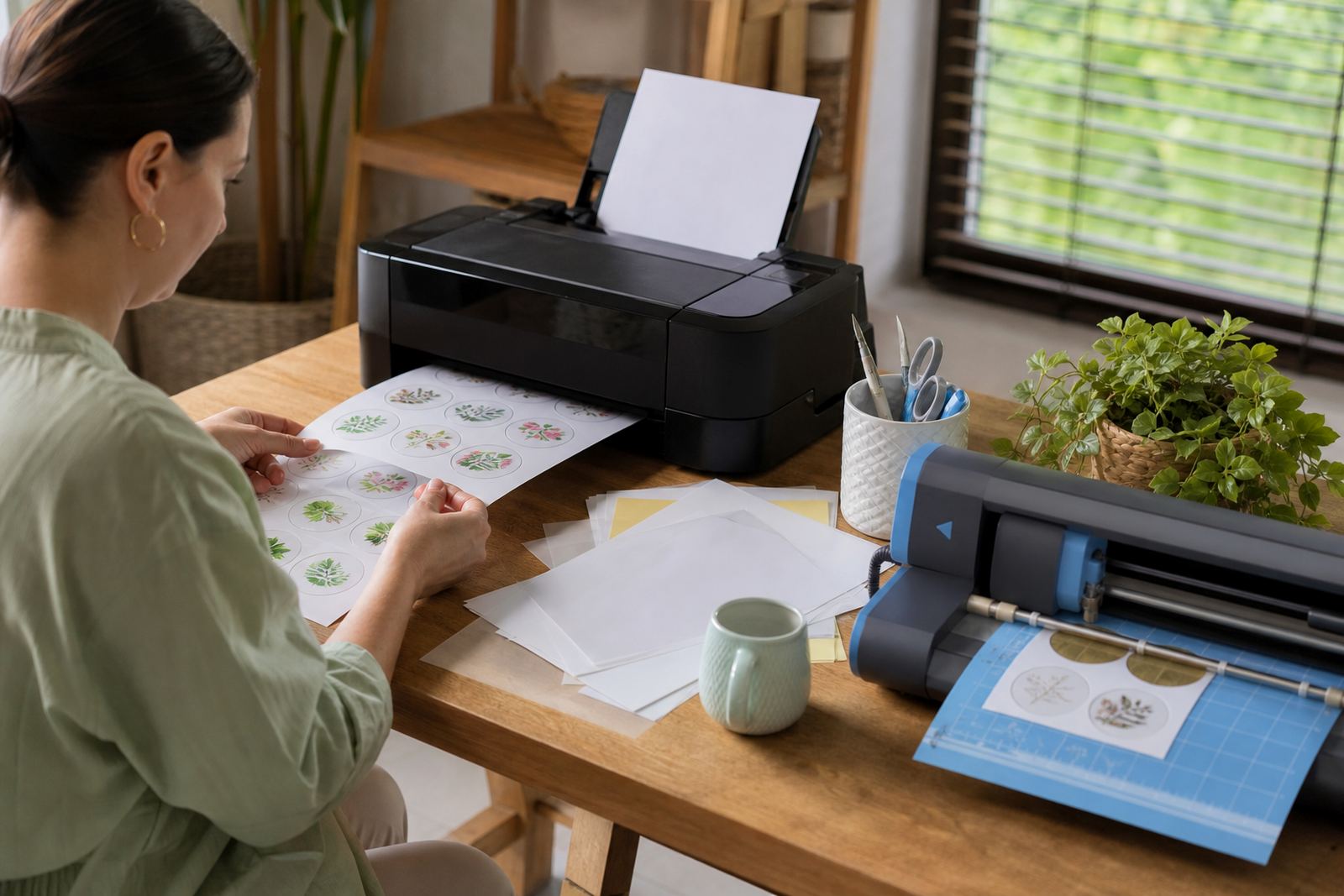
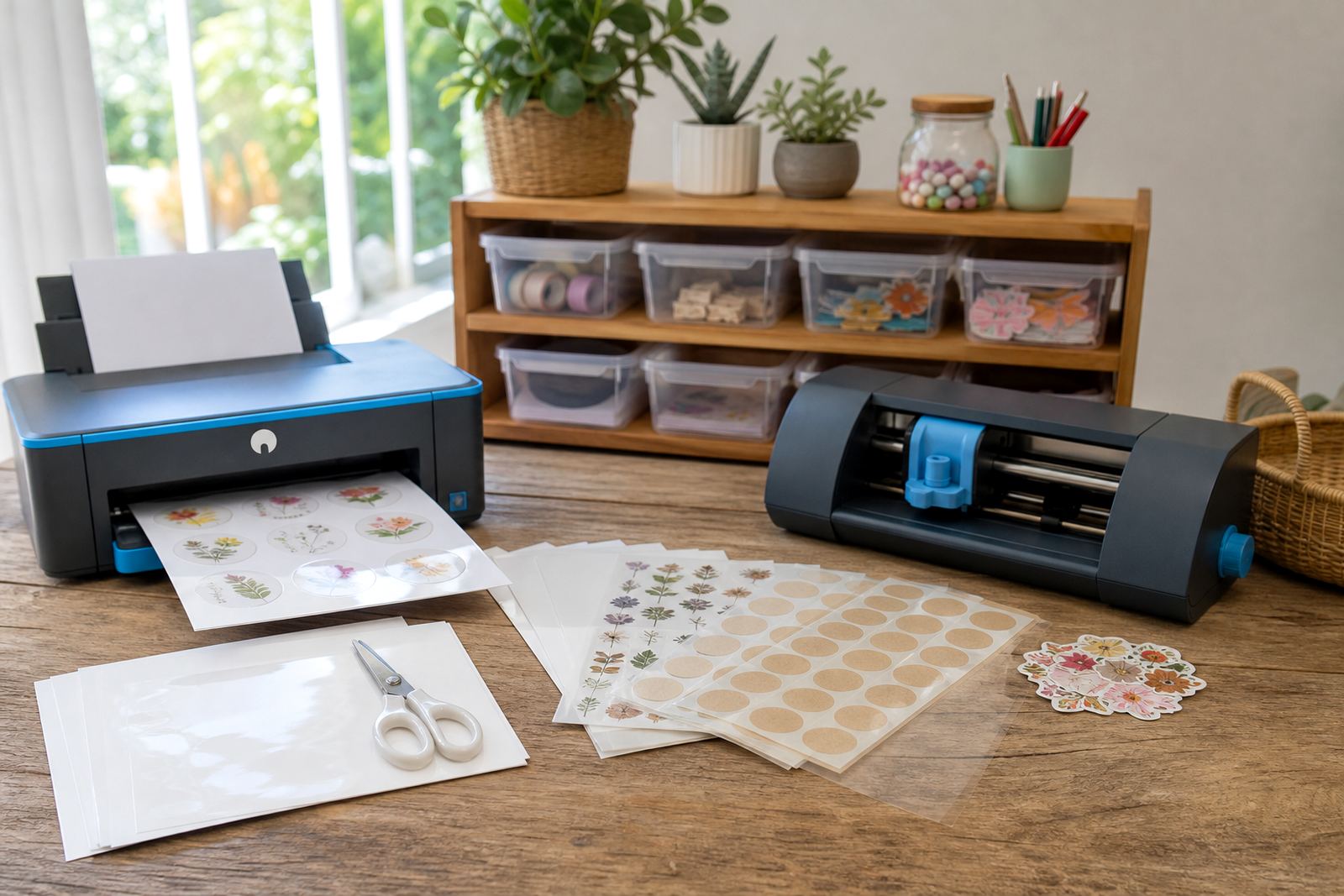
Printable sticker paper must match the printer type, so checking compatibility matters before anything goes into the tray. Inkjet sheets are made to work with liquid ink and usually suit home printers used for colour labels, craft sets and personalised stationery. Laser compatible sheets are made for heat based printing and are often chosen where sharper text or faster output is needed.

  • Use the sheet type that matches your printer, not just the finish.
  • Check whether the sheet is meant for colour or black and white work.
  • Test a single sheet when you are trying a new layout or artwork size.
  • Let printed sheets rest before cutting or handling them heavily.

Humidity in coastal places like Durban and parts of Cape Town can affect how paper lies flat, so store sheets in a dry spot and keep the pack closed when not in use. In hot rooms or near a window the edges can curl a little, which makes feeding and cutting less tidy.

Cut lines, hands and craft cutters

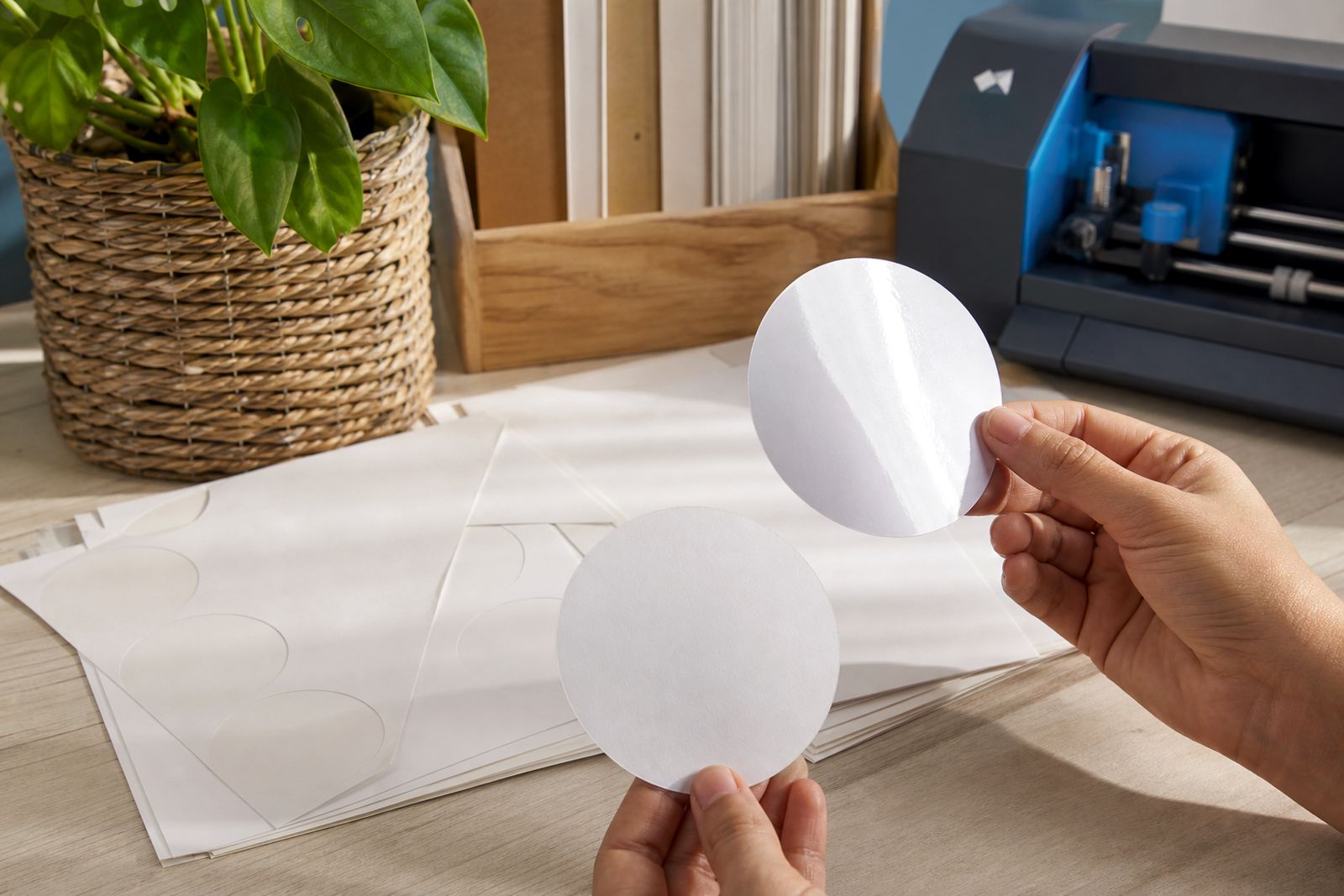
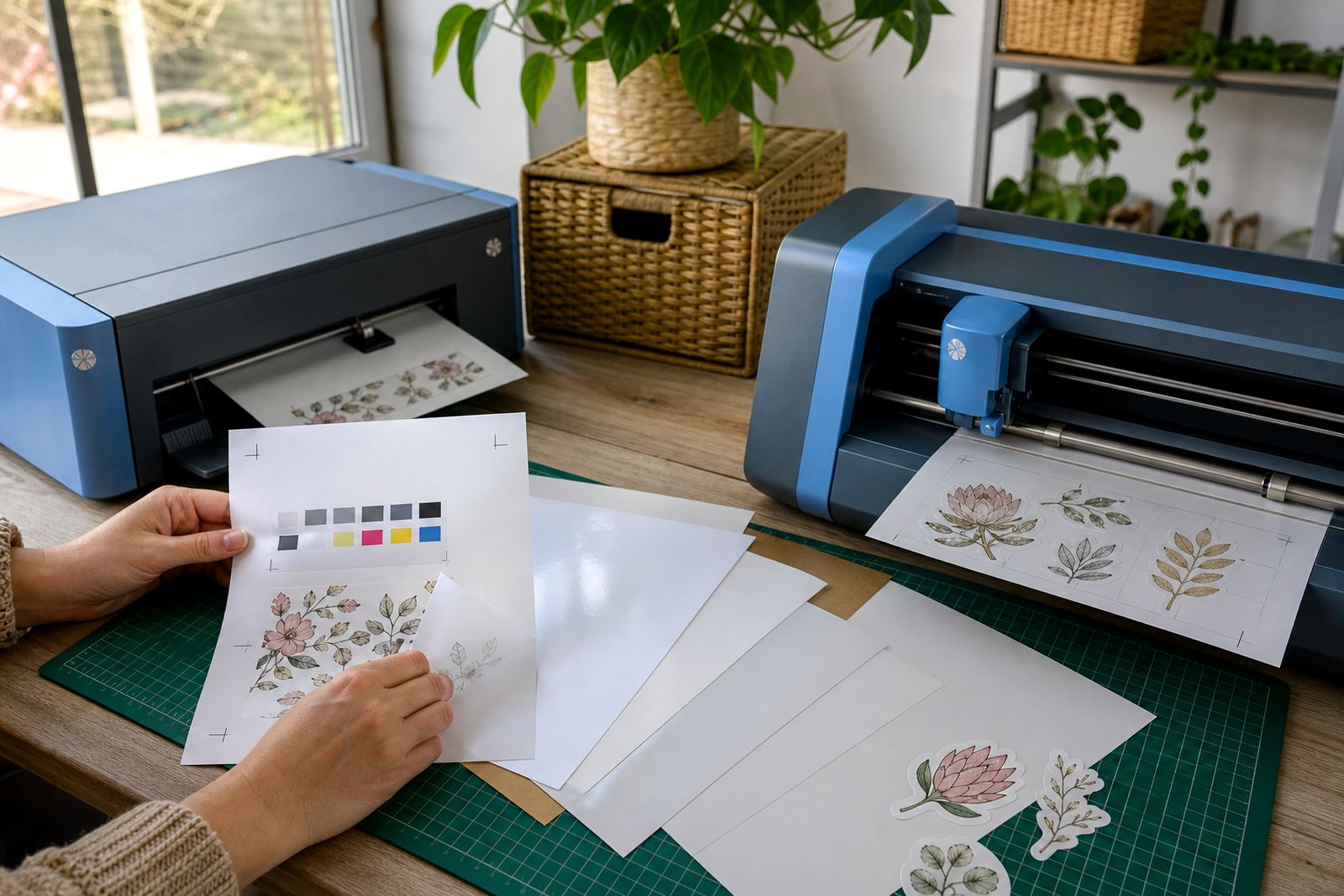
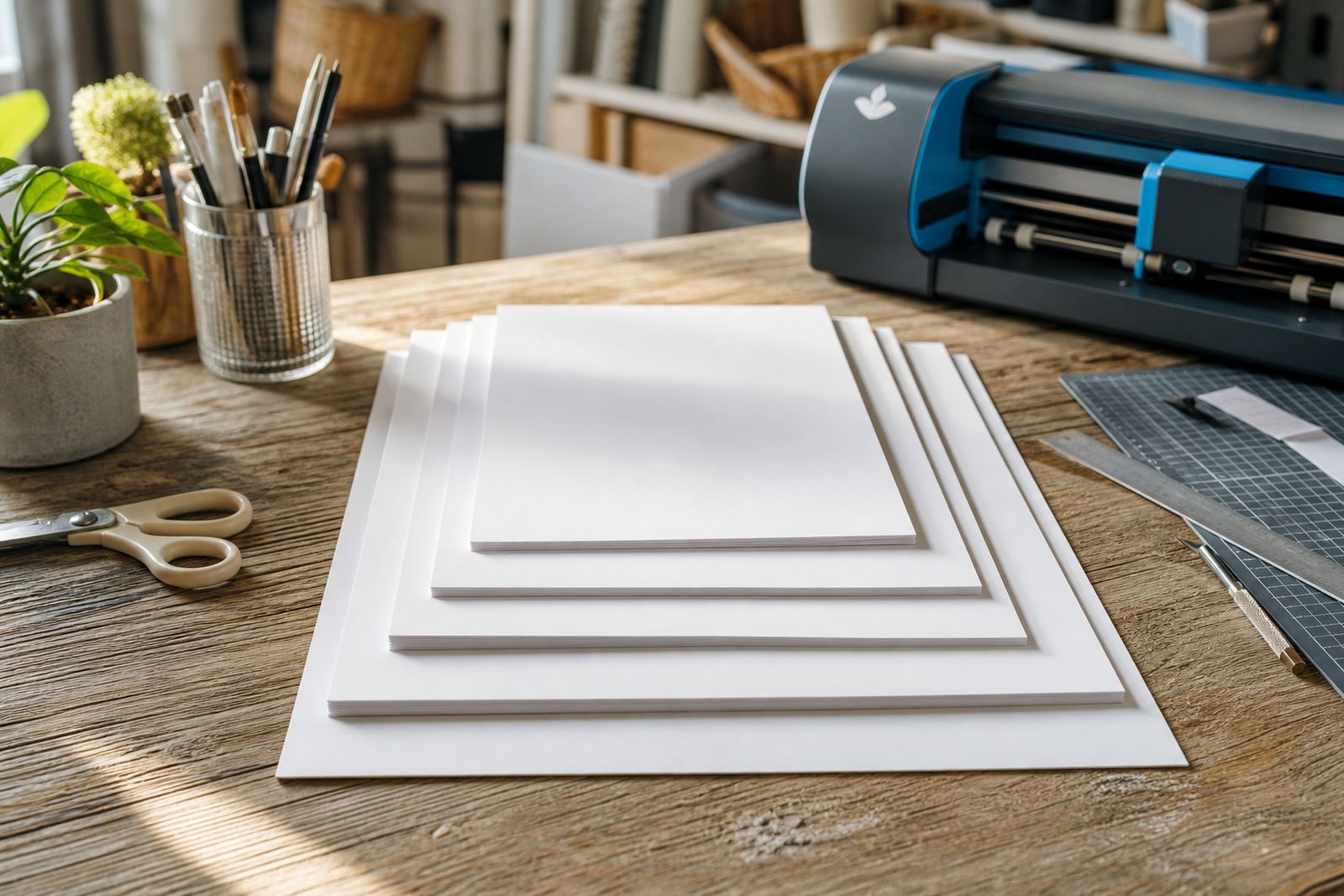
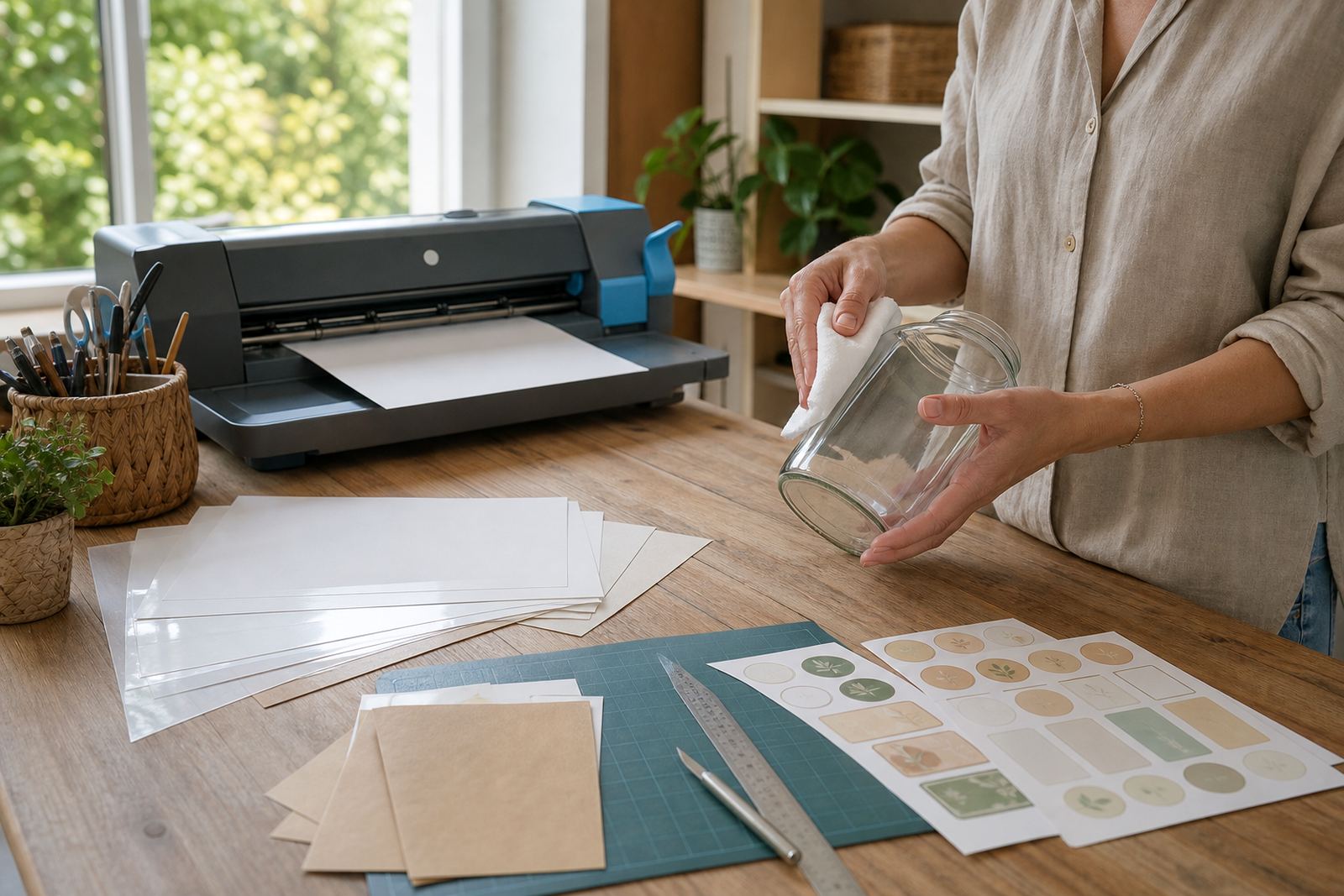
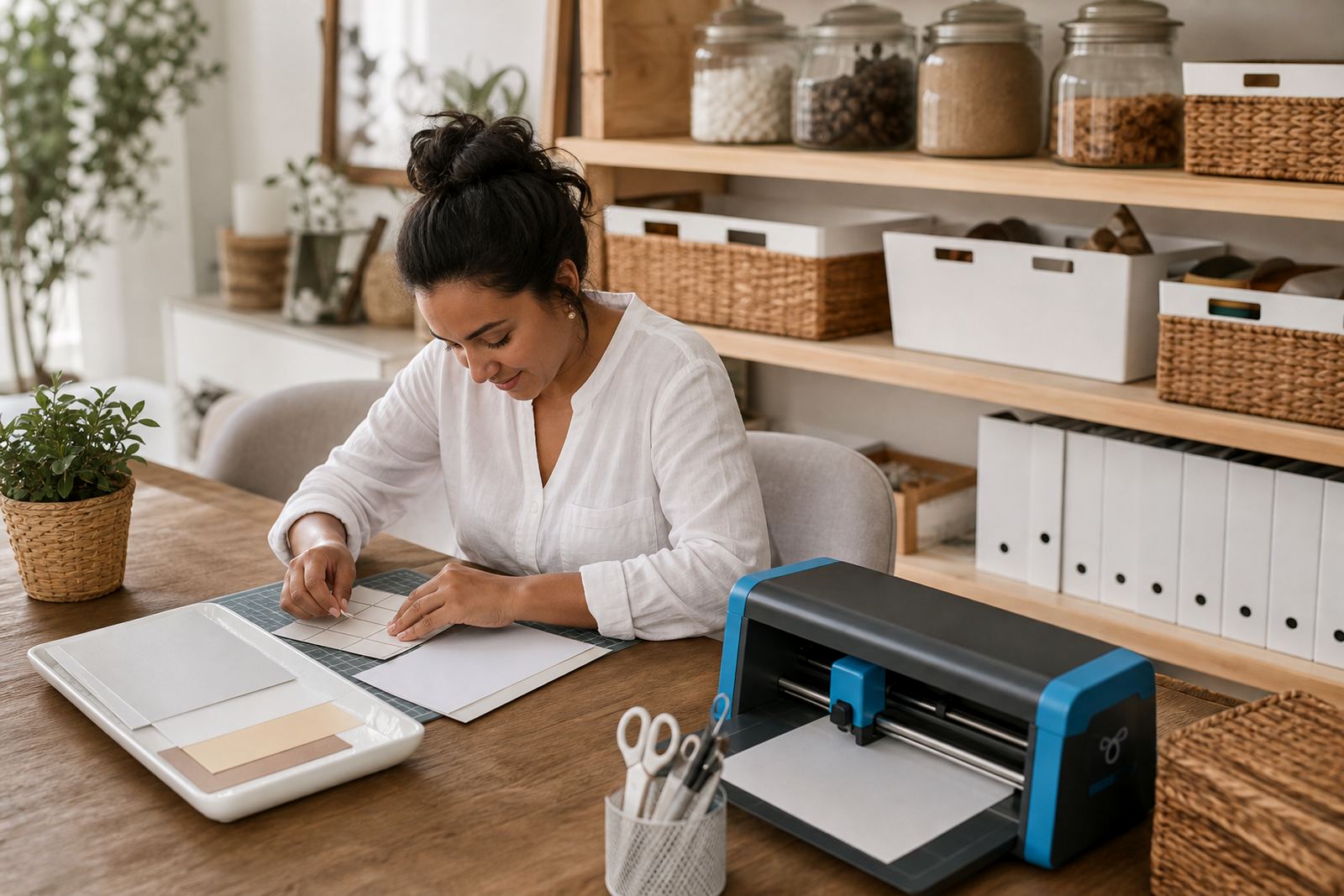
Some projects are easiest with a ruler, craft knife and clean cutting mat, while others are quicker with a benchtop cutter that follows a digital line. Hand cutting suits simple shapes, text labels and one off gifts. Craft cutters help when you need repeated shapes, detailed edges or neat borders across many sheets. Both methods can work well if the print is dry, the blade is sharp and the sheet is fed squarely.

For curved shapes, it helps to leave a small border around the artwork. That gives your cutter more space to follow the line cleanly, and it also makes hand cutting steadier. If you are using a clear sheet, allow a bit more care around the edge because the cut line can be harder to see on some surfaces.

  • Keep blades light on pressure so the backing is not scored too deeply.
  • Trim away dust or tiny paper fibres before applying the sticker.
  • Use a test cut when moving between matte, gloss and vinyl sheets.
  • Store cut sheets flat so corners do not lift or bend.

Keeping print sharp and colour steady

Good print results start with the file itself. Crisp artwork, enough colour contrast and the right paper setting on your printer all help the final sheet look cleaner. For photos and coloured graphics, gloss often gives the strongest colour presence, while matte can reduce glare on reading labels and organiser tags. Clear and vinyl finishes may need careful colour choices so the design remains visible once applied.

Smudge reduction is mostly about handling. Give the print enough time to settle before stacking sheets, trimming them or putting them into a cutter. If you are printing text for kitchen labels, use strong contrast and avoid thin letterforms that can blur on smaller sizes. When a design seems too light, a colour test on a single sheet is better than filling a whole pack with uncertain settings.

Where each sheet earns its place at home

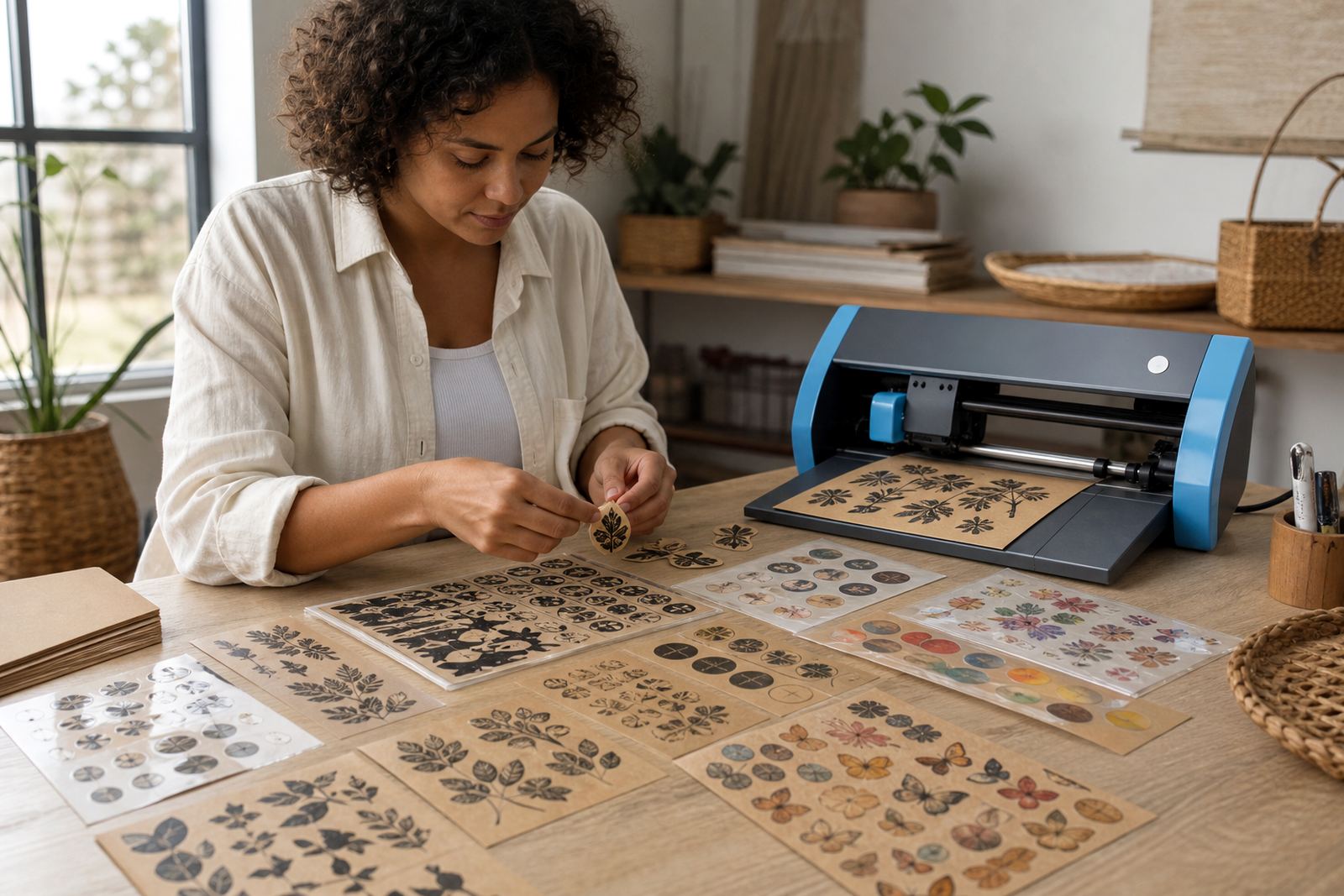
Home makers often use sticker paper for storage jars, school books, spice tins, gift tags, candle labels and small business packaging. Matte works well where people may write on the label later. Gloss suits gift stickers and bright decorative pieces. Clear is useful when you want the surface underneath to show through, while kraft gives a hand finished feel for seeded packets, jars and rustic gifts. Vinyl can suit items that are touched often and need a tougher face.

The right choice depends on the surface, the room it will sit in and how much handling it will get. A laundry label, a pantry label and a gift seal do not need the same finish. Matching the sheet to the task usually gives a cleaner result and less waste on the day.

Storage, application and the last few careful steps

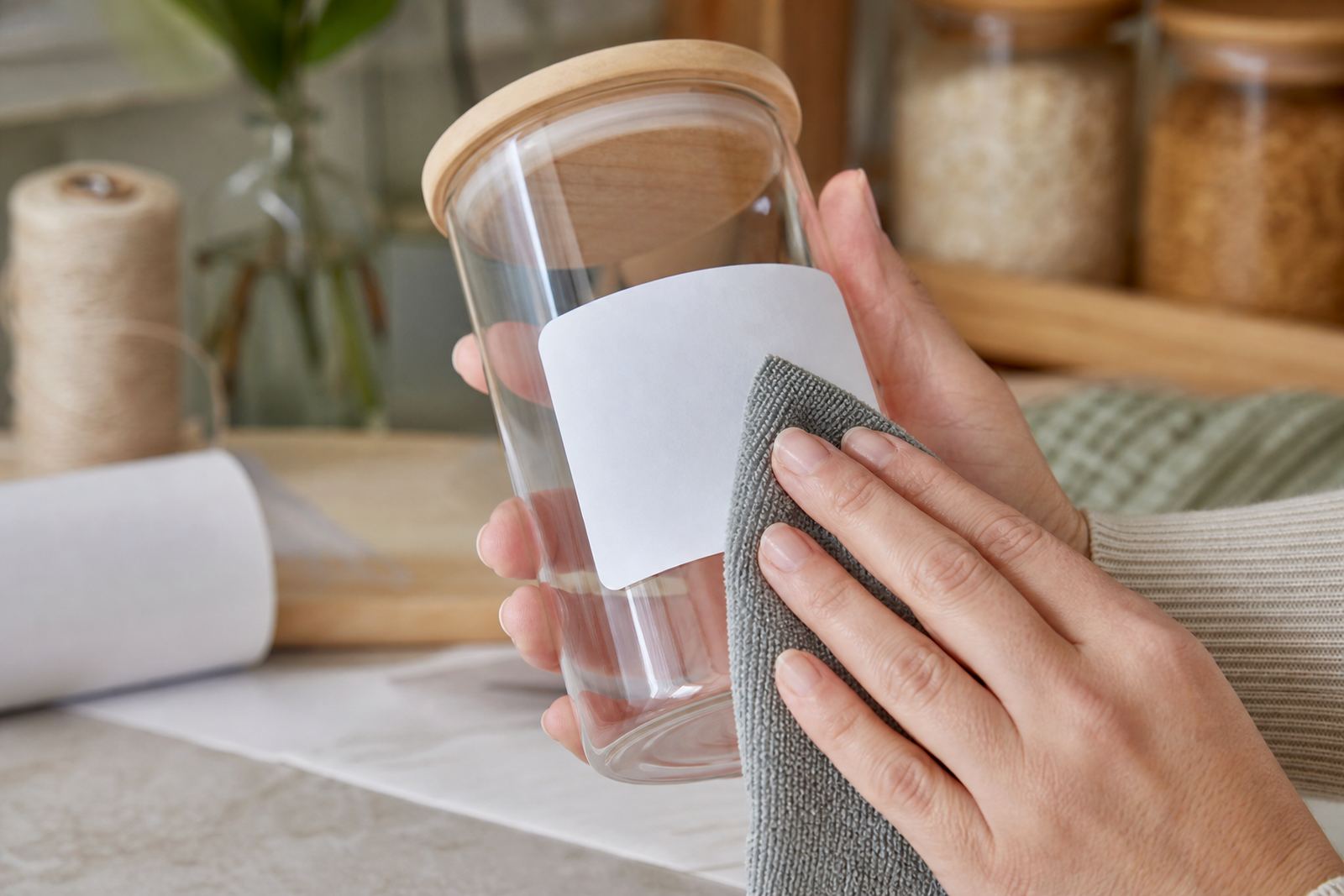
Sticker paper lasts better when it is kept flat, dry and away from direct sun. A closed pack or storage sleeve helps protect the adhesive face and keeps the sheets easy to feed. When applying a sticker, start at one edge and smooth it down slowly so air bubbles do not trap under the surface. A firm wipe with the palm or a soft cloth can help it settle neatly.

If you are applying on glass, plastic or coated containers, make sure the surface is clean and dry first. On textured or curved items the edges may need extra pressing. For craft rooms and home offices in and around Cape Town, Johannesburg, Durban, Pretoria, Bloemfontein, Stellenbosch and Paarl, a little care in storage and application makes a real difference to the final finish.

Questions we get asked

Which sticker paper finish is easiest for beginner crafters?

Matte is usually the easiest starting point because it gives a calm finish, takes writing well and suits many everyday labels.

Can printable sticker paper work in both inkjet and laser printers?

Only when the sheet is made for that printer type. Inkjet and laser papers are built differently, so matching the sheet to the printer matters.

Is it better to cut sticker paper by hand or with a craft cutter?

Both methods work well. Hand cutting suits simple shapes and small projects, while a craft cutter helps with repeated shapes and detailed edges.

Need Sticker Paper help? Message the team

Contact form