

Choosing the right sheet for the job
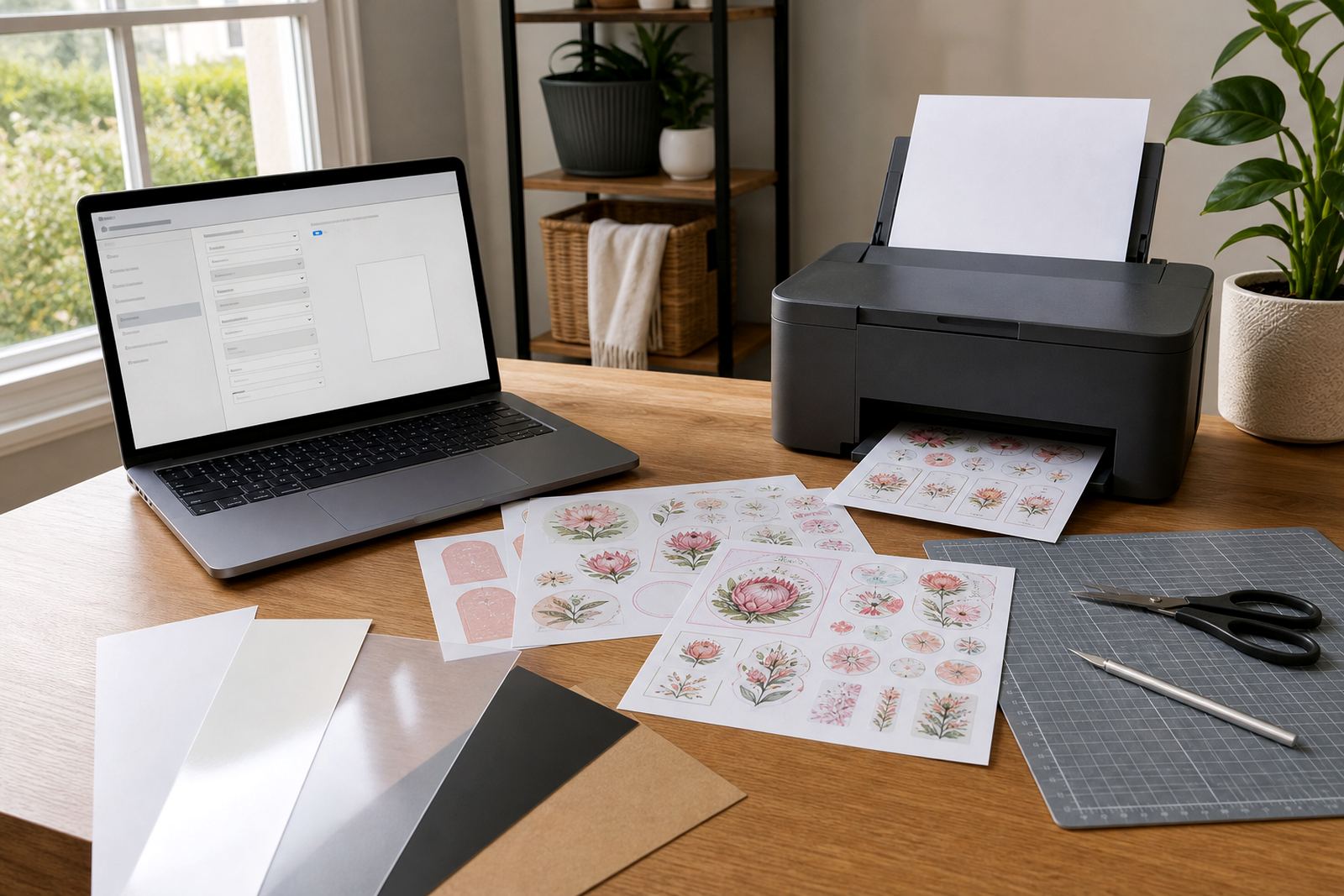
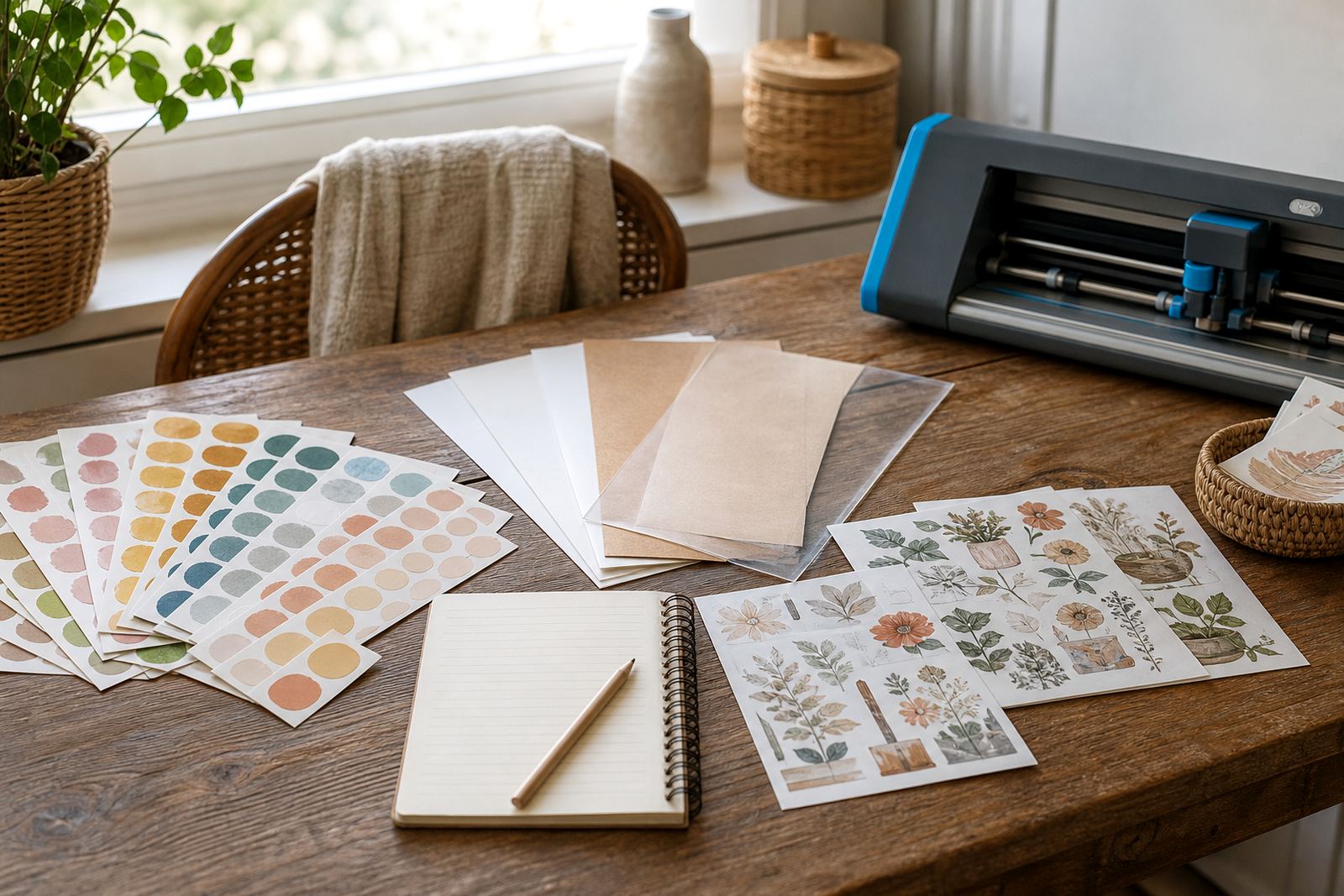
Different projects call for different finishes. Matte works well for notes, pantry labels and calm coloured artwork, while gloss gives brighter colour and a slicker look for jars, gifts and décor pieces. Clear sheets suit see-through effects on glass or smooth containers, vinyl is useful where a stronger surface is needed, and kraft gives a warm paper look for homely labels and craft packs.
If you are printing at home in Durbanville or sending a project to family in Johannesburg, the easiest way to choose is to match the finish to the surface and the look you want. Matte is often the easiest for handwriting, while gloss and clear show off detailed images more clearly. Kraft can soften a design and works well when you want a less polished finish.
Inkjet and laser printing without the guesswork
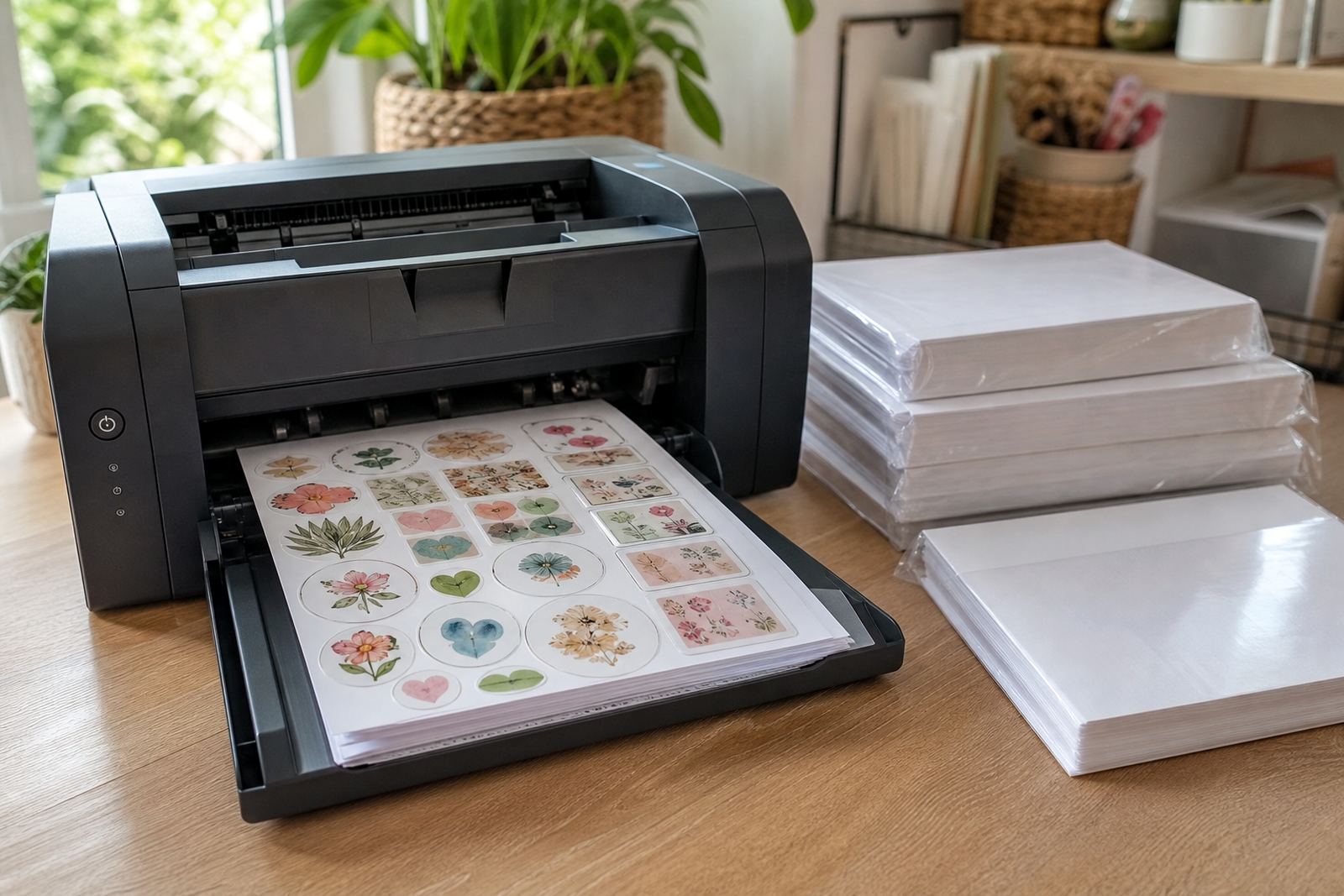
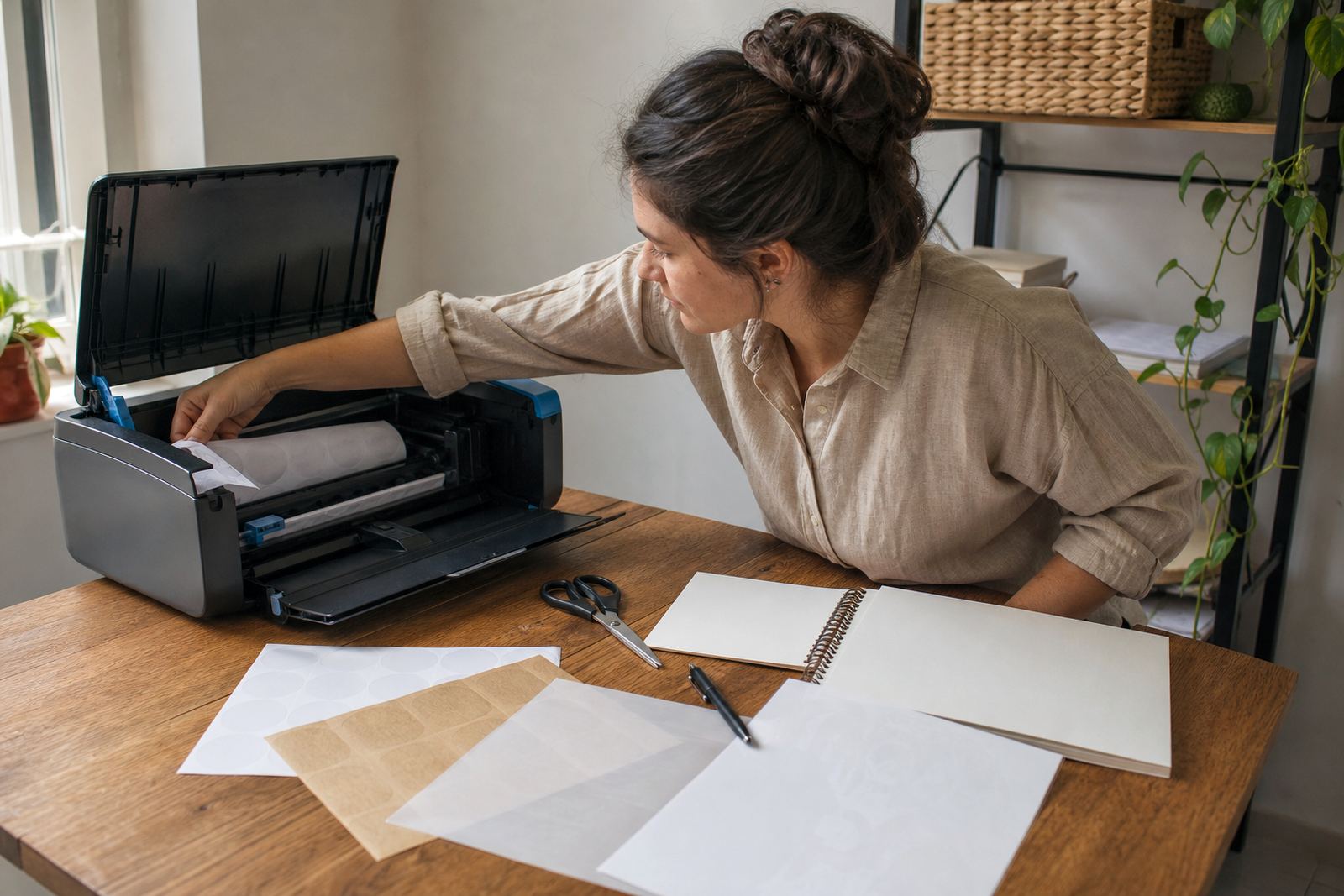
Printable sticker paper must match the printer type. Inkjet sheets are made to take liquid ink that dries into the surface, while laser sheets are made for heat-based toner. Using the wrong sheet can lead to smudging, poor adhesion or a finish that looks uneven.
- Check whether the sheet is marked for inkjet or laser use before loading it.
- Feed the paper one sheet at a time if your printer tends to slip or jam.
- Use the print settings that suit the paper weight and finish.
- Allow printed sheets to dry fully before cutting or stacking them.
For colour work, a test print on plain paper can help you judge layout and size before using a full sticker sheet. That small step saves material and helps keep the print aligned, especially on longer runs for home organising or gift labels.
Getting cleaner colour on the first pass
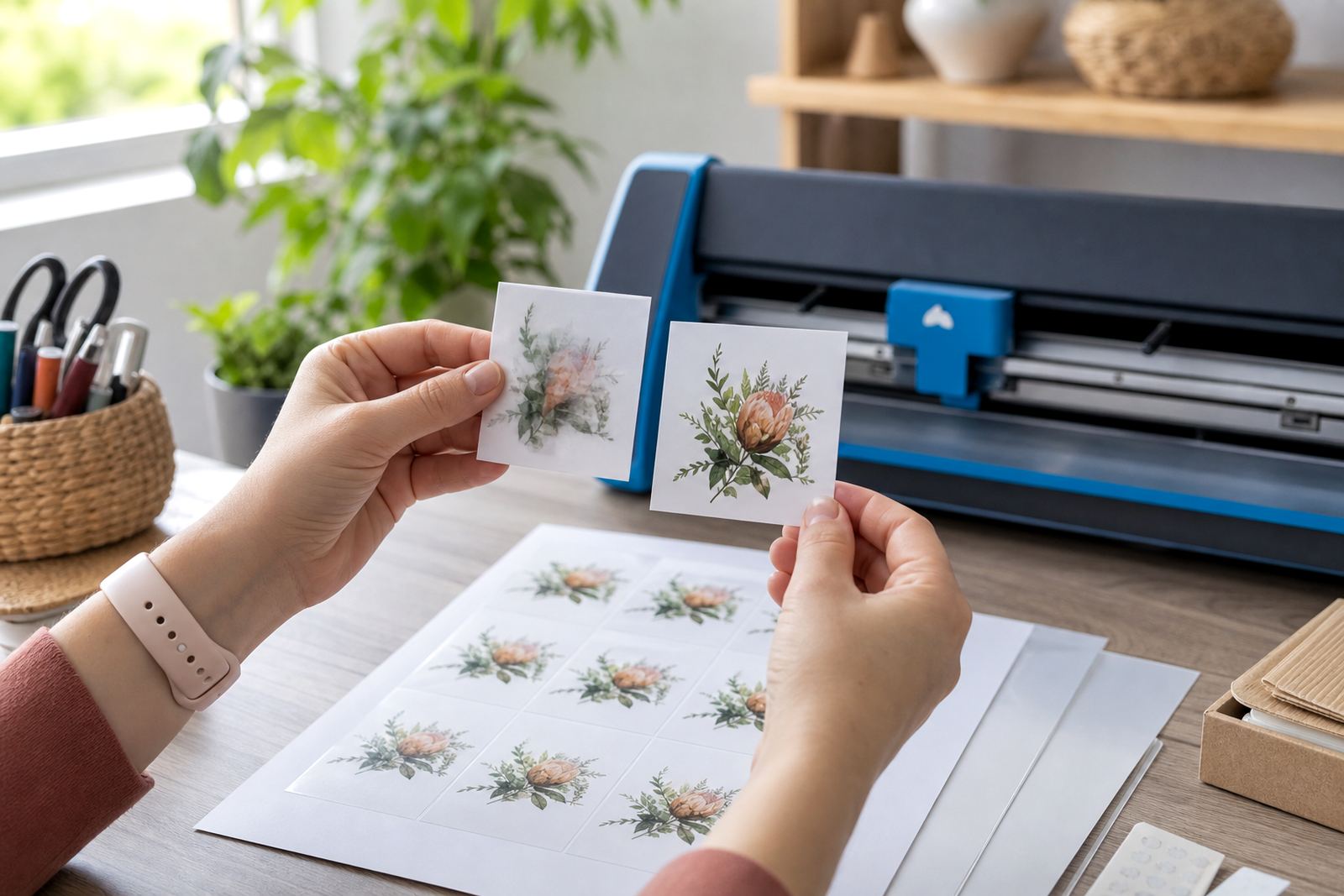
Colour on sticker paper can shift slightly from screen to paper, so it helps to test one sheet before printing a stack. Soft colours may print lighter than expected, while strong reds, blues and dark greens can look heavier on gloss surfaces. A test page also helps you spot margins, scale and any printer banding before the full job starts.
- Print a sample with borders, text and a photo if needed.
- Check the image size against the final jar or box.
- Use a clean paper path so dust does not mark the sheet.
- Keep the printer tray neat, because curled edges can cause feeding issues.
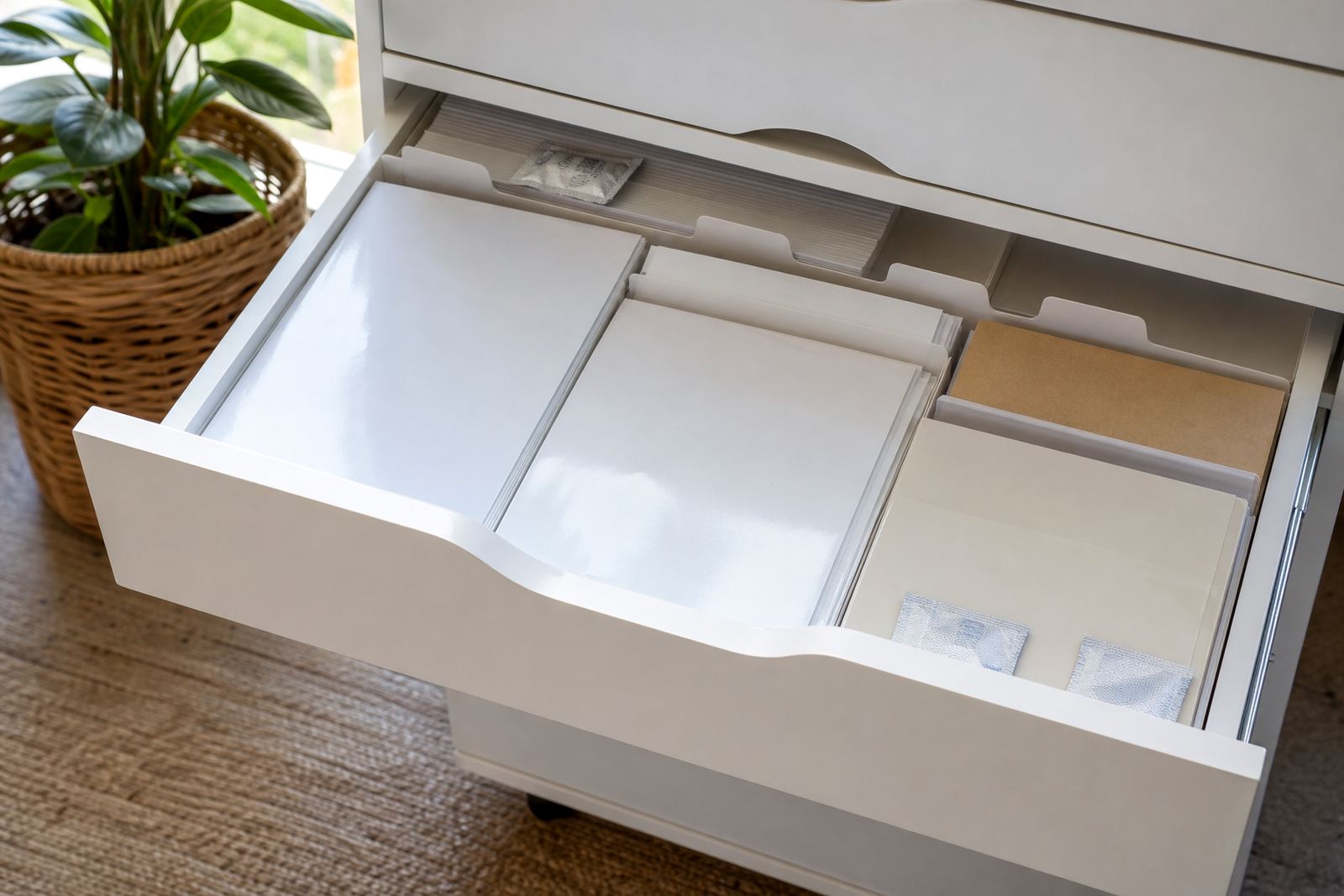
Homes in coastal areas such as Durban and Cape Town often deal with more humidity, so stored sheets may absorb a little moisture if left open. Keep packs flat in a dry cupboard and avoid leaving them near windows, kitchens or bathrooms where steam builds up.
Cutting by hand or with a craft cutter
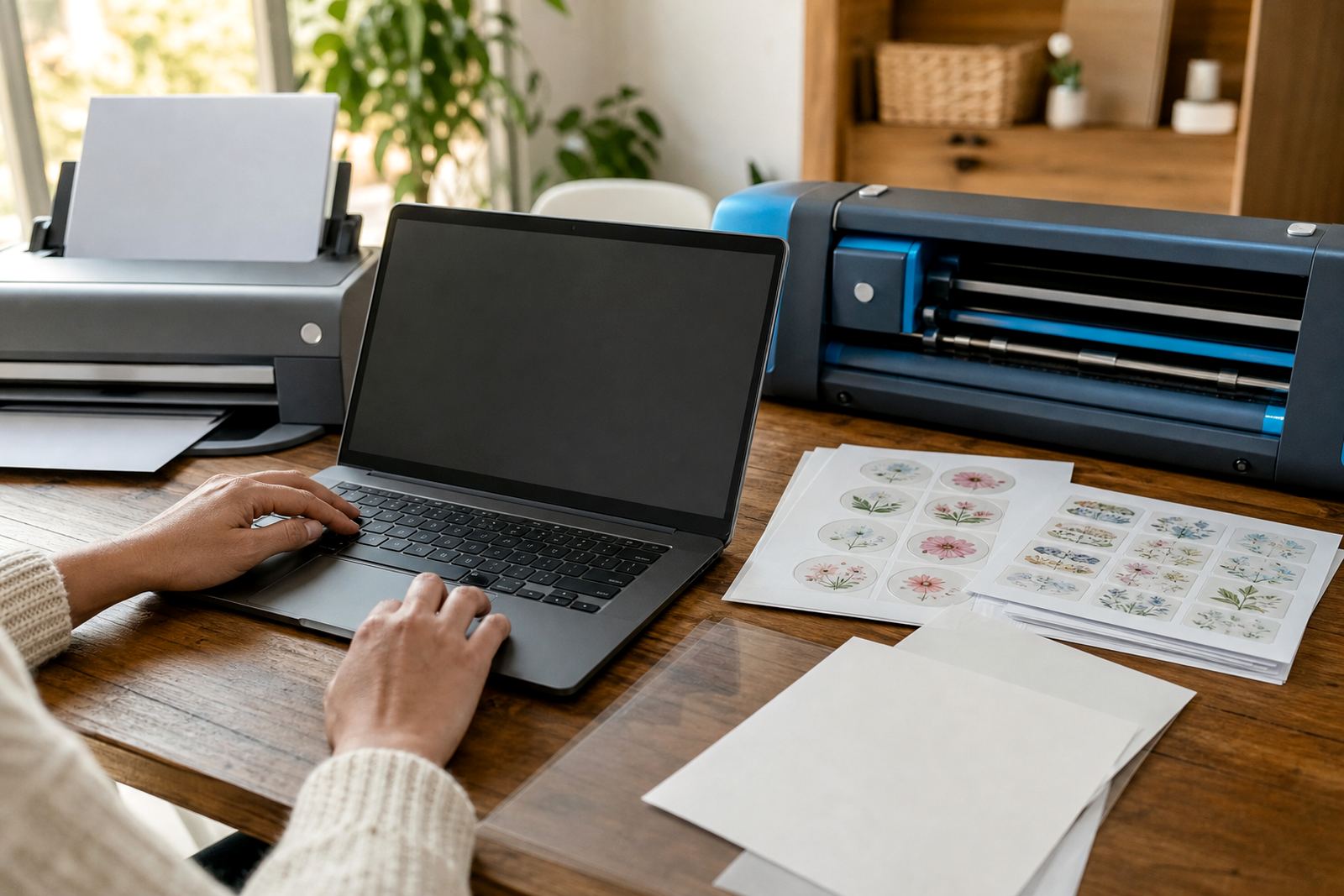
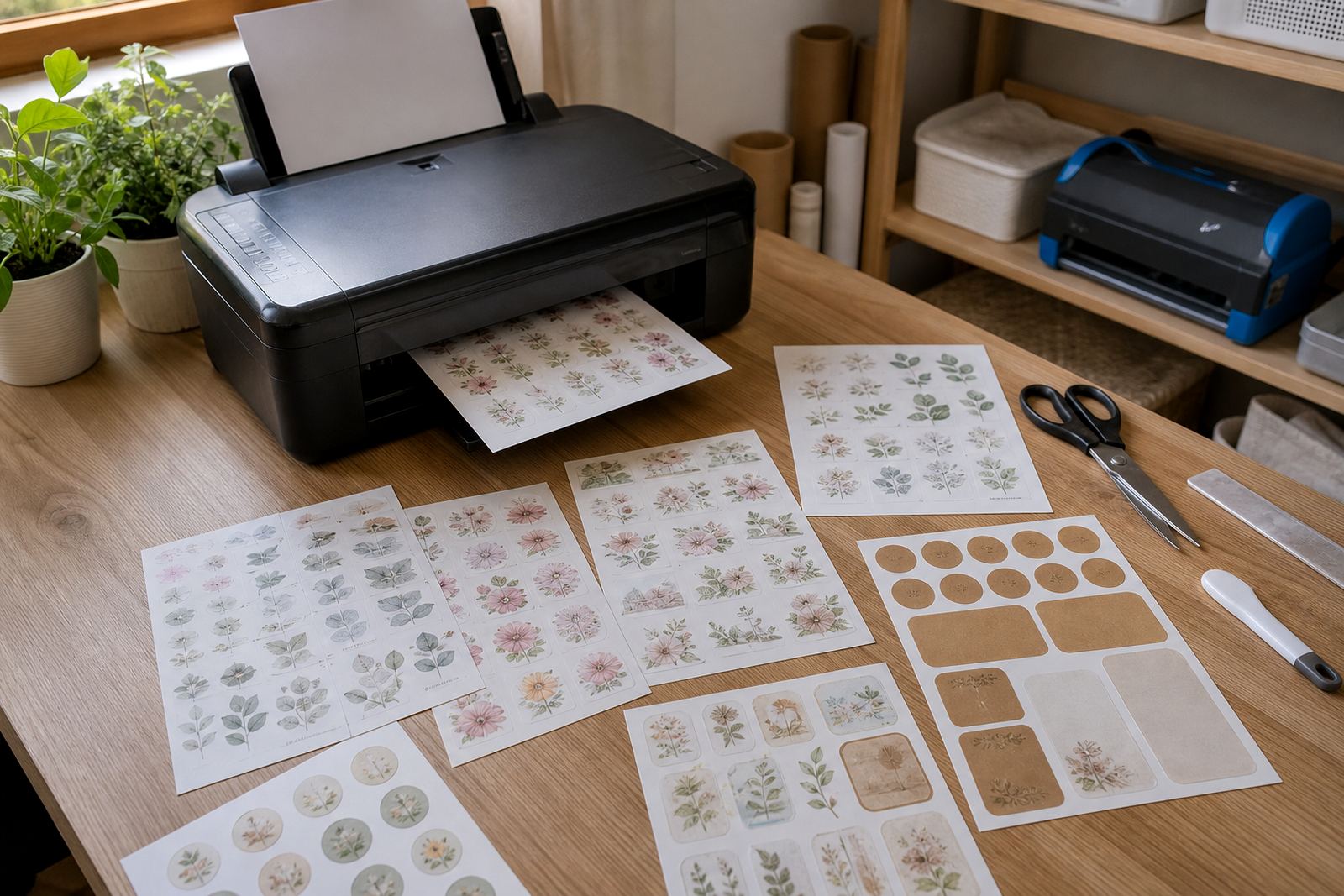
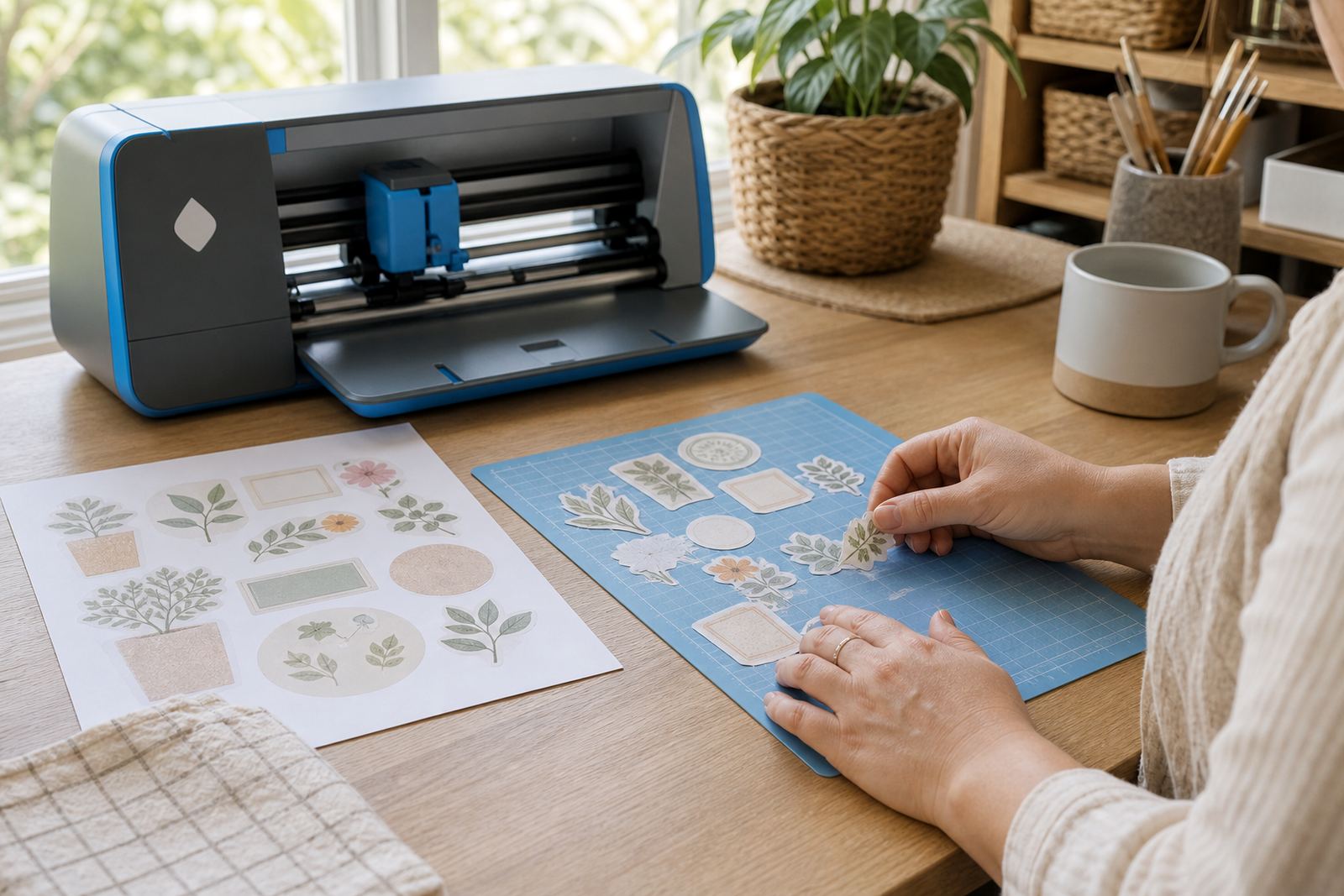
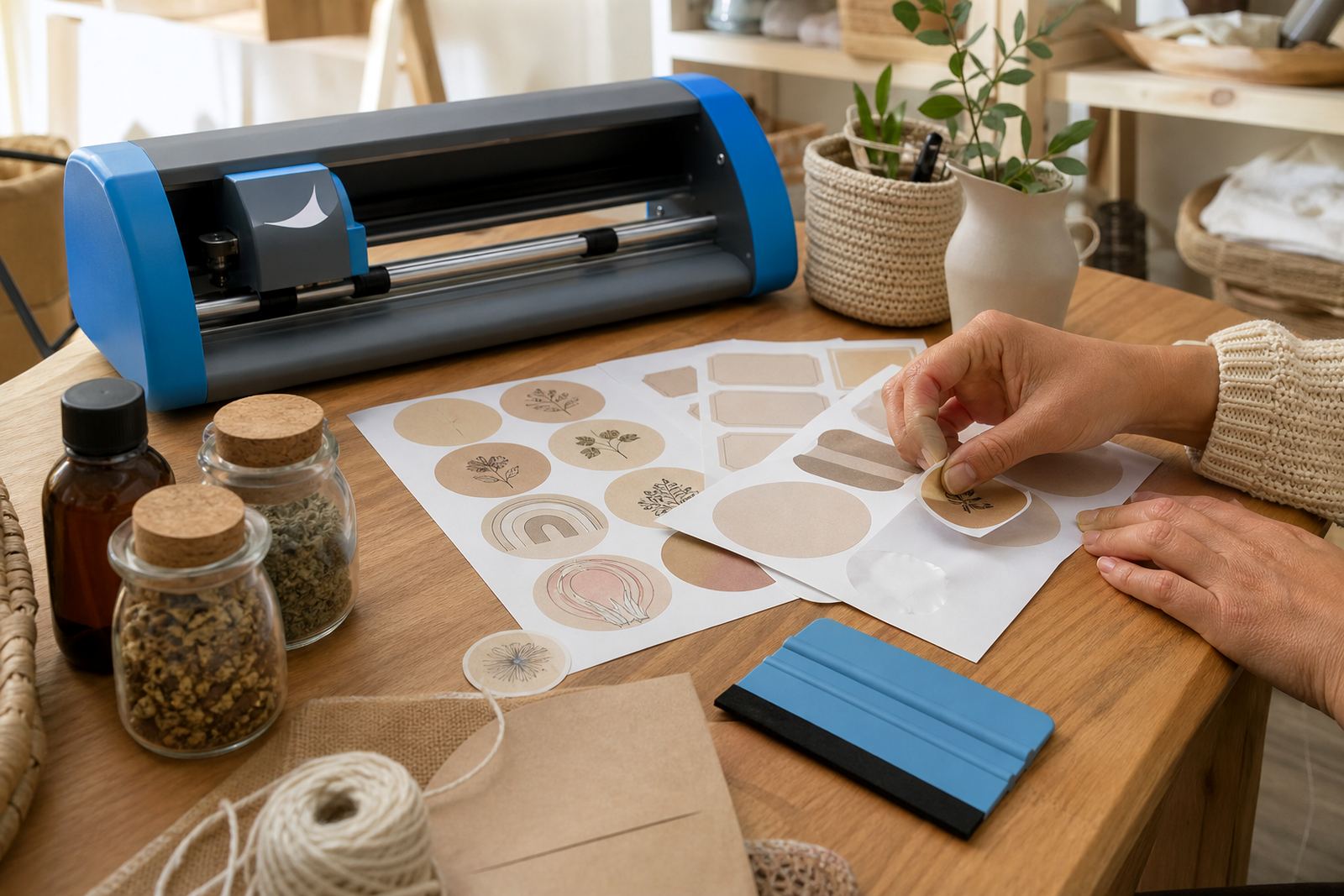
Sticker paper can be cut neatly by hand with scissors or a craft knife, or by using a craft cutter for more detailed shapes. The best method depends on the shape, the number of labels and how precise the edges need to be. For straight pantry labels, hand cutting is usually enough. For circles, names or decorative shapes, a craft cutter gives a cleaner edge.
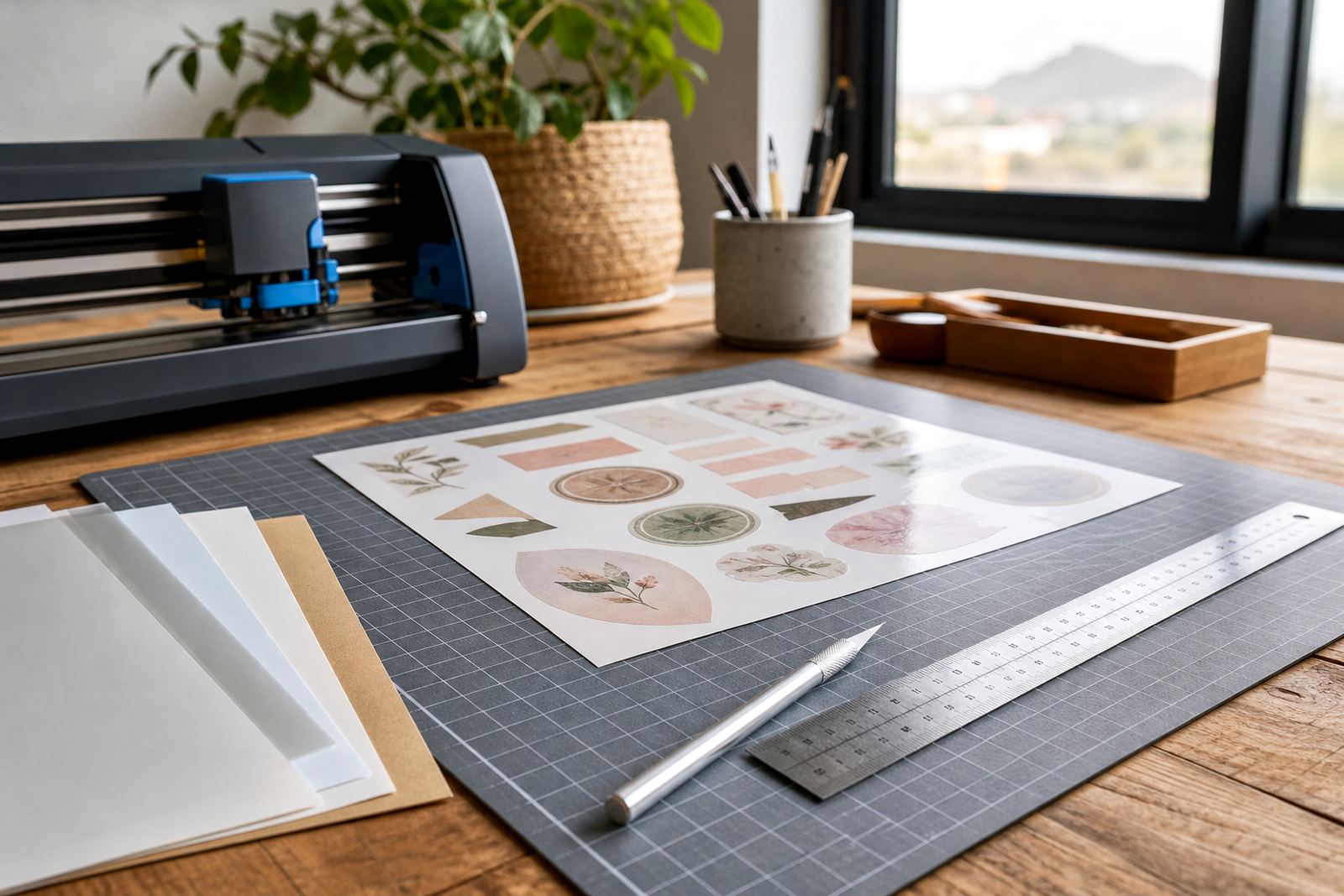
When cutting by hand, use a ruler and a sharp blade on a protected surface. For machine cutting, check the blade depth, mat grip and cut pressure before starting a full sheet. A small test cut helps you avoid cutting too deep and marking the backing sheet.
Keeping printed stickers neat after the job
Freshly printed sheets need a little care before they are handled a lot. Stack them flat, keep them out of direct sun and avoid rubbing the print before the ink has settled. If you are working in a busy kitchen or craft room, keep the printed sheets separate from cutting scraps so corners do not lift or bend.
- Store sheets in a dry, flat place away from heat.
- Do not place heavy books on top of fresh prints.
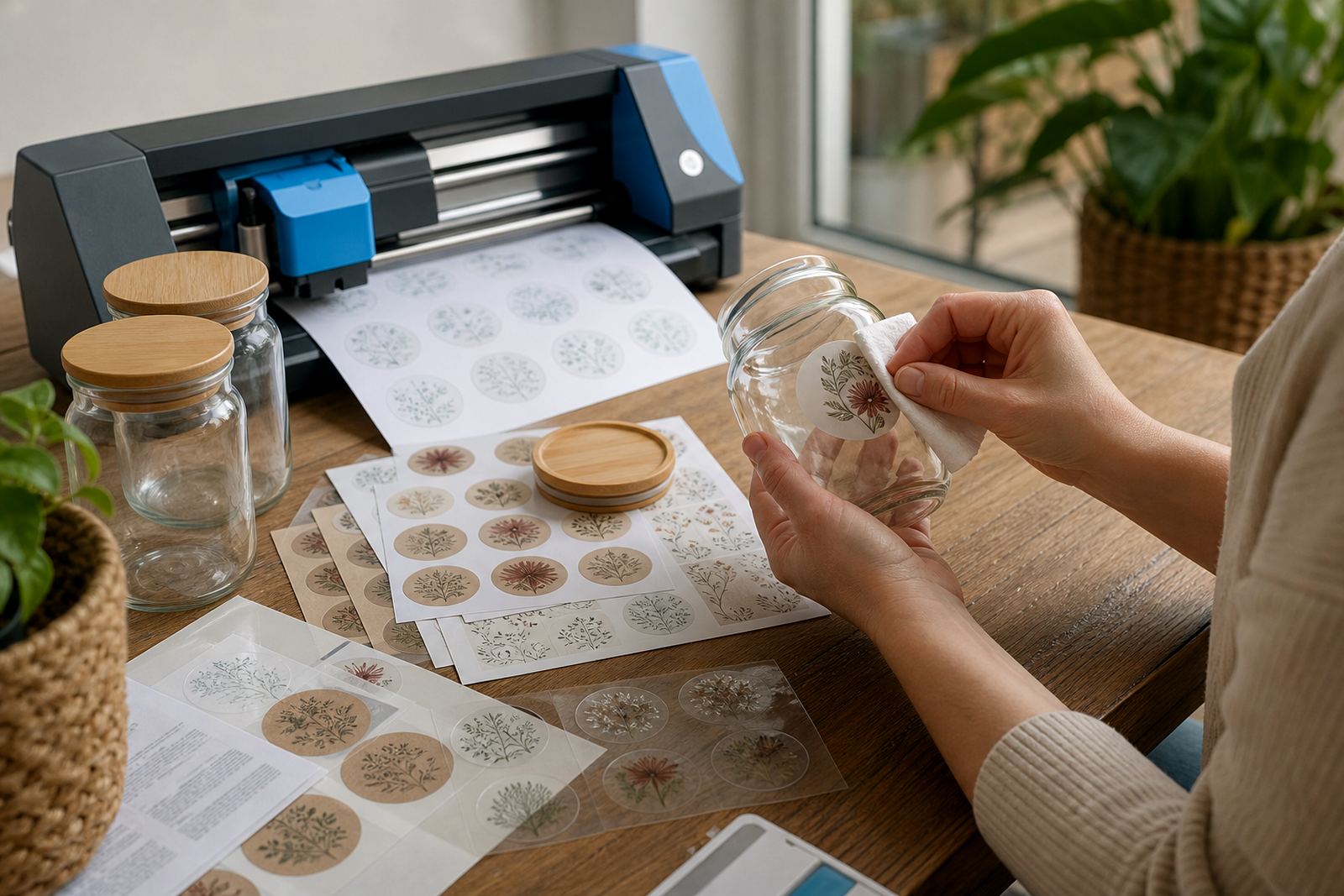
- Wipe surfaces before applying stickers to jars or boxes.
- Press the sticker from the centre outward to reduce bubbles.
For labels that will be handled often, stronger materials like vinyl may suit the task better than standard paper. The finish you pick matters as much as the print itself, and it can change how the sticker wears over time.
Support for home projects across South Africa
StickerPaper works with crafters and home makers who are printing in Durbanville, Cape Town, Stellenbosch, Paarl, Pretoria, Bloemfontein, Durban and Johannesburg. The help pages are written for everyday use, so the advice stays practical for pantry labels, school projects, gifts and small home systems. If a sheet curls, smudges or cuts badly, there is usually a straightforward reason in the paper type, printer setting or handling step.
Our team includes Morne van der Merwe, Anele Kekana, Bianca Februarie, Jason Zungu, Leandri Mthethwa and Themba Mabuza, all working from the Durbanville side of the business. The guidance here is meant to make home printing easier to manage, with enough detail to help you pick a sheet and finish the job neatly.