One full page for one clean layout
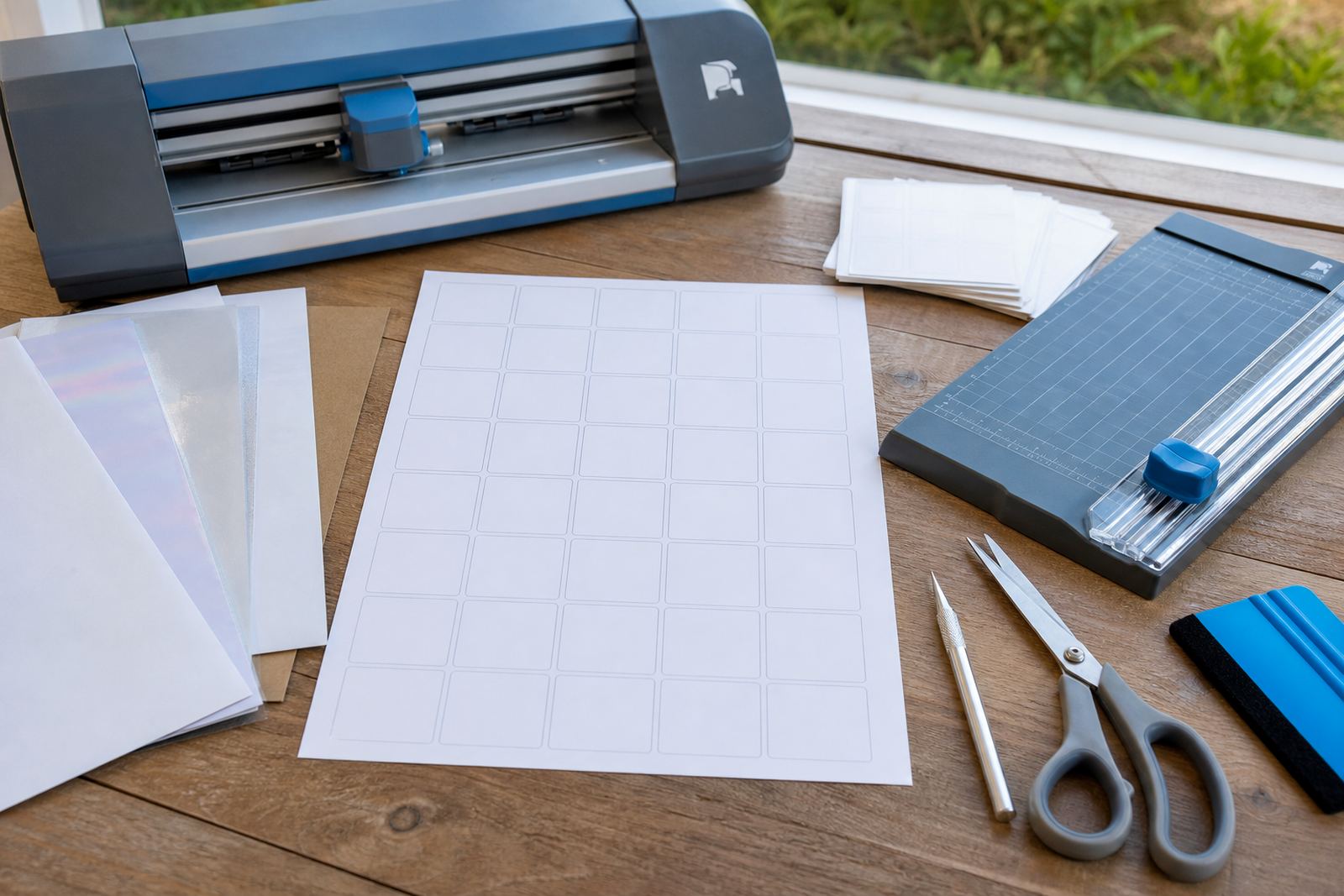
Full sheet sticker paper is supplied as a single printable label sheet, usually in A4 size, so you can place your own cut lines, shapes and text where you want them. That makes it useful when the artwork is irregular, when several different labels must share one page, or when a cutter needs a generous margin around each design.
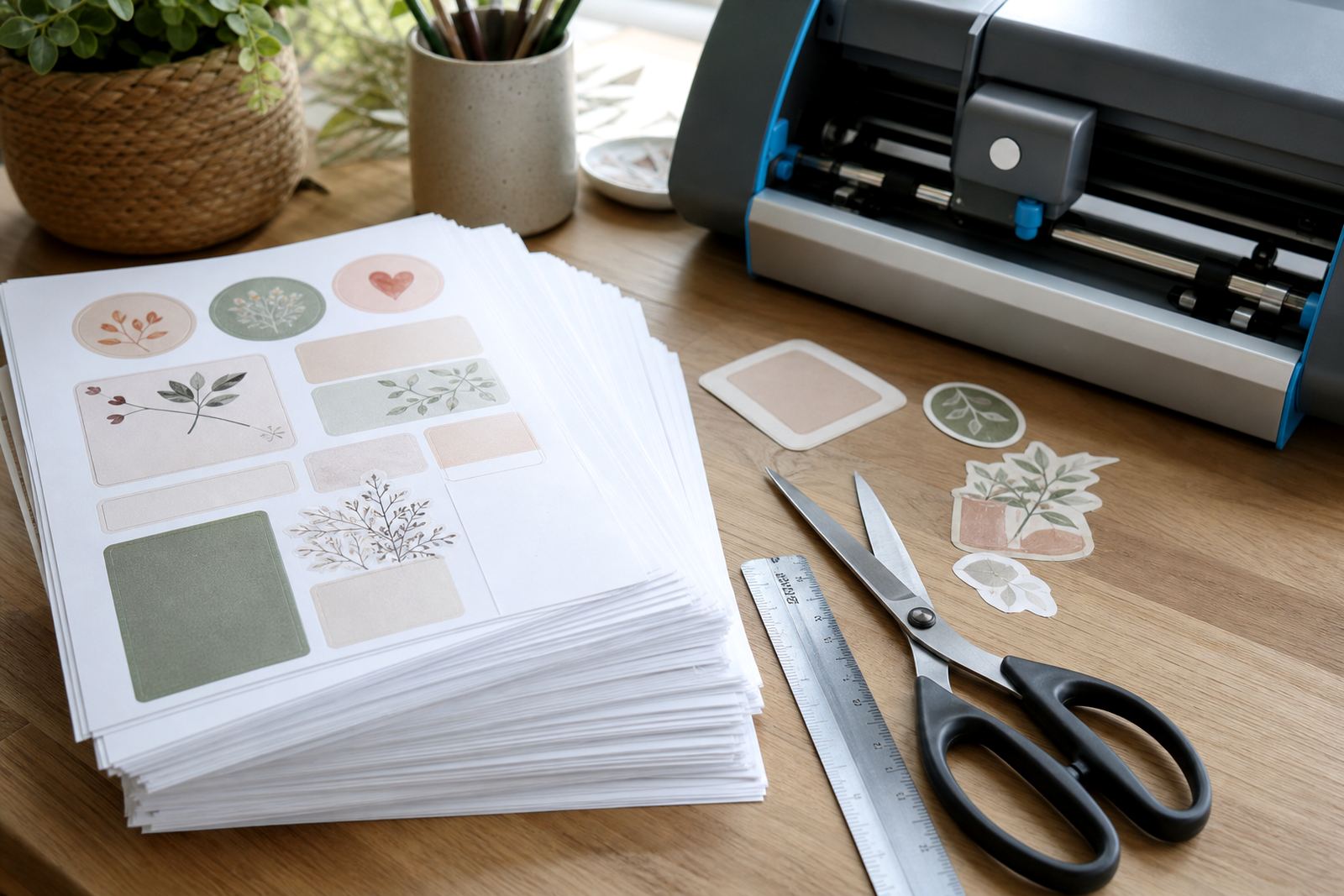
In practice, it suits address labels, pantry labels, jar tops, planner stickers, product samples and short runs of branded material. The sheet format also helps when you are testing colours and print placement because the whole page can be used without wasting space between small pieces. For neat results, keep a little border around the edge, especially on home printers that grip paper unevenly at the corners.
- Supplied as single sheets for flexible layout control
- Useful for labels, decals, craft art and short runs
- Works well for full page prints, then cut by hand or cutter
- Suitable for mixed shapes on one page
Finish choices for the look you want
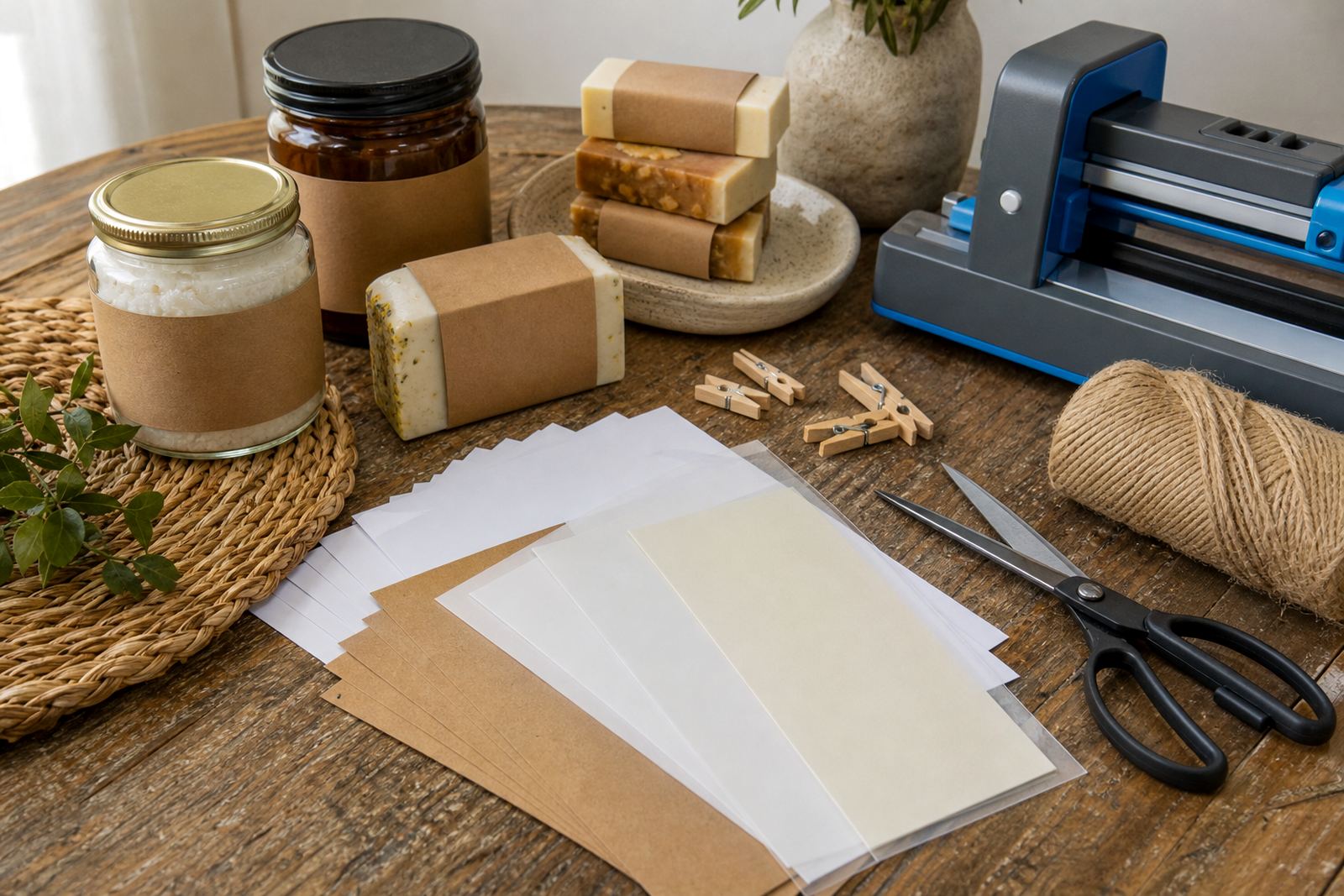
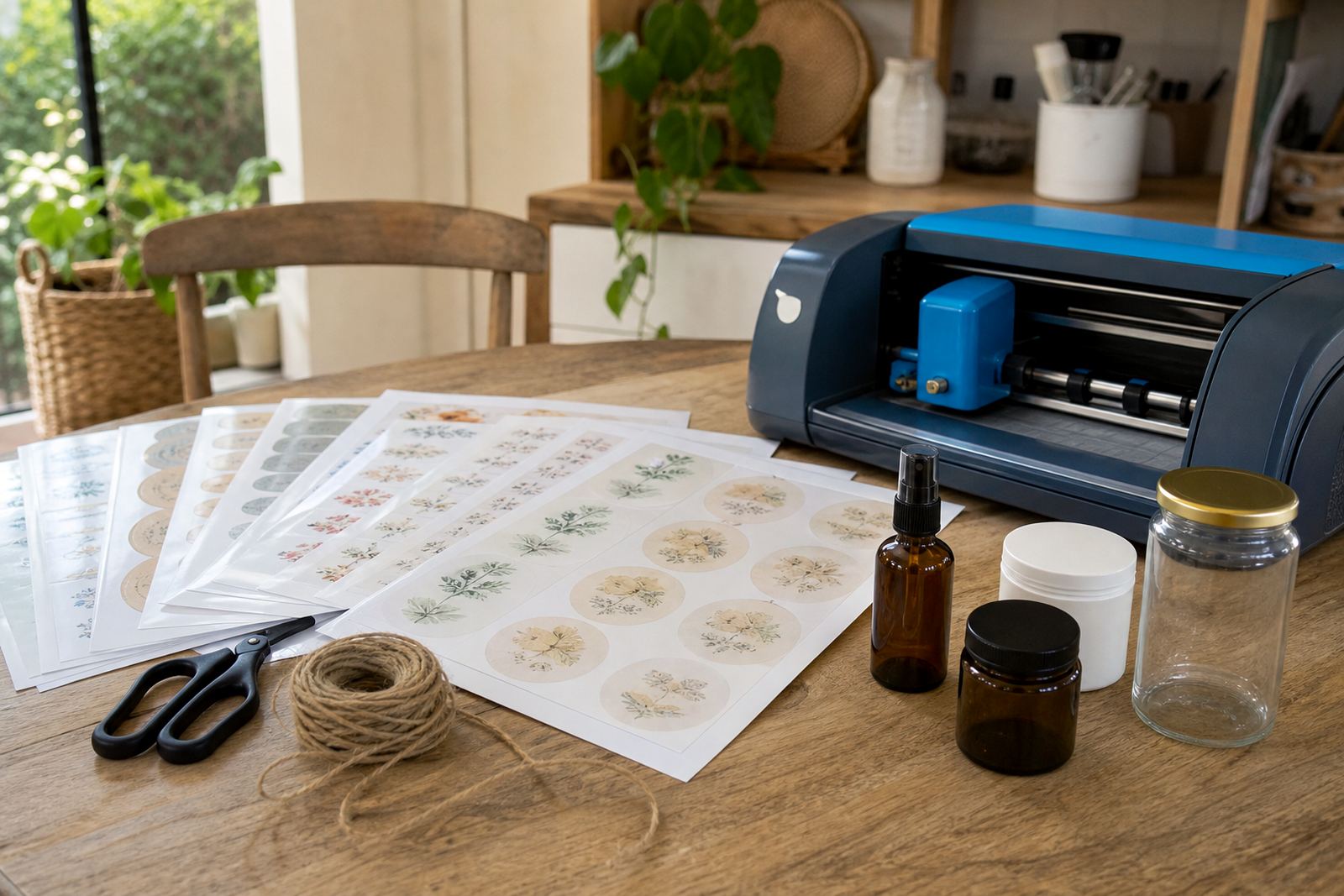
Matte, gloss, clear, vinyl and kraft finishes each behave a little differently on the page and in the final print. Matte gives a softer surface and is often easier to read for pantry labels, filing labels and planner inserts. Gloss reflects more light and can make colour blocks look brighter, which helps on gift stickers and decorative sheets. Clear stock is used when the background should show through, while vinyl suits tougher handling. Kraft gives a natural brown paper look for rustic labels and hand-made packaging.
Inkjet and laser compatibility matters here as well. Some papers are made for inkjet printers, where the ink sits and dries on the coating, while others are matched to laser printers, where heat is part of the process. Use the correct type for the printer in your work space, otherwise the print can smear, curl or fuse poorly. On coastal properties around Cape Town and Durban, keep unused sheets flat and sealed because humidity can affect curl and edge lift.
- Matte for readable labels and low glare
- Gloss for brighter colour and decorative work
- Clear for transparent effects and clean background reveal
- Vinyl for a tougher label surface
- Kraft for a natural paper finish
Where full sheets fit best in real projects
This format suits jobs where the design changes from sheet to sheet, or where you want to print a proof before committing to a cutter pass. It is a common choice for kitchen jars, school folders, storage tubs, home office files and gift packaging that needs a tidy, consistent label. Makers who sell at weekend markets often use full sheets for sample packs and limited runs because artwork can be adjusted without changing the material.
For cutting, the paper can be trimmed by hand with a craft knife, scissors or a craft cutter. If you are using a cutter, a clean mat and correct blade pressure help keep the edges crisp. Hand cutting works best on larger shapes, while a cutter gives cleaner corners for small text and repeated shapes. The sheet should lie flat while you print and while it dries, and it should be handled by the edges after printing to avoid marks on the surface.
- Kitchen and pantry labelling
- Storage tubs, school files and home office labels
- Gift tags, sample stickers and short product runs
- Print and cut artwork for mixed shapes
Handling, storage and surface care
Fresh prints need enough drying time before the sheet is stacked, cut or put into a folder. With inkjet prints, allow the ink to settle on the coating before touching the face of the sheet. With laser prints, let the page cool fully before trimming, especially on heavier stocks where the edges hold heat for longer. A clean, dust-free table helps prevent tiny marks on the adhesive face when you are working on a batch.
Store the sheets flat in their pack or in a sleeve, away from direct sun and damp walls. In humid areas, paper can curl at the edges and become harder to feed through a printer. If a sheet has been handled a lot, wipe the table before the next print run so the adhesive backing does not pick up fluff. When applying labels, press from the centre outward and avoid stretching the sheet across a curved jar or bottle neck.
- Allow printed sheets to dry or cool before cutting
- Keep packs flat and away from damp storage areas
- Handle printed faces by the edges only
- Smooth labels from the centre outward during application
Details to confirm before you order
Before placing an order, confirm the printer type, the finish you want and the sheet size that fits your layout. A4 is the standard choice for most home printers, but the weight and coating can affect feed consistency, so it helps to match the paper to your machine and your use case. If you are planning print-and-cut work, confirm whether the cutter needs registration marks and whether your artwork leaves enough margin around each shape.
It also helps to note the final use. A label that sits on a dry pantry jar has different needs from one used on a bottle, planner insert or outer packaging. If your project uses colour blocks, darker type or small fine text, mention that when asking for guidance so the finish can be matched to the job. For delivery across South Africa, including Cape Town, Johannesburg, Durban, Pretoria and Bloemfontein, keep the shipping address clear and include any access notes for estates, complexes or business parks.
- Printer type: inkjet or laser
- Finish: matte, gloss, clear, vinyl or kraft
- Sheet size and cut layout
- Use case: pantry, gift, file, jar or print-and-cut
- Delivery town and access notes if needed
Key facts
| Format | Full sheet printable sticker paper |
|---|---|
| Common size | A4 sheet |
| Finishes | Matte, gloss, clear, vinyl, kraft |
| Printer compatibility | Inkjet and laser options |
| Cutting methods | Hand cutting or craft cutter |
| Delivery | Across South Africa from Durbanville, Cape Town |