Start With the Sheet Type You Printed On
The finish on the sheet changes how it behaves under a blade. Matte paper usually cuts neatly with less drag, while gloss can feel slick and may show scuff marks if the blade is dull or the pressure is too high. Clear sheets need a careful eye on registration marks because the edges can be harder to see. Vinyl stock can hold a finer cut line, but it also shows overcutting more easily on small shapes. Kraft sheets tend to cut cleanly by hand, though the darker surface makes pencil marks easier to spot before you trim.
For inkjet and laser compatible stock, always cut after the print has dried or cooled properly. Freshly printed sheets can pick up marks if stacked too soon, and the surface can shift just enough to throw off neat edges. If you are working on labels for kitchen jars or home organisation, a tidy trim helps the final piece sit flatter and look more settled on the container.
Hand Cutting That Holds Its Shape
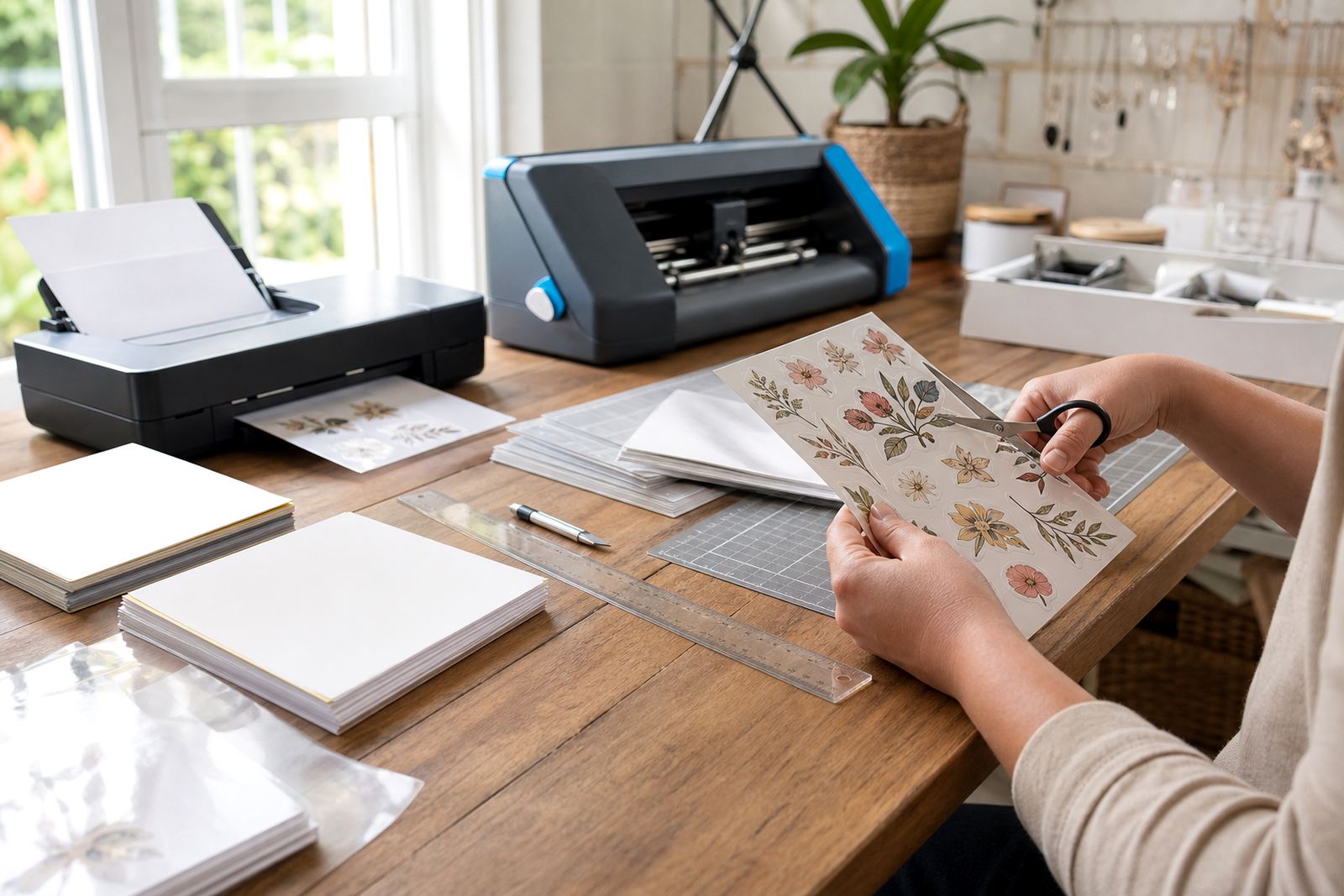
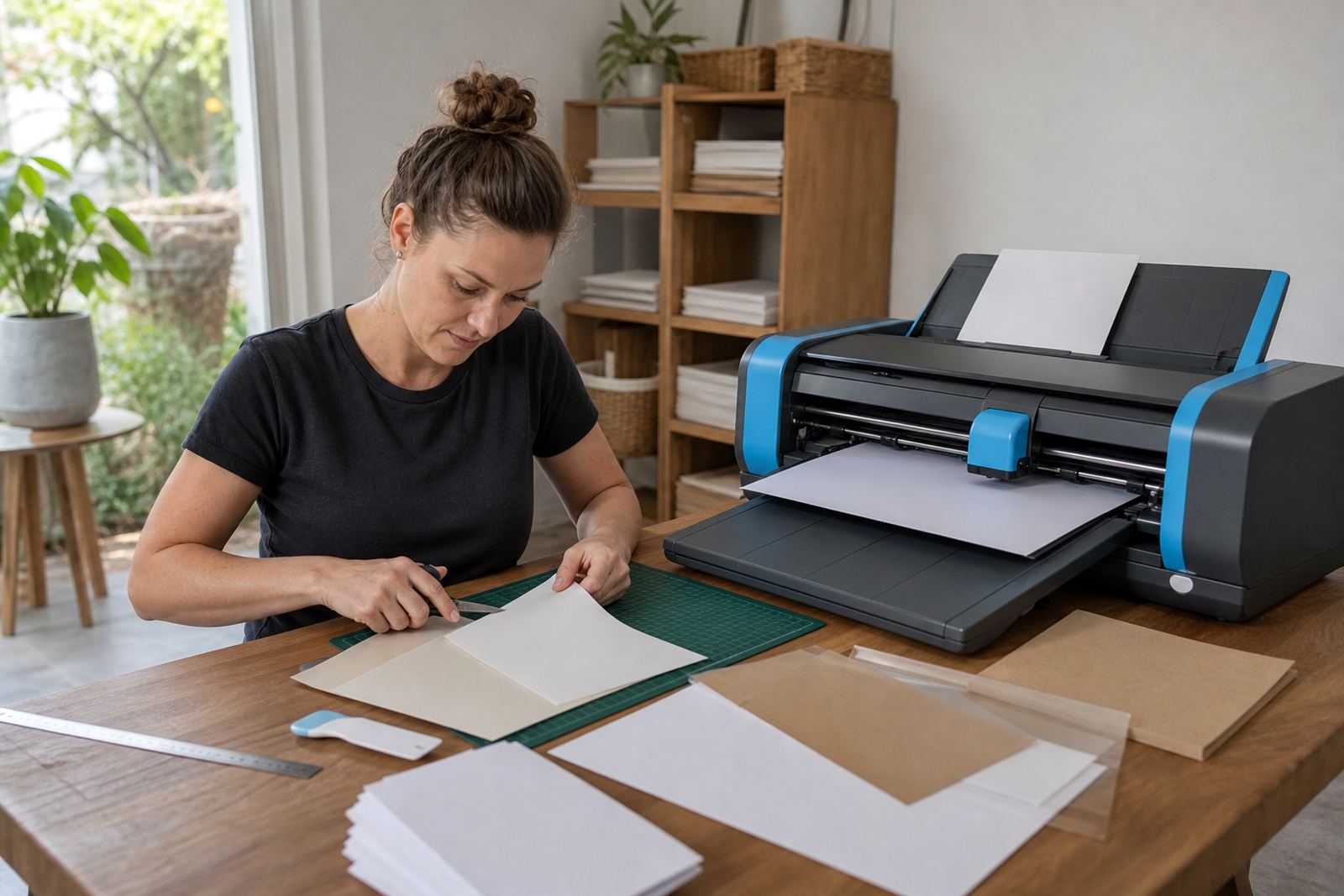
Hand cutting works well for single labels, test pieces and odd sizes that do not suit a machine mat. Use a sharp craft knife or fine scissors, and keep a cutting mat underneath so the sheet stays steady. A ruler with a firm edge helps on straight lines, especially for address labels, storage tags and small border trims. For rounded corners, cut past the corner in one smooth motion instead of nibbling at it, because small stops often leave a jagged edge.
- Score lightly first on thicker vinyl sheets if the shape is intricate.
- Rotate the paper, not your wrist, when following curves.
- Keep fingers clear of the blade path and press the sheet flat.
- Replace blunt blades before they start pulling fibres from the edge.
If you are making several matching labels, stack and cut only when the sheet type allows it. A layered cut can save time, but it also hides the line and can cause slips on smaller pieces. On glossy paper, a light pencil guide on the reverse side can help with awkward shapes.
Craft Cutter Settings That Save the Print
Craft cutters give the best results when the blade depth matches the stock, not the habit of using one setting for every sheet. Start with a small test cut on the corner of a spare sheet. If the backing is slicing through, reduce pressure or blade depth. If the design lifts with ragged edges, increase the cut in tiny steps rather than jumping to a heavy setting. That small change often matters more on clear and vinyl sheets than on matte paper.
Check that the mat is clean and grippy, because a sheet that shifts even a few millimetres can ruin a full page of labels. Use even roller pressure from the machine so the page enters flat. Where small shapes are involved, slow the cut path if your cutter allows it. Tight turns and tiny letters need a steadier pace, especially on printable sticker paper with a coated top layer.
Making Registration Marks Work Harder
If your cutter uses registration marks, place them with enough margin around the design and avoid crowding artwork too close to the border. Dark artwork on clear material needs extra care because the marks can be harder to read if the print area is too busy. Leave a plain border where possible, and avoid placing fine detail right up against the cut line. That gives the sensor a cleaner read and leaves a tidier edge around the finished piece.
For sheet sizes used in home organisation and gift making, a neat border also helps when trimming by hand after the cutter has done the main cut. Some makers prefer to do a light kiss cut and then trim the outer shape manually for better control. That can work well on stickers for pantry jars, school labels and folder tabs, where a slight edge gap looks better than a tight factory style border.
After-Cut Handling for Cleaner Edges
Once the sheet is cut, lift the pieces gently from the mat or backing paper. Pulling too fast can curl the corners or mark the adhesive edge. If a sheet has been left in a warm room or near a sunny window in Durban, Cape Town or Johannesburg, let it settle for a short while before you peel each shape free. The material behaves better when it is not soft from heat.
- Store cut sheets flat, not rolled or bent.
- Keep spare sheets in a dry cupboard away from damp.
- Use a squeegee or card to smooth labels onto a surface.
- Trim tiny join marks only after the piece is fully lifted.
If an edge looks fuzzy, do not force the label into place. Trim it again with a sharp blade and a clean ruler. A small correction is better than placing a crooked label on a jar, gift box or storage tub.
Fixing Common Cutting Problems Without Wasting the Sheet
Ragged edges usually point to a dull blade, too much pressure or a mat that has lost grip. Missed corners often mean the cut path is too fast for the design. If the cutter leaves tiny tags on curves, try a lighter pressure pass followed by a second test cut. With hand cutting, uneven edges often come from forcing a long stroke where a shorter one would be cleaner. Keep the pressure even and let the tool travel through the line rather than chop at it.
For clear sheet and vinyl sheet jobs, it helps to test a small offcut first. That gives you a sense of how the blade reacts to the finish before you cut a full page. On kraft stock, the darker tone can hide slight marks, but it also makes rough cuts easier to see in daylight, especially near a window or under a bright kitchen light.
When Your Labels Need a Different Cut Style
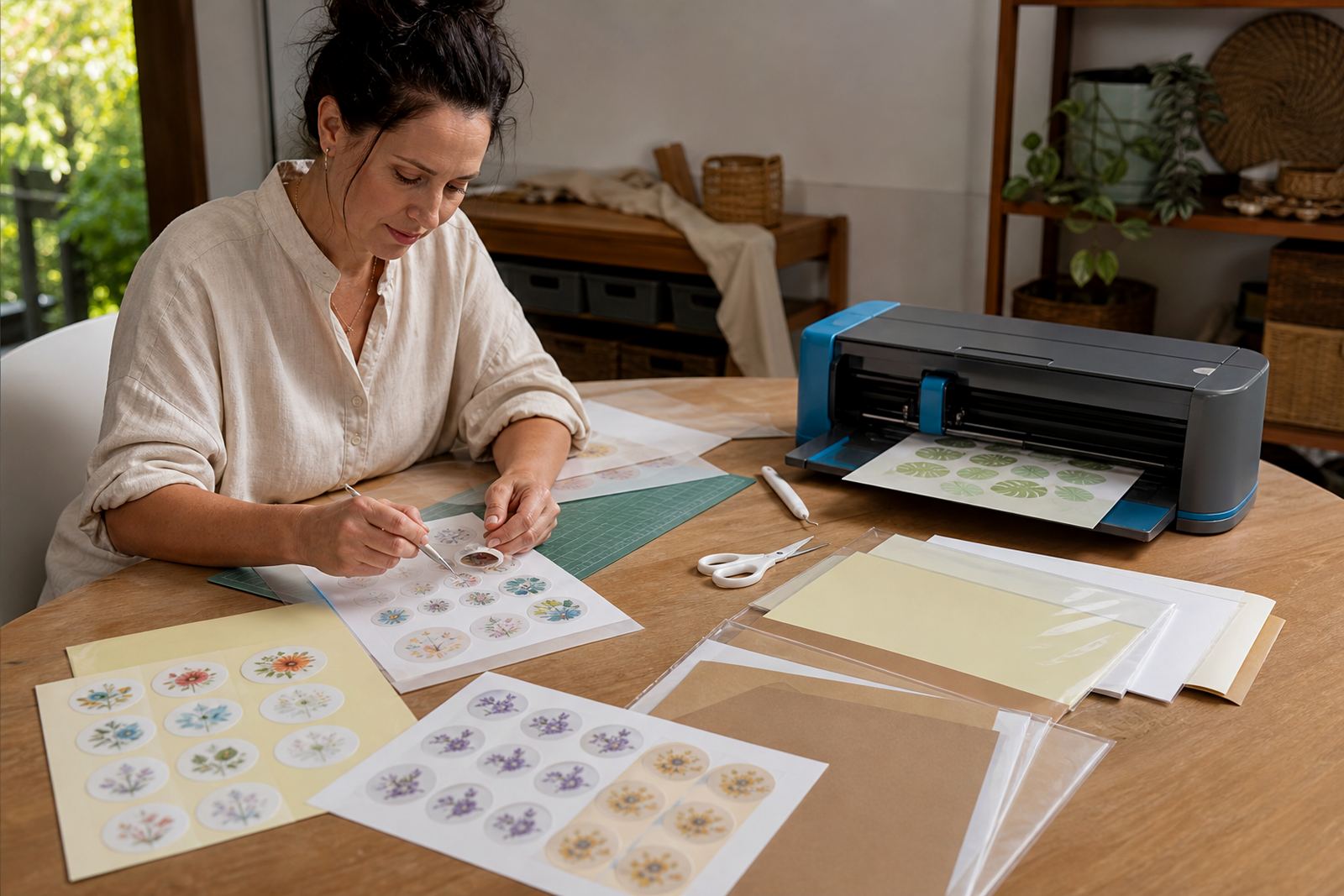
Some projects suit a full cut through the backing, while others work better as a kiss cut that leaves the sheet intact. Pantry labels, school item labels and craft packs often need easy peel edges, so the backing should stay in place until the label is removed. For sticker sheets that will be stored or posted flat, a cleaner outer border can make handling easier and reduce corner lift.
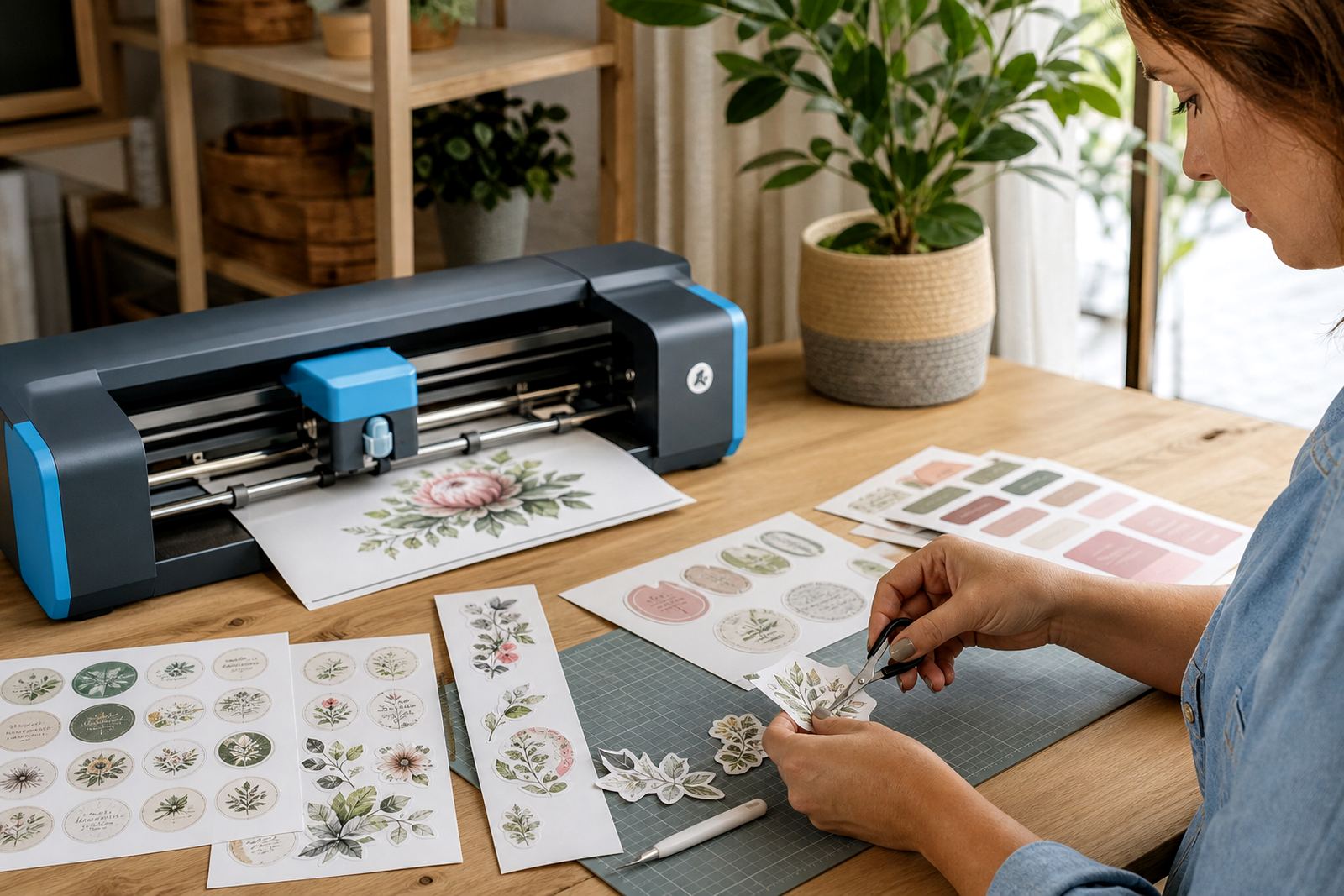
If you are unsure whether to hand cut or use a craft cutter, think about the shape first. Large squares, rectangles and simple circles are easy to trim by hand. Small text, detailed icons and layered designs usually sit better on a cutter because the line stays more consistent. Either method works well when the blade is sharp, the sheet is flat and the cut line matches the material.