Start With a Sheet That Lies Flat
A curled sheet is the quickest route to a crooked feed. Sticker paper can pick up moisture from a garage, kitchen shelf or open pack, and even a slight bow can make the rollers pull one side first. Before printing, press the sheet under a clean book or leave it in a flat stack for a short while so the paper settles.
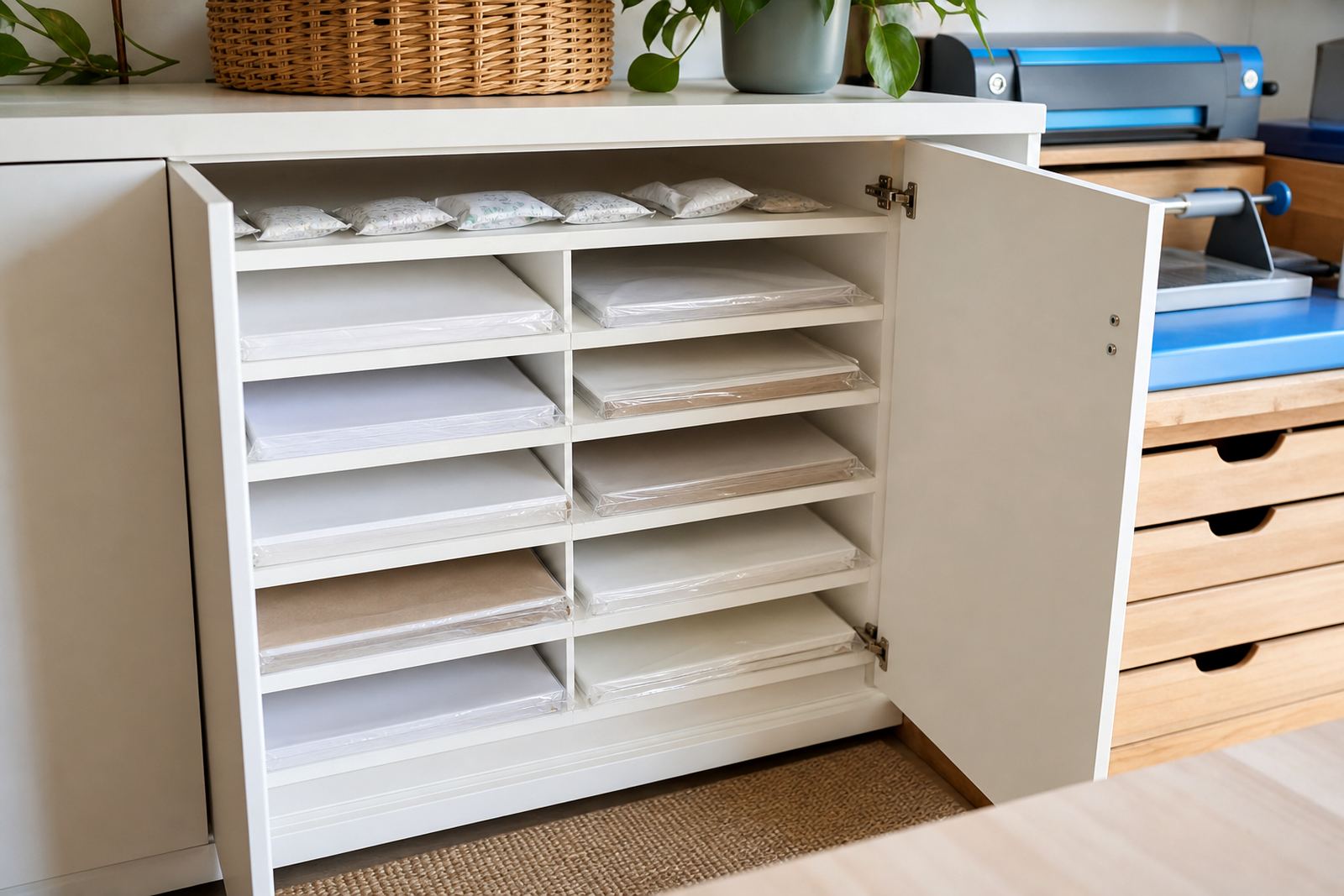
Keep the printed surface free of dust, fingerprints and trimming scraps. On clear and gloss sheets, a greasy mark can also show up in the final print. If you live near the coast, such as Durbanville and the wider Cape Town side, the air can carry enough moisture to lift edges a little, so storage in a dry room matters more than many people expect.
- Store sheets flat, not standing on edge.
- Keep packs away from damp floors and open windows.
- Remove bent outer sheets before loading.
- Fan the stack lightly if sheets cling together.
Match the Feed Path to the Paper Type
Different finishes behave differently as they move through a printer. Matte sheets usually glide more easily, while gloss, clear and vinyl can feel slicker under the rollers. Kraft stock is heavier in look and feel, so it benefits from careful feeding and a stable paper guide. The aim is to keep the sheet moving straight, not forced.
If your printer has a rear feed or a straighter paper path, use it for sticker stock where possible. That reduces bending through tight rollers and helps the sheet stay aligned. In a home office in Paarl or a craft room in Stellenbosch, a straight path can be the difference between a clean pass and a skewed first edge.
- Use the straightest feed option available on the machine.
- Set side guides snug, not tight.
- Load only a small stack unless the printer is built for more.
- Keep the leading edge square before inserting.
Inkjet and Laser Need Different Handling
Inkjet and laser printers treat sticker paper in different ways. Inkjet sheets need room for the ink to sit and dry on the surface, especially on gloss and clear stock. Laser printers use heat, so the sheet must suit that process and stay within the machine’s paper range. Feeding the wrong type can lead to smudging, curl or a rough finish.
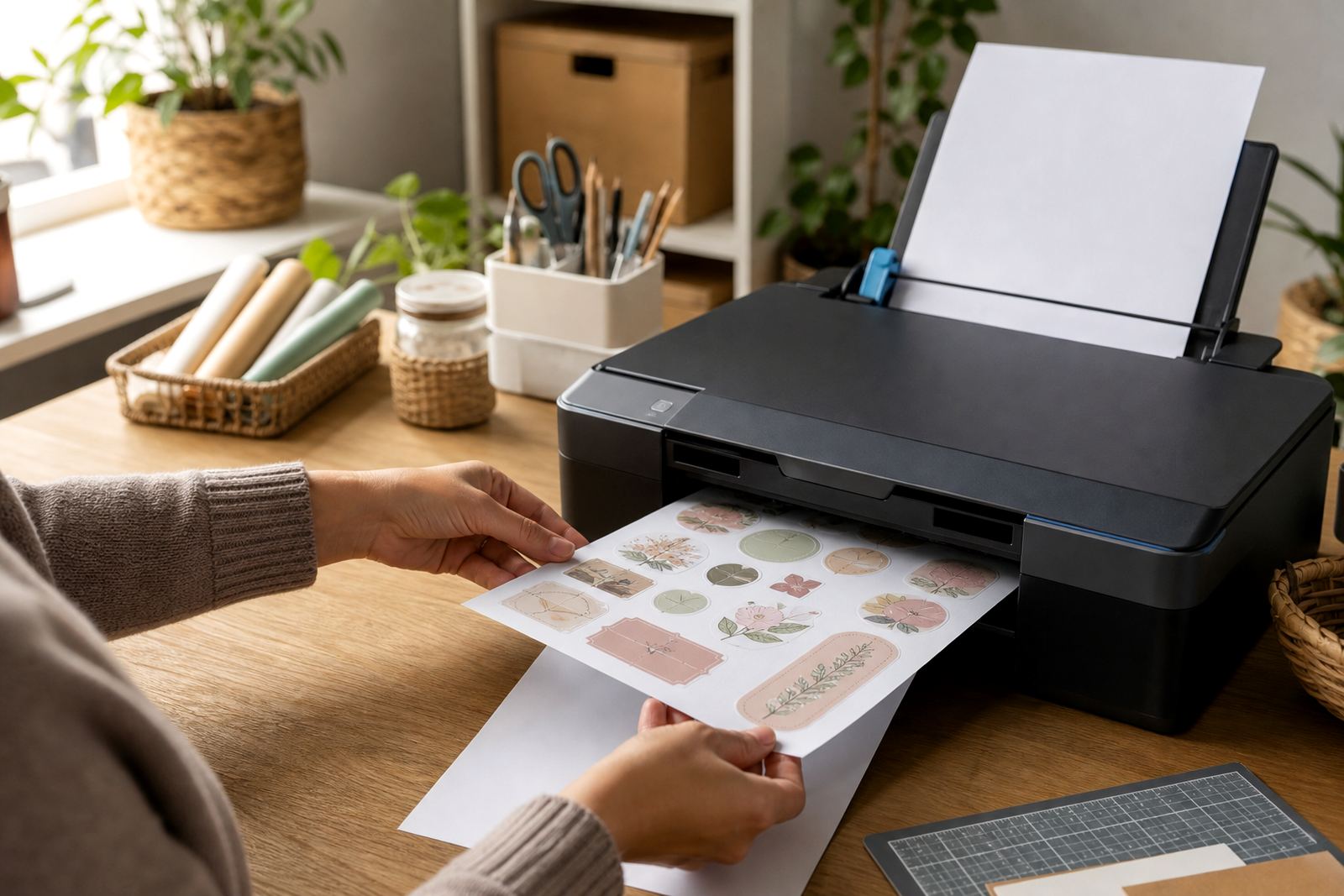
When printing at home, let the printer do one clear pass at a time. Do not overload the tray, and avoid mixing plain paper with sticker sheets in the same stack. A mixed pile can throw off the feed height and cause the top sheet to catch badly. That small detail matters when you are printing address labels, pantry stickers or craft cut-outs in Johannesburg or Pretoria where home projects often happen in batches over a weekend.
- Check that the sheet type suits the printer method.
- Do a single test sheet before a full run.
- Let ink dry before touching the print face.
- Keep laser stock away from sheets meant only for inkjet use.
How to Support the Sheet at the Tray
Feed support is not fancy, but it helps. If the sheet droops before it reaches the rollers, the printer can grab it unevenly. Support the stack with the tray guide and keep the front edge neat. If the tray overhangs, place the machine on a level surface so the sheet does not dip on entry.
For larger sheets, guide the first few centimetres by hand, then let the rollers take over. Avoid pushing hard, since that can send the sheet in crooked. Paper jams often begin with a tiny twist at the start. Once that twist is there, the printer has to work harder to straighten it out and sticker paper does not always forgive that.
- Keep the tray level on a firm table.
- Support long sheets until the rollers catch.
- Use the paper guides to stop sideways drift.
- Remove damaged edge sheets from the stack.
Hand Cutting, Craft Cutters and Clean Edges
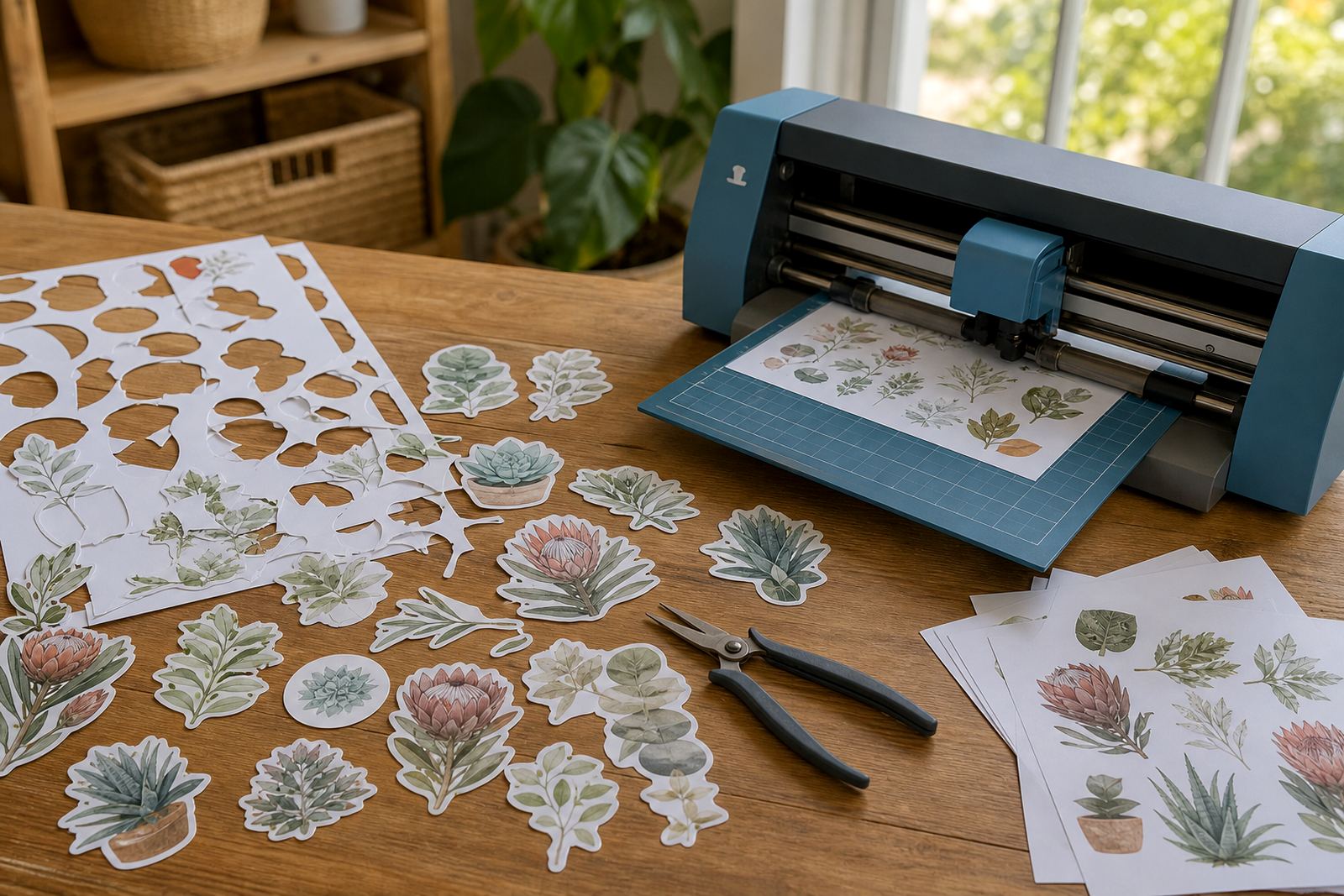
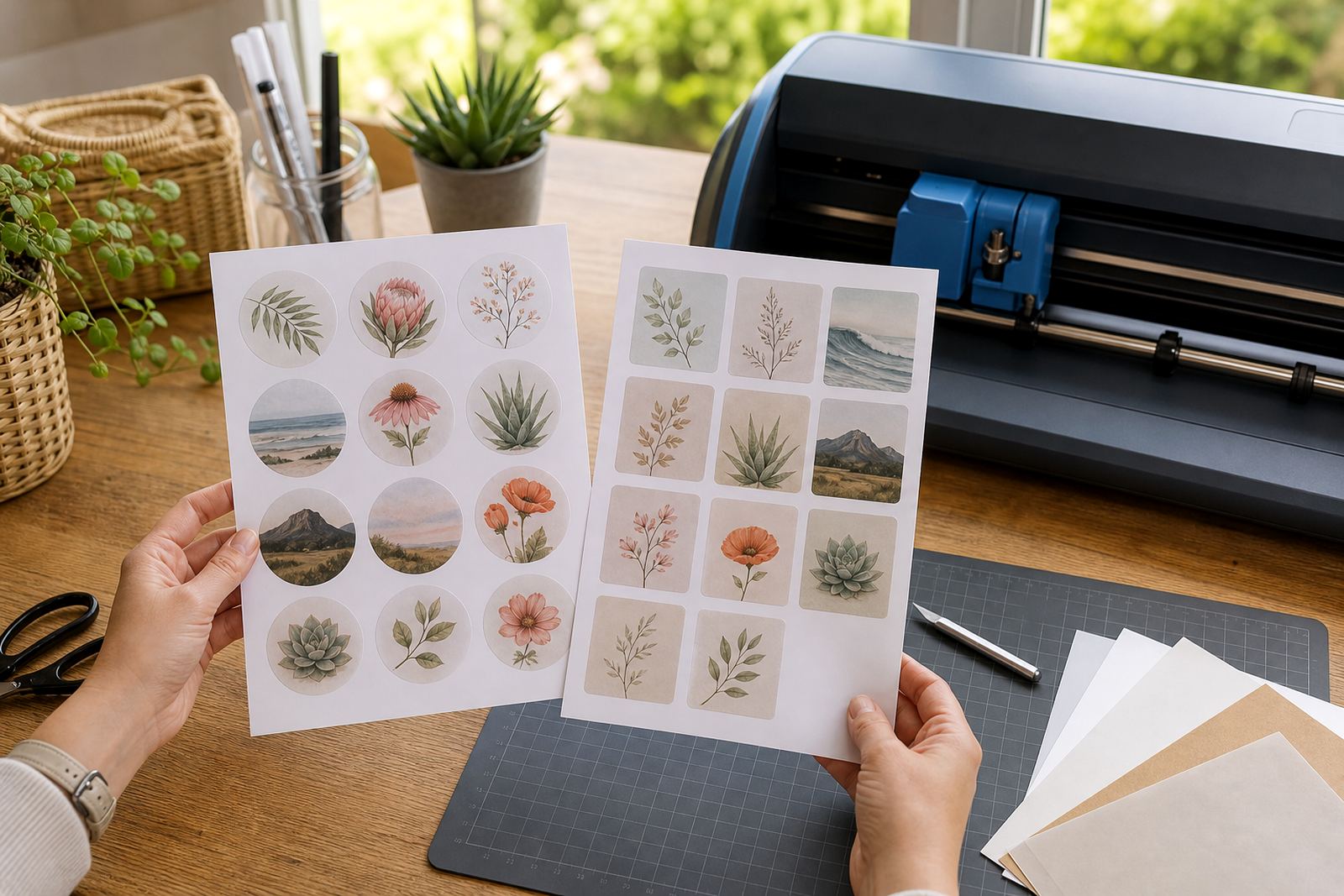
Feeding safely matters even when the next step is cutting. A sheet that enters straight gives you cleaner registration marks for a craft cutter and neater margins if you cut by hand. If the print is skewed, the cutter has to work around the error, and hand trimming becomes slower and less tidy.
After printing, let the sheet rest before cutting. That pause helps on inkjet jobs, and it gives the surface time to settle on gloss, clear and vinyl stock. Keep blades sharp, mats clean and fingers clear of the cutting line. For home makers in Bloemfontein or Durban, where craft work often moves between a table and a storage shelf, keeping the stack flat between steps helps more than people realise.
- Trim on a clean mat or cutting board.
- Use a sharp blade for small labels and shapes.
- Check registration marks before starting a cutter.
- Store finished sheets flat until use.
A Durbanville Example From a Home Kitchen Table
A local customer setting up labels for jars in Durbanville might print on matte sticker paper with a small inkjet machine on the kitchen table. The first few sheets feed well, then a slightly curled corner catches and the print shifts. The fix is usually simple: flatten the pack, square the guides, and load fewer sheets at a time. Once the feed path is steady, the labels line up properly and waste drops.
That same approach helps with clear sheet projects for gift tags or vinyl sheets for removable signs. The paper type changes, but the feeding rule stays the same. Keep the stack flat, keep the path clear and let the machine pull the sheet without force.
Support matters most when the job is small and the material is specialised. A neat feed at the start saves the rest of the run from avoidable mistakes, and that is especially useful when every sheet has a purpose.