Start With the shapes you actually need
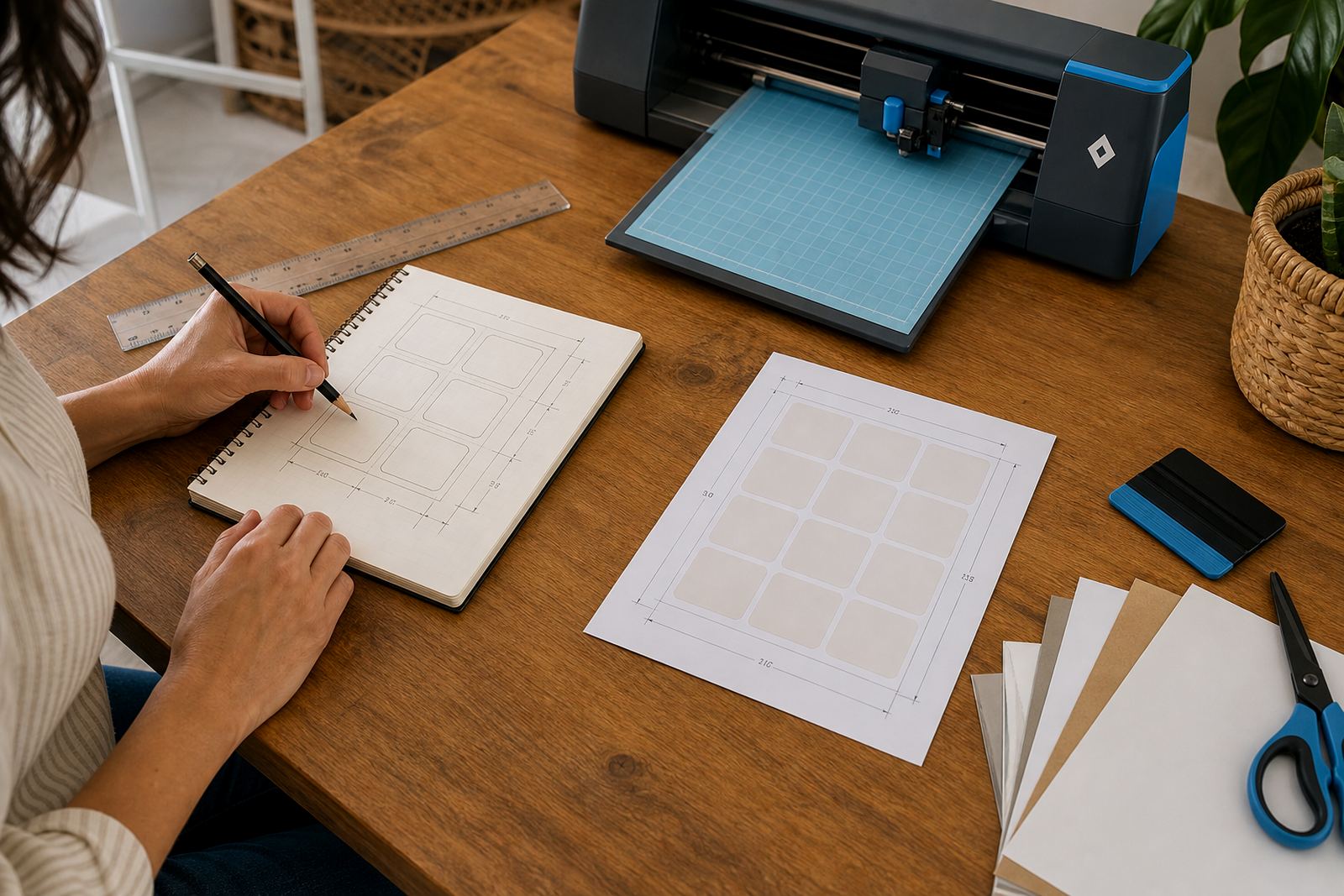
Layout work begins with the label shape, not the artwork. A round jar label, a narrow pantry strip, and a square planner sticker all behave differently on the page, so the sheet should be mapped around the largest shape first. If you work from a full A4 sheet, count the space each label needs with its cut line and a small gap between pieces.
Many crafters lose space by placing each design one at a time. A better method is to build a full sheet plan before printing. That way, you can fit small labels into the leftover areas beside larger ones, instead of leaving thin unused strips across the page.
Match the sheet finish to the job
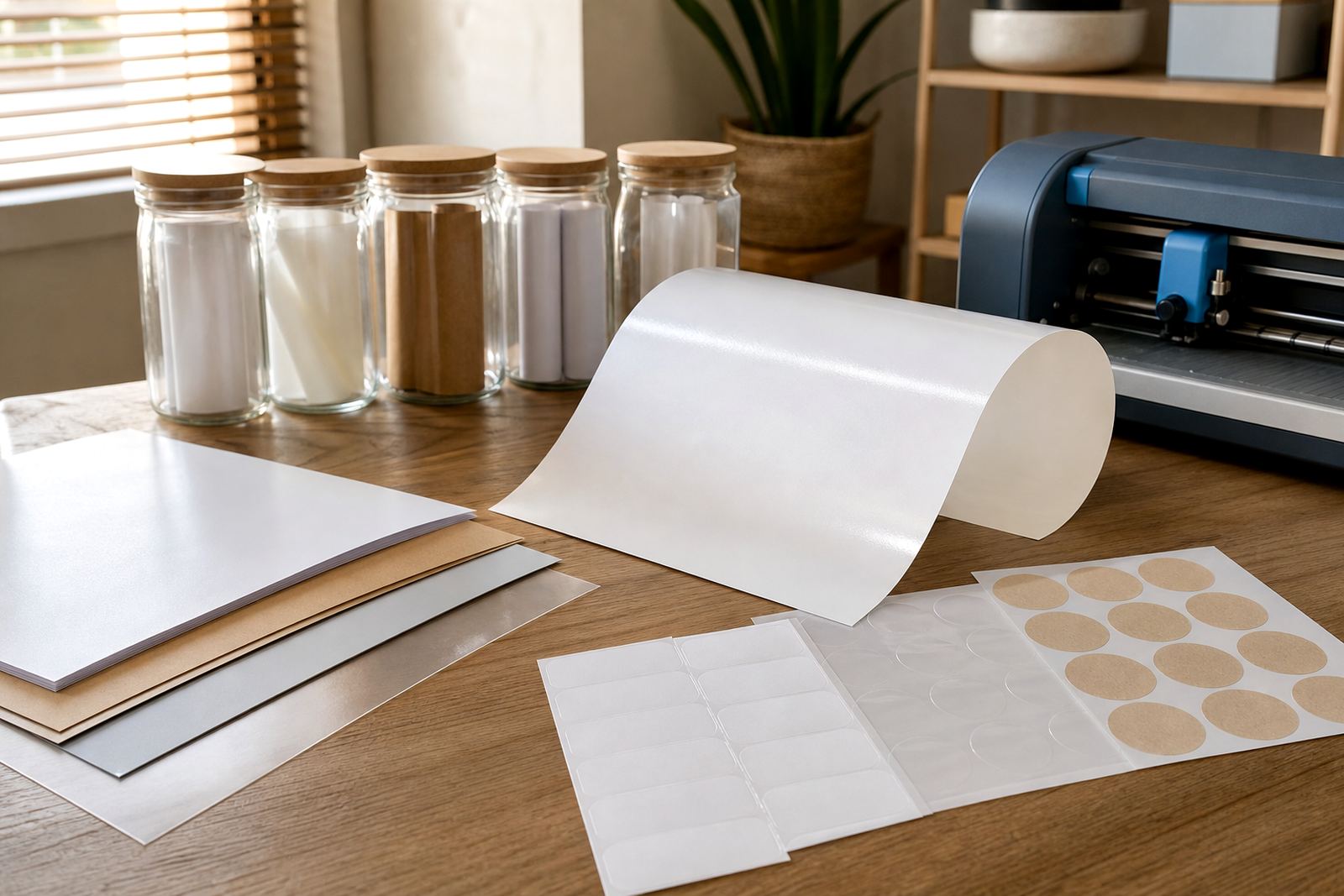
The finish changes how the layout behaves, especially when the sticker will face moisture, handling, or heavy reading light. Matte works well for notes, pantry labels, and writing spaces because text stays easy to read. Gloss gives a sharper look on gift labels and colour artwork, while clear sheets suit bottles and jars where the background should show through. Vinyl can handle rougher use, and kraft gives a natural paper look for handmade products.
- Matte is steady for handwriting and everyday labelling.
- Gloss suits bright graphics and neat presentation.
- Clear works well when the container should stay visible.
- Vinyl is useful where the label needs more staying power.
- Kraft suits rustic packs, tags, and paper goods.
In Durbanville, where many homes store labels in warm kitchens and damp laundry areas, finish choice matters more than people expect. A label that looks neat on screen may behave differently once it sits near steam, soap splash, or a fridge door that opens all day.
Set margins before the design gets busy
Margins are the quiet part of layout planning, but they save paper and frustration. Leave enough space around the outside edge so the printer feeds properly and the cutter has room to work. Keep the same spacing between repeated labels, because uneven gaps can make hand cutting slower and craft cutter alignment less dependable.
For inkjet sheets, a little breathing room also helps reduce scuffing while the print dries. Laser sheets need accurate spacing too, because heat and feed movement can shift a page if the layout is too tight. When a design runs right to the edge, small feed changes can trim into the artwork.
- Keep outer margins even on all sides.
- Leave a clear gap between each label shape.
- Test one sheet before setting a full batch.
- Save the layout as a template for repeat jobs.
Choose a cut plan before you print
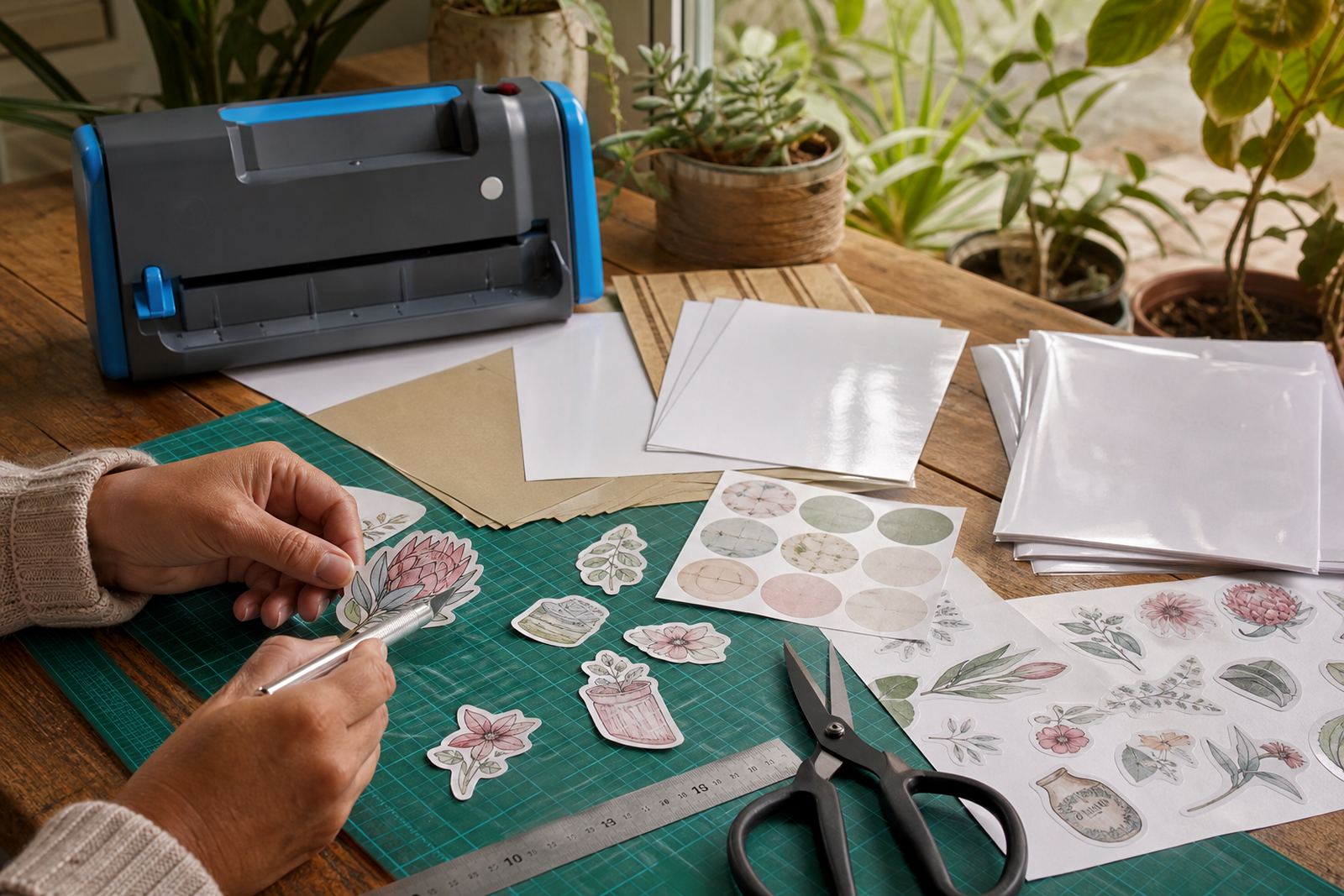
Hand cutting and craft cutters ask for different layouts. A hand cut sheet usually needs stronger visual spacing, because you are following blades, rulers and eye lines. A craft cutter can manage tighter spacing, but only when the registration marks, cut paths and sheet size are set properly.
If you cut by hand, square corners are easier to trim and circles should have enough buffer space around them. If you use a craft cutter, keep the artwork grouped in a clean grid and avoid tiny free-floating parts that may shift during cutting. The best layout is the one that matches the cutting method from the start.
- Hand cutting works best with bold borders and open spacing.
- Craft cutters suit repeat labels and tidy grid layouts.
- Small text should stay clear of the cut edge.
- Curved shapes need extra room around the edge.
Ink, toner and drying time change the page plan
Inkjet and laser printing behave differently on sticker paper, so the layout should reflect that. Inkjet jobs need a little patience while the ink settles, especially on gloss or clear sheets. Laser jobs leave the page drier when it exits, but the toner can still mark if the sheet is bent too soon or stacked badly.
A layout with dense blocks of colour needs more care than a light label sheet. Heavy fill areas can slow the drying process on inkjet sheets, while long solids on laser sheets can show small feed shifts if the page is not lined up well. For mixed jobs, place the busiest artwork in the same zone across the sheet, so you can watch how it behaves after printing.
A Durbanville kitchen label run that used the page well
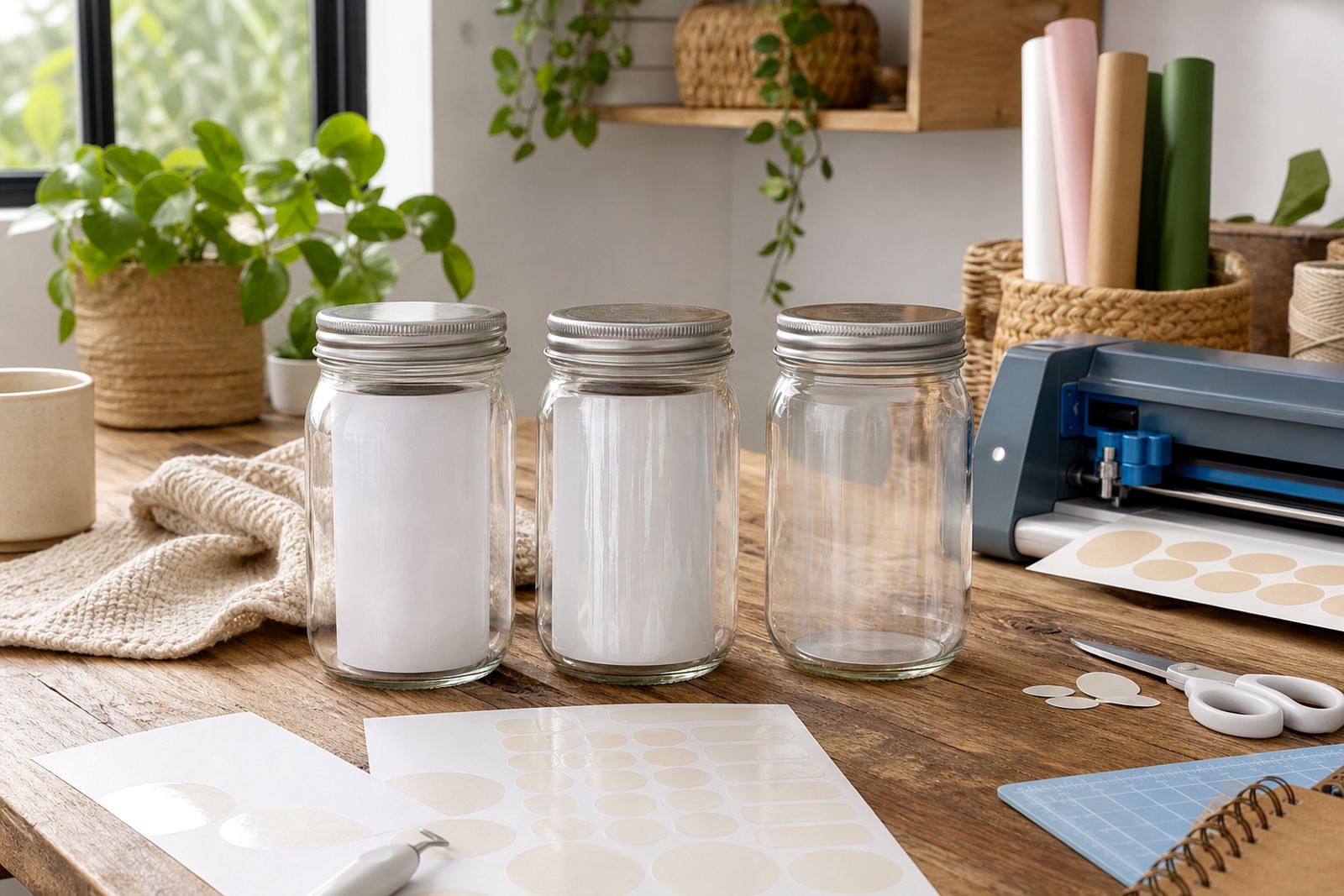
A small Durbanville household making pantry labels for jars and lunch tubs can save a surprising amount of paper with tidy planning. They might need a set of tall spice labels, smaller freezer notes, and a few round seals for home-baked gifts. By grouping the tall labels together and filling the remaining space with smaller pieces, the sheet gets used more fully and the cutting stays cleaner.
That kind of job also shows why layout should match the room where the labels will live. A pantry label near a kettle needs a different finish from a gift sticker that sits in a dry cupboard. If the labels will be handled often, the artwork should stay away from the edge and the cut lines should be easy to follow.
- Group labels by shape before sending the sheet to print.
- Place the largest pieces first, then fill gaps with smaller ones.
- Keep the text upright and easy to scan.
- Store finished sheets flat, away from damp and curling.