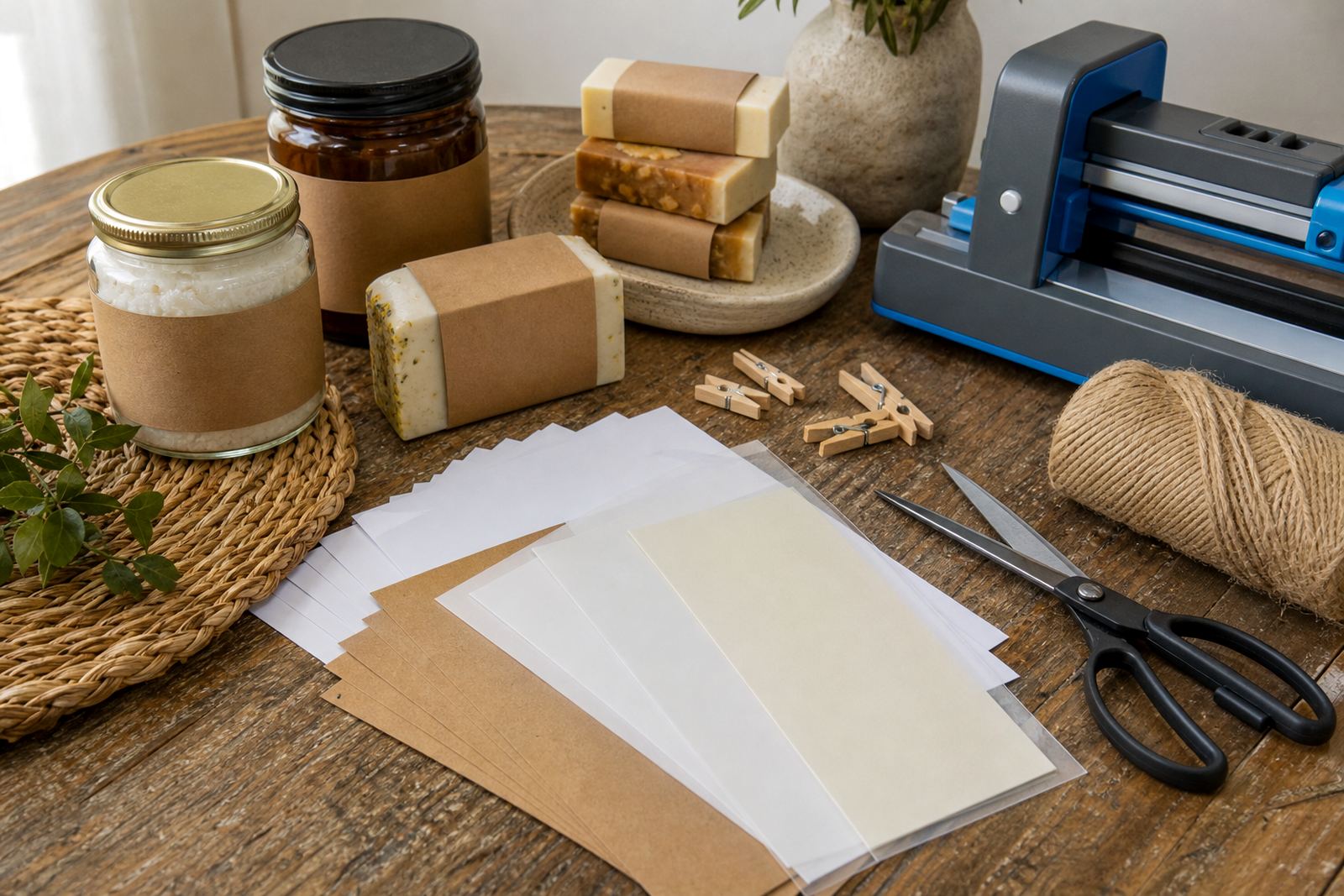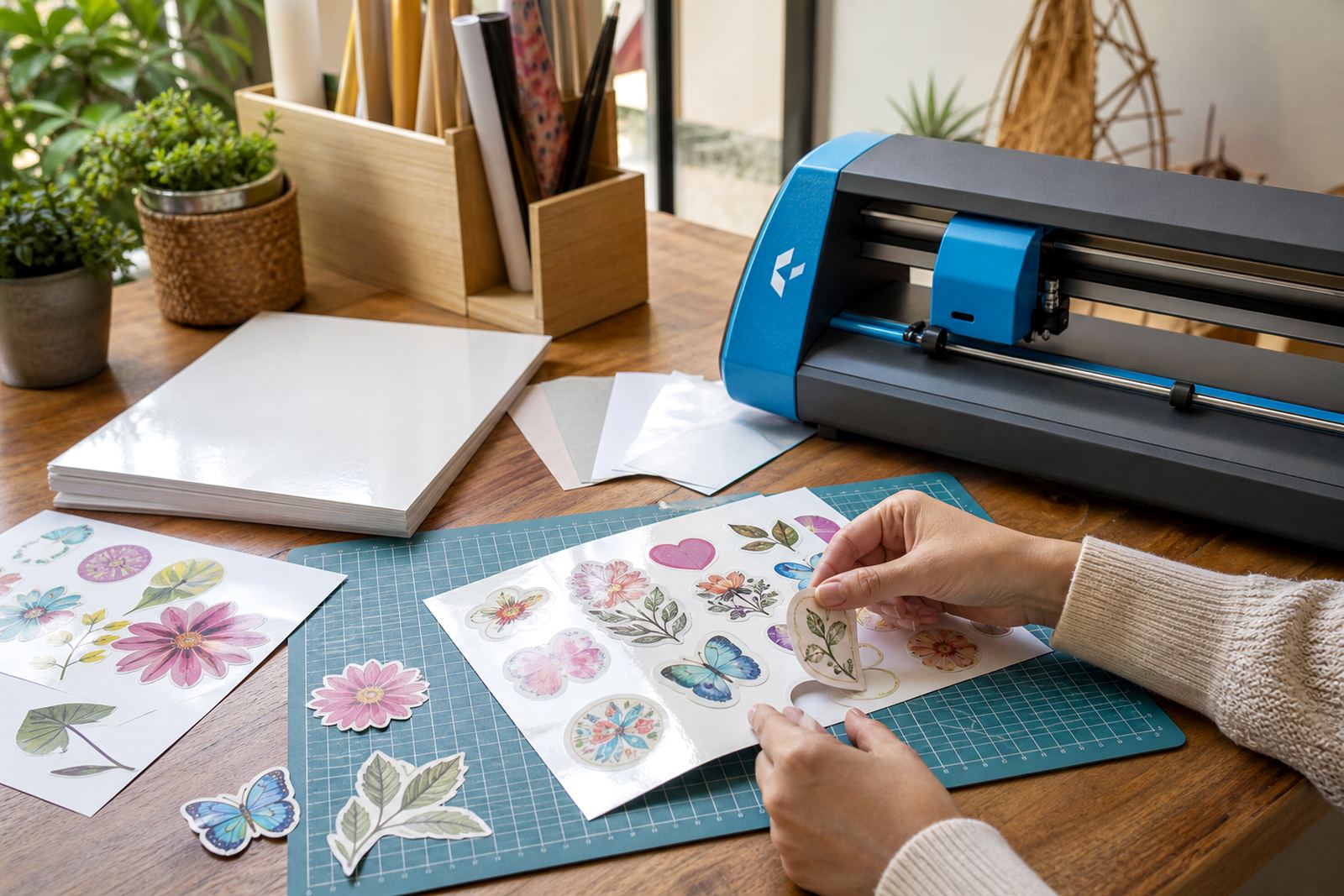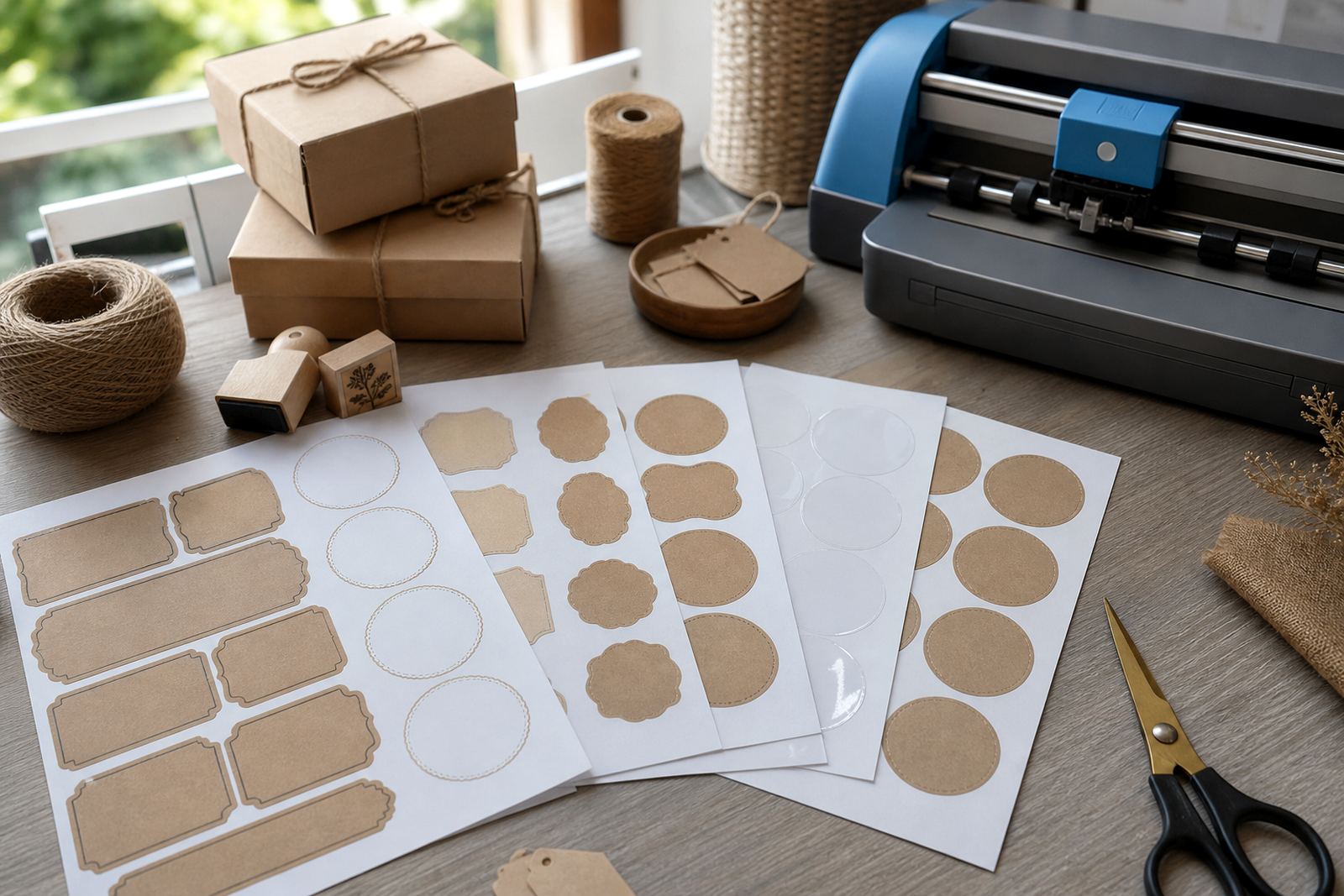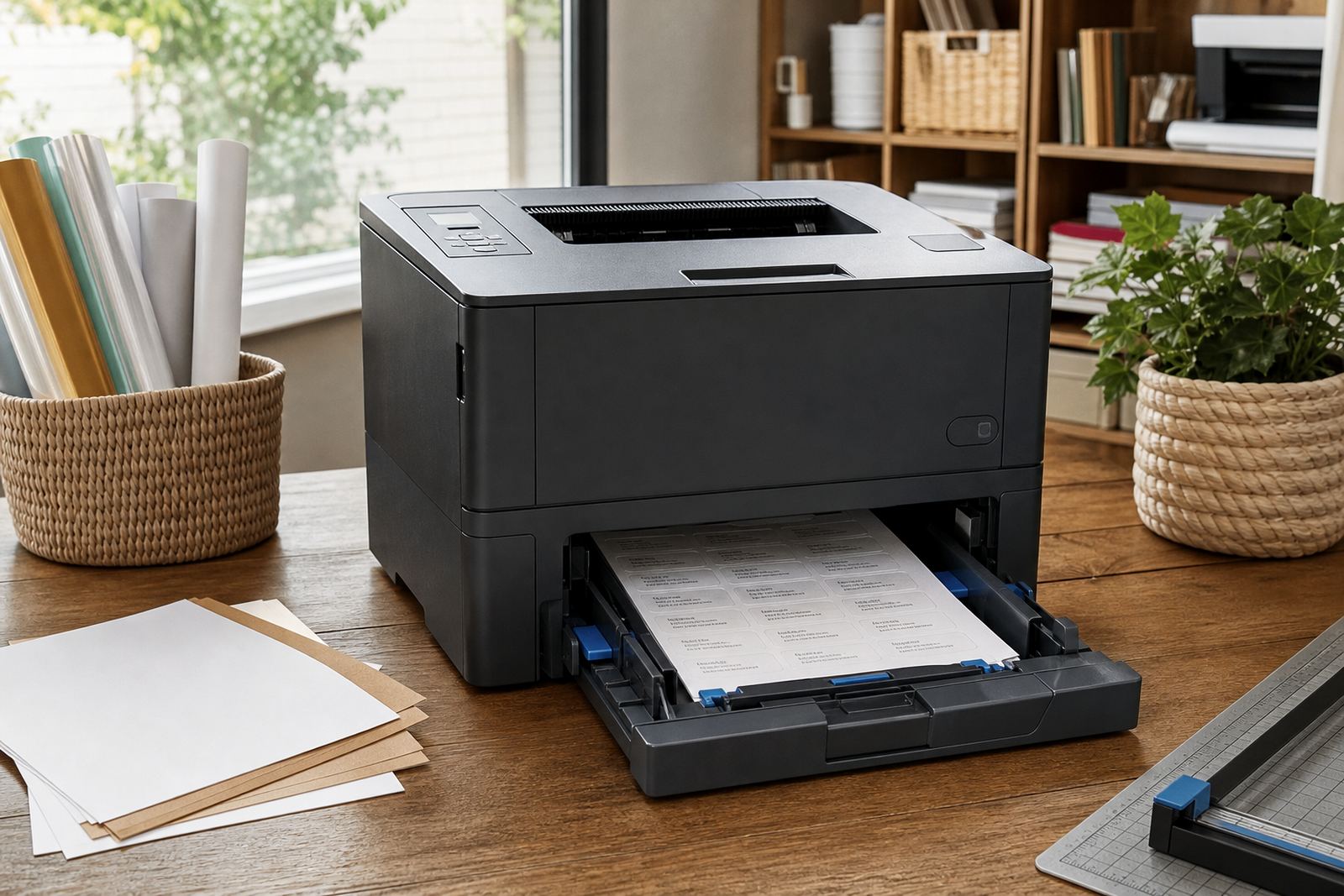
A matte stock for sharp labels and steady colour
This laser matte sticker paper is made for crisp print work where glare gets in the way. The surface gives a low sheen finish so text stays easy to read on pantry labels, file tabs, candle stickers and simple product labels. It works well when you want a clean look without shine, especially for black text, line art and single colour artwork.
For Durbanville homes and small craft rooms, the sheet handles everyday labelling with a neat finish that sits well on glass, card, plastic and coated packaging. The adhesive is intended for general indoor use and the paper is cut to feed through standard home printers that suit sticker stock, with careful handling after printing so the toner or ink settles properly.
- Smooth matte face for low glare reading
- Suitable for text, icons and basic graphics
- Works for labels, organisers and gifting projects
- Clean look for shelves, jars and folders
Sheet sizes and format choices that fit common printers
Laser matte sticker paper is supplied in common sheet sizes that fit most benchtop printers used at home or in small studios. A4 is the standard choice for most jobs, while smaller cut sheets can suit compact runs and test prints. The exact size matters when you are planning label layouts, because spacing and cut lines need room around each shape.
Where a project needs repeated labels, a full sheet format gives more control over placement and waste. Makers in Cape Town, Johannesburg and Pretoria often use one sheet for several sizes of sticker on the same page, which helps when a job mixes address labels, jar fronts and small instruction tags. Check the sheet count, paper thickness and backing release style before ordering so the pack matches your printer tray and cutting method.
- Common A4 sheet format for home and craft printing
- Smaller cut sheets available for test runs and compact jobs
- Layout friendly for mixed label sizes on one page
- Backed sheet stock for printer feeding and trimming
Where laser matte paper works best in daily use
This paper suits labels that need to look tidy in kitchens, storerooms and office corners. It is a practical fit for spice jars, laundry containers, gifting tags, storage boxes and simple brand stickers for markets. The matte face helps reduce reflection under indoor lights, which is handy when a label must be read at arm's length or under bright ceiling fittings.
It also works well for projects that need a modest, clean finish rather than a glossy shine. If the artwork uses small type, fine borders or a simple logo, the low sheen surface can keep the details readable. For coastal homes in Durban or Stellenbosch, the stock still needs sensible storage in a dry place because moisture can affect the paper edges and print handling if sheets are left open too long.
- Kitchen and pantry labelling
- Home organisation and storage boxes
- Gift stickers and craft packaging
- Simple product labels for market tables
Printing, cutting and handling with laser setups
Laser matte sticker paper is intended for laser printers, where toner bonds to the sheet under heat and pressure. That makes the print feel dry and ready for careful handling once it has cooled. Feed one sheet at a time if your printer prefers it, and use the manual path where possible for cleaner pickup on heavier sticker stock. If the printer settings allow media choice, select the closest sticker or heavy paper option so the feed and fuser settings suit the sheet.
Sheets can be cut by hand with a ruler and craft knife or with a craft cutter for more even edges. Clean blade pressure matters, because too much force can lift the liner or score too deep. For curved shapes and repeated label sets, a craft cutter saves time and gives more uniform edges, while hand cutting is still useful for one-off jobs and sample runs. Keep printed sheets flat after output and allow a little cooling time before trimming, then store the cut pieces away from dust so the adhesive stays clean.
- Laser printer compatible stock
- Use a media setting suited to heavier sheet paper
- Allow prints to cool before cutting
- Hand cutting or craft cutter use both suit this stock
Care for printed sheets and finished labels
Once printed, the stickers should be handled with clean hands and placed on a dry surface that is free of dust and oil. For best results, press the label from the centre outward so air does not trap under the film or paper face. Smooth application matters most on curved bottles and storage tubs, because any wrinkle shows more easily at the edges. A little patience at this stage helps the label stay neat.
Finished labels should be kept away from prolonged moisture, harsh scrubbing and direct soak cleaning unless the project has been tested for that use. Matte paper is well suited to indoor organising and dry packaging, while rough handling around sinks or fridges needs extra care. In humid rooms near the coast, leave the printed sheets sealed in their pack until needed and keep unused stock flat in a cupboard or drawer.
- Apply to clean, dry and grease free surfaces
- Press from the centre to the edges
- Keep unused sheets flat and sealed
- Use extra care around moisture and rough cleaning
Details to confirm before ordering laser matte sheets
To match the right stock to your project, confirm the printer type first, then the label size and how the sheets will be cut. A laser printer and an inkjet printer take different coatings, so the paper must suit the machine in use. If you are working on a batch for labels, make sure the sheet size gives enough space for margins and cutter marks, and check whether you want a white matte face or a different finish in the same job.
It also helps to note the final use, because storage labels, gift seals and short term packaging may need different levels of handling. When the order is for multiple rooms or a mixed home range, list the sizes clearly so the pack suits each layout. If you are in Bloemfontein, Paarl or Stellenbosch and building a small label run, confirm the quantity, printer compatibility and whether the sheet layout must suit manual cutting or a craft cutter.
- Printer type: laser or inkjet
- Sheet size and label dimensions
- Cut method: hand trimming or craft cutter
- Intended use: indoor labels, packaging or gifts
Labels that stay neat on shelves and in storage
Laser matte sticker paper gives a plain, tidy finish that suits practical work in homes, studios and small storage spaces. The paper is easy to read, easy to trim and easy to place on bottles, tubs and folders when the print layout is set correctly. For makers who want a clean label with no glare, this stock gives a dependable surface for text and simple art.
It is a good match for projects that need order more than shine. Whether the labels are going onto pantry jars, craft boxes or gift packs, the matte surface keeps the look calm and direct, and the printed detail stays clear when the artwork is planned for this type of sheet. A careful print setting, neat cutting and sensible storage all help the final result hold its shape.
- Plain finish for neat, readable labels
- Useful for home and craft storage systems
- Suitable for small batch label sets
- Works well for calm, low glare presentation
Key facts
| Product type | Laser matte printable sticker paper |
|---|---|
| Finish | Smooth matte, low glare |
| Printer compatibility | Laser printers; check media settings before printing |
| Cutting options | Hand cut or craft cutter |
| Common size | A4 sheet format |
| Best use | Indoor labels, organisers, gifts and simple packaging |