Matte sheets with a calm, non glare finish
Matte cutter sheets are printable sticker sheets with a low sheen surface that takes text and artwork neatly. The finish helps reduce reflection under kitchen lights, office lights and bright Cape Town sun near a window, so labels stay easier to read on jars, folders and storage tubs.
For crafters in Durbanville, Cape Town and beyond, matte is a practical finish when you want clean colour without a glossy look. It suits names, pantry labels, planner stickers, school projects and simple brand marks for small batches. The surface is made for printing first, then cutting into shapes after the ink has settled.
These sheets are used for straight labels, rounded corners, circles, tags and detailed cutter outlines. If the design has fine text or small icons, matte gives a neat result that feels tidy on paper goods and everyday containers.
Sizes and sheet options that suit a cutter workflow
StickerPaper offers matte cutter sheets in common sheet sizes used by home crafters and small studios. The right choice depends on the printer tray, the cutter mat size and how many stickers you want on a page. Most users work with A4 for home and small batch work, while larger sheets suit wider cutter mats and repeated cutting runs.
- A4 sheet size for home printers and compact cutter mats
- Matte white finish for sharp text and clear colour blocks
- Single sheets for sample work and short project runs
- Pack quantities for labels, gifts and home organisation
When a design has several shapes on one page, it helps to leave enough spacing between cut lines. That gives the cutter room to move cleanly and keeps the sheet easier to weed and peel. If you are printing pantry labels, storage labels or stationery stickers, a matte sheet makes it easier to keep a uniform look across the set.
Inkjet and laser use on the same project plan
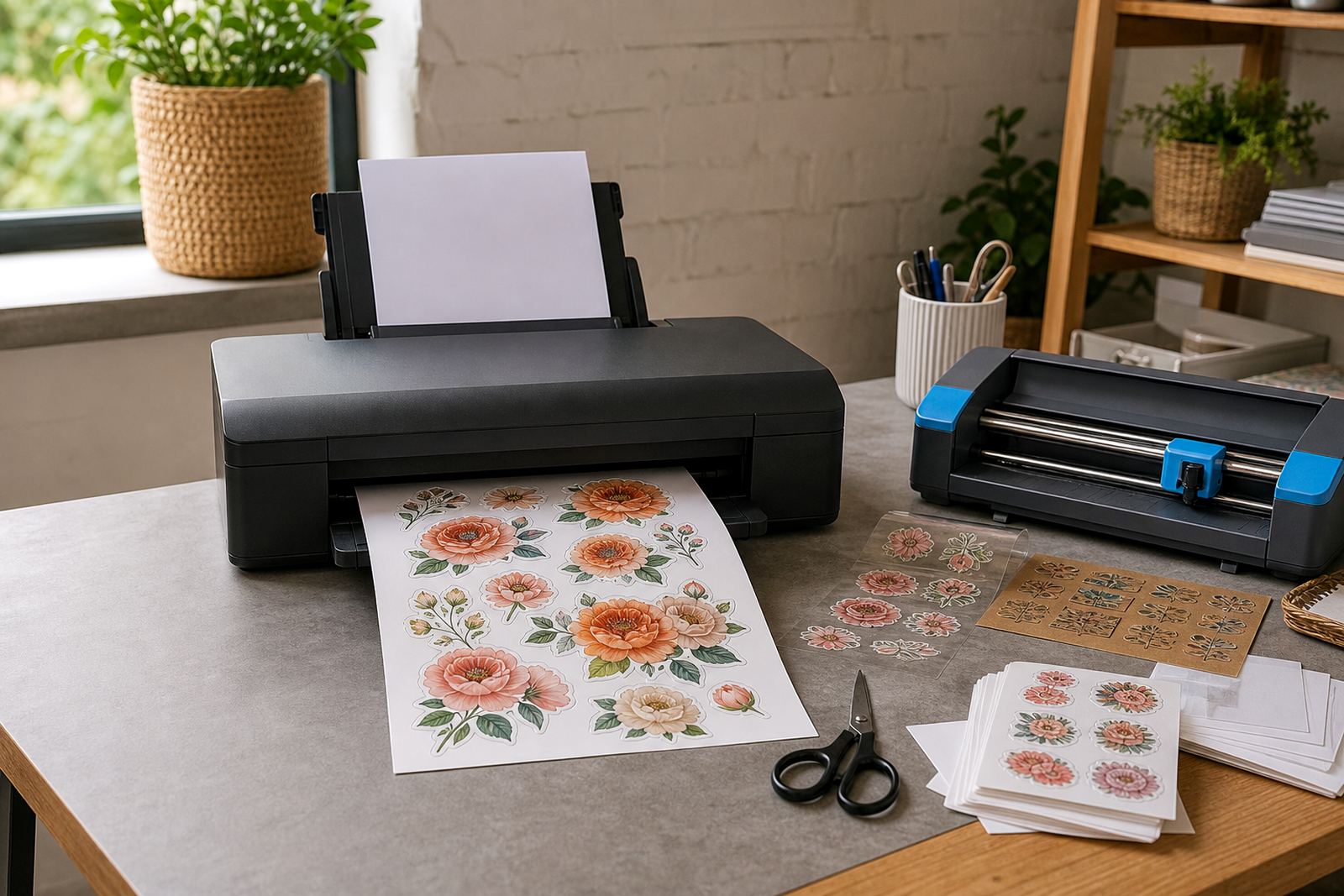
Matte cutter sheets can be selected for inkjet printing or laser printing depending on your setup. Inkjet users usually want good ink take-up for full colour images, soft gradients and text that stays legible on smaller labels. Laser users often prefer the dry, immediate finish when they need a quick cut path after printing.
For either printer type, the file should be set to the actual sheet size and the cut lines should match the printed artwork. A small colour test on the same stock helps you check tone, edge sharpness and how the design sits after cutting. If the artwork includes bold fills, lighter paper colours and crisp borders usually hold the shape well.
- Use the correct print setting for the sheet type
- Keep cut lines separate from artwork layers
- Allow printed sheets to rest before cutting when needed
- Check feed direction so the print lands square
Where matte cutter sheets fit best
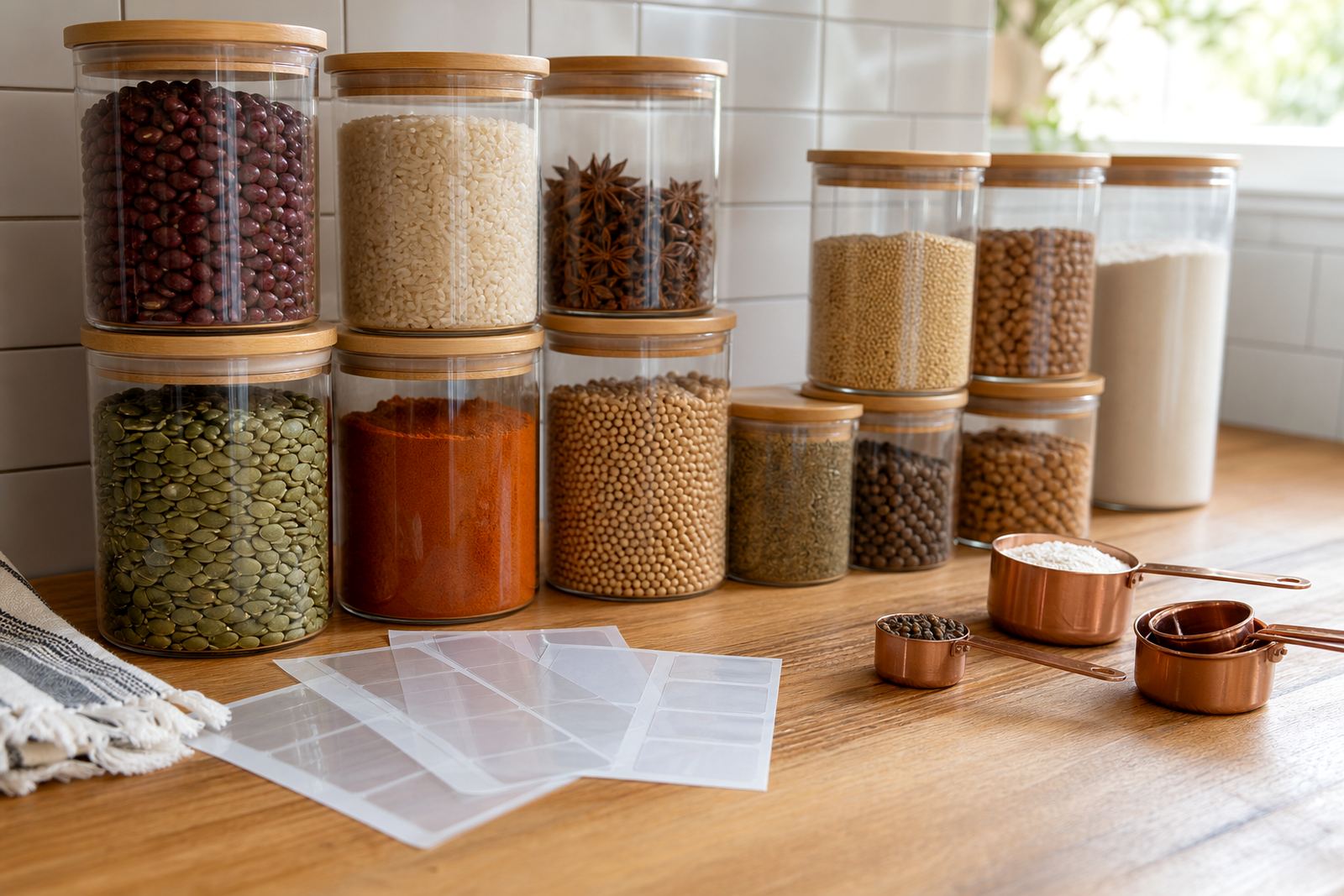
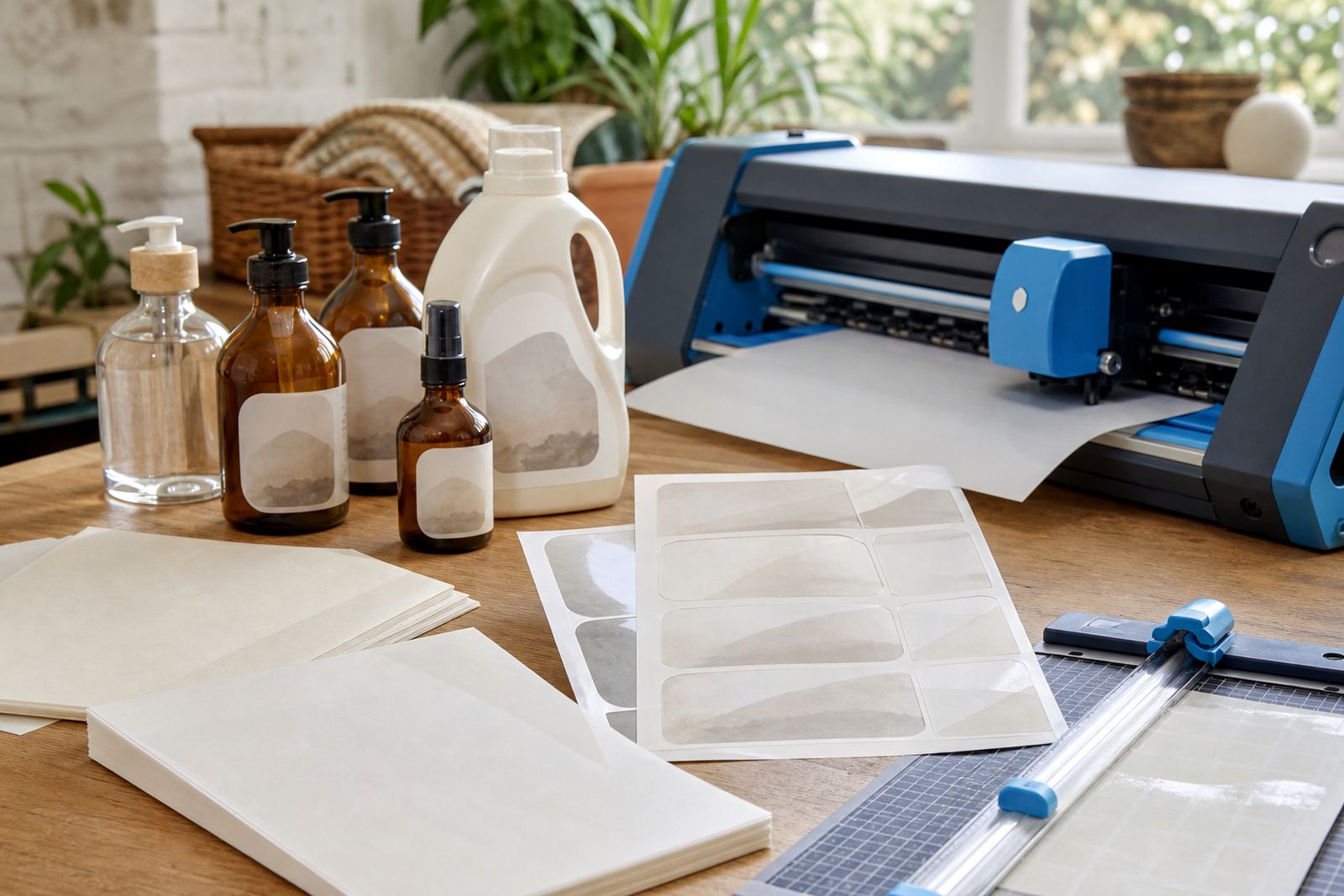
This product suits home makers, crafters, label sellers and anyone producing small customised sets. It works well for spice jars, freezer tubs, stationery, bathroom containers, gift tags, school items and short run promotional pieces. The matte surface also suits project work where the sticker needs to look tidy rather than shiny.
In coastal areas such as Durban, where humidity can affect paper handling, it helps to keep sheets flat in a dry indoor space before printing. In Johannesburg and Pretoria, dry conditions can make static and curling more noticeable, so storing sheets in their pack keeps them easier to feed. For Bloemfontein homes and studios, keeping the stack away from direct sun helps protect the print surface.
These sheets are also useful for craft cutters that read registration marks or cut around printed outlines. When the artwork is balanced and the sheet is kept flat, the cutter can follow the edges with less lifting at the corners and a cleaner finish overall.
Fitting, cutting and handling in a real work area
Matte cutter sheets do not need installation in the building sense, but they do need correct setup in the printer and cutter. Load one sheet at a time where the machine calls for it, or follow the tray feed that suits your printer model. Make sure the print side is facing the correct way, then let the sheet pass through without forcing it.
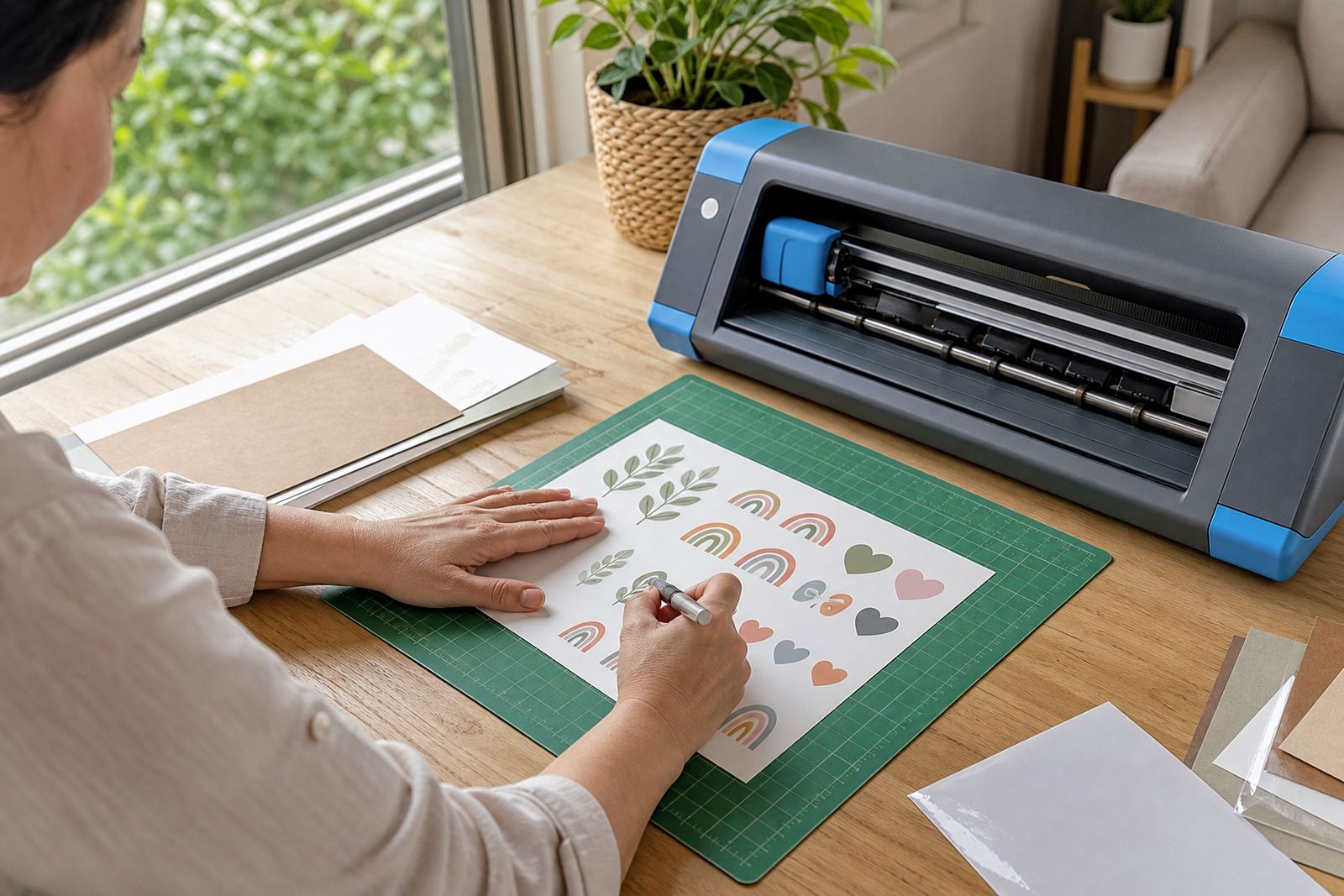
For hand cutting, a sharp blade, metal ruler and cutting mat help keep edges straight. For craft cutters, a fresh blade setting and a proper test cut can prevent tearing on fine corners. If the sheet is being used for labels with small text, allow enough margin so the blade does not trim into the wording.
- Align the sheet square before printing
- Use clean blades for fine cut work
- Test one corner before a full sheet run
- Store unused sheets flat and dust free
Care, storage and finish after cutting
After printing, keep matte sheets out of damp areas and away from direct heat. Let ink dry fully before stacking, then cut and peel with clean hands to avoid marks on the surface. If stickers are being used on jars or containers, wipe the surface first so dust and grease do not reduce grip.
Matte stickers are suited to daily handling, but they still last better when kept away from standing moisture and rough rubbing. In kitchens and craft rooms, it helps to apply them to smooth, dry surfaces. If a label will be handled often, press from the centre outward to remove small air pockets.
For best results, use one artwork style across a whole batch so the cut size stays consistent. That makes it easier to sort pantry sets, office labels and gift items without mixed edges or uneven spacing.
Order details that help the sheet match the job
When ordering matte cutter sheets, confirm the printer type, sheet size and how the sheets will be cut. It also helps to note whether the job is for labels, craft shapes or personalised gifts, because that affects the amount of white space, the cut layout and the finish you want to see on the final sheet.
For delivery in Cape Town, Johannesburg, Durban, Pretoria and Bloemfontein, the address and area name should be clear so the parcel moves through dispatch without confusion. Durbanville customers often order for pantry sets, school labels and small studio work, while Stellenbosch and Paarl orders often lean toward handmade goods and home organisation. If you need help with printer settings, craft cutter use, hand cutting or sticker application, the team at StickerPaper handles those product details as part of the service.
- Printer type: inkjet or laser
- Sheet size and pack quantity
- Cut method: craft cutter or hand cutting
- Use case: labels, crafts or home organising
- Delivery area and address details
The right sheet choice makes the print and cut stages easier to manage, especially when a project needs neat lines and a consistent finish across many pieces.
Key facts
| Product type | Printable matte cutter sheets |
|---|---|
| Finish | Non glare matte surface |
| Printer compatibility | Inkjet and laser options available |
| Cutting method | Craft cutter or hand cutting |
| Common size | A4 and selected larger sheet options |
| Use cases | Labels, home organisation, crafts and gifts |