Start with the printer sitting on your table
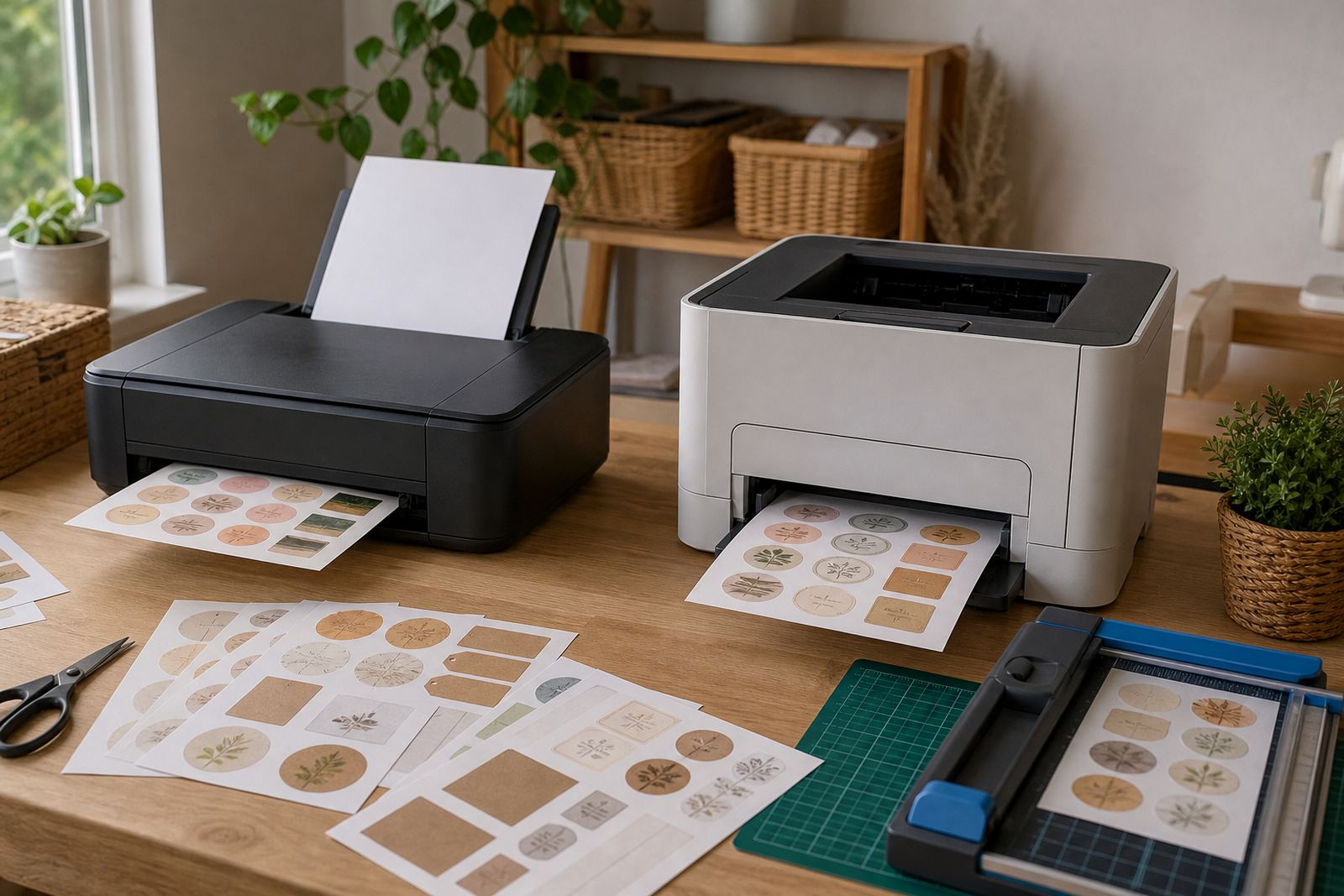
Before you choose a sheet, match it to the printer you already use. Inkjet printers spray liquid ink, so they need paper that can absorb colour without puddling or smearing. Laser printers use heat and toner, so the sheet must handle higher temperatures without curling, melting or lifting at the edges.
If you are printing labels for jars, school folders, gift packs or home storage, this first check saves wasted sheets and a lot of frustration. In Durbanville and across Cape Town, many crafters work with both printer types in different rooms or studios, so it helps to keep the paper clearly sorted from the start.
- Check the printer type on the machine or in its settings
- Use inkjet sheets only in inkjet printers
- Use laser sheets only in laser printers
- Keep mixed packs separate so the wrong sheet does not go in by mistake
What each sticker paper finish does on the page
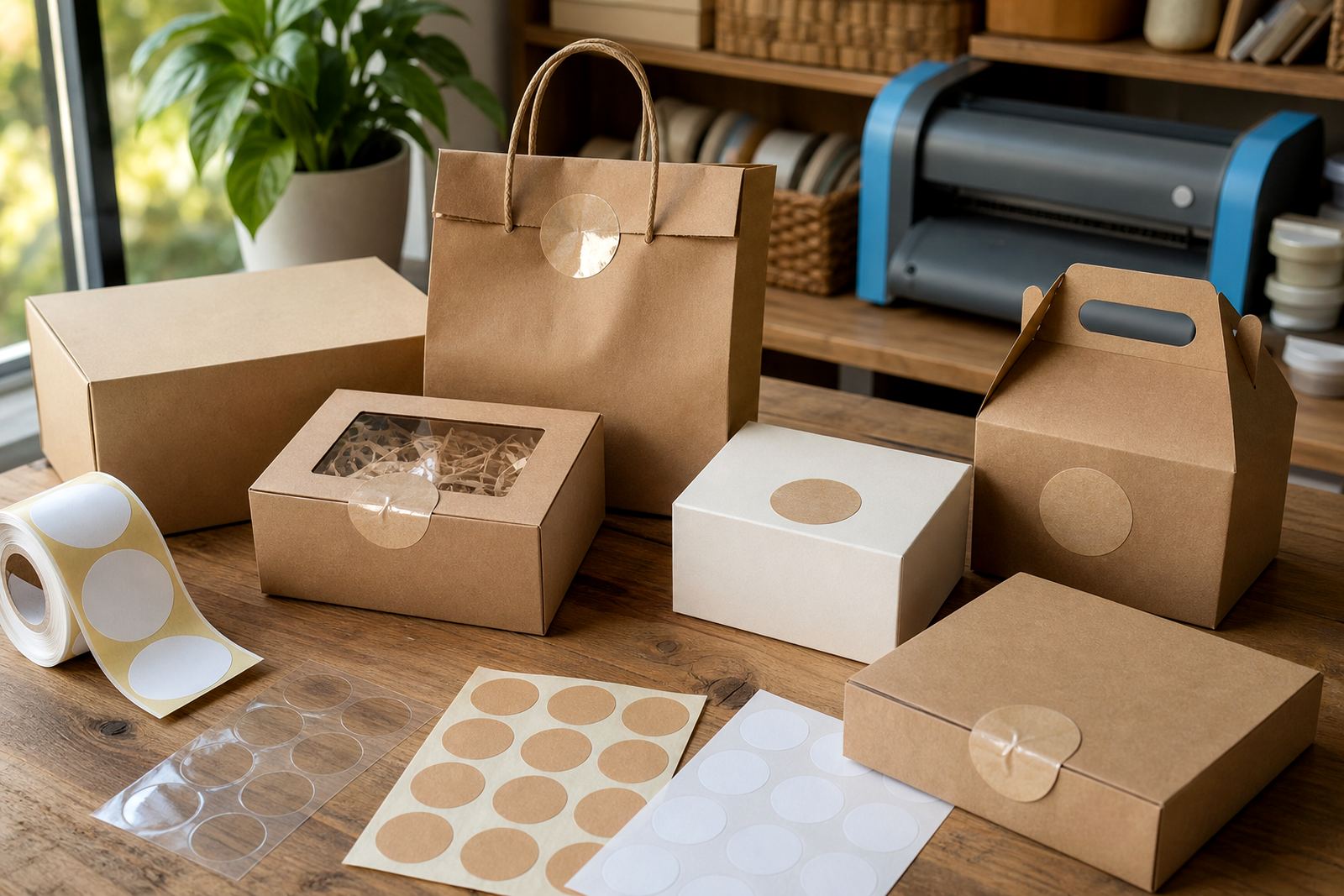
Matte sheets give a softer surface and are popular for labels that need writing space. Gloss sheets have a brighter shine and suit colour-rich art, product labels, and gift stickers. Clear sheets let the background show through, which works well on jars, glass containers and layered designs. Vinyl sheets handle a tougher finish for items that need more resistance to handling. Kraft sheets bring a brown paper look that suits handmade tags and rustic home projects.
The finish matters as much as the printer. A gloss sheet can show strong colour, but if it is loaded into the wrong printer, the result may still blur or mark badly. For clear sheets, the image must be planned with the background in mind because any white space may disappear once the sticker is applied.
- Matte for writing, organising and simple labels
- Gloss for bright colours and sharper visual impact
- Clear for glass, jars and see-through placement
- Vinyl for a more durable finish
- Kraft for craft styles and natural-looking projects
How to read inkjet and laser compatibility without guessing
Packaging and product notes should state whether the sheet is for inkjet, laser, or both. If both are listed, the paper is made to handle either printing method, but it still helps to test a single page before a full run. This is especially useful when printing in humid coastal conditions, where paper can take on moisture and behave differently from a dry room inland.
Keep the sheet count low at first and run one sample. Check the colours, dry feel, and edge finish before moving on. If the print comes out dull, wet, or dusty, the paper and printer may not be a proper match. On laser printers, watch for curling and toner sitting too close to the edge.
- Use the printer setting that matches the paper type
- Feed one sheet first if the printer has not been used in a while
- Leave printed sheets flat until fully dry or cooled
- Handle the edges, not the printed area
Cutting by hand or with a craft cutter
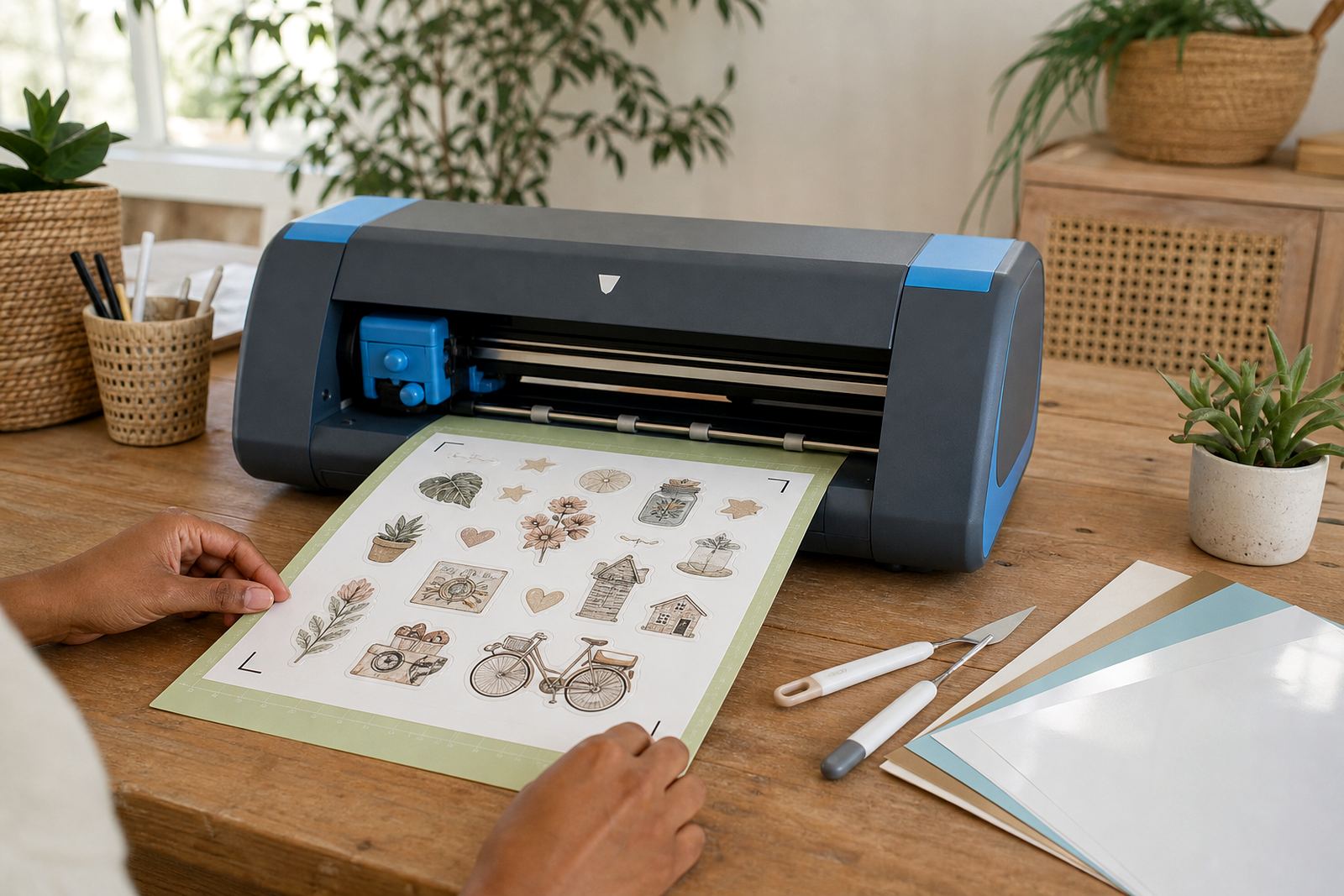
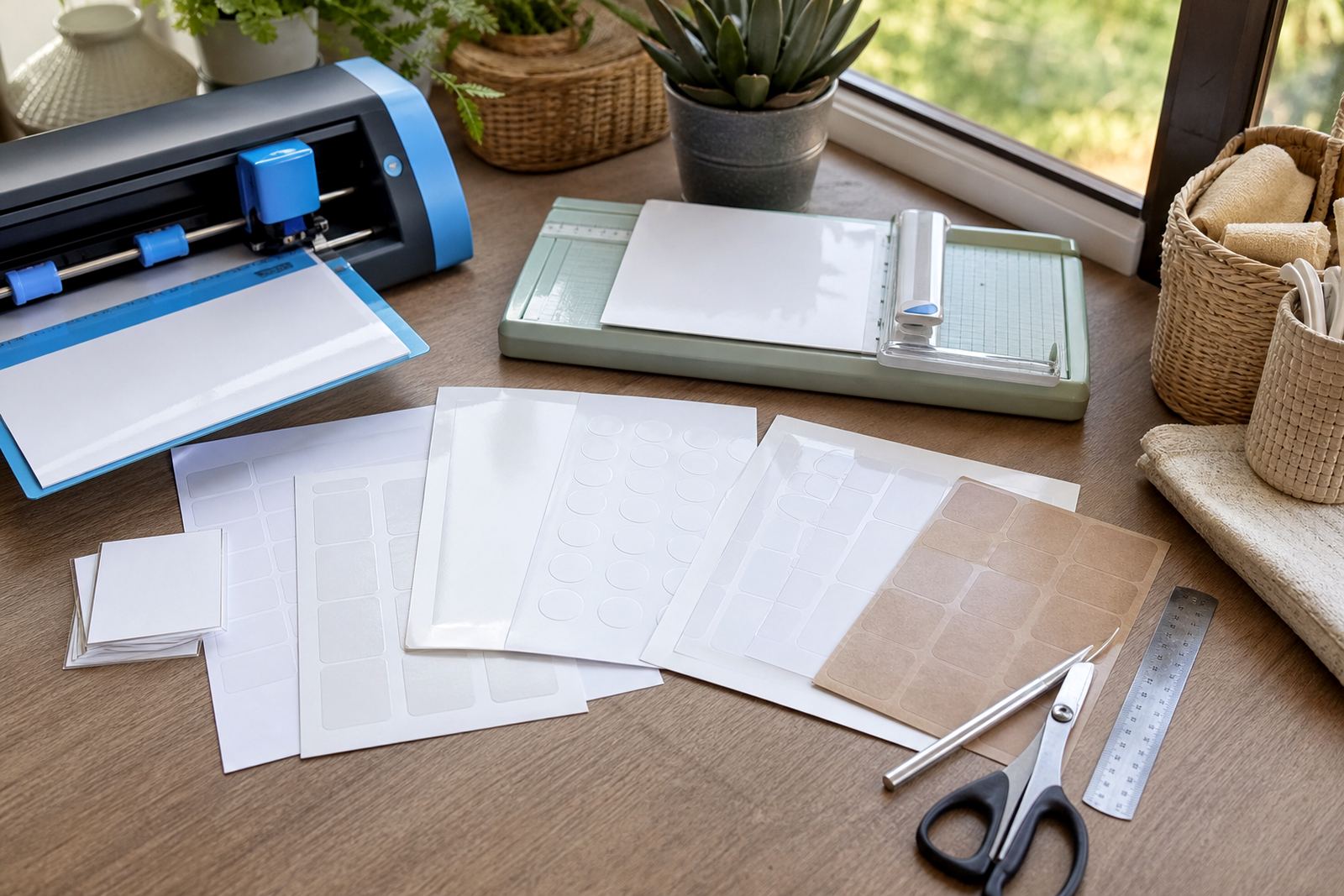
Hand cutting works well for straight labels, simple shapes and short runs. A sharp craft blade or scissors gives a clean edge if you mark your lines clearly first. A craft cutter helps with repeat shapes, rounded corners and detailed stickers, especially when you are making sets for home organisation or party gifts.
When using a cutter, keep the mat clean and press the sheet down evenly so it does not lift at the corners. For hand cutting, turn the sheet rather than twisting your wrist into awkward angles. That small habit gives neater lines and less waste.
- Use a ruler for long straight cuts
- Swap dull blades before the edge starts tearing
- Test one shape before running the full sheet
- Lift cut stickers slowly to protect fine points
Keep prints clean from tray to table
Sticker paper needs careful handling from the moment it leaves the printer. Let the sheet settle before trimming or peeling. If the print is fresh, touching the surface too soon can leave marks or smear the ink. Stack printed pages flat, away from heat and damp spots, and avoid folding them into bags or tight piles.
For home use, keep your unopened sheets in a dry cupboard and out of direct sun. In places closer to the coast, humidity can make paper edges curl if packs are left open for too long. A clean storage spot helps the sheets feed better and keeps the corners neat.
- Store flat in the original wrap where possible
- Keep sheets away from steam, sun and damp corners
- Allow fresh prints to dry or cool before handling
- Trim only after the ink or toner has settled
A quick choice guide for your next project
If you want a softer, writable label, matte is usually the easiest starting point. If your design depends on colour and shine, gloss is a better fit. Clear sheets suit jars, bottles and windows where the background is part of the design. Vinyl works well when the sticker needs a stronger surface, while kraft suits handmade pieces with a natural look.
For inkjet printing, choose sheets made to absorb liquid ink. For laser printing, choose sheets built to handle heat and toner. If you are unsure, keep the project small, print one sample, and check the finish before cutting the full batch. That habit saves paper and helps the final result look tidy.
- Pick the finish for the project first
- Match the sheet to the printer second
- Test one sheet before a larger run
- Keep blade pressure light when details are fine
When labels need a steadier hand
Some projects call for extra care, especially with small text, clear material, or tight sticker shapes. That is where practical support matters, from printer setting help to colour testing and advice on smudge reduction. A good layout and the right paper choice make the job feel more controlled from the first sheet.
StickerPaper works with crafters and home makers across South Africa, including Cape Town, Johannesburg, Durban, Pretoria and Bloemfontein, with delivery from Durbanville. The team includes Morne van der Merwe, Anele Kekana, Bianca Februarie, Jason Zungu, Leandri Mthethwa and Themba Mabuza, each handling the parts of the process that keep orders organised and packed with care.
- Ask for help with printer settings if your print looks off
- Use sample tests for colour and finish checks
- Keep cutter settings light for delicate shapes
- Store spare sheets in a dry place until needed