Start with the sheet that suits the job
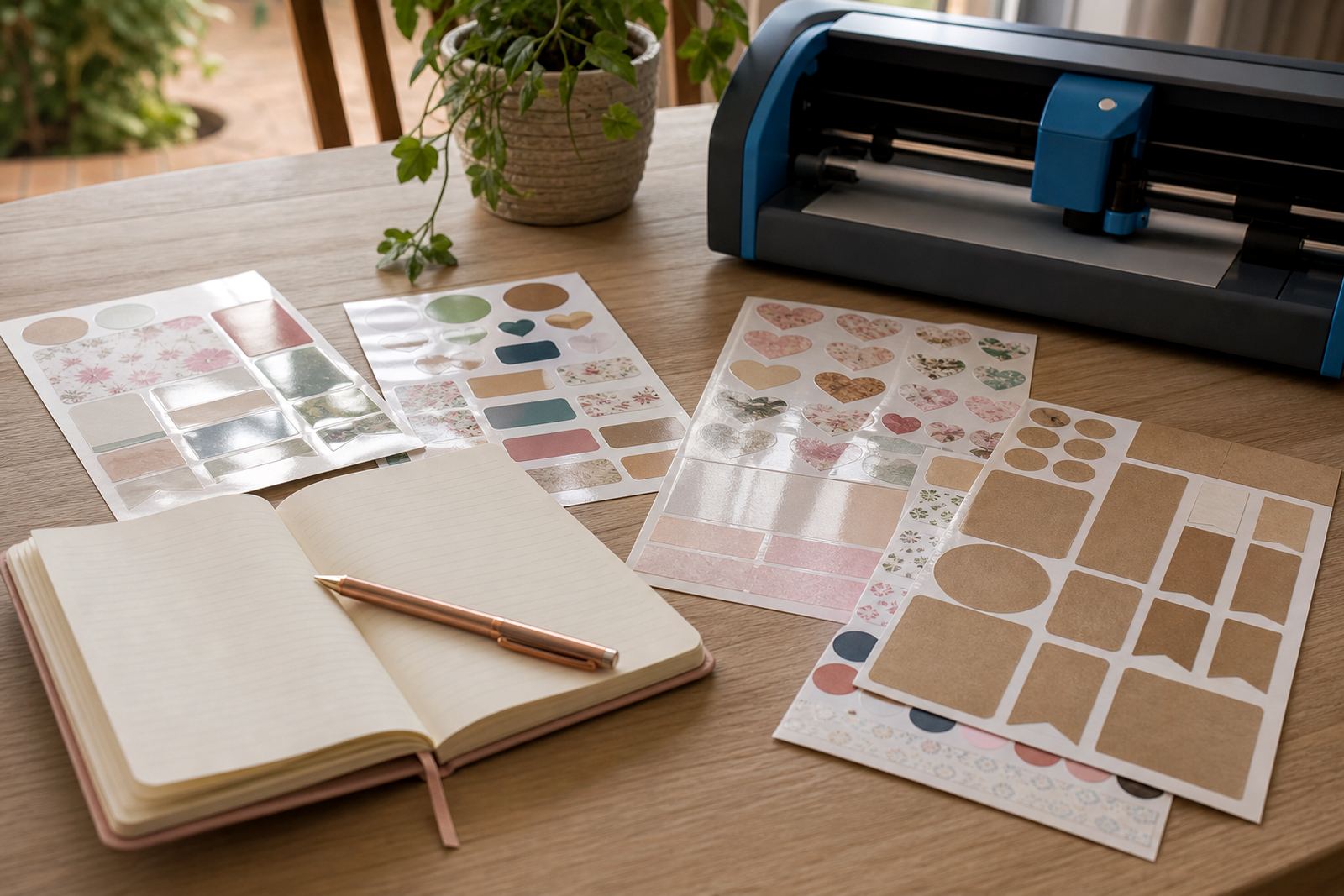
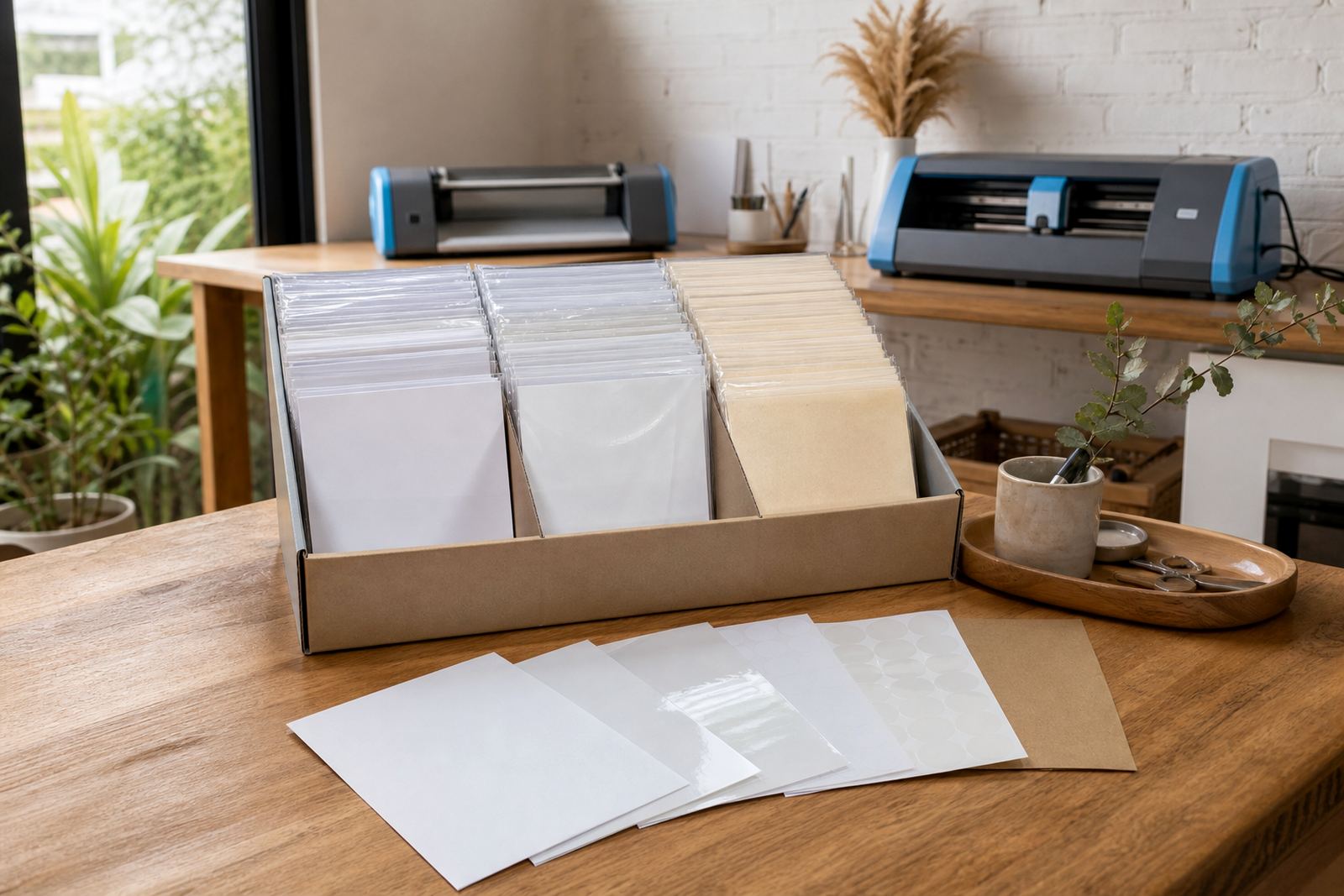
Pick the finish around the final use, not just the look on the pack. Matte works well for handwriting and a softer label finish, gloss gives brighter colour for product labels and gift stickers, clear suits windows, jars and layered artwork, vinyl handles tougher handling, and kraft gives a more natural, paper look for handmade items.
For home projects in Durbanville or a busy kitchen in Johannesburg, the best sheet is often the one that matches the surface and how often the sticker will be touched. Clear and gloss show fingerprints more easily, while matte and kraft are friendlier for notes, pantry labels and address stickers.
- Matte: calm finish, easy to write on after printing.
- Gloss: sharper colour for decorative labels and gift tags.
- Clear: useful when the background must show through.
- Vinyl: better for handling, moisture and regular use.
- Kraft: natural look for hampers, jars and handmade packs.
Match the paper to the printer you have
Check whether the sheet is meant for inkjet or laser printing before loading anything. Inkjet paper takes liquid ink and needs a little drying time, while laser paper is made for toner and heat. Using the wrong sheet can lead to poor image quality, curling or marks on the print.
Set the printer to the paper type that is closest to the sheet you are using. A plain paper setting can work for some test prints, but the final run should use a setting that gives the printer a chance to place colour properly. If the page has a strong colour block or dark background, let the first sheet dry fully before stacking it.
- Feed one sheet at a time if your printer struggles with thicker stock.
- Keep the tray guides snug, not tight.
- Store unopened packs flat in a cool dry room.
- Avoid damp storage, especially in coastal homes near Cape Town.
Use test sheets before the final print
Test sheets save time and material. Print the same artwork on plain office paper first to check size, alignment, spelling, margins and colour balance. Hold that paper against the sticker sheet to confirm the layout sits where you want it before using the real material.
If your design has cut lines, crop marks or a borderless edge, confirm that the artwork fits the printable area. Small shifts on a home printer can throw out a label sheet by a few millimetres, so a test page helps avoid waste. For families organising jars, folders or school items, this step keeps a whole batch consistent.
- Check the artwork size against the sticker sheet size.
- Confirm text is large enough to read after cutting.
- Make sure colours are not too dark for your surface.
- Keep a note of the settings that gave the cleanest print.
Cut by hand or with a craft cutter
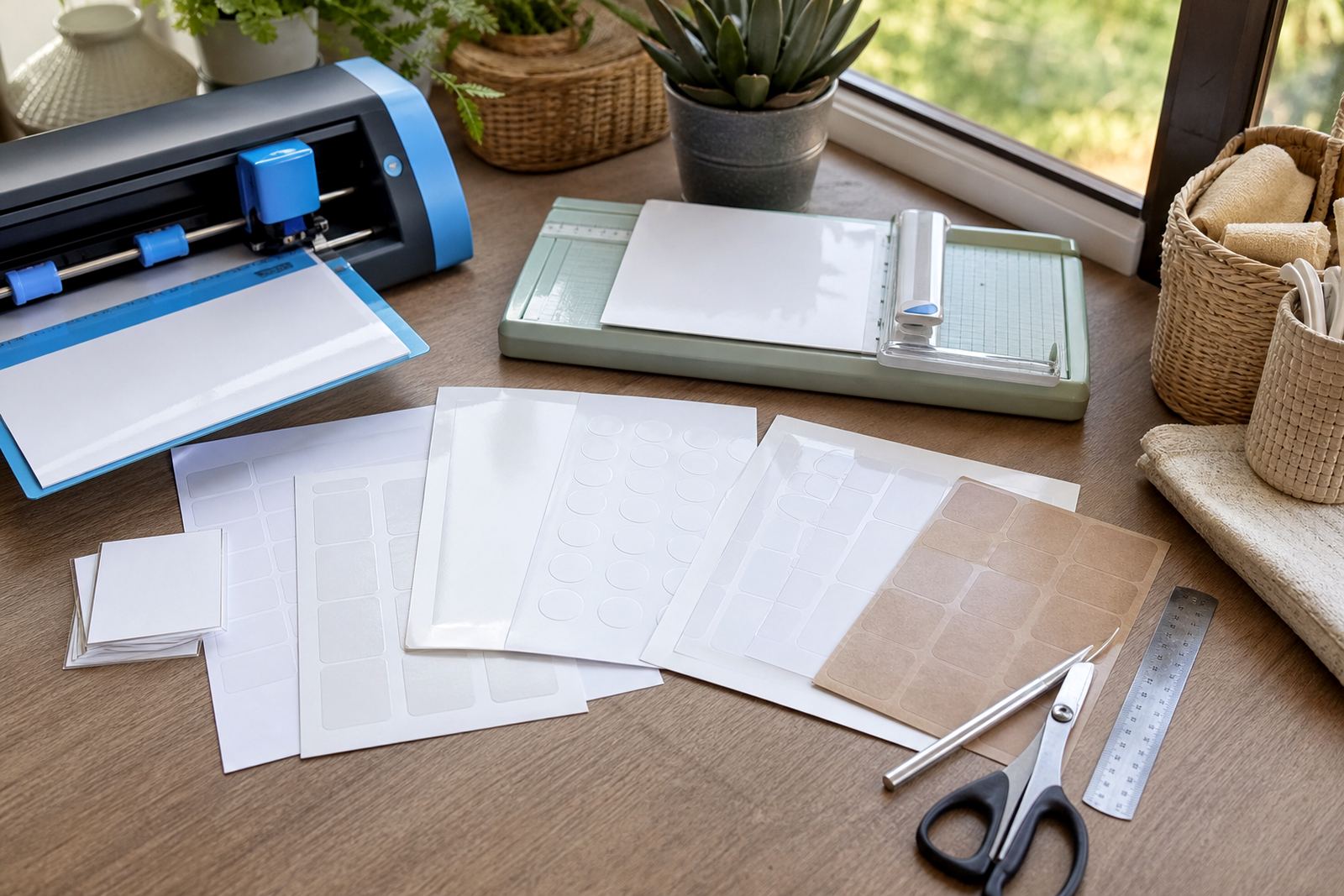
Hand cutting works well for straight labels, simple shapes and small runs. Use a sharp blade, a clean ruler and a cutting mat, then trim slowly in one direction. Light pressure helps avoid rough edges, especially on gloss or clear sheets where drag marks show up quickly.
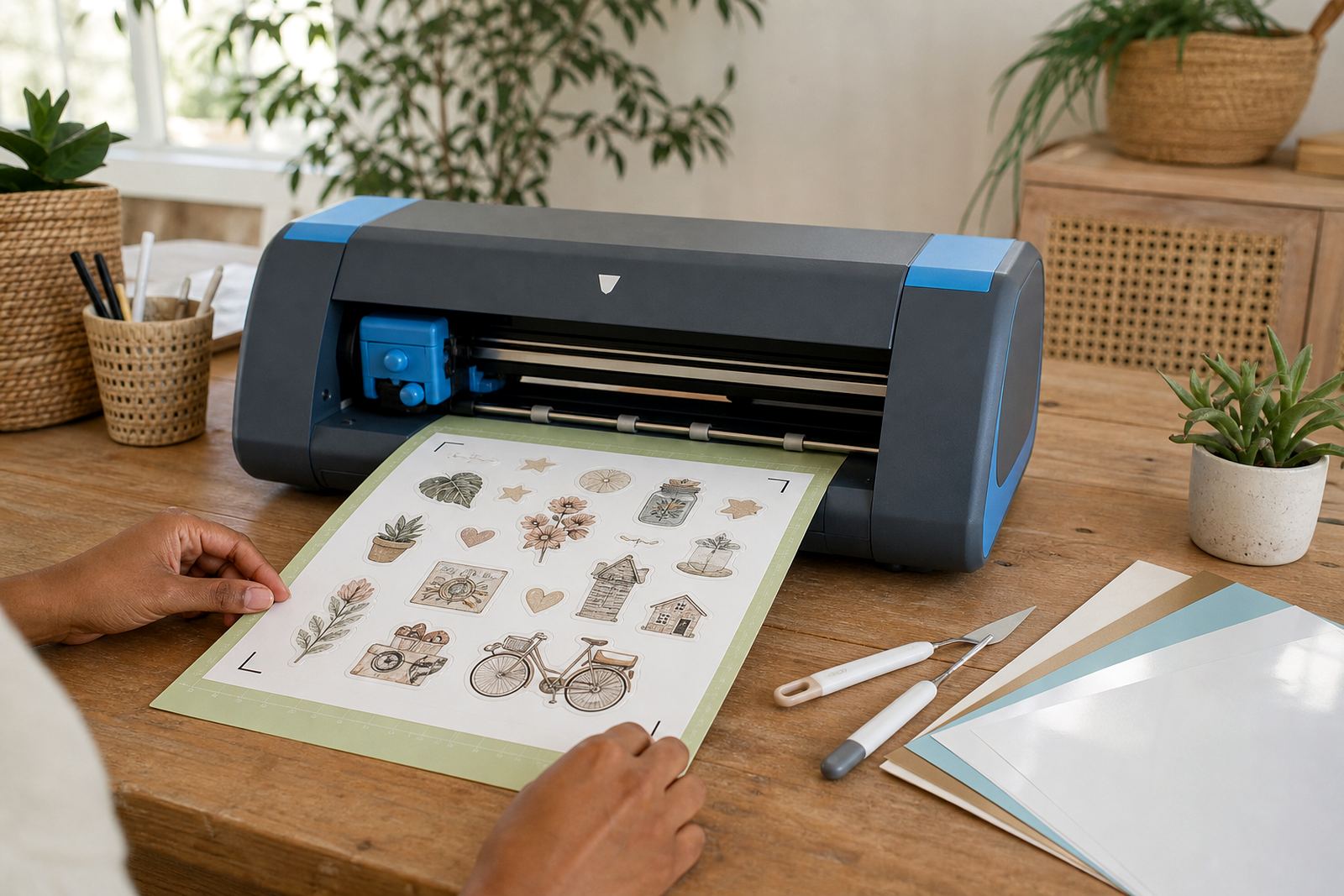
For repeated shapes, a craft cutter gives neater edges and saves time. Register the print and cut marks carefully, then test a single sheet before running a full batch. If the blade is blunt or the mat has lost grip, the cut can pull at the paper and spoil the finish.
- Keep fingers clear of the blade path.
- Replace dull blades before the edge starts fraying.
- Use a fresh mat when small pieces lift while cutting.
- Weed out tiny offcuts only after the sheet is fully cut.
Keep the print clean and the labels flat
Fresh ink needs air, especially on inkjet sheets. Let the page rest before stacking, trimming or placing it under another sheet. Smudging often starts when a page is handled too soon or bent over the corner of a table. Keep hands clean and dry while moving printed sheets around.
Flat storage helps the paper stay ready for the next task. A box or folder keeps dust off and stops edges from curling. In humid weather, particularly near the coast, avoid leaving open packs near a window or in a warm car. If you print a lot at home, keep the sheets in the order you plan to use them, that makes the workflow steadier.
- Allow ink to dry before cutting or stacking.
- Store sheets flat and away from moisture.
- Keep cut pieces in a clean envelope or tray.
- Handle glossy pages from the edges only.
Apply the label without lifting the corners
Start with a clean, dry surface. Dust, oil and moisture can stop the adhesive from sitting properly. Place one edge first, then smooth the rest down with a card or squeegee style tool. Work slowly so the sticker does not trap air under the centre.
For jars, tins, folders and storage boxes, press along the edges last. This helps the corners stay down during normal use. If a label is very large, light marks on the back can help you line it up before peeling the full sheet. On curved containers, use narrower labels so they sit flatter and need less correction.
- Wipe the surface before application.
- Peel a little backing first if the label is large.
- Smooth from the centre outwards.
- Press the edges again after the label is in place.