Start with the printer tray, not the project mood
The safest first step is to check what your printer can take without curling, slipping or jamming. Most home printers handle A4 cleanly, while smaller compact units can struggle with thicker media, and some manual-feed setups are happier with single sheets one at a time. If you are printing on a benchtop machine in Durbanville, Cape Town or sending jobs through a home office in Durban or Pretoria, the sheet has to suit the tray before anything else.
Paper weight and coating matter too. A glossy sheet can feed differently from a matte one, and clear film or vinyl usually feels less flexible in the hand. If your printer has a straight paper path, that often gives you better control with heavier sticker sheets, especially when you are working through a batch and do not want the corners lifting mid-feed. The right size makes the whole run calmer and less fussy, which helps with colour and alignment too.
- Check your printer's supported sheet size first.
- Use one sample sheet before a full batch.
- Keep the stack flat and dry near the printer.
- Feed heavier sheets singly if the tray feels tight.
Match sheet size to the number of labels you need
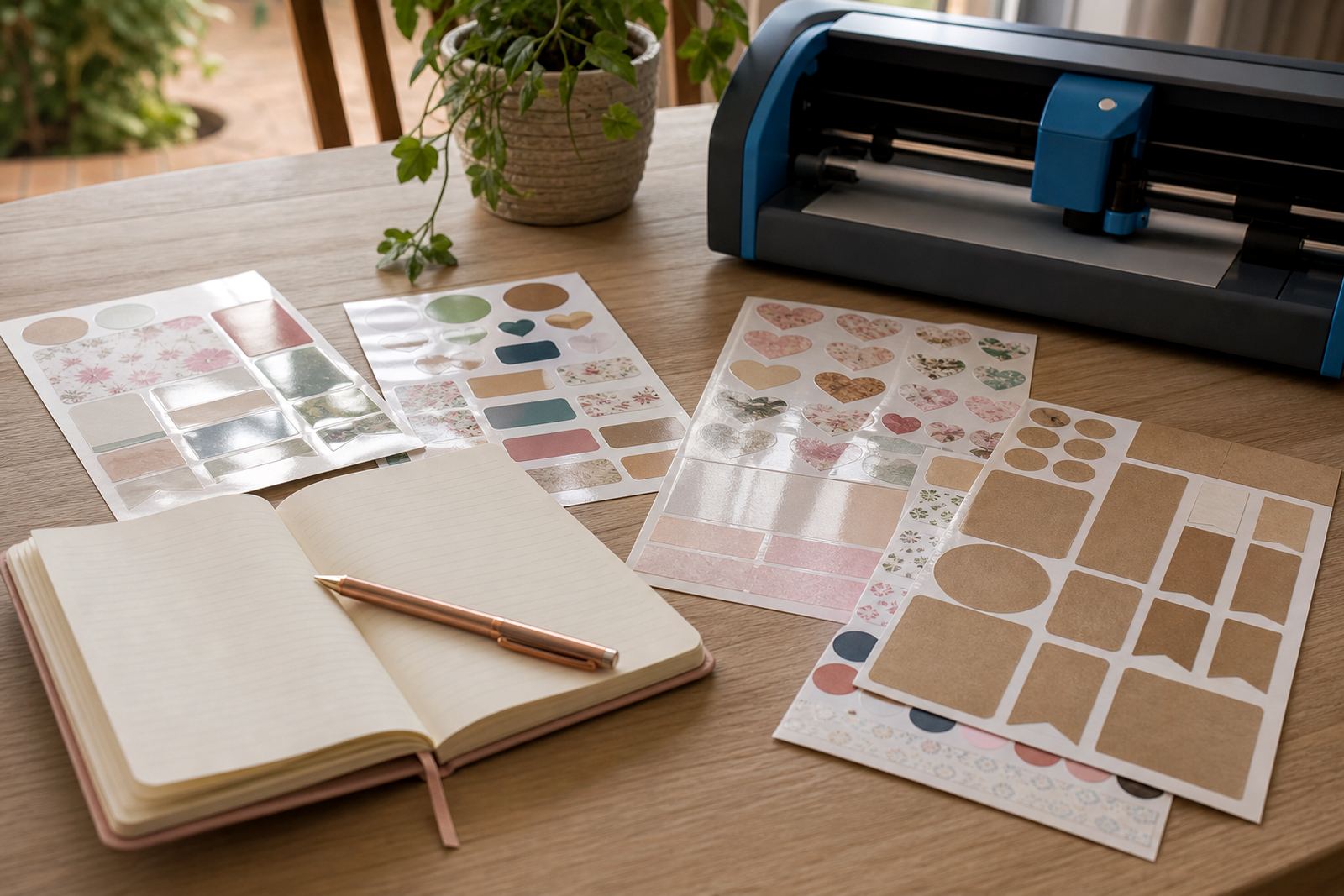
Small projects do well on A5 or quarter sheets when you only need a few labels, gift tags or planner stickers. Bigger jobs often make more sense on A4 because you get more usable space for address labels, pantry names, craft shapes or school stickers. If you are making sets for a market table in Stellenbosch or Paarl, the bigger sheet can save time because you cut fewer pages for the same result.
Think in batches. If you need ten labels, a smaller sheet may suit the layout better. If you need twenty or more repeated shapes, a full A4 sheet gives you room to nest the design more neatly. That matters when you are cutting by hand, because you want straight margins and easy spacing between pieces. It also helps if you use a craft cutter and want a clean registration area around the design, not a cramped page that wastes material.
- A5 suits short runs, samplers and small gift packs.
- A4 suits pantry labels, mailing labels and repeat shapes.
- Larger layouts reduce trimming on busy projects.
- Smaller sheets can feel easier for test prints.
If you are unsure, start with the sheet size that leaves the least awkward waste around your design. A neat layout often matters more than trying to fill every millimetre.
Choose the finish that fits the job at hand
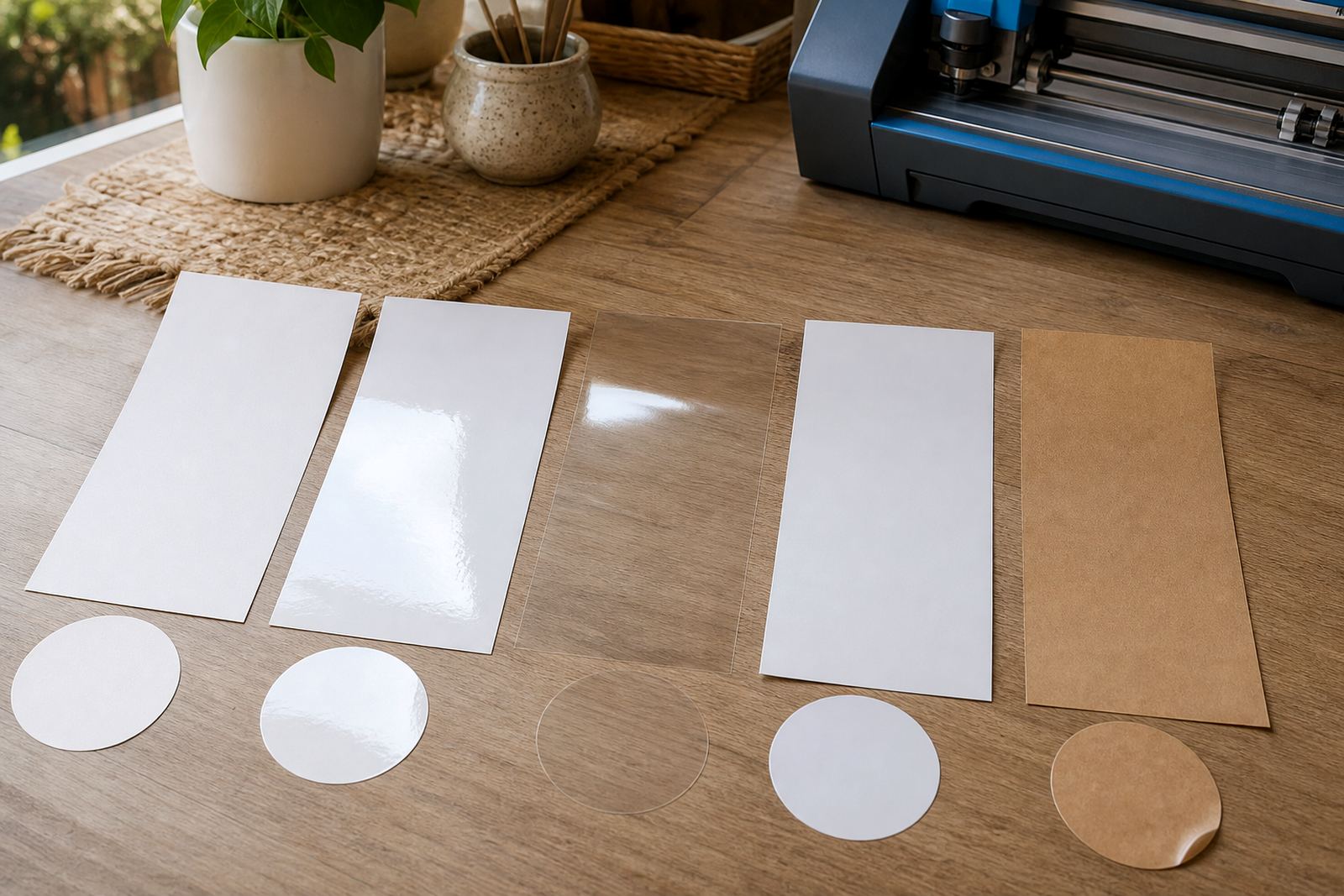
Sheet size and finish work together. Matte sticker paper is a good match for handwriting, soft colour and labels that need a low glare look. Gloss sheets suit brighter artwork and products where you want the surface to feel polished. Clear sheets are useful when the backing or container colour should show through, while vinyl is a stronger choice for items that may face light moisture, handling or frequent touching. Kraft gives a warmer look for handmade jars, bakery labels and gift packaging.
For home organising, many makers prefer matte or gloss in A4 because the sheet gives enough space for mixed label sizes. For smaller gift sets, clear or kraft on an A5 sheet can be easier to sort and store in a box. The finish also affects how accurately you see edges when cutting by hand. Clear film can be trickier on light surfaces and a tiny alignment mark helps. Matte is more forgiving when you are learning and the cut line is not perfect.
Keep the final use in mind: a spice jar in a kitchen with steam near the stove needs different treatment from a scrapbook page or a card insert. That little difference changes both size and finish choice.
Inkjet or laser, then choose the sheet that behaves well
Printer compatibility is non-negotiable. Inkjet and laser printers work in different ways, so the sheet must be made for the machine you use. Inkjet sheets are designed to take liquid ink and dry properly on the surface. Laser sheets are made to handle heat and toner bonding without warping. If you pick the wrong type, the result can smudge, curl or lose adhesion after printing.
Once the printer type is right, sheet size becomes easier to judge. Inkjet users often print smaller test sheets first because they want to check colour, dry time and edge sharpness before using a full A4 run. Laser users often prefer the steadier feed of a full sheet when doing multiple labels, because toner stays put as soon as it has fused. In both cases, a tidy layout with proper spacing helps avoid waste and keeps the final cut cleaner.
- Use inkjet sheet stock only in an inkjet printer.
- Use laser sheet stock only in a laser printer.
- Let ink dry fully before stacking sheets.
- Keep toner prints flat while they cool.
If your printer settings allow media selection, choose the closest match to the sheet. That small step can improve feed and colour in a real way, especially when you are printing more than a quick sample.
Cutting style changes the size choice more than people expect
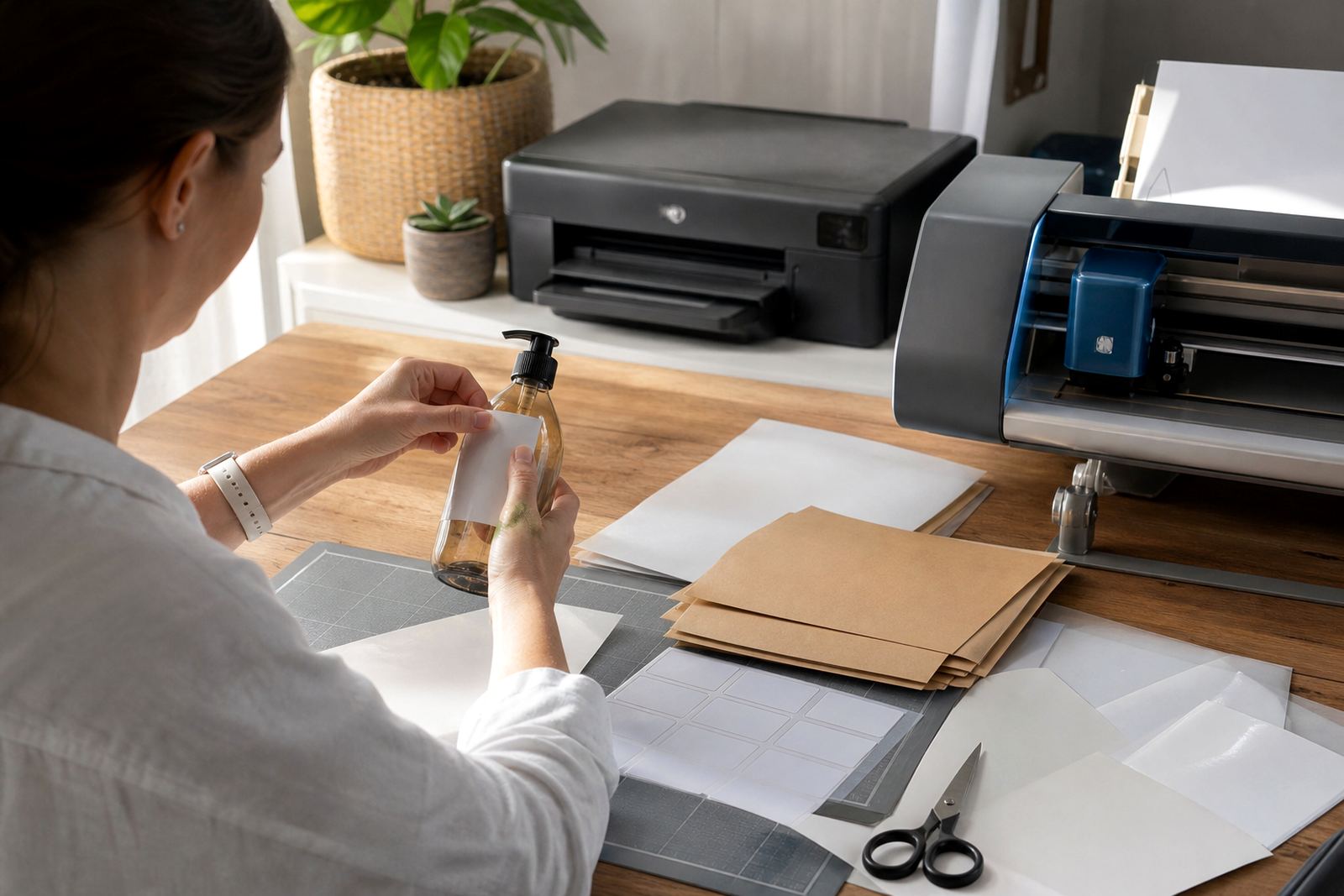
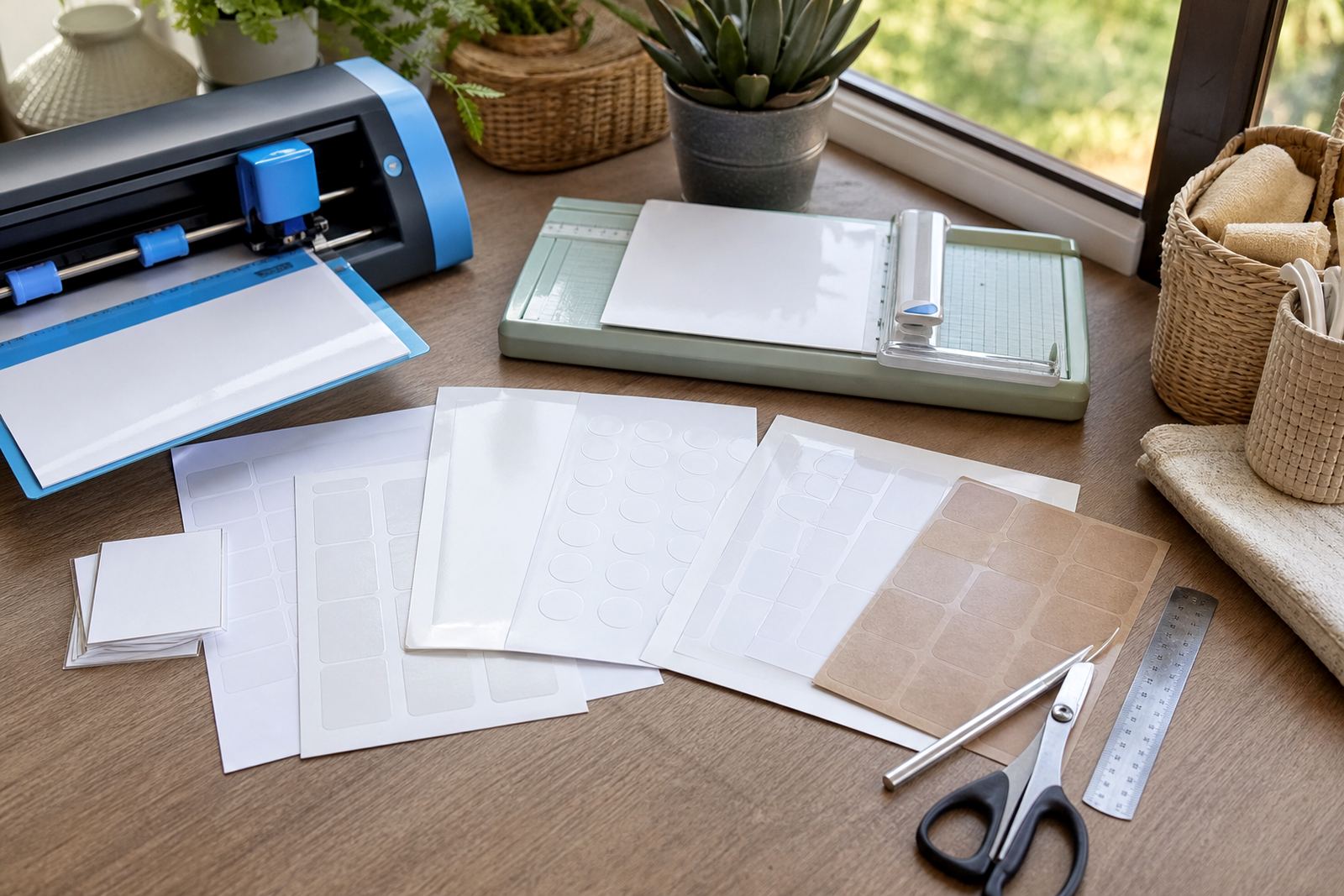
How you plan to cut is just as important as what you print. If you cut by hand, larger sheets give you more room for a ruler, craft knife and trimming mistakes. Smaller sheets can feel easier to control, especially for simple labels with straight edges. If you use a craft cutter, the page size should match the machine's cutting area and your mat size, otherwise you end up re-positioning sheets and slowing the job down.
Hand cutting suits crafters who enjoy direct control and do not mind a few extra minutes per sheet. Craft cutters suit repeat jobs, intricate shapes and batches where every label must match. Clear sheets and vinyl can need a firmer blade setting and a careful test cut, because the material behaves differently from plain paper. A tidy storage folder helps too, because loose sheets can pick up dust or curl at the corners, and that makes feeding and cutting less predictable.
- Use A4 when your cutter handles the full area.
- Use A5 for smaller mats or quicker hand work.
- Leave a margin for test cuts and alignment marks.
- Store unused sheets flat in a dry place.
A quick sheet-size checklist before you order
Before you choose a size, look at the whole job from printer to finish. Start with the printer tray, then the number of labels, then the finish, then the cutting method. That order helps you avoid buying a sheet that is lovely on paper but awkward in practice. If you work from Durbanville and send deliveries to Cape Town, Johannesburg, Durban, Pretoria or Bloemfontein, the same rule holds: the best sheet is the one that fits the machine and the task without forcing a compromise.
A short checklist can save time when you are planning labels for home storage, craft fairs or personalised gifts. Keep notes on what worked with each printer setting, because a small change in colour mode or paper path can shift the result. If you are storing unused stock near a sunny window or in a damp garage, choose a dry cupboard instead. Coastal humidity can make sheets curl a bit, and that can throw off feed and cutting.
- Confirm your printer type and tray limits.
- Decide whether the project needs A4, A5 or smaller.
- Match the finish to the surface and use.
- Check whether you will cut by hand or machine.
- Store the sheets flat until you print them.
For homes with mixed craft projects, it often helps to keep more than one size on hand. A4 covers the larger batches, while smaller sheets make test prints and short runs less wasteful. That balance is practical for organised cupboards, label sets and gift making, and it keeps your craft shelf easier to manage.