Start with a sheet that matches the print job
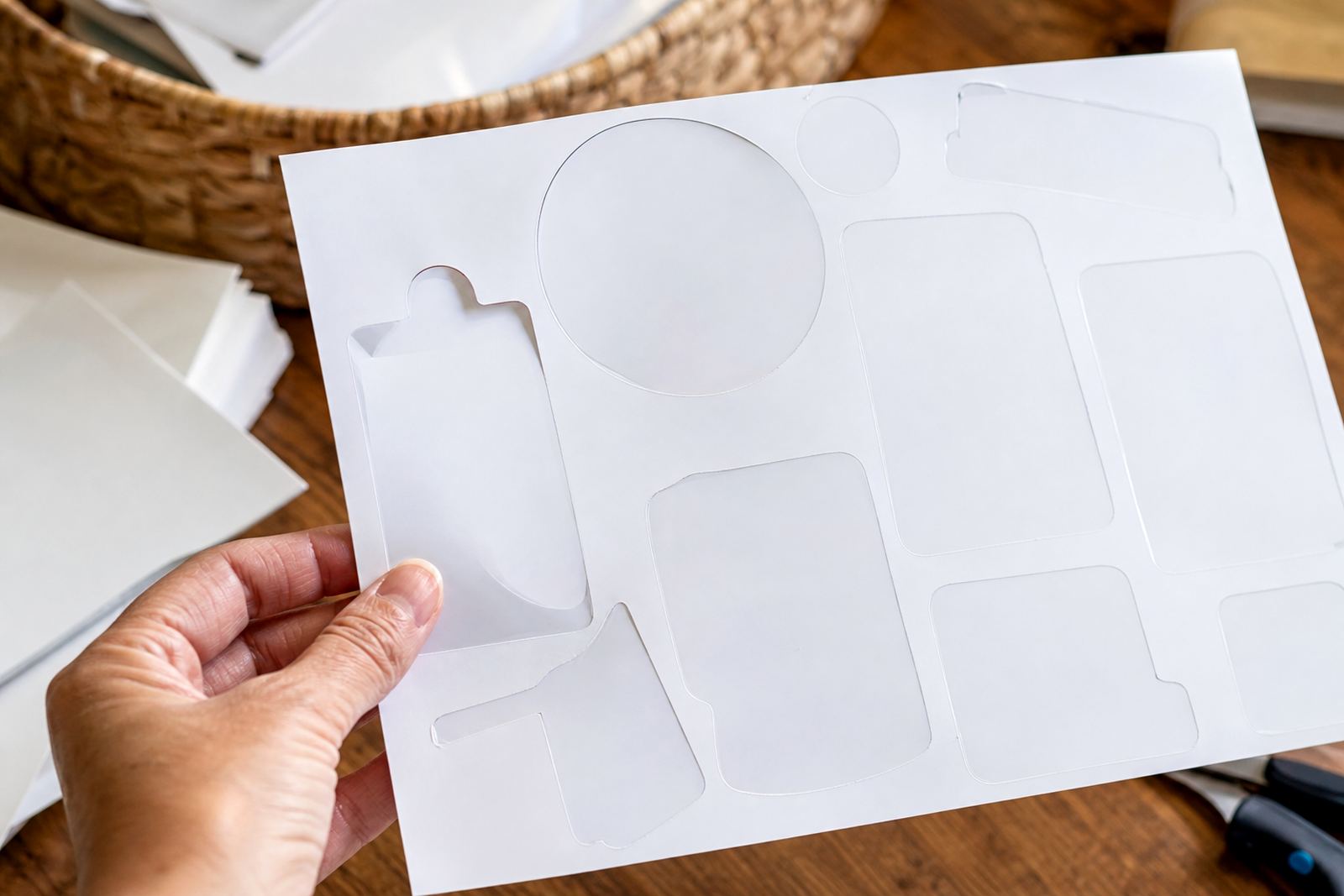
Smudge control begins with the paper itself. Matte sticker paper gives a drier surface feel and is often easier to handle straight after printing, while gloss needs a little more patience because the ink sits differently on the coating. Clear sheets can show fingerprints more easily, and vinyl sheets may hold ink nicely but still need careful drying before cutting. Kraft options absorb and settle in their own way, so they suit labels with a more natural look, though they still need the same careful handling.
For Durbanville homes with a printer on a busy kitchen counter or a craft room shelf, the sheet choice matters as much as the design. If the project needs crisp text for pantry labels, matte is a safe starting point. If colour illustrations matter more, gloss can suit the look, but only when the print settings and drying time are given proper attention.
- Matte suits everyday labels and handwriting-style designs.
- Gloss works well for bright artwork and polished finishes.
- Clear suits see-through labelling on jars, bottles, and containers.
- Vinyl gives a tougher surface for items handled more often.
- Kraft brings a warm, natural finish for rustic projects.
Printer settings that help the ink settle properly
Most smudges are not caused by the design itself, but by a setting that pushes too much ink onto the sheet. When the printer is set for plain paper, the output can look wet and stay tacky for longer. A better match is a photo or speciality media setting if the printer offers one, then a test print on the exact sheet you plan to use. That small check saves a lot of wasted material.
Inkjet and laser printers behave differently, so the setting has to suit the machine. Inkjet work usually needs care with ink load and drying. Laser printing needs the correct paper type and heat tolerance, especially with sticker paper meant for that process. If the sheet is not suited to the machine, the toner or ink can sit badly and leave marks when touched too soon.
- Use the paper type that matches the sheet and machine.
- Lower the ink density if the print looks heavy or glossy-wet.
- Choose high quality print mode for cleaner placement of colour.
- Feed one sheet at a time when the printer allows it.
- Check the back of the sheet for correct orientation before printing.
Drying time matters more than most people expect
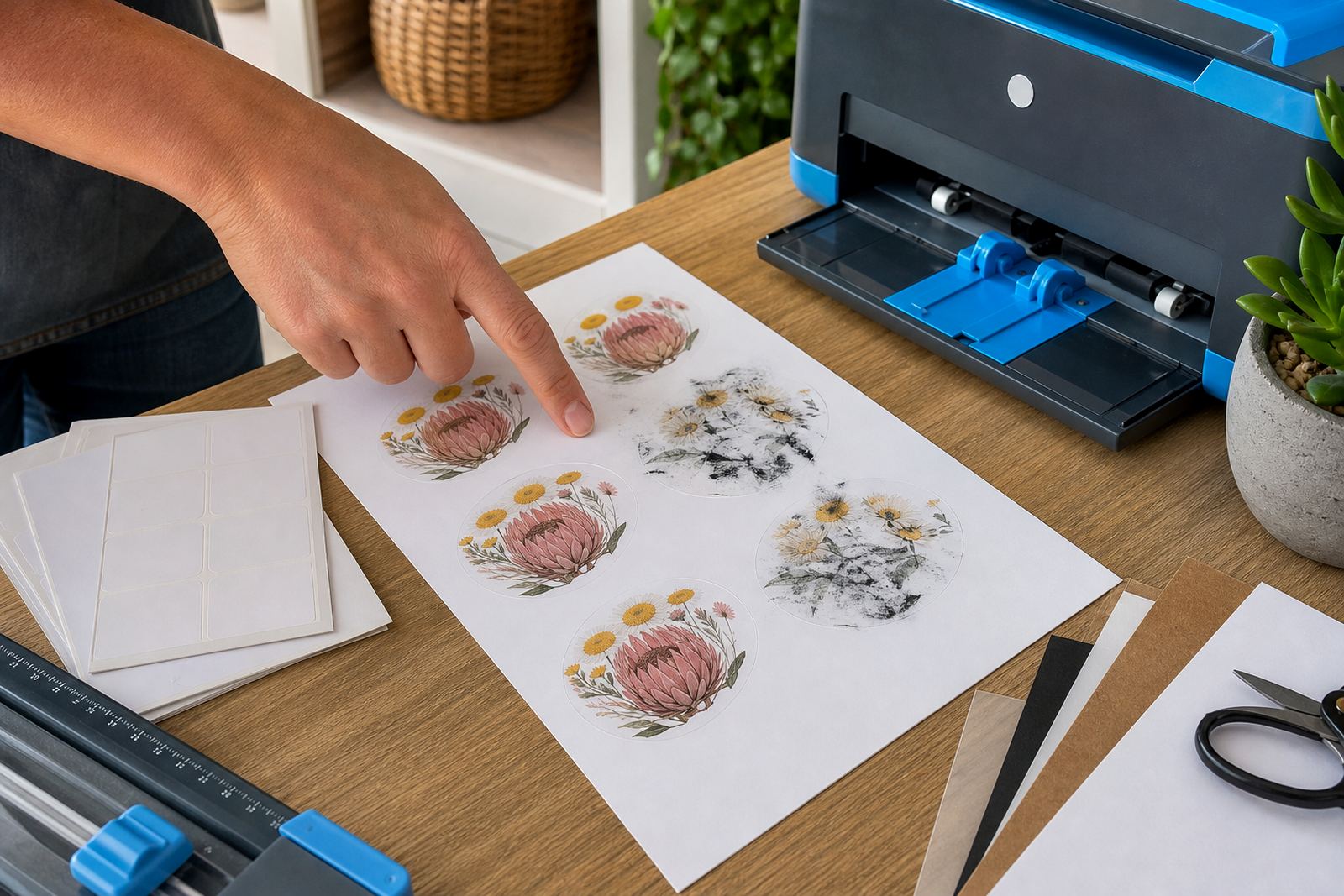
Fresh printwork looks finished, but the surface can still be vulnerable for a while. The safest habit is to lay the sheet flat on a clean table and leave it alone until the ink settles. Stacking prints on top of one another, or moving them into a warm pile too soon, is a common way to create faint marks on the next sheet. Even a light touch from a finger can leave a thumb-shaped smudge on darker artwork.
In Cape Town homes near the coast, the air can feel damp on some days, and that slower drying can change how soon a sheet is ready for cutting. In a wetter room, a gloss finish may need more patience than matte. A ceiling fan or open room airflow helps, but avoid placing the prints where dust or kitchen steam can settle on the surface. That can leave a patchy finish that shows up only after trimming.
- Keep printed sheets flat until the surface feels fully set.
- Do not stack fresh sheets directly on top of each other.
- Leave space between prints so air can move around them.
- Keep them clear of steam, cooking vapour, and dusty surfaces.
- Handle corners first when moving the sheet to storage or cutting.
Cutting without dragging the ink across the sheet
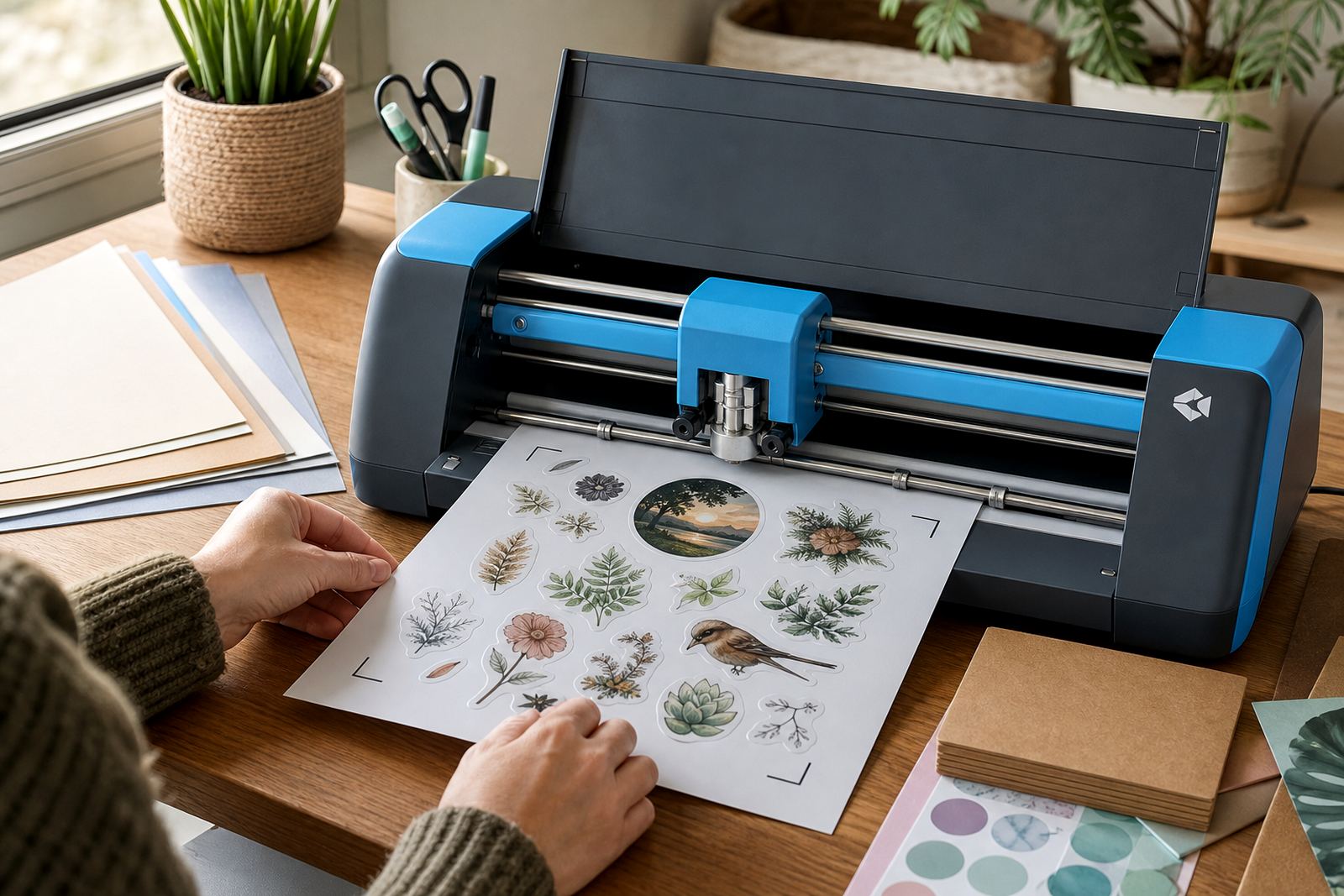
Smudging often appears during cutting, not during printing. A blunt blade or a cutter mat with grit can drag across the print and leave streaks, especially on glossy and clear sheets. Hand cutting works well for simple labels and small batches, but the tool needs to move cleanly with no repeated rubbing over the same line. Craft cutters help with larger runs, though the blade depth and pressure must suit the material.
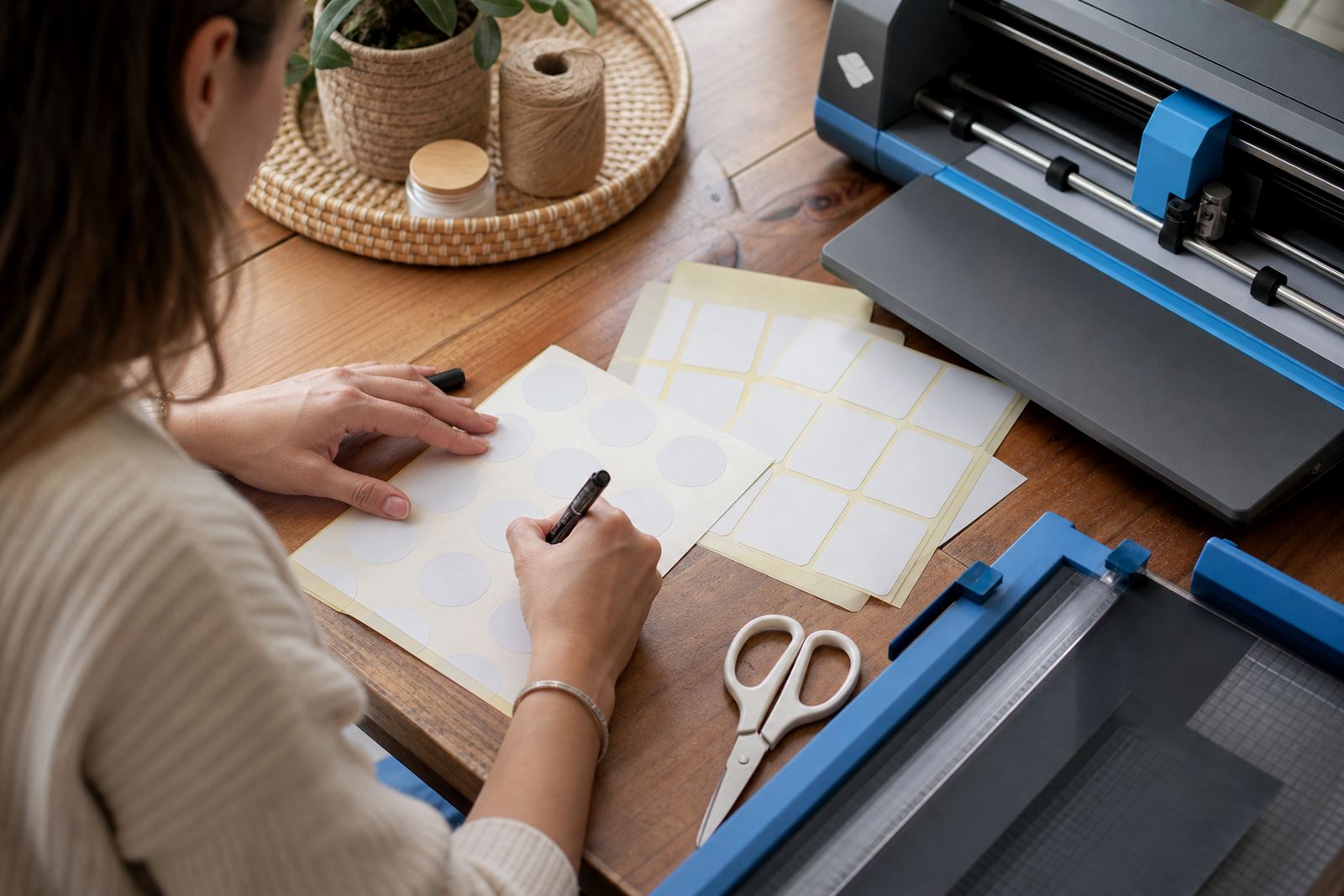
For home makers in Johannesburg, where a batch might include pantry labels, gift tags, and jar labels in one sitting, cutting discipline matters. Let the sheet rest before trimming, keep fingers off the printed face as much as possible, and avoid sliding the page around on the mat once the cut starts. If the sheet lifts at the edges, pause and reset rather than forcing the blade through a moving sheet.
- Use a sharp blade for cleaner cuts and less surface drag.
- Adjust craft cutter pressure to the actual sheet thickness.
- Keep the mat clean so it grips without scuffing the print.
- Trim from the back where possible when shapes allow it.
- Cut once cleanly instead of revisiting the same line several times.
Handling labels after print, before they touch the jar
The period between printing and application deserves as much care as the printing itself. Once the sheet is dry, pick it up by the edges and work on a clean surface. Oils from hands can leave faint marks on clear film and gloss sheets, and those marks may show up once the sticker is applied to glass or plastic. If labels are being moved into storage, keep them inside a sleeve or between clean sheets of paper so the print stays untouched.
Sticker application in homes around Pretoria often happens in kitchens, laundry rooms, and storage areas where surfaces are not always ideal. A small amount of dust on a shelf can catch the sticky edge, then the label shifts during placement and leaves a smear. Align the sticker first, smooth it from the centre out, and avoid pressing down hard until you know it is sitting straight. That steady approach matters more than speed.
- Lift and place printed sheets by the edges only.
- Keep printed labels away from oily hands and dusty counters.
- Store finished sheets flat in a clean sleeve or box.
- Clean the container surface before placing any label.
- Press from the middle outward to reduce trapped air and movement.
A local case from a Durbanville kitchen shelf project
A Durbanville customer making spice labels for a shelf near a sunny kitchen window noticed the first prints were leaving light marks where the sheets were stacked too soon. The paper itself was fine, but the room was warm and the pages were being moved before the ink had settled. After switching to a slower print setting, laying each sheet flat on its own, and waiting before cutting, the next batch came out cleaner and stayed that way through application. The difference was not dramatic, just careful.
That kind of project is common across South Africa, from Stellenbosch pantry jars to Bloemfontein gift boxes and Durban laundry bottles. Smudge prevention is usually a matter of matching the sheet to the printer, letting the ink settle, and handling the surface with a light touch. Once those habits are in place, the prints look tidier and the labels feel easier to work with from start to finish.