When a cutter beats scissors
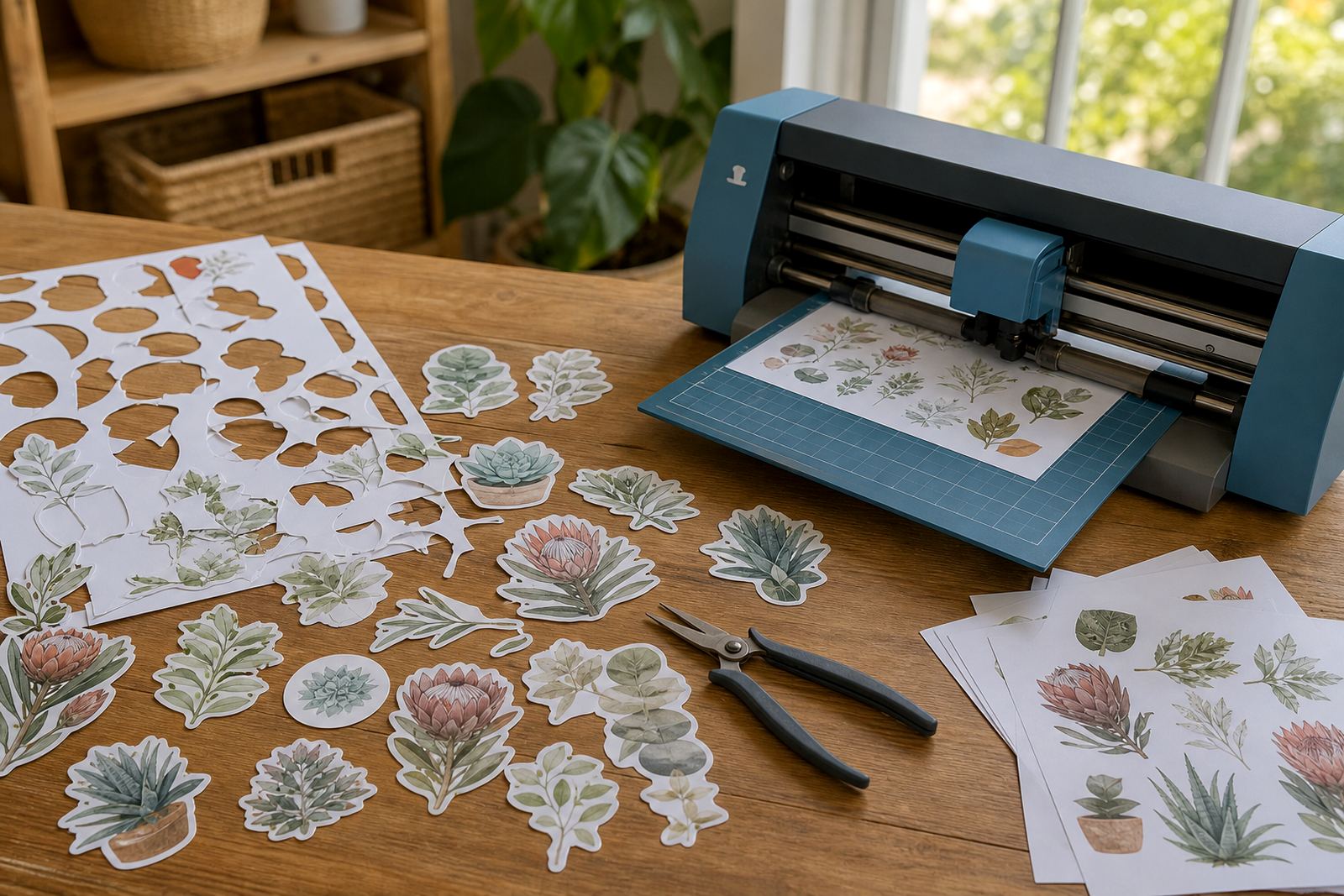
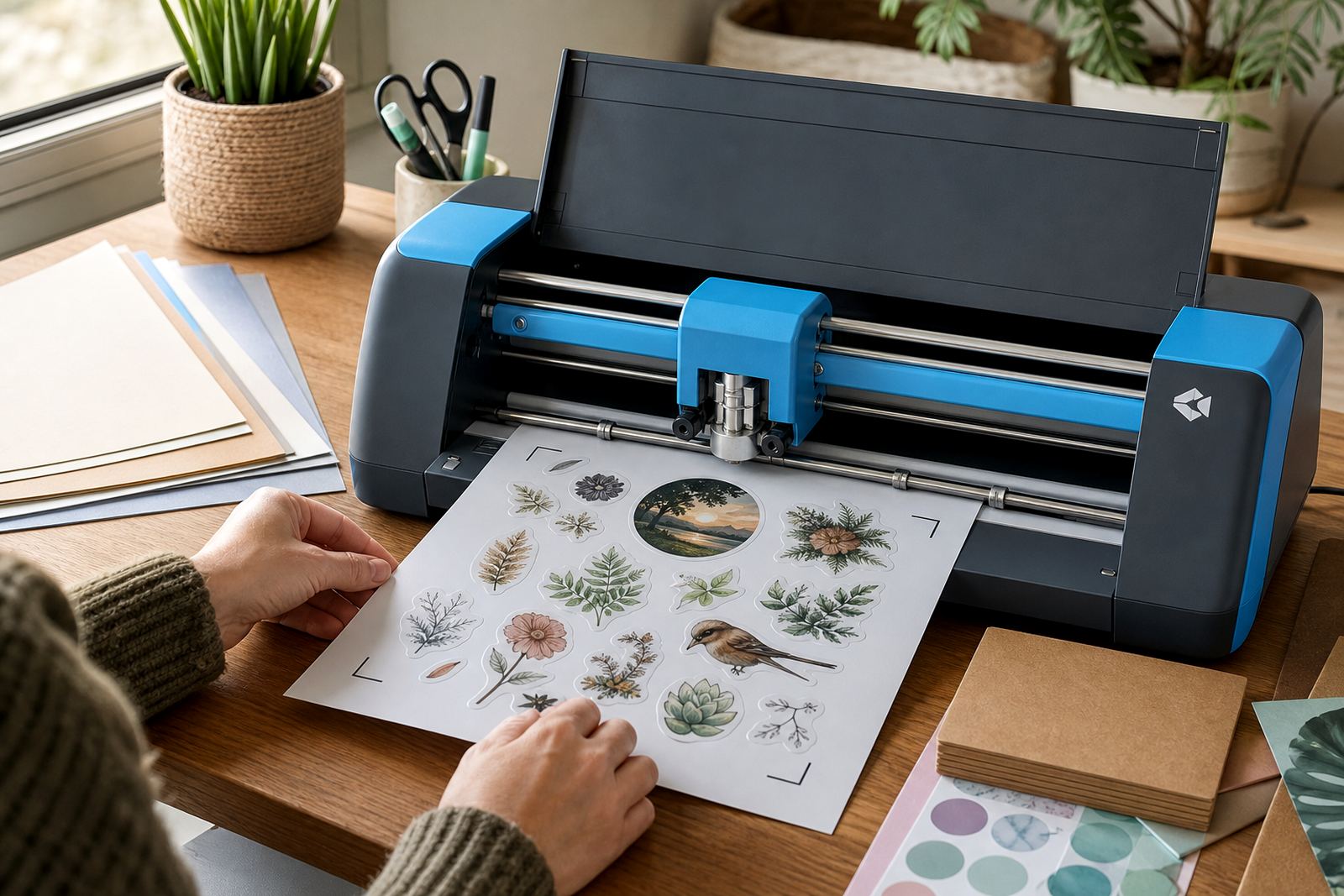
Hand cutting suits small runs, but a craft cutter gives steadier results when you need the same shape more than once. Round labels, name stickers, planner tabs and pack seals all benefit from clean repeat cuts, especially where corners must stay neat.
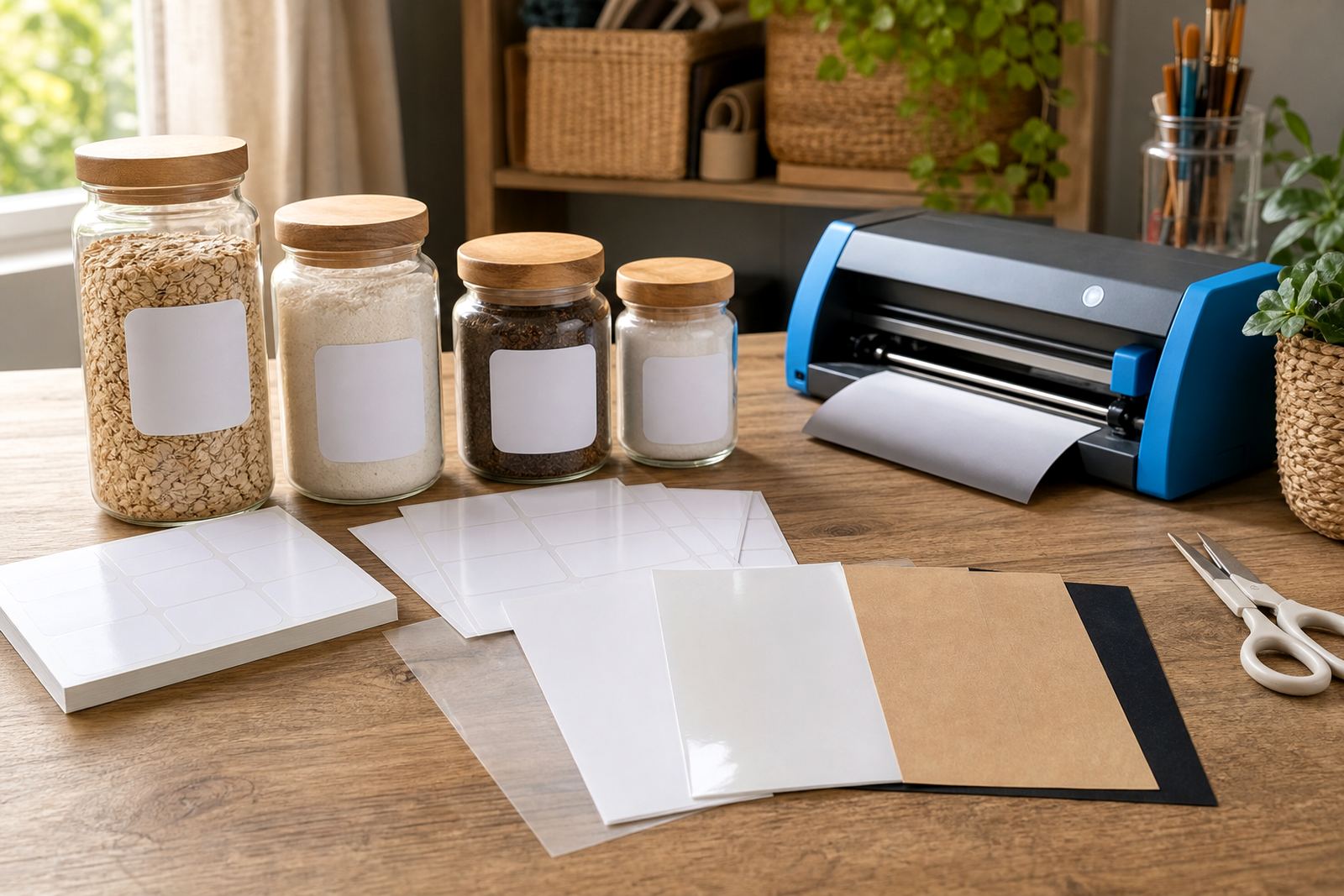
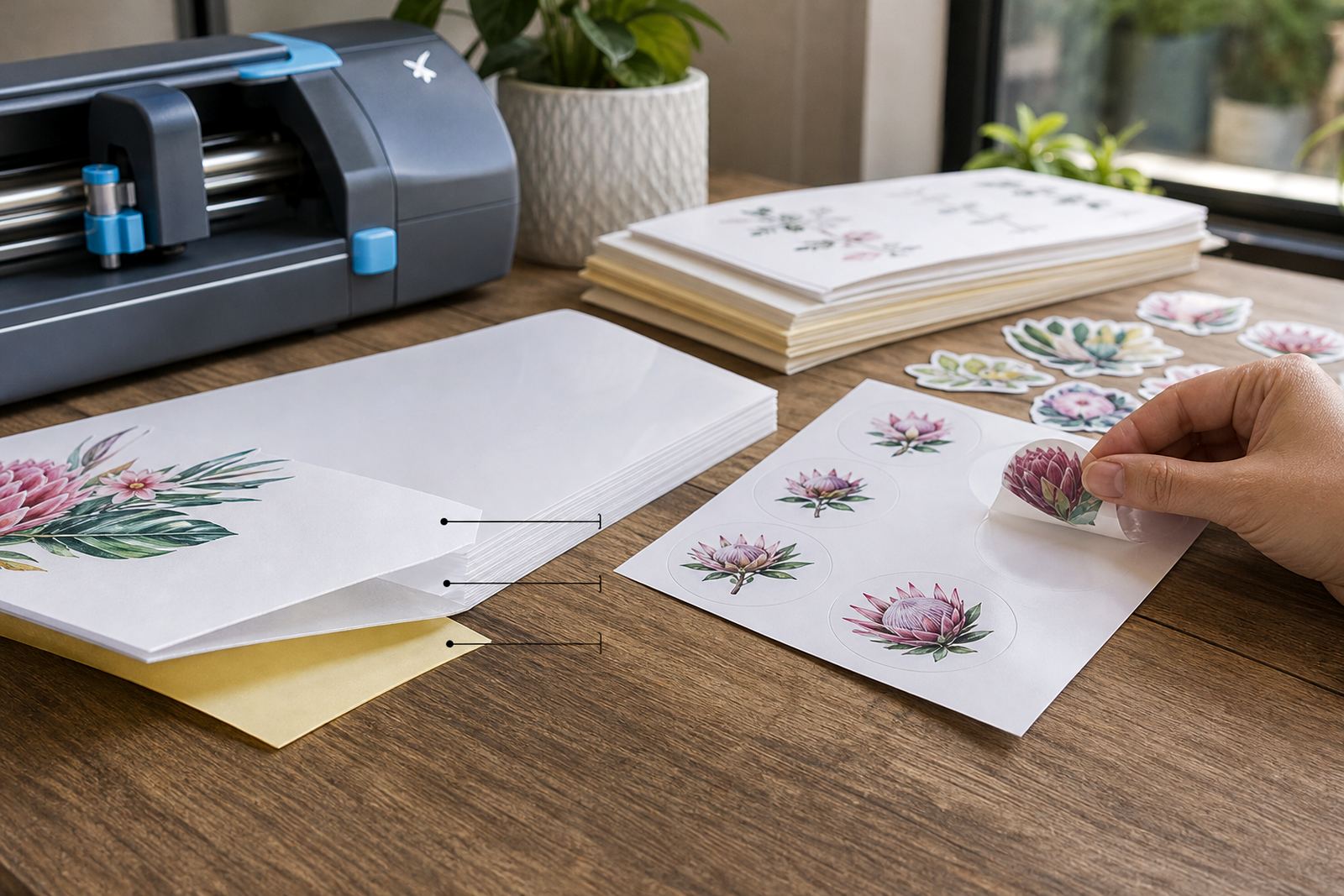
Printable sticker paper behaves differently from plain copy paper. Matte sheets usually feed well and show the cut line clearly, while gloss and clear sheets can need a sharper blade setting and a slower pass. Vinyl sheets often handle better when the mat grip is right and the sheet lies flat, not curled at the edges.
- Use craft cutters for repeat shapes and matching sets.
- Use hand cutting for small, irregular pieces or test samples.
- Check the edge finish after the first few cuts.
Matching the sheet to the machine
Inkjet and laser printable sticker paper do not behave the same way, so the cutter setup needs to respect the print method first. Inkjet sheets may carry more moisture in the ink layer, while laser sheets usually have a harder printed surface. That changes how the blade lifts, scores and separates the top layer.
Clear sticker sheets need careful lighting and a clean backing sheet, because registration marks can be harder to see. Kraft sticker paper gives a more natural finish, but the blade often needs a firmer kiss cut than a glossy stock. A small test square tells you more than a long guess, and it saves material.
- Confirm the sheet type before loading it.
- Use registration marks that stay visible on the print.
- Keep one setting note for each paper type.
Test cuts save sheet stock
A test cut is not wasted time, it is the step that tells you whether the blade is too shallow or too deep. When the cut goes clean through the sticker face but leaves the backing intact, the sheet is ready for a full run. If the blade scores too lightly, the sticker tears at removal. If it cuts too deep, the backing may split and the sheet becomes awkward to weed.
For home makers in Durbanville working on labels for pantry jars, a small test strip can prevent a full stack of rejects. That matters on busy weeks, particularly when you are printing batches for birthday packs, school organisers or market stock. One good test can spare you the sort of mess that ends in curled corners and faded edges.
Settings that keep cuts neat
Good cutter results usually come from a few steady habits rather than one special setting. The mat should be clean enough to hold the sheet, the rollers should grip evenly and the blade should be checked for wear. If the paper shifts mid-cut, the shape can drift and the print border starts to look uneven.
- Load the sheet square, not skewed.
- Use a fresh blade when cuts start fraying.
- Reduce speed if the corners lift.
- Store sheets flat in a dry room.
In humid coastal homes, paper can pick up a slight curl, so a flat stack helps the cutter stay accurate. In Pretoria or Bloemfontein, the air may be drier, but dust on the mat can still affect grip. A quick wipe before a session often helps more than people expect.
Finishes that suit different projects
Matte sticker paper is a practical choice for hand labelled jars, note tags and office files because it is easy to read and forgiving under ordinary light. Gloss works well for bright colour artwork and gift labels that need a polished finish. Clear paper suits window jars, bottles and items where the surface underneath should show through. Vinyl sheets are handy when the label may face handling, light wiping or regular movement.
Kraft sticker paper gives a warmer look for home-made soaps, pantry tins and rustic gift packs. It pairs well with simple black print, though fine pale artwork may not show as strongly. If the design has tiny text, leave enough margin around the words so the cutter does not clip the edge.
A Durbanville kitchen table example
A local home maker in Durbanville might print labels for spice jars, toy tubs and school supply boxes in one afternoon. The first sheet can be tested on matte stock, then the blade adjusted before moving to gloss for gift tags. If the cutter is set too deep, the labels lift with the backing paper and the job becomes slow. If it is too light, the corners stay attached and each sticker needs extra trimming.
That sort of project shows the value of the cutter clearly. The same design can be used for small batches across Cape Town, Johannesburg, Durban, Pretoria and Bloemfontein without changing the layout every time. The trick is keeping the cutter, the print and the sheet type in step with each other.
- Print one sample sheet before a full batch.
- Check the border after every new material.
- Keep the design simple when shapes are tiny.