Why kraft changes the print before the ink even lands
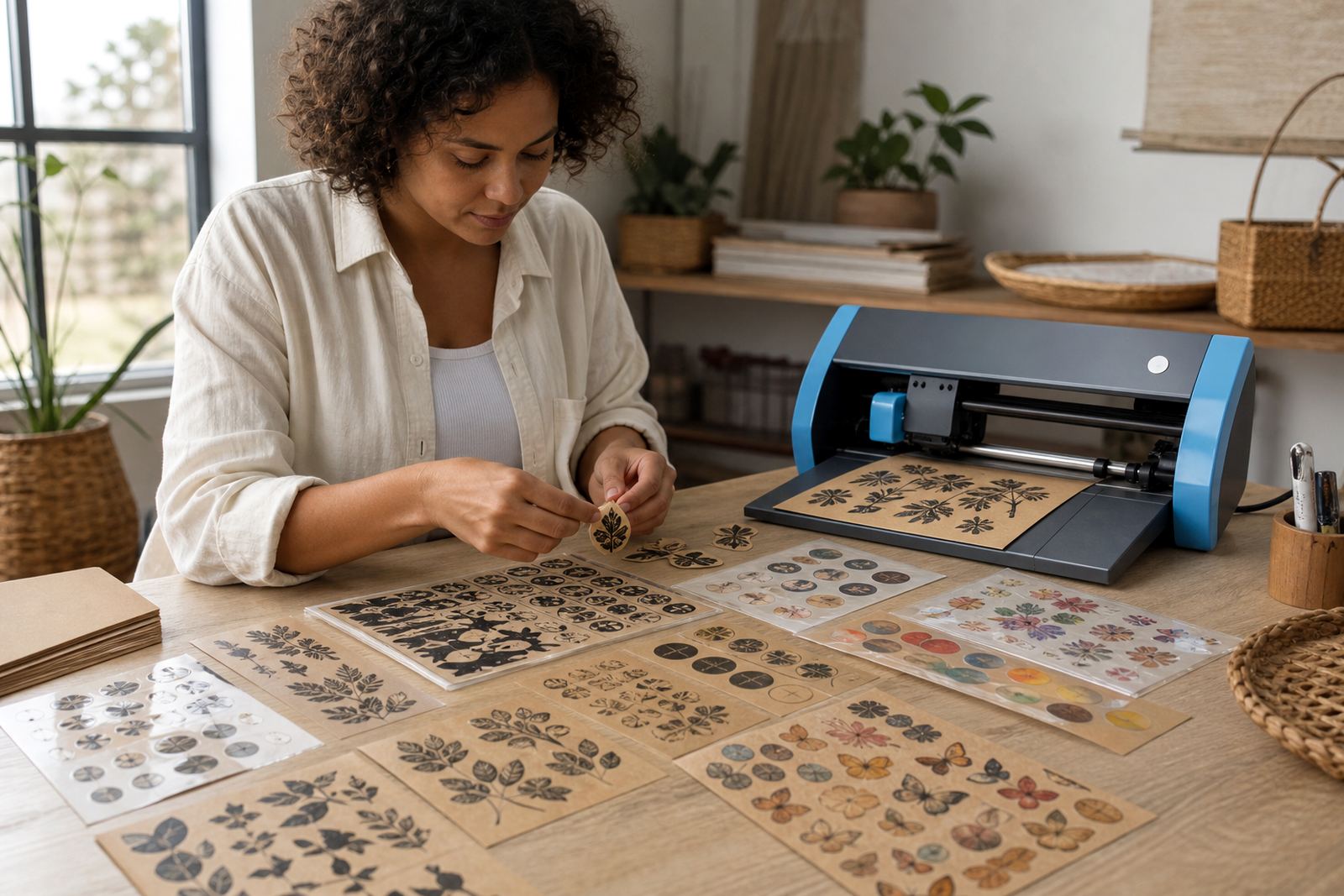
Kraft paper is brown through the sheet, so the background colour becomes part of the finished label. A cream logo, pale yellow text, or soft grey illustration can lose definition faster on kraft than it would on white paper, while deeper colours usually hold their shape better. That is the main thing to plan for before the artwork is sent to the printer.
The base colour also affects contrast. Black, navy, dark green, maroon, and burnt orange tend to sit comfortably on kraft. Whites are a different story because most benchtop printers do not lay down opaque white ink, so any white detail in the design usually prints as the kraft colour itself.
Artwork choices that hold their shape on brown stock
When a design has to read clearly on kraft, the artwork needs a bit more strength. Thin script fonts, very fine borders, and pastel fills can disappear when the brown base shows through. Stronger outlines and bold lettering usually give a cleaner result, especially on small labels for jars, candles, seed packets, or pantry containers.
- Use darker text for small labels and ingredient stickers.
- Keep line art simple so cut edges stay neat.
- Leave enough space around logos, icons, and letters.
- Test one sample sheet before running a bigger batch.
For home organisers in Durbanville or Cape Town, this matters when labels have to be read quickly on a shelf or inside a cupboard. A neat pantry label is still a practical label, even if the finish is handmade.
Matching kraft with inkjet and laser printers
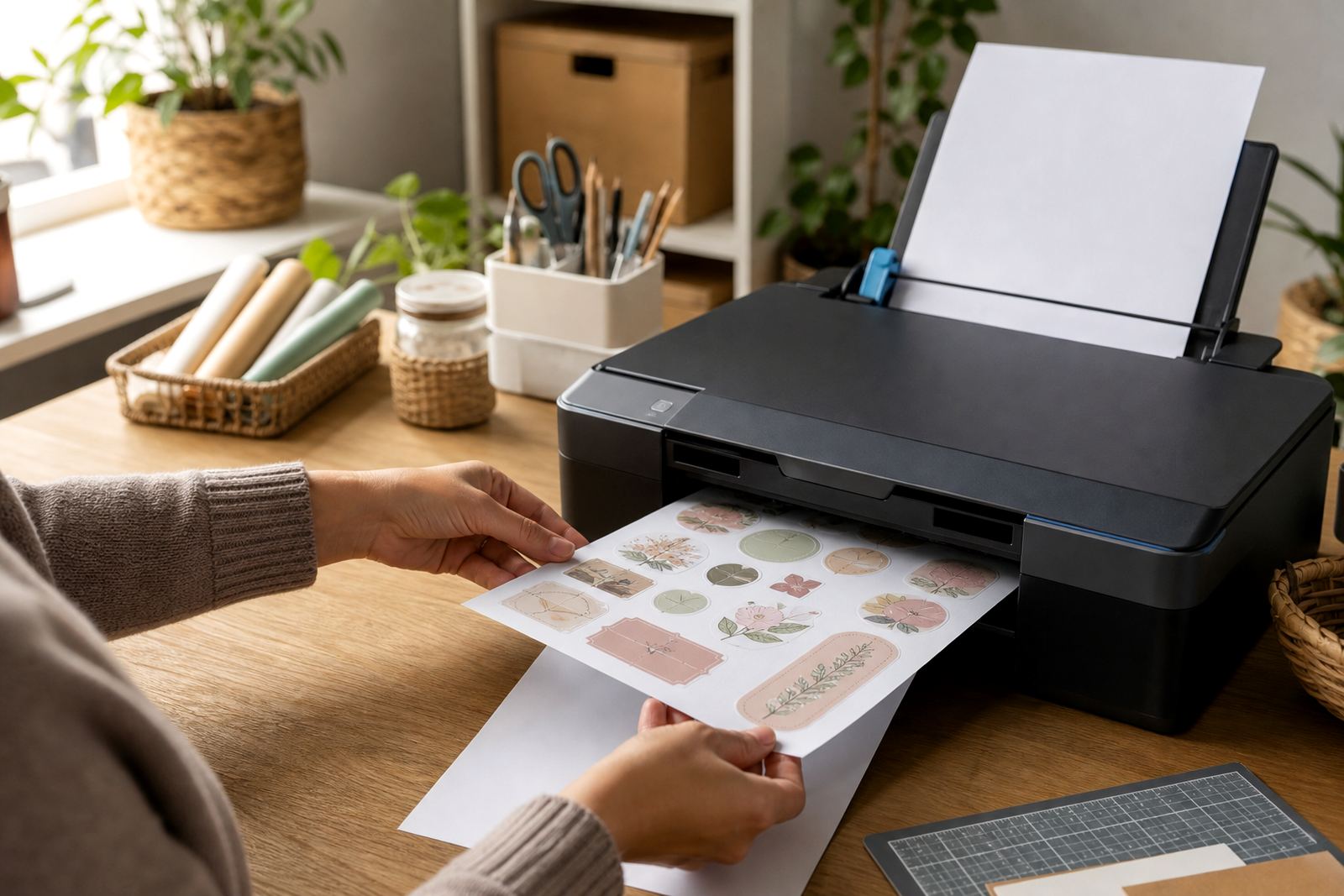
Kraft sticker paper can be used with both inkjet and laser printing, but the outcome depends on the sheet type and the printer settings. Inkjet printers need a coating that accepts liquid ink well, while laser printers need a surface that can handle toner and heat without warping. The wrong sheet for the wrong machine can lead to smudging, patchy colour, or a rough finish.
For colour work, it helps to keep the printer on the correct media setting rather than plain paper. That slows the feed and gives the image more time to settle properly. If the file has large solid blocks, a test print is useful because kraft can make dark colours look a touch softer and warmer than expected.
- Use a printer setting suited to sticker or heavy paper.
- Check that the sheet feeds straight before a full run.
- Allow ink to dry fully before cutting or packing.
- Keep spare sheets flat, away from damp air.
Cutting kraft stickers by hand or with a craft cutter
Kraft sticker sheets can be trimmed neatly by hand, especially for simple rectangles, circles, and rough organic shapes. A sharp blade and a steady cutting mat matter more than speed. When the paper is thick or the backing is stiff, a dull knife tends to pull fibres and leave a ragged edge.
Craft cutters are useful for repeat shapes, but the cut settings need care. Kraft material can need a slower pass or a slightly deeper blade setting than a thinner glossy sheet. If the cut goes too deep, the backing can score and make peeling difficult. If it is too light, the design will tear instead of lifting cleanly.
- Use clean blades for small lettering and detailed shapes.
- Test one corner before cutting a full page.
- Weed carefully around tight shapes and inner holes.
- Store finished sheets flat so edges do not curl.
Where kraft works best in a Durbanville home setup
Kraft labels suit projects that need a natural, hand-finished look. They work well for jar labels, homemade bath products, gift tags, candle labels, seed envelopes, storage jars, and small business packaging. The brown base gives a warm look that pairs nicely with black print and simple graphics, especially for products that lean earthy or handmade.
A Durbanville maker packing herbal tea blends for local markets may use kraft to create a consistent look across tins, pouches, and gift boxes. In a humid coastal home, sheets should stay sealed or boxed until use, because moisture can make the paper lift at the edges or curl before printing. That small bit of care keeps the stack easier to feed and less likely to jam.
For a cleaner result, avoid crowding the design. Give the text room, keep the background plain, and let the kraft colour do part of the styling work. It usually looks better that way anyway.
How to keep the finish neat from print to peel
Sticker paper does best when the stack stays flat and dry. Leave the sheets in their pack until needed, and let printed pages rest before trimming if the ink still feels fresh. Smudges often happen when a sheet is handled too soon or stacked before the surface has settled.
For application, press the sticker down from one edge and smooth it across the surface to avoid trapping air. That helps on jars, boxes, plastic tubs, and paperboard packaging. If the surface is slightly textured, a firmer rub with a clean cloth gives better contact. Careful handling matters most on kraft because the warm base shows every crease and scuff more clearly than white stock.
- Keep unused sheets dry and stored flat.
- Let prints rest before cutting or packing.
- Apply stickers to clean, dry surfaces.
- Press from the centre outward to reduce bubbles.
When kraft is used well, the result feels practical and deliberate, not unfinished. The brown tone is doing part of the design work, and the print needs to support that rather than fight it.