Start with the paper type, not the design
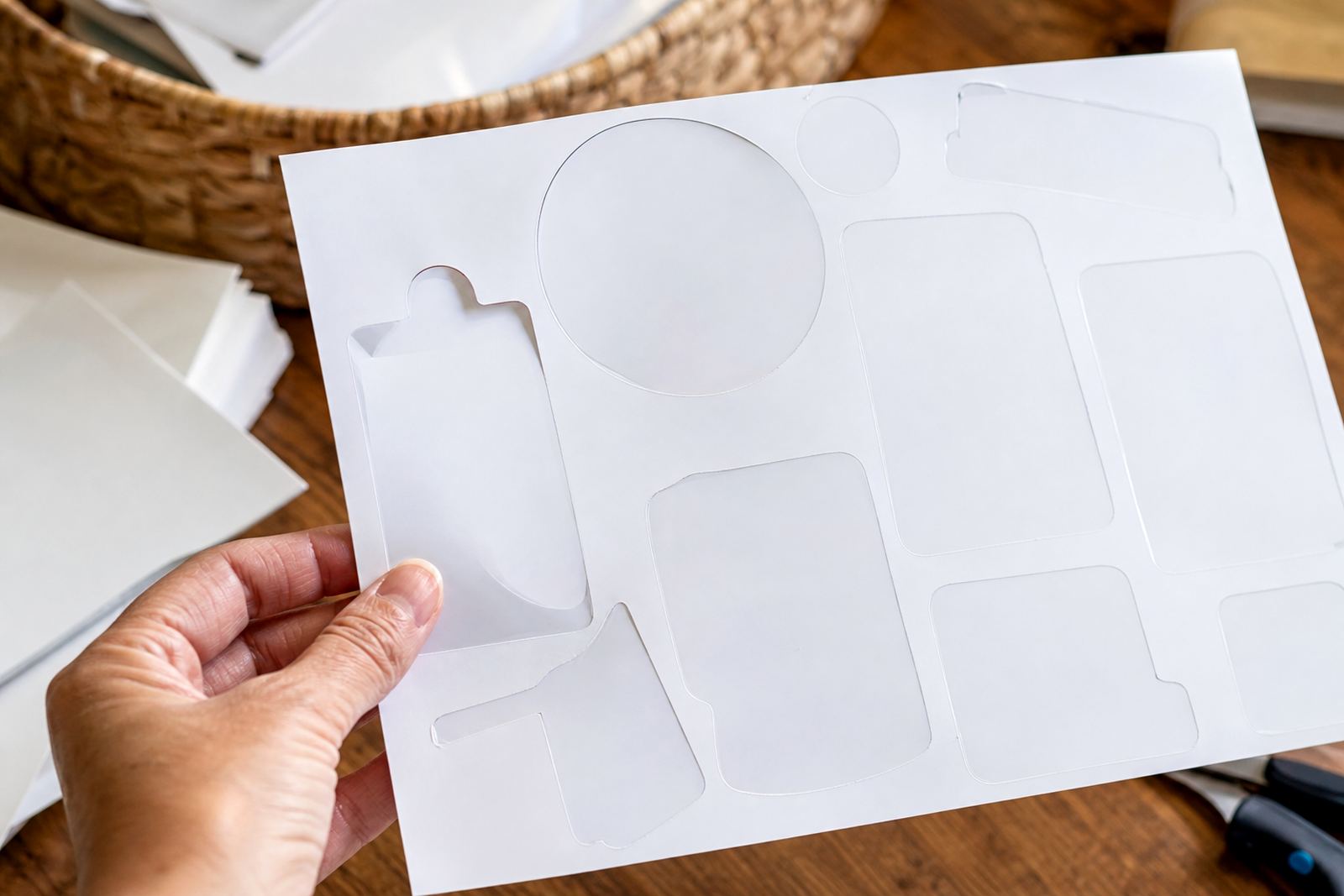
Inkjet printers lay down liquid ink, so the coating on the sheet matters just as much as the artwork. Matte paper is usually the easiest place to start because it accepts ink evenly and gives a neat finish for jars, folders and school labels. Gloss stock can look sharp too, but it needs more care while drying. Clear and vinyl sheets are handy for special projects, although they often need slower handling and a bit more patience on the tray.
In Durbanville or anywhere else in Cape Town, the same rule applies in a humid room or on a dry Highveld afternoon: if the coating is not suited to inkjet printing, the ink can sit on top and mark easily. A quick check before printing saves wasted sheets and blurred edges.
- Use matte for general labels, planners and note cards.
- Use gloss when you want brighter colour and a shiny finish.
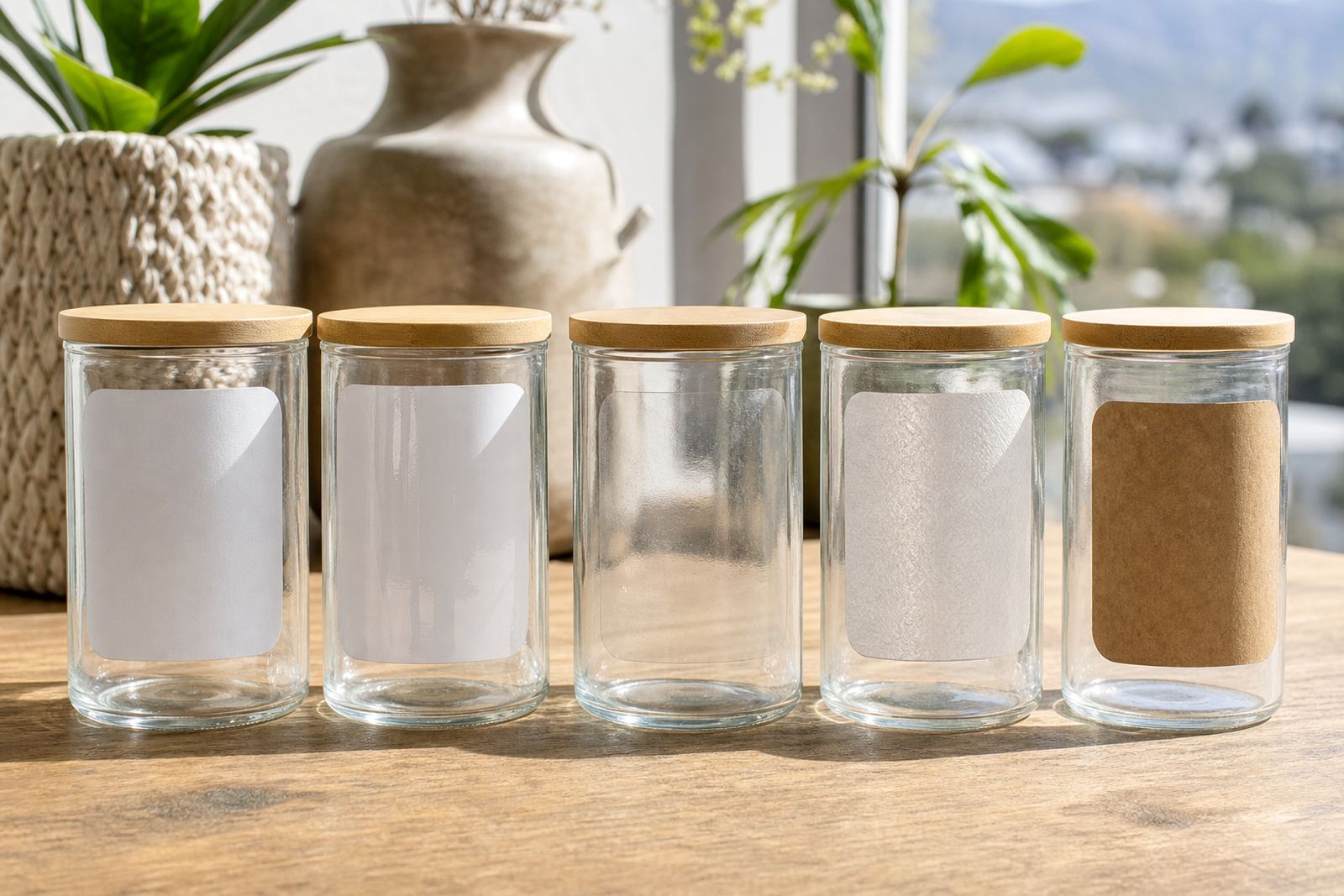
- Use clear for glass jars, bottles and see-through styling.
- Use vinyl when the sticker needs a tougher surface.
- Use kraft for a natural, hand-made look on gift packs.
Set the printer for paper, not plain office sheets
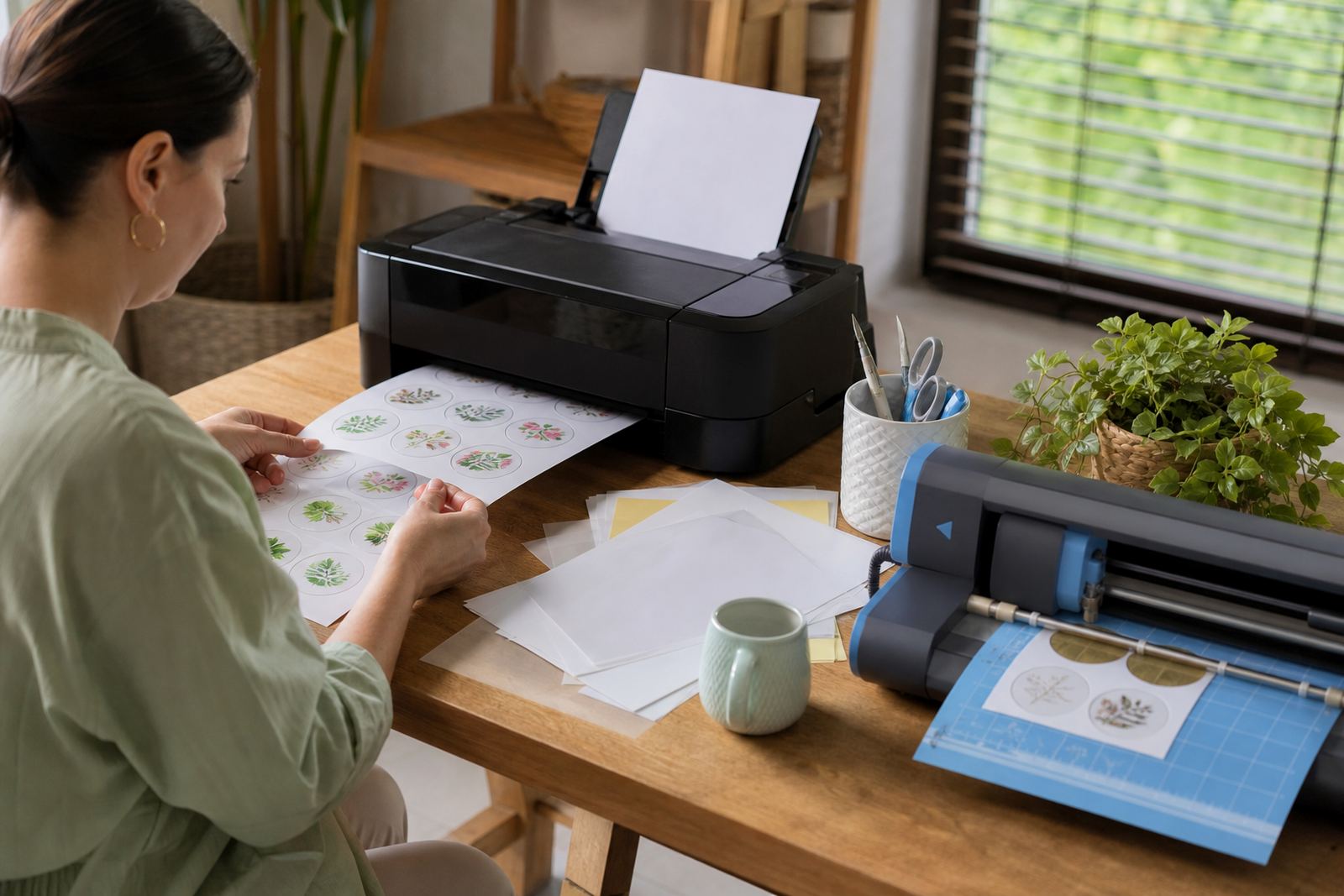
Printer settings make a bigger difference than many people expect. A normal office setting pushes too little ink for coated sticker paper, while a photo or presentation setting often lays down more ink and gives richer colour. The paper size also needs to match the sheet in the tray, especially with A4 sticker stock that sits flat and feeds cleanly when loaded properly.
For home makers printing address labels, pantry tags or kids' craft sheets, it helps to test one page before running a full batch. If the print looks pale, smudged or too wet, adjust the media setting and print quality first. That small step is useful in a home office in Durban, a flat in Pretoria, or a packing table in Bloemfontein where the same printer may serve more than one job.
- Choose the correct paper type setting if your printer offers it.
- Turn off borderless printing unless the layout really needs it.
- Check that the sheet feeds straight and does not bend in the tray.
- Print a colour sample before filling a full sheet with labels.
Give the ink time to settle before handling
Freshly printed inkjet sheets need a proper pause before cutting or stacking. The drying time depends on the paper coating, the amount of ink on the design and the room conditions. Heavy colour blocks, dark backgrounds and detailed artwork usually need more time than a simple black label.
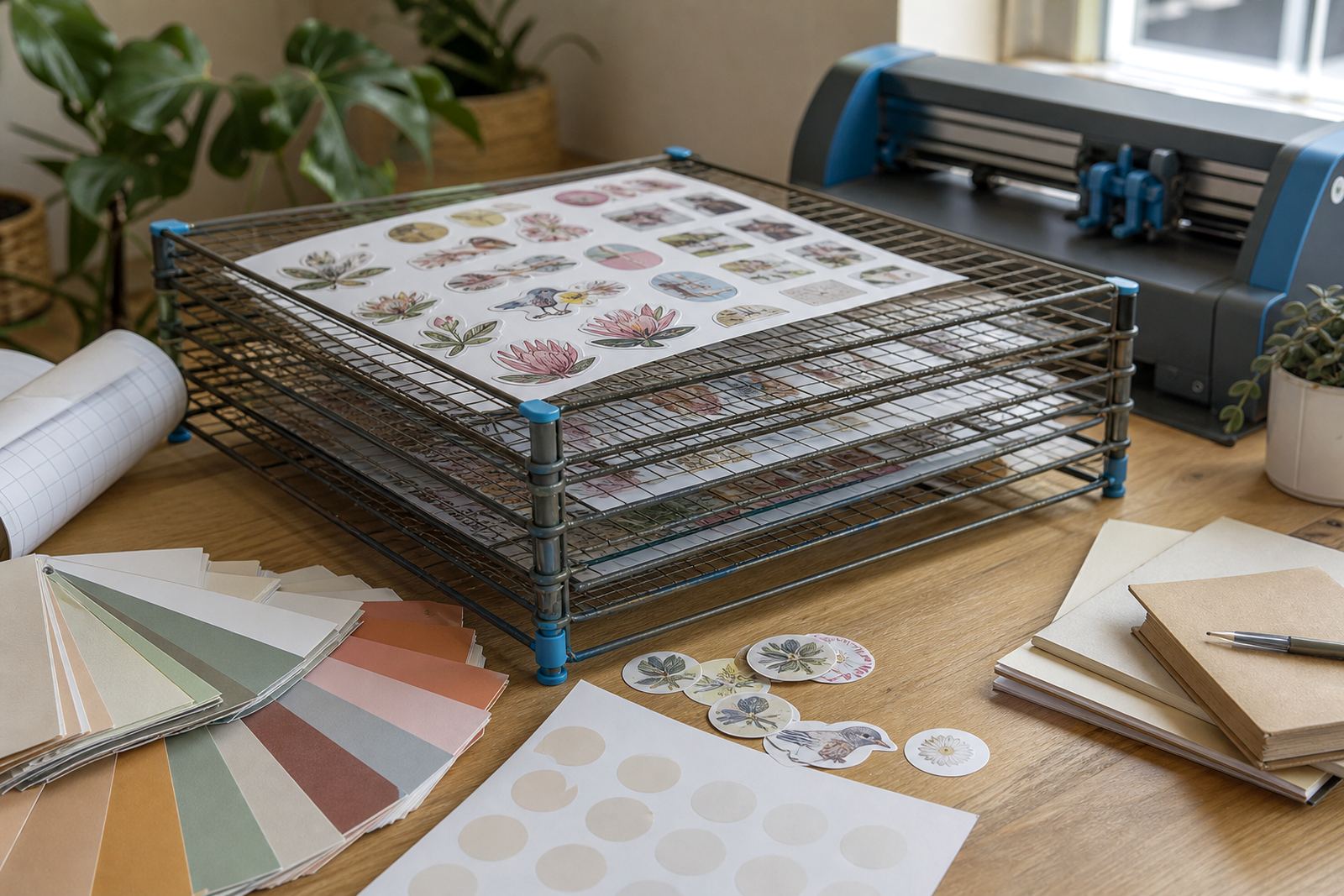
Touching the sheet too soon can leave fingerprints, smears and dull patches. A printed batch should lie flat on a clean surface while it dries, not sit on top of one another. If the room is cool and damp, as it can be near the coast, give the sheets a bit more breathing room. This is one of those small habits that protects the finish without adding much effort.
- Keep fresh prints separate until the surface feels dry.
- Do not stack warm sheets directly on top of each other.
- Avoid rubbing the surface to test dryness.
- Store printed sheets flat if they must wait before cutting.
Cut cleanly by hand or with a craft cutter
Inkjet sticker paper can be cut in two practical ways. A steady hand, a craft knife and a metal ruler work well for straight labels and simple shapes. Craft cutters are better for repeated shapes, small icons and detailed outlines, especially when a project needs many matching stickers for packaging or home organisation.
The cut should stay within the printed edge and avoid lifting the coating. Sharp blades matter because a dull blade can drag the paper and leave rough edges. If the sheet is vinyl or clear, a light test cut helps before the full job. That keeps corners neat and reduces waste on more detailed layouts.
- Use a fresh blade for small shapes and curved cuts.
- Score gently rather than pressing too hard in one pass.
- Leave a narrow margin if the design sits close to the edge.
- Weed or peel carefully so the print stays intact.
Match the finish to the project on your table
Different finishes suit different jobs, and the right match makes the whole process easier. Matte works well for pantry labels, school folders and filing. Gloss is useful when colour needs to stand out on jars or gift packs. Clear sheets suit minimal labels on glass, while kraft gives a warmer handmade feel for tags, stationery and simple branding.
For a Durbanville kitchen cupboard project, a customer might use matte on flour jars, clear on spice bottles and kraft on a gift hamper. That mix is ordinary in real homes and it shows how inkjet printing can handle more than one style in a single afternoon. The trick is to keep the layout and paper choice in step with the final use.
Handle, store and apply finished sheets with care
Once the sheet is dry and cut, handling still matters. Hold the edges instead of rubbing the printed face, and keep the backing clean so the adhesive stays dependable. If the project will be used on jars, tubs or folders, wipe the surface first and let it dry before application. Dust, grease and moisture can all affect how neatly the sticker sits.
Unused sheets should stay flat in a dry place. Bent corners and curled edges make feeding harder and can affect alignment in the printer. For crafters who print in batches and store sheets for later, a protective sleeve or box helps keep the surface clean. That matters in busy homes where packing space shares a shelf with stationery, tape and cutter blades.
- Apply stickers to clean, dry surfaces only.
- Press from the centre outward to reduce bubbles.
- Keep spare sheets away from moisture and direct sunlight.
- Separate printed stock from plain paper to avoid mix-ups.