The first pass starts with the sheet, not the print
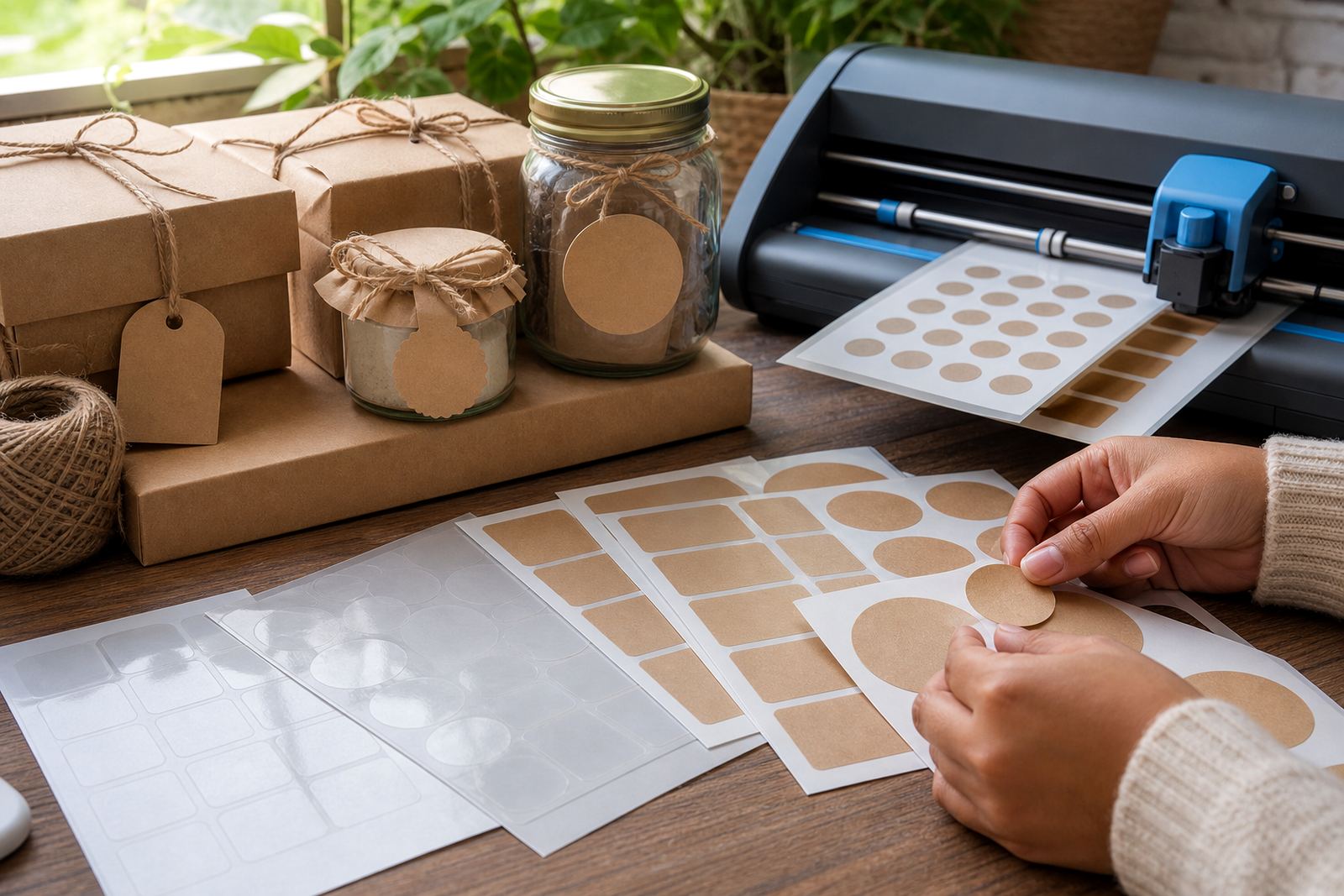
Laser printing on sticker paper works best when the sheet matches the job. A matte surface is usually the easiest place to start for address labels, pantry labels and school projects. Gloss gives a brighter finish for colour graphics, while clear stock suits windows, jars and bottles where the background must show through. Kraft stock gives a warmer, hand-made look for gift tags and rustic packaging. Vinyl is often the tougher option when the label must handle regular handling or light moisture.
The paper path inside the printer matters just as much as the finish. Laser printers use heat to fuse toner to the surface, so the sheet must stay flat and feed evenly. If the stock curls, picks up dust, or feels damp from a humid room, the print can shift and the toner may not bond as cleanly. In Durbanville and the wider Cape Town area, coastal air can make stored sheets feel different from one week to the next, so keep packs sealed until needed.
Match the printer setting to the media, not the other way round
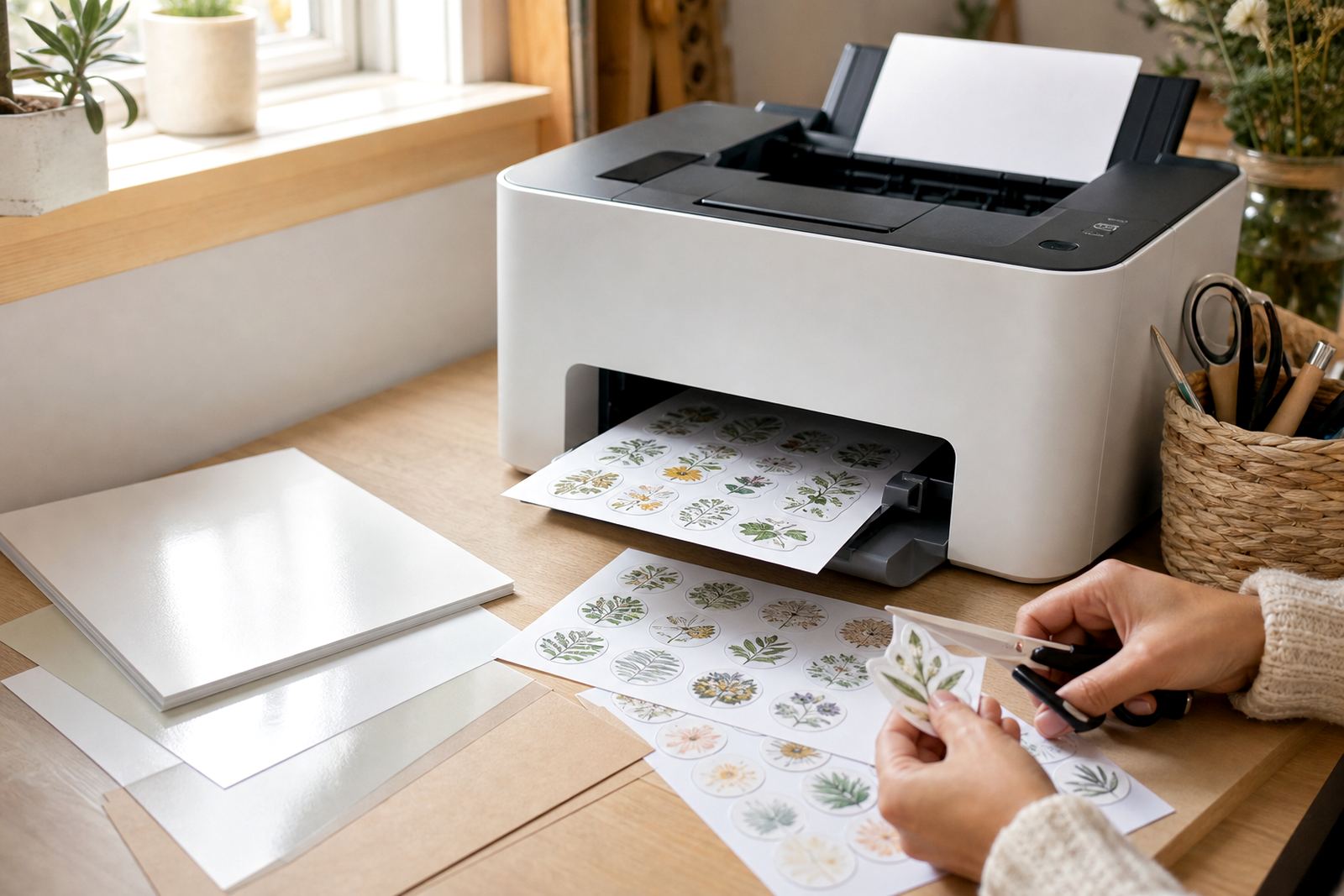
Most feed trouble starts with the wrong media guidance. When a laser printer is set to ordinary copy paper, it may move too fast and the toner may sit too lightly on the sticker face. A heavier media setting usually slows the process enough for better heat transfer and cleaner coverage. Always use the tray path recommended for thicker or coated stock, and load only a small stack at a time so the edges stay square.
- Use the printer setting meant for labels, thick paper, or heavy stock where available.
- Load sheets so the printable side faces the correct direction.
- Fan the stack lightly before feeding to separate any sheets that cling together.
- Keep the stack flat and dry, especially in humid coastal rooms.
- Print one sheet first before running the full batch.
If the printer gives a warning about thickness or manual feed, take it seriously. That message usually means the machine is expecting a slower path and more careful sheet handling.
Feed direction is small, but it changes everything
Feed direction decides where the toner lands and how the sheet travels through the machine. The printable side must face the toner path correctly, and the top edge should enter in the right orientation. If the sheet is upside down or rotated wrongly, the image may still print, but the cut line, label placement or margin spacing can end up off-centre. That is a common cause of wasted stock, and it is very annoying on a small craft run.
A good habit is to mark the first corner lightly with a pencil on the back before testing, so you can tell at a glance how the sheet moved through the printer. Once the direction is confirmed, keep it the same for the rest of the pack. A little care here saves a lot of fiddling later on, especially when you are printing names, gift labels or product stickers in batches.
Toner, colour and surface finish need to suit one another
Laser toner sits differently on matte, gloss and clear sticker paper. Matte stock usually gives the most forgiving result because the surface grips the toner well. Gloss can look brighter, but if the printer settings are too light the colour may seem a touch thin. Clear sheets need careful handling because the image will only look as good as the white or coloured background behind it. Kraft paper gives a softer, earthier result, which works well for handwritten-style labels and packaging.
For colour work, run a test strip before printing a full set. This helps you see whether reds look too dark, whether black text is crisp, and whether fine lines hold their shape. Some designs need a slightly heavier toner coverage to read well on clear or gloss stock. If the design includes tiny text, it is better to keep the type simple and the line weight strong.
- Matte suits pantry jars, filing labels and school folders.
- Gloss works well for bright graphics and product stickers.
- Clear suits glass bottles, jars and see-through packaging.
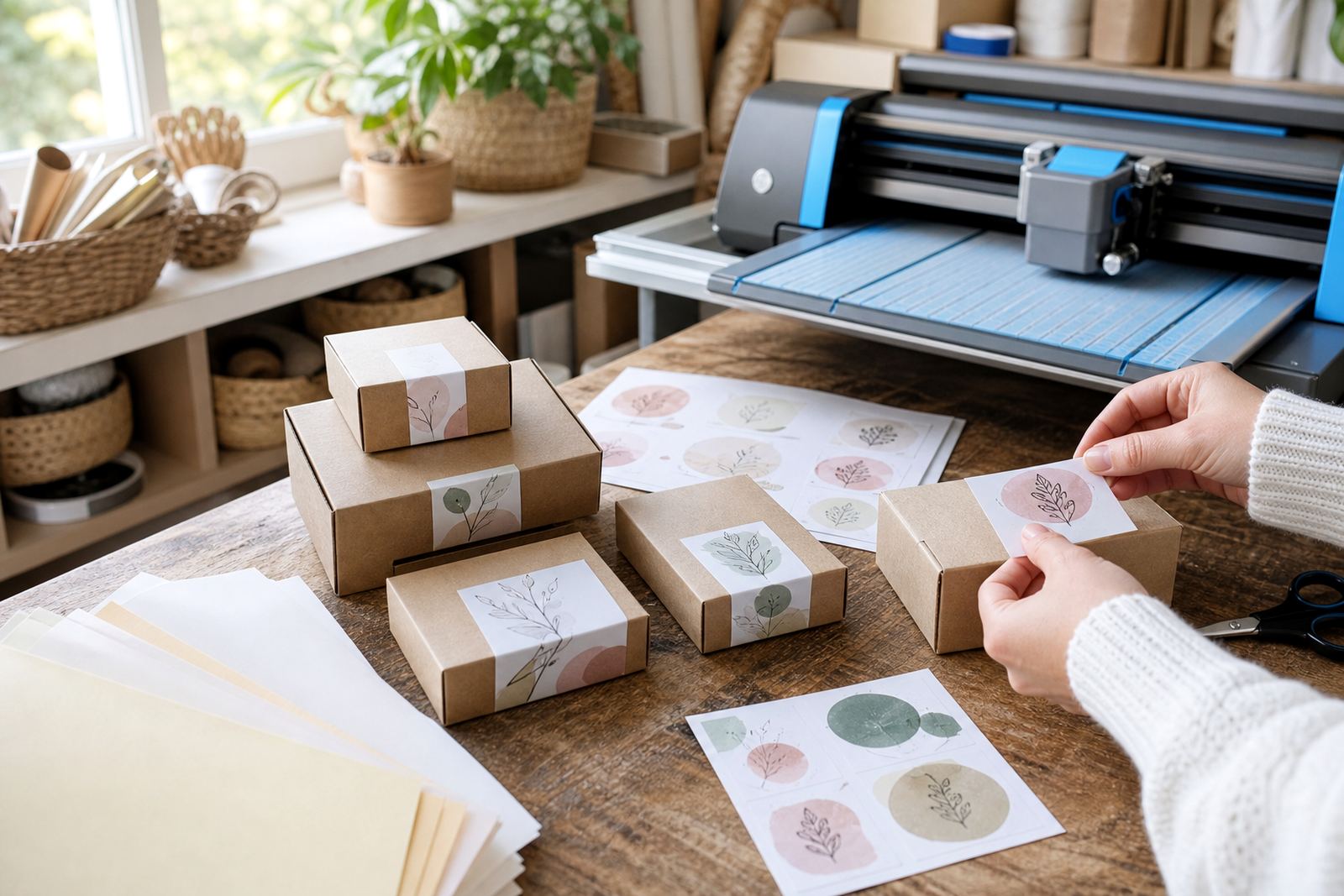
- Kraft suits gift tags, handmade goods and brown paper wraps.
- Vinyl suits stickers that will be handled often.
Cutting the printed sheet without lifting the edges
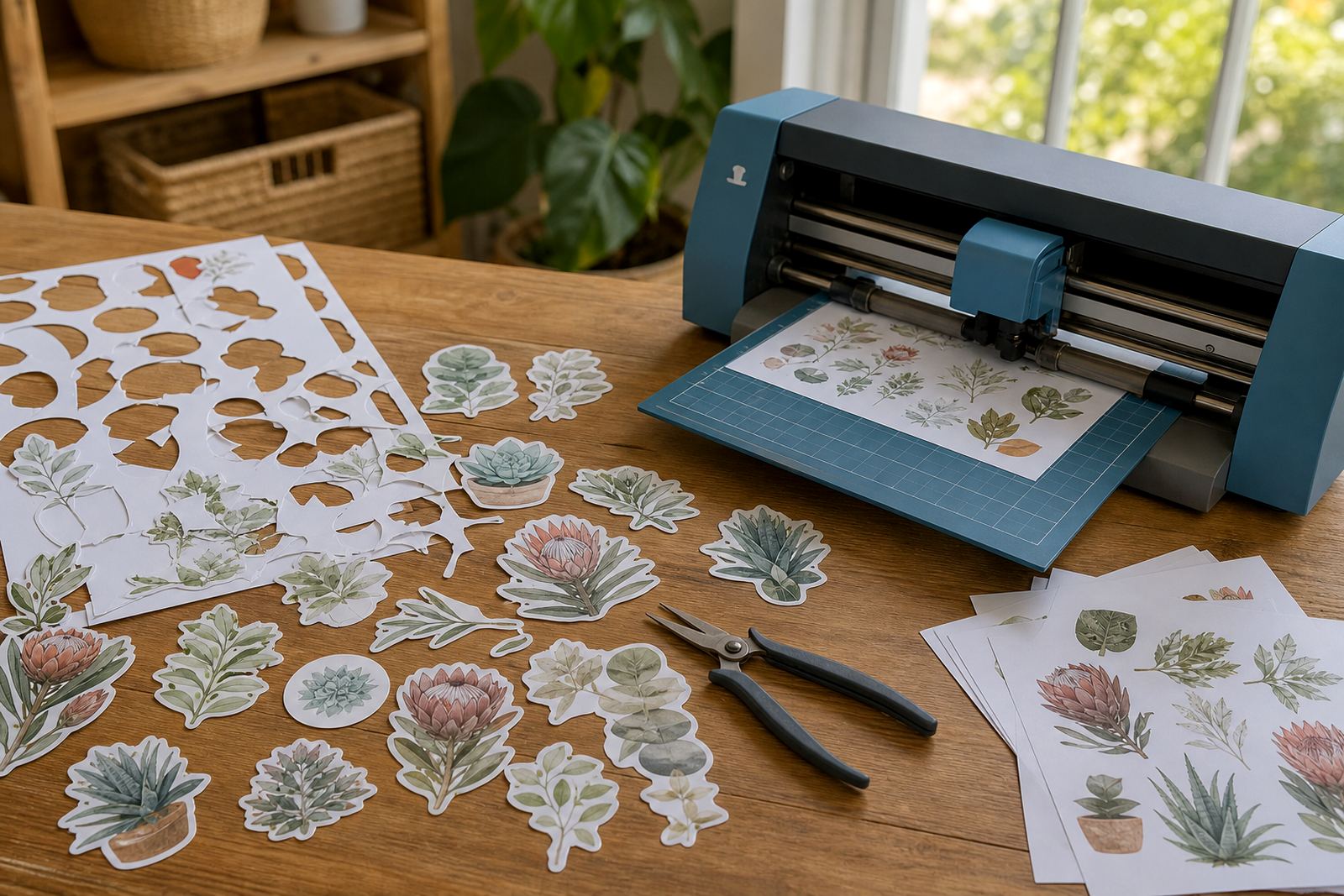
Once the sheet is printed, let it cool before trimming. Laser toner bonds with heat, so a warm sheet can smear if you rub it too soon. Cutting by hand works well for simple rectangles, address labels and larger shapes. A craft cutter is better when you need repeated shapes or a neat outline around artwork. The key is to keep the blade sharp and the pressure light enough to avoid marking the release liner underneath.
For hand cutting, a metal ruler and sharp blade give cleaner edges than blunt scissors. If the sticker has fine detail, leave a small border around the design so the cut does not bite into the image. On craft cutters, do a small test shape first because some sticker stocks are thicker than ordinary paper and need a slower pass. A clean cut helps the label peel with less lifting at the corners, which is especially useful on clear sheets.
Storage, handling and a Durbanville example
Sticker paper stores best in a dry place, flat and away from dust. In a coastal town like Durbanville, moisture can build up in a room faster than expected, and that can change how the sheet feeds through the printer. Keep the packs closed, avoid leaning them against a wall, and do not leave loose sheets in a warm car or near a damp floor. If a stack has curled slightly, place it under a clean flat board for a short time before printing.
A home organiser in Cape Town might print pantry labels on matte stock, then use clear sheets for jar windows and kraft for gift packaging. The same printer can handle all three if the settings are checked each time and the feed direction stays consistent. That kind of practical workflow saves material, and it keeps the finished pieces looking tidy without extra fuss.
- Store packs flat and sealed until use.
- Keep sheets away from damp rooms and direct sun.
- Let printed sheets cool before trimming or stacking.
- Label the printable side if you work with several finishes.
- Keep test sheets aside for setting checks and sample cuts.