The backing sheet is part of the finished result
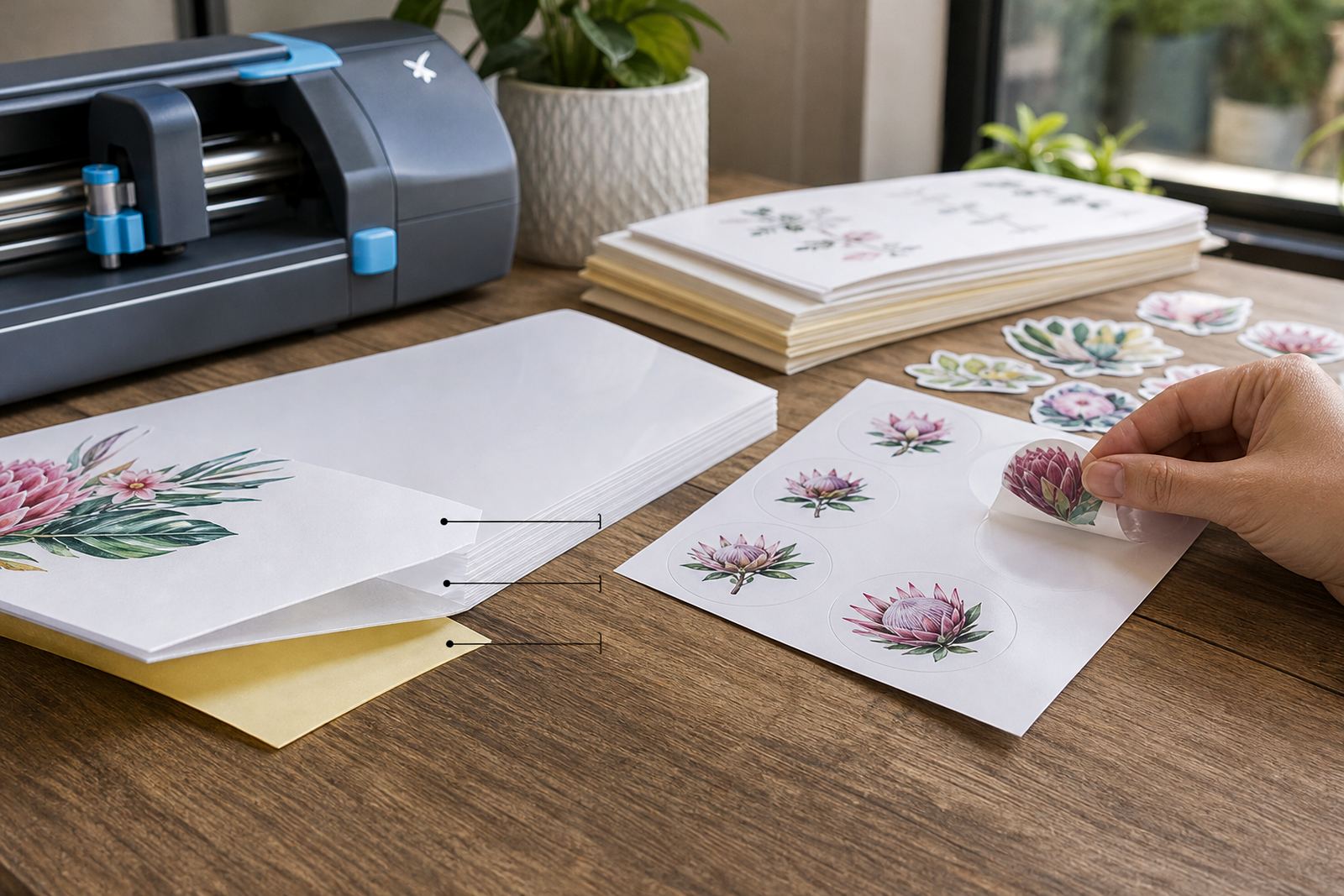
Many people focus on the face of the sticker paper, but the backing sheet matters just as much. It protects the adhesive before printing, helps the sheet stay flat in transit, and gives you a stable surface when cutting by hand or with a craft cutter. If the backing is too thin or too slippery, the sheet can shift, curl, or lift at the edges while you work.
For home label jobs, gift tags, pantry jars, and craft packs, a good backing sheet also affects how the sticker releases. You want enough grip to hold the cut shape in place until you are ready to peel, but not so much grip that the paper tears when you lift the edge. In Durbanville, where a lot of crafters store materials in warm rooms and near coastal air, flat backing sheets help keep the stack neat and easier to feed.
Different finishes need different backing behaviour
Matte, gloss, clear, vinyl and kraft sticker papers all behave a little differently once the cut line is in place. The backing sheet has to support the finish, the adhesive layer, and the way the sheet is handled after printing. A glossy face with a stronger adhesive can feel firmer to peel, while clear sheets may need a careful bend at the corner so the sticker lifts cleanly without leaving a cloudy mark on the back.
- Matte sticker paper: Often easier to mark, trim and write on after application.
- Gloss sticker paper: Can show fingerprints during handling, so the backing helps keep the sheet steady.
- Clear sticker paper: Needs careful peeling so the transparent edges stay neat.
- Vinyl sticker paper: Usually benefits from a backing that keeps the sheet flat during cutting.
- Kraft sticker paper: Works well for a natural look, with the backing helping to prevent scuffing.
When the backing sheet matches the finish properly, the sticker lifts more predictably and the final edge looks cleaner.
Inkjet and laser printing need different handling notes
Printable sticker paper is not one size fits every printer. Inkjet and laser machines place ink or toner in different ways, and the backing sheet must support that process without causing feeds to slip or curl. Inkjet sheets usually need time for the print to dry fully before cutting, while laser sheets must tolerate heat and pressure as they pass through the machine.
If you print at home, keep the ream wrapped until use and store it flat in a dry cupboard. In Cape Town, where humidity changes through the year and the air near the coast can feel damp, backing sheets left open on a shelf may begin to curl at the corners. That extra bend makes feeding and cutting harder, especially on longer label runs.
- Load one sheet at a time if your printer starts picking up too tightly.
- Check the print side before feeding the sheet into the tray.
- Allow printed inkjet sheets to rest before slicing or punching shapes.
- Keep laser sheets away from moisture and rough stacking.
Cut lines work better when the backing stays intact
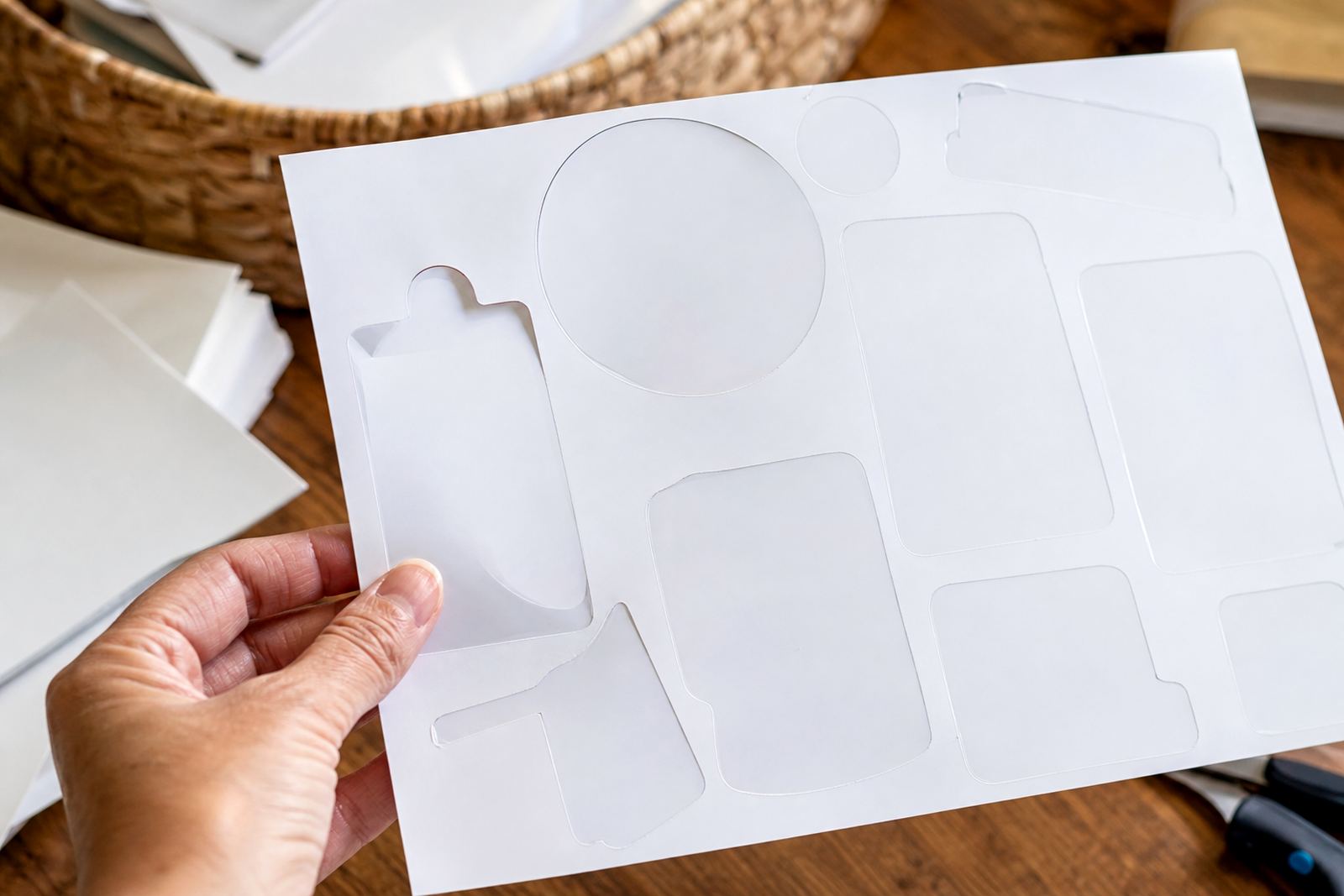
Good cuts are not only about the blade or scissors. The backing sheet has to stay firm enough for the cut line to score the face layer without tearing through the base. When a craft cutter is set too deep, the blade can slice into the backing and make peeling awkward. When the blade is too light, small letters and corners may not release cleanly from the sheet.
Hand cutting needs the same patience. A sharp craft knife or fine scissors can follow the edge neatly, but the person cutting still needs a steady surface. Many home makers keep a cutting mat under the sheet and trim from the face side, then turn the piece gently to lift the corner. That method helps when making pantry labels, thank-you stickers, or short runs for school projects.
Peeling is easier when the edge gives you a starting point
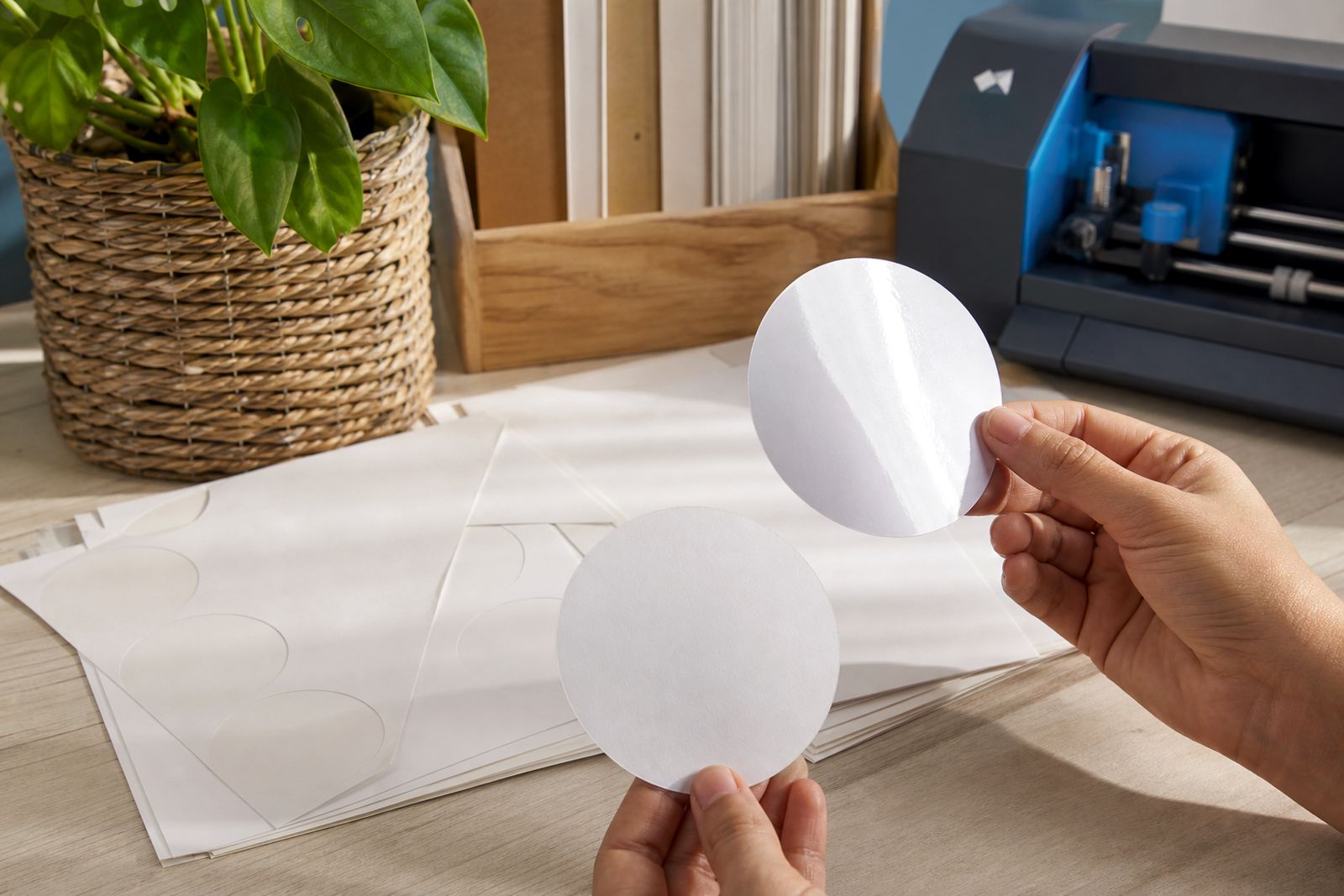
Once the sheet is cut, the first lift matters. A backing sheet that releases too sharply can make tiny shapes curl, while one that grips too hard can split thin fonts or delicate icons. The best peel often starts at a clean corner with a little bend, then continues slowly across the cut shape.
- Use a fingernail or a pointed tool to lift a corner gently.
- Peel low and slow instead of pulling upward.
- If the sticker is small, flex the backing rather than the sticker face.
- For clear sheets, watch the edge against a bright surface to see the cut line.
A local example helps here. A Stellenbosch home baker preparing jar labels for market trays may print on glossy sticker paper, then cut the shapes by hand the night before packing. If the backing sheet has stayed flat, the labels peel neatly and sit straight on glass jars, even when the morning table is a little humid.
Storage habits protect the backing and the adhesive
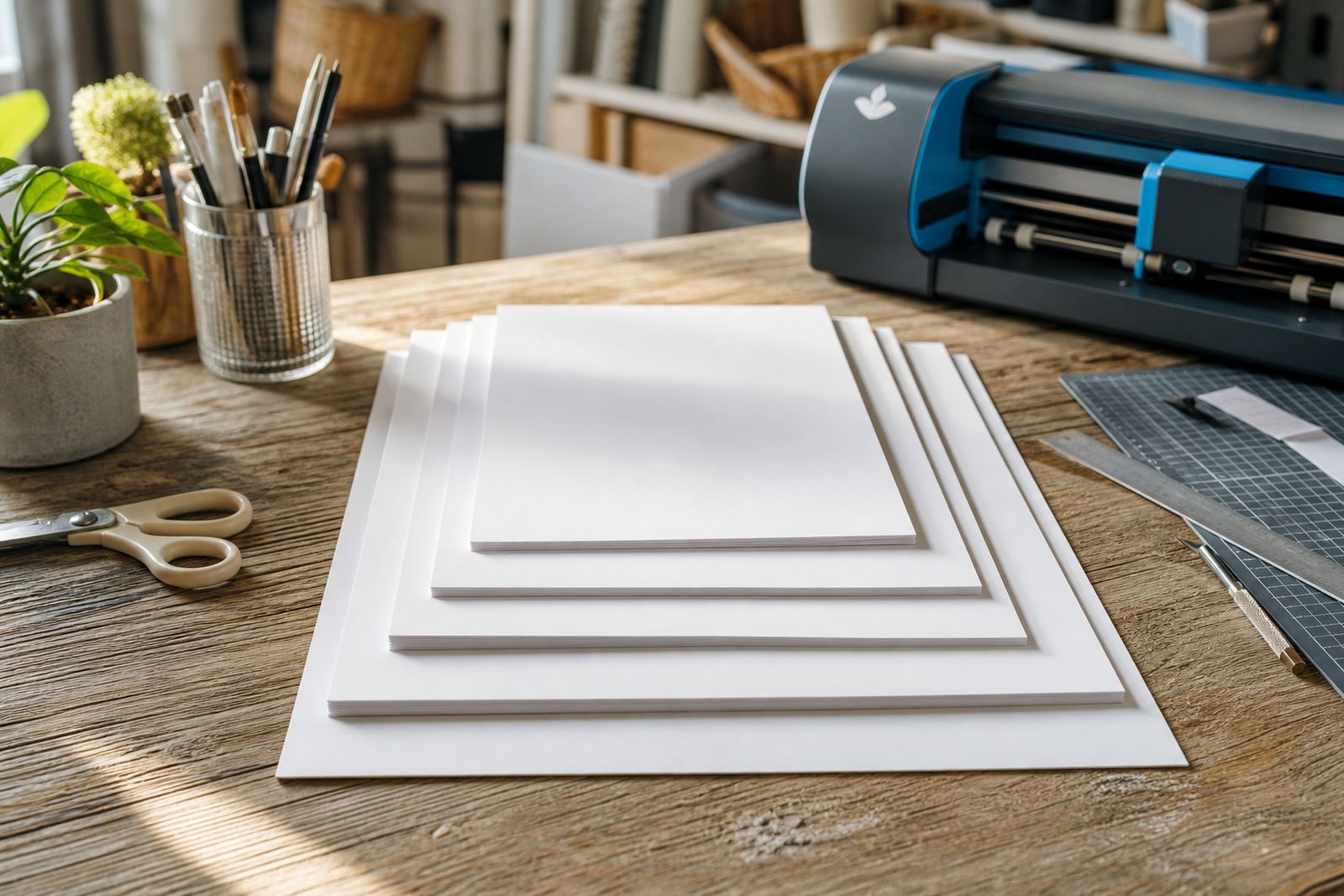
Sticker paper keeps better when it is stored flat, dry, and away from dust. The backing side should remain clean because grit can affect both feeding and peeling. If sheets are bent in a bag, the corners may lift, and that lift often causes uneven cutting on the next print job.
For crafters who print in batches, it helps to separate open packs from sealed packs and keep the heavier sheets underneath lighter ones. Kraft sheets can show crease lines more easily, while clear sheets pick up marks if they rub against rough cardboard. A neat storage habit saves time later, because the sheet feeds smoother and the peel stays more predictable.
- Store sheets flat inside a cupboard or drawer.
- Keep them away from direct sun and damp walls.
- Do not press heavy boxes onto open packs.
- Return partial stacks to their sleeve after use.