Start with the job, not the paper stack
The right sheet size depends on what you are making. Small jars, pantry labels, kids' school items and gift tags do not need the same layout as full-page address labels or large planner stickers. If you print a few designs at a time, smaller sheets can keep the page tidy and reduce waste. If you batch work for a market table or a busy home, larger sheets let you place more artwork on one page.
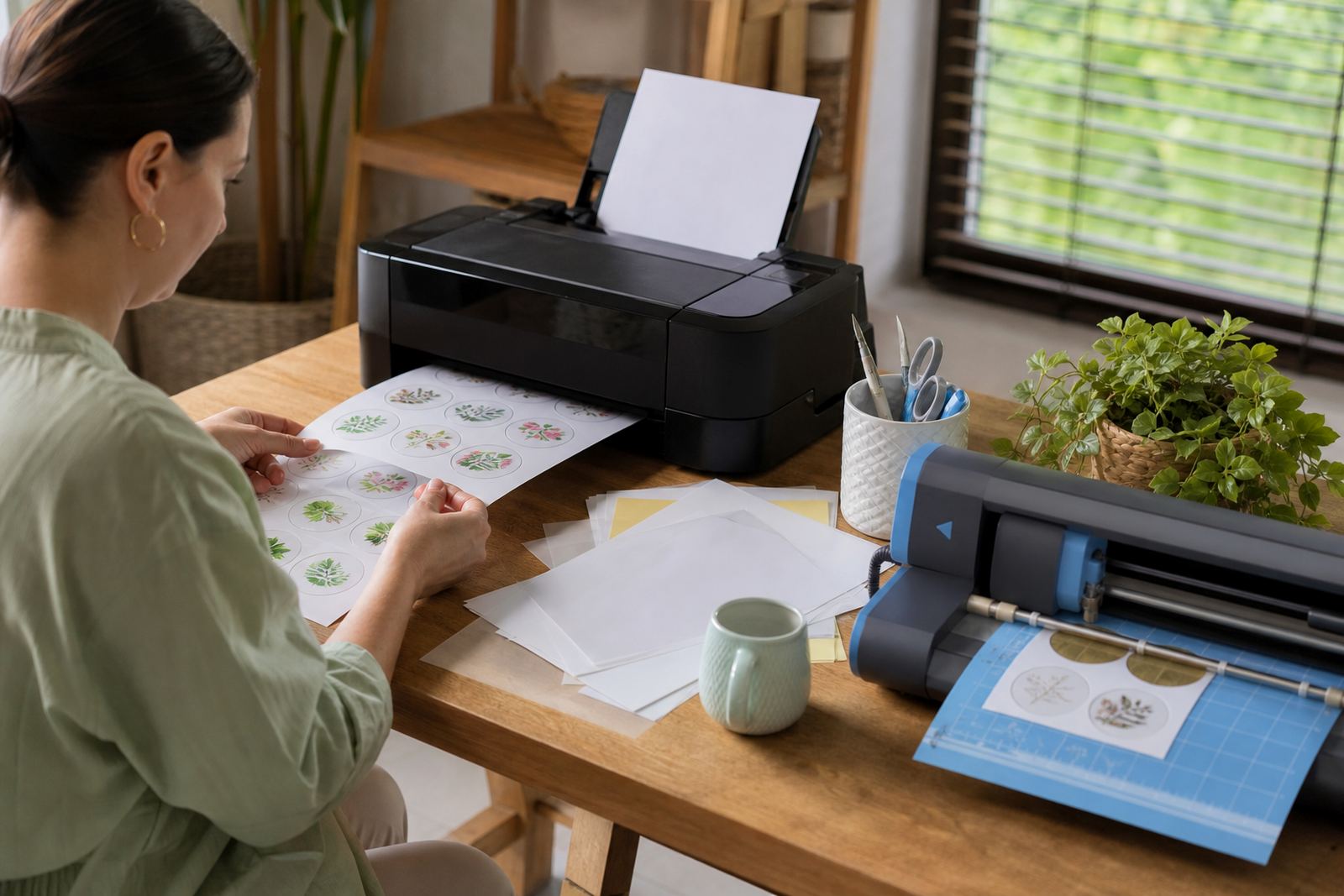
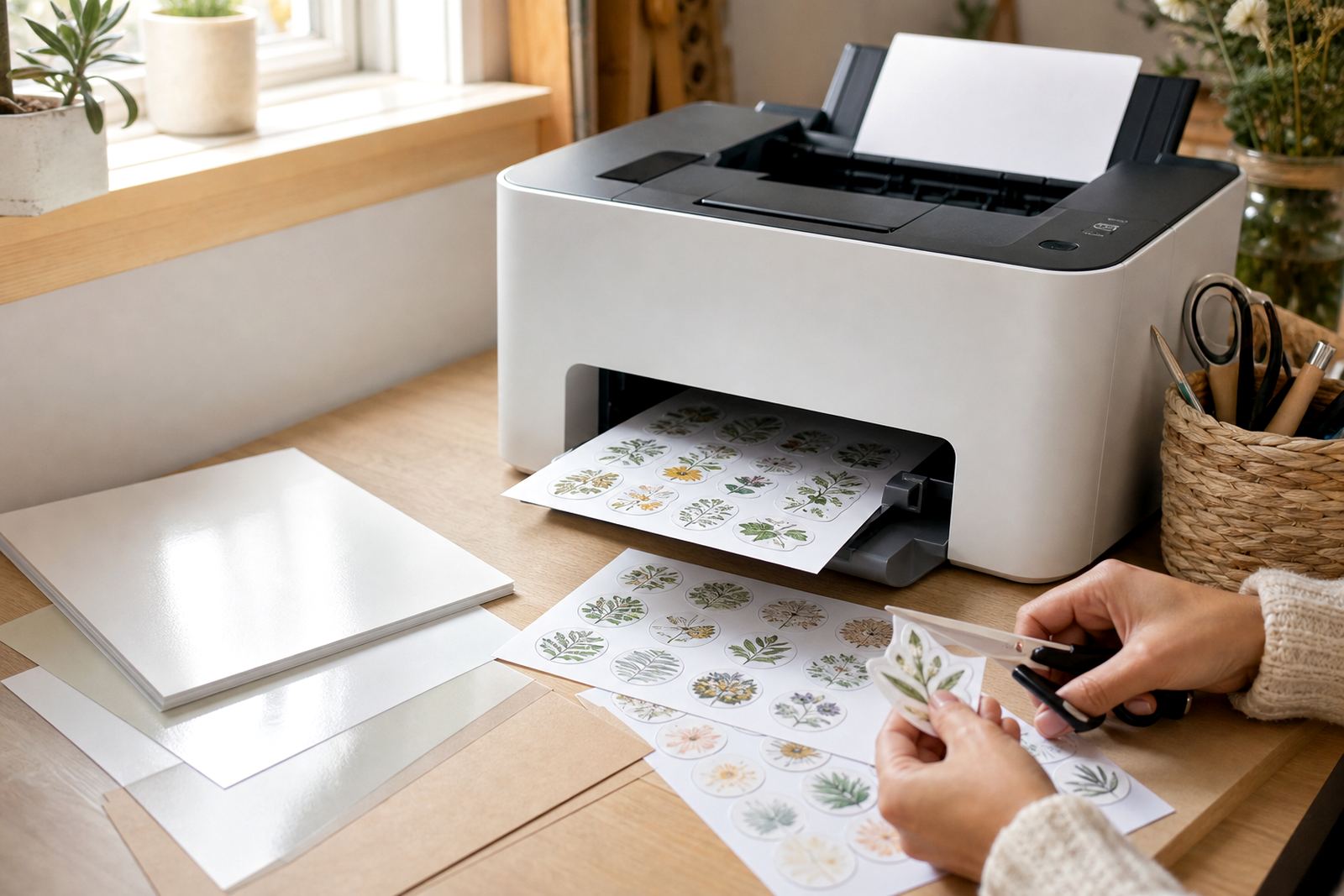
Think about how you work at the table. Some makers keep a stack beside the printer and cut pieces by hand with a craft knife and ruler. Others prefer to load a page, print several versions, then feed the sheet into a cutter. The sheet size should suit that rhythm, not fight it.
Common sizes and where each one fits
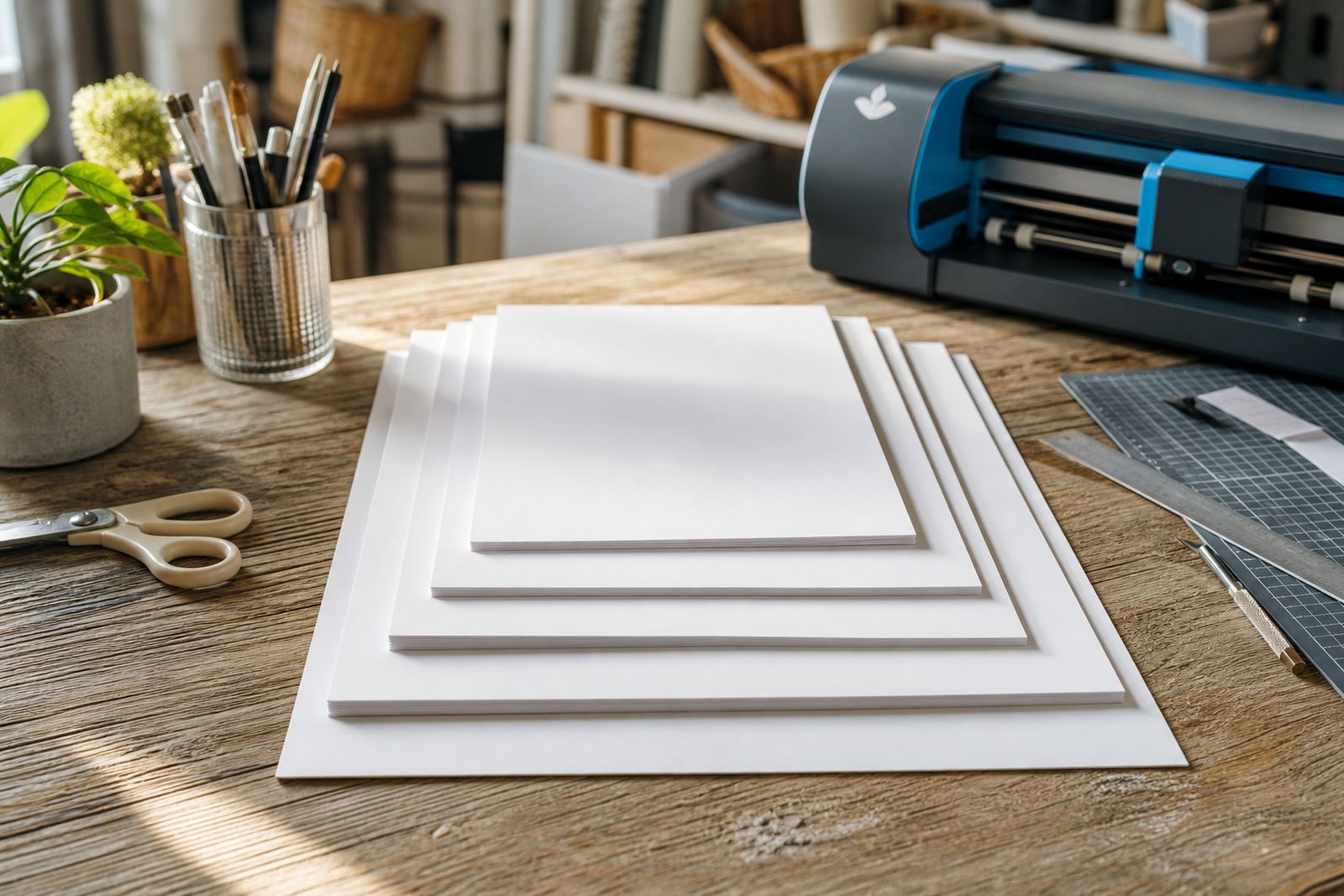
Most crafters reach for familiar page sizes first, then narrow the choice by project type. A4 sheets work well for home printers and general label sets, while smaller cuts can be better for short runs or sample batches. Larger layouts can suit craft cutter users who want to nest many shapes on one page.
- A4: Handy for most inkjet and laser printers, with enough room for mixed layouts and repeated labels.
- A5: Useful when you want fewer stickers per sheet and easier handling on a small work surface.
- Square or half-sheet cuts: Helpful for testing a design before printing a larger batch.
- Custom trims: Good for makers who store paper in labelled folders or plastic sleeves.
In Durbanville, a home organiser may print pantry labels on A4 gloss sheets for a neat finish, then use a smaller cut for drawer markers. The size choice saves paper when each label is different, and it keeps the project less fussy.
How printer compatibility changes the size choice
Printer type matters because not every machine handles every sheet the same way. Inkjet printers are often used for colour artwork, craft stickers and labels with rich detail. Laser printers suit some jobs where a sharper finish or quicker handling is useful. The sheet size needs to feed cleanly through the tray and leave enough space for the printer margins.
If your printer grips small sheets poorly, a full A4 page may be the safer choice. If you are printing on a laser machine, keep in mind that heavier stock and coated finishes can behave differently under heat. For inkjet work, give the print time to settle before you touch or cut it, especially on gloss or clear sheets. That small pause stops smudges that can spoil a neat label set.
- Check the manual feed path for thicker sticker stock.
- Use the correct paper setting for the finish you picked.
- Leave margin space around artwork so the edges print cleanly.
- Test one sheet before setting up a full batch.
Storage, drawer space and keeping the stock tidy
Sheet size also affects how you store the paper. A4 packs are easy to file upright in a cupboard, but they can curl if they sit in warm air or near a damp wall. Smaller cuts fit inside flat boxes, drawer dividers and plastic sleeves, which helps in homes where craft stock shares space with school books and food containers. In coastal Cape Town, moisture can creep into paper if it is left open for too long, so sealed storage makes sense.
For makers who only print now and then, smaller quantities are often simpler to manage. You can open one stack, use a few sheets, and close the rest away. That keeps the paper flatter and easier to feed through the printer later. It also saves rummaging when you need one size for labels and another for gift tags.
Cutting by hand or with a craft cutter
The way you cut shapes should guide the sheet size as much as the printer does. Hand cutting is easier when the layout is plain and the margins are wide. Craft cutters work best when the software can read registration marks and the page size matches the mat size. If the sheet is too large for the mat, you waste time re-positioning it and the edges can shift.
Here is a practical rule: choose the smallest sheet that still gives enough breathing room around your designs. That makes weeding, trimming and lifting corners easier. It also helps if you are cutting clear or vinyl sheets, where small alignment slips show up fast.
- Use a steel ruler and sharp blade for straight cuts.
- Keep cutter mats clean so the sheet sits flat.
- Leave extra space around tiny labels for easier lifting.
- Store cut sheets flat so corners do not curl.
A Durbanville example from a busy home kitchen
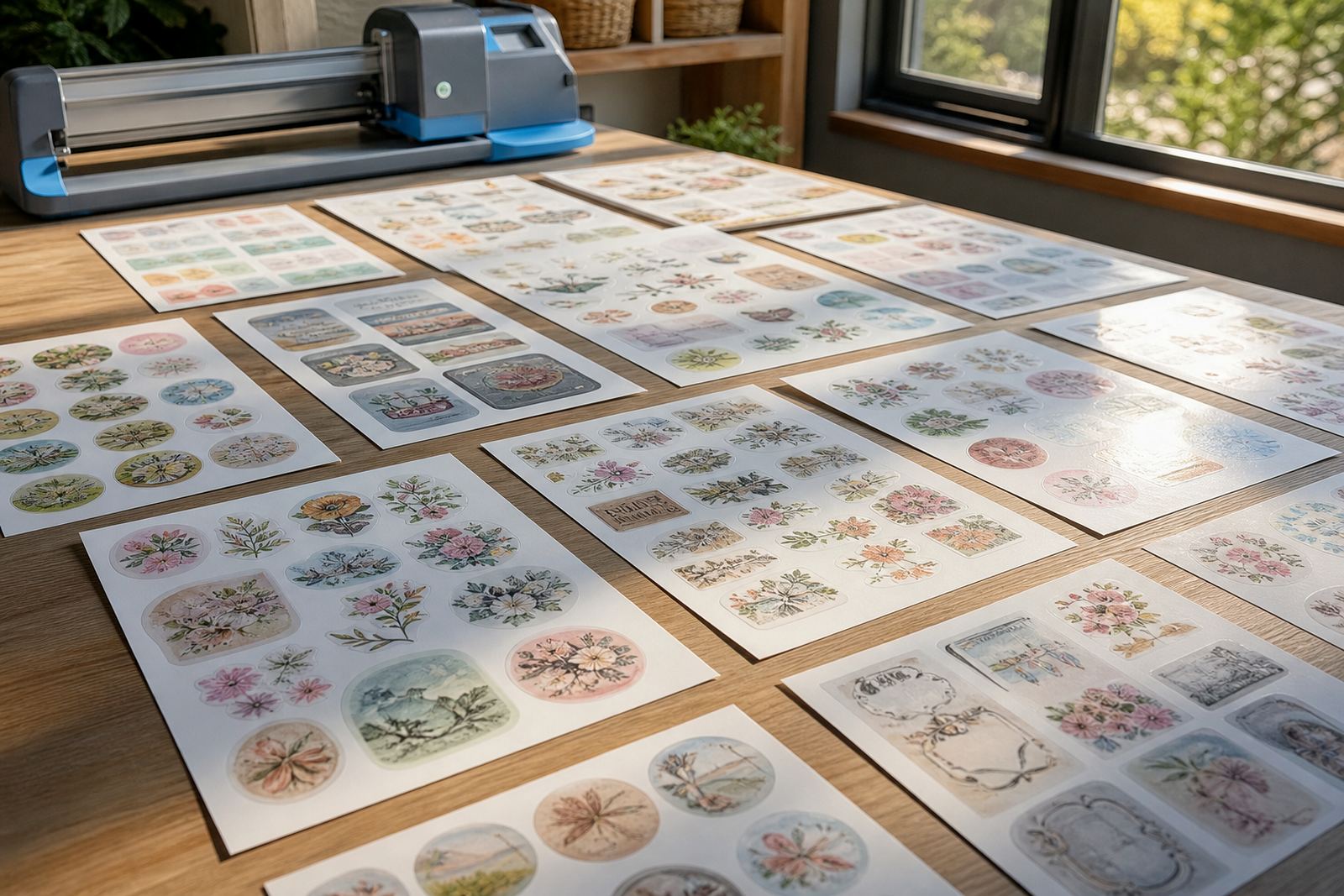
A simple home kitchen project shows the difference clearly. A Durbanville maker preparing spice labels for jars might use A4 matte sheets for handwritten-style labels, then switch to gloss for coloured pantry tabs. If the labels are all different sizes, one full sheet lets the maker position every piece in a single layout instead of printing several partial pages.
When the same maker prepares a batch for family gifts, smaller sheets may make more sense. A handful of tags or bottle labels can be printed, cut and stored without filling a shelf with leftover paper. That kind of planning saves space and keeps the work area calmer, especially when the printer sits on a tight counter next to the kettle.
A quick way to decide before you print
When you are choosing sheet sizes, match the paper to three things: printer fit, cutting method and storage space. If those three line up, the project usually feels easier from the first print to the last cut. Matte, gloss, clear, vinyl and kraft all behave a little differently, but size is the part that shapes the whole workflow.
For crafters in Cape Town, Johannesburg, Durban, Pretoria and Bloemfontein, the useful question is not which sheet looks biggest, but which one lets you work neatly without wasting stock. A good size keeps your layout tidy, your cupboard orderly, and your print run sensible. That is often the difference between a half-finished idea and labels that are ready for use.