When the filing pile starts living on the counter
Home office labels usually step in when a room has to do a bit of everything. One shelf holds printer paper, another keeps cords, folders and pens, and a third turns into storage for invoices, notices or craft supplies. Clear labelling saves time and reduces the little daily guesswork that builds up when boxes all look the same. In a Durbanville home office, that might mean neat file spines for accounts and delivery notes, while a Cape Town apartment study may need drawer labels for cables, postage items and document sleeves.
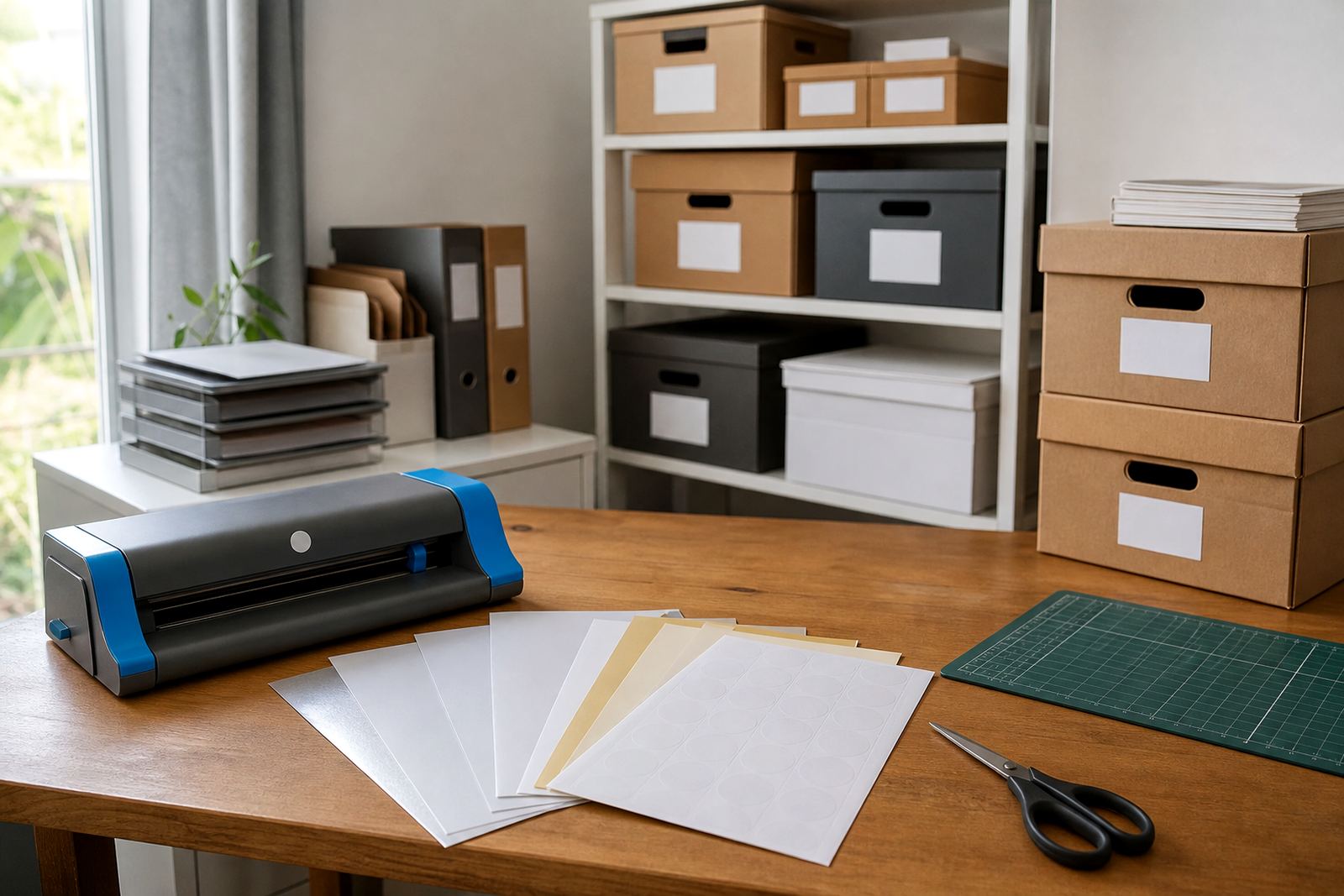
Printable sticker paper works well for this kind of job because it gives you control over size, colour and finish. A matte sheet suits plain text and tidy filing. Gloss gives a brighter look for colour blocks, while clear sheets let the storage surface show through. Vinyl is a strong option for items handled often, and kraft gives a softer hand-made finish for home storage or pantry style labels.
- File box labels for tax, medical or household records
- Drawer labels for stationery, chargers and mail
- Shelf tags for shared home office cupboards
- Container labels for seasonal supplies or samples
Paper types that suit different rooms and surfaces
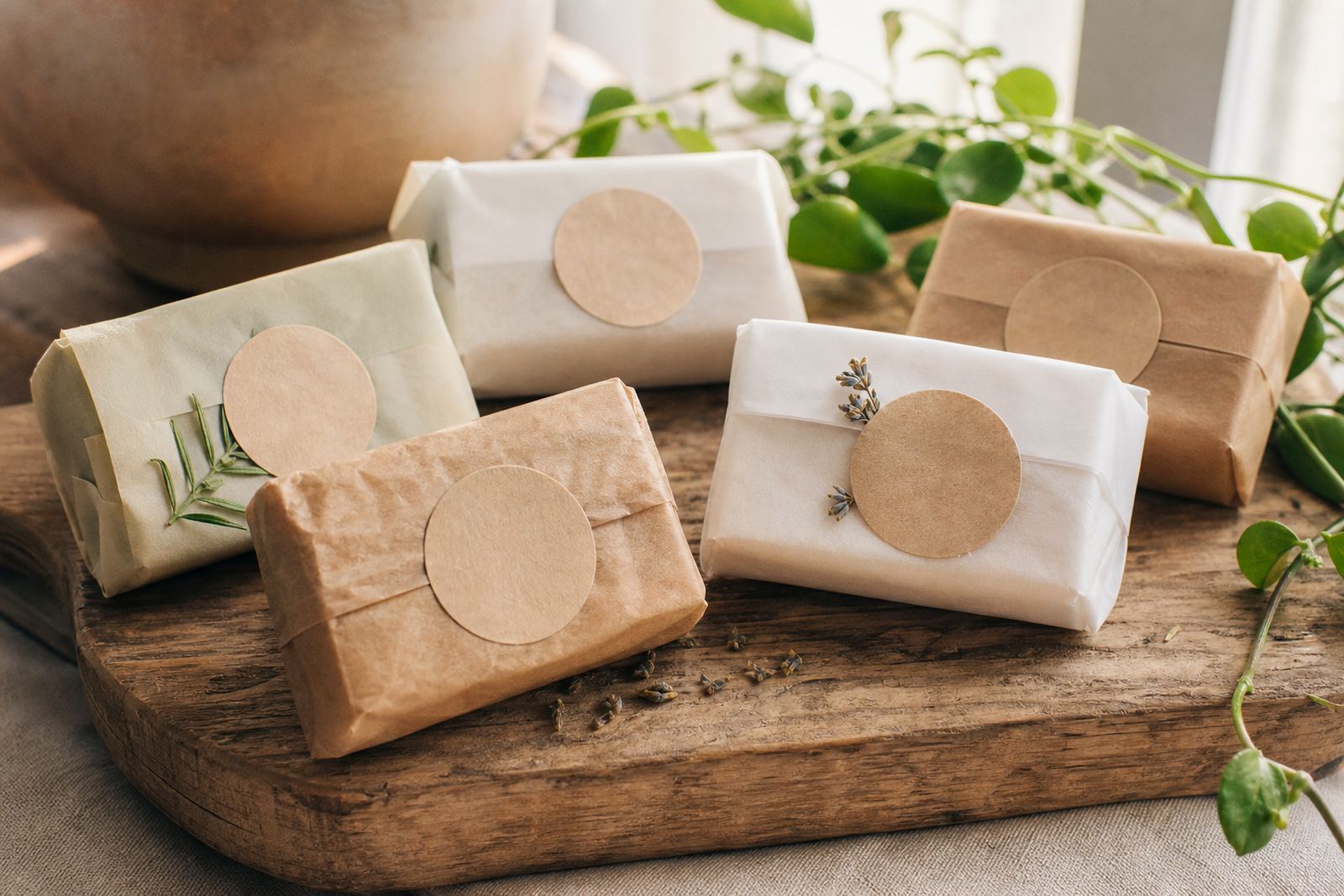
Each finish behaves a little differently once it meets ink, scissors and a busy counter surface. Matte printable sticker paper is easy to read and works well for handwritten accents or printed text that must stay clear under bright light. Gloss is useful where you want sharper colour blocks, logos or a more polished look on folders and storage tubs. Clear sheets suit glass jars, clear file holders and light coloured boxes when you want the background to show through. Vinyl is the practical pick for containers that get lifted, wiped or moved around often. Kraft works nicely on cardboard boxes, archive tubs and rustic home storage where a natural look feels right.
Inkjet and laser compatibility matters when the household printer is doing the work. Inkjet sheets are made for liquid ink and need proper drying time, especially in coastal areas like Durban or the Cape where humidity can slow things down a bit. Laser sheets are built for toner and heat, so they suit office printers and a sharper finish. If your home office prints colour schedules, pantry labels or folder tabs, the paper must match the machine or the result can smudge, curl or lose its grip.
- Matte for clear text and regular filing
- Gloss for bright colour and a cleaner sheen
- Clear for glass, plastic and light backgrounds
- Vinyl for handling, wiping and long use
- Kraft for a plain, natural storage look
Printer, cutter and label layout that keeps the job tidy
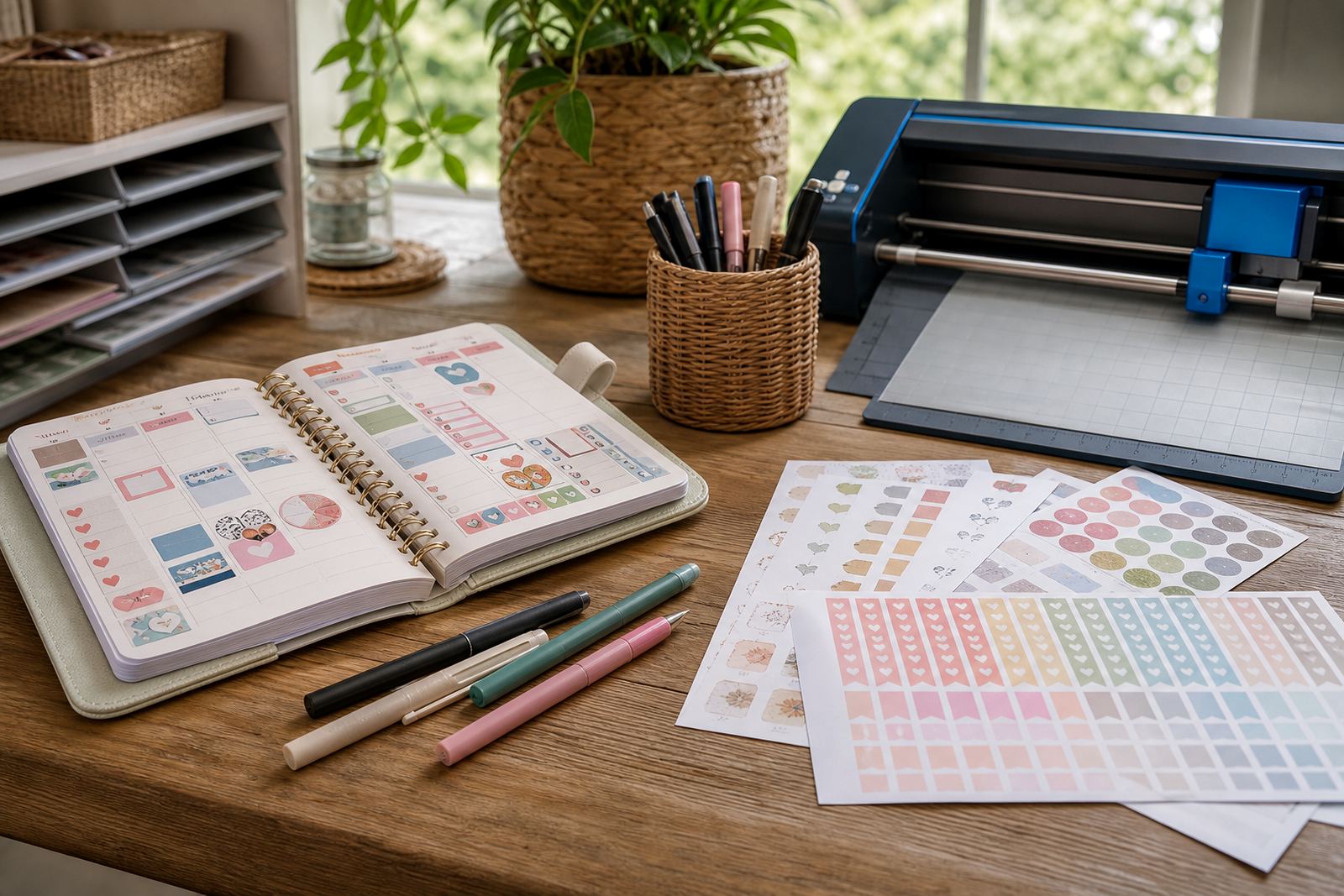
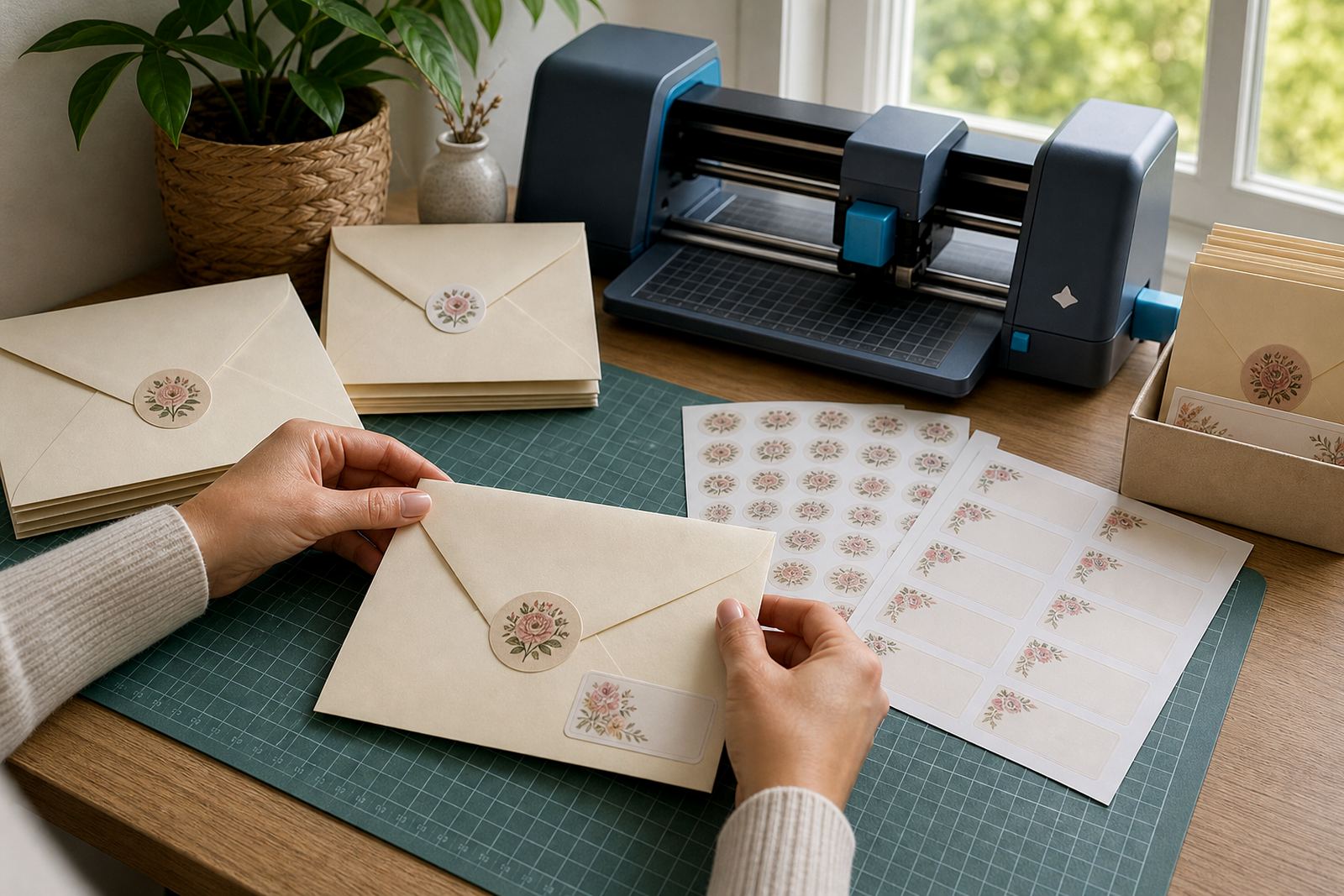
Most home office label jobs use a simple set-up: a home printer, a design file, a pair of scissors or a craft cutter, and a flat surface for application. Some people print full sheets of labels and trim them by hand. Others use a craft cutter for repeat shapes, file tabs or circular labels for jars and containers. Both work well if the artwork is spaced properly and the sheet size is matched to the machine. A clean layout matters more than fancy tools. If a label is too small for the font, it becomes hard to read on a shelf across the room.
Printer settings should match the paper finish and the image density. Heavier paper settings can help with feed and print alignment. For inkjet printing, a test sheet is useful before a full run. For laser printing, the sheet must sit flat and feed smoothly, with enough drying time before stacking. Colour test help can save material when you are planning folder sets or box labels in more than one shade, and hand cutting is fine for short runs or mixed label sizes.
- Check the sheet size before loading the printer
- Set the print type to match matte, gloss or clear stock
- Leave space around cut lines for easier trimming
- Test one sheet before printing a full batch
Layout choices for files, boxes and shared shelves
A home office works best when labels follow the way the room is used. Files need straight text and consistent placement on spines. Storage boxes do better with larger labels that can be read from a standing position. Small containers can use shorter wording, while shared shelves may need colour coding so each family member or work area has its own section. In a flat in Stellenbosch, for example, a single shelf may hold study notes, household forms and printer supplies side by side, so the labels should be simple and visible from a few metres away.
Paper choice also changes the look of the room. Matte labels keep a calm, office style feel. Gloss can make coloured headings stand out on white folders. Clear labels are neat on transparent containers, though they need careful alignment. Vinyl is good where hands are often on the box, and kraft suits archive storage or a home maker corner with cardboard tubs. If the room gets sunlight, choose a finish that keeps text readable, because shiny surfaces can reflect light from windows and lamps.
For people sorting a full home office, a modest system usually works better than over-labelling every object. Start with the categories you reach for most: invoices, supplies, mail, backup items and reference files. Then add smaller labels to drawers and containers only where confusion starts. That keeps the room easy to scan, not crowded with text.
Common mistakes that waste sheets and time
Many label jobs go wrong before the first sheet is printed. Fonts that are too fine can disappear on a busy background. Dark backgrounds with light text can look sharp on screen but print less clearly on some printers. Labels cut too close to the design can lift at the corners, while sheets stored in a damp room may curl or feed poorly. In humid Durban weather, keeping sticker paper flat in its sleeve matters more than people expect.
Another common issue is using the wrong finish for the task. Clear sheets on a dark cabinet can be hard to read, and kraft can look muted if the text is too pale. Some people also forget to leave room for handling, so a label placed right at the edge of a lid starts peeling after a few lifts. If a box is moved often, vinyl usually lasts better than standard paper.
- Do not use tiny text on tall file boxes
- Avoid storing sheets where they can bend or take in damp air
- Match inkjet paper with inkjet printing and laser paper with toner
- Leave a border so the label can grip properly
Budget ranges that suit a home office in Rand
For a small home office, the budget can stay fairly modest if the labels are planned around a few key items. A basic run for files, drawers and storage tubs can be done with a limited number of sheets, especially if the artwork is repeated across several boxes. A mid-range job usually adds different finishes, extra sizes or a combination of file labels and container labels. Larger home office projects, or workspaces that need several categories and colour-coded sets, naturally use more sheets and more time for layout.
As a guide, many home label projects sit in the lower hundreds of Rand when only a handful of sheets are needed. A fuller set for a study, family admin area or small home business room can move into the mid hundreds. Bigger projects, with mixed finishes, can reach higher totals depending on sheet count and how many versions are printed. Costs shift with paper type, size and quantity, so it helps to decide whether the job is for one filing area or the whole room.
StickerPaper supports home makers and crafters who want labels that look clean and hold up in daily use. The team works from Durbanville, Cape Town and sends across South Africa, with delivery to Cape Town, Johannesburg, Durban, Pretoria, Bloemfontein and nearby areas such as Paarl and Stellenbosch. Services include printer setting help, inkjet printing help, laser printing help, colour test help, smudge reduction help, paper jam help, craft cutter help, hand cutting help, clear sheet help, vinyl sheet help, sheet storage help and sticker application help.