What a colour test checks on your sticker sheet
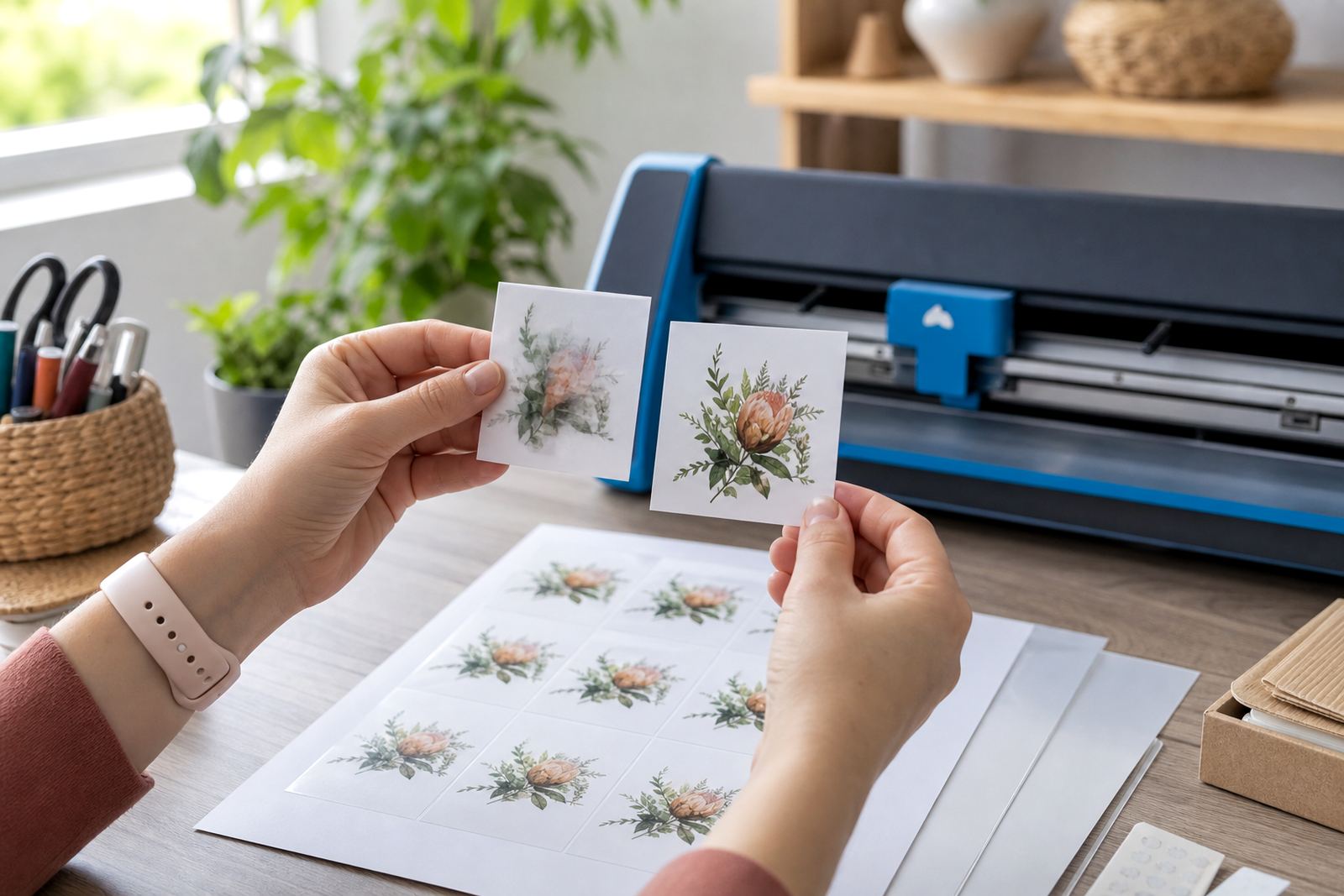
A colour test gives you a small, practical print check before the full run. We look at how your artwork sits on matte, gloss, clear, vinyl and kraft sticker paper, then assess whether the colours are too flat, too dark, too warm or too cool for the finish you have chosen. Fine lines, light text and pale backgrounds can behave very differently from one sheet type to another, so the test print helps spot that early.
This service is useful for crafters printing labels for jars, pantry containers, gift tags, planner stickers and product labels for small batches. If your artwork is packed with soft tones or detailed shading, a test also shows whether the design stays readable after cutting by hand or with a craft cutter.
What is included in the colour test help service
The service is built around practical printing checks and plain guidance. We can review inkjet or laser artwork settings, compare colour density across sample areas, and help you judge whether the sheet needs a small adjustment before the full print run. Where needed, we also look at cut lines, bleed, margins and sheet layout so the finished sticker sheet is easier to use.
- Review of the artwork size and layout for the chosen sheet format
- Colour and density check on a sample print
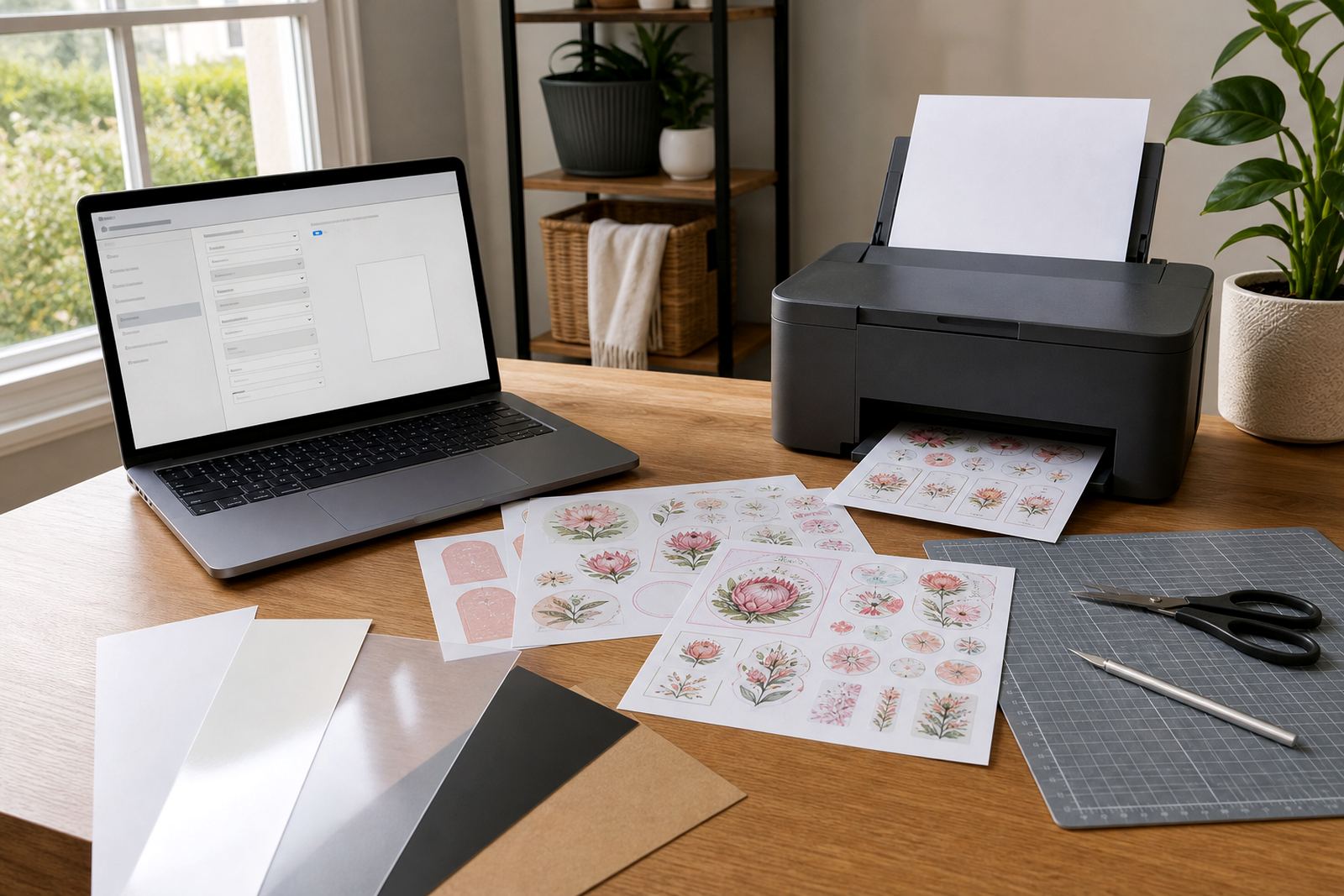
- Advice for matte, gloss, clear, vinyl and kraft finishes
- Support for inkjet and laser compatible sticker paper
- Cut line and bleed check for hand cutting or craft cutters
For home makers in Durbanville, Cape Town, and customers ordering across South Africa, this is a useful step before printing a full pack of address labels, food labels or gift stickers.
How the check is handled from file to sample sheet
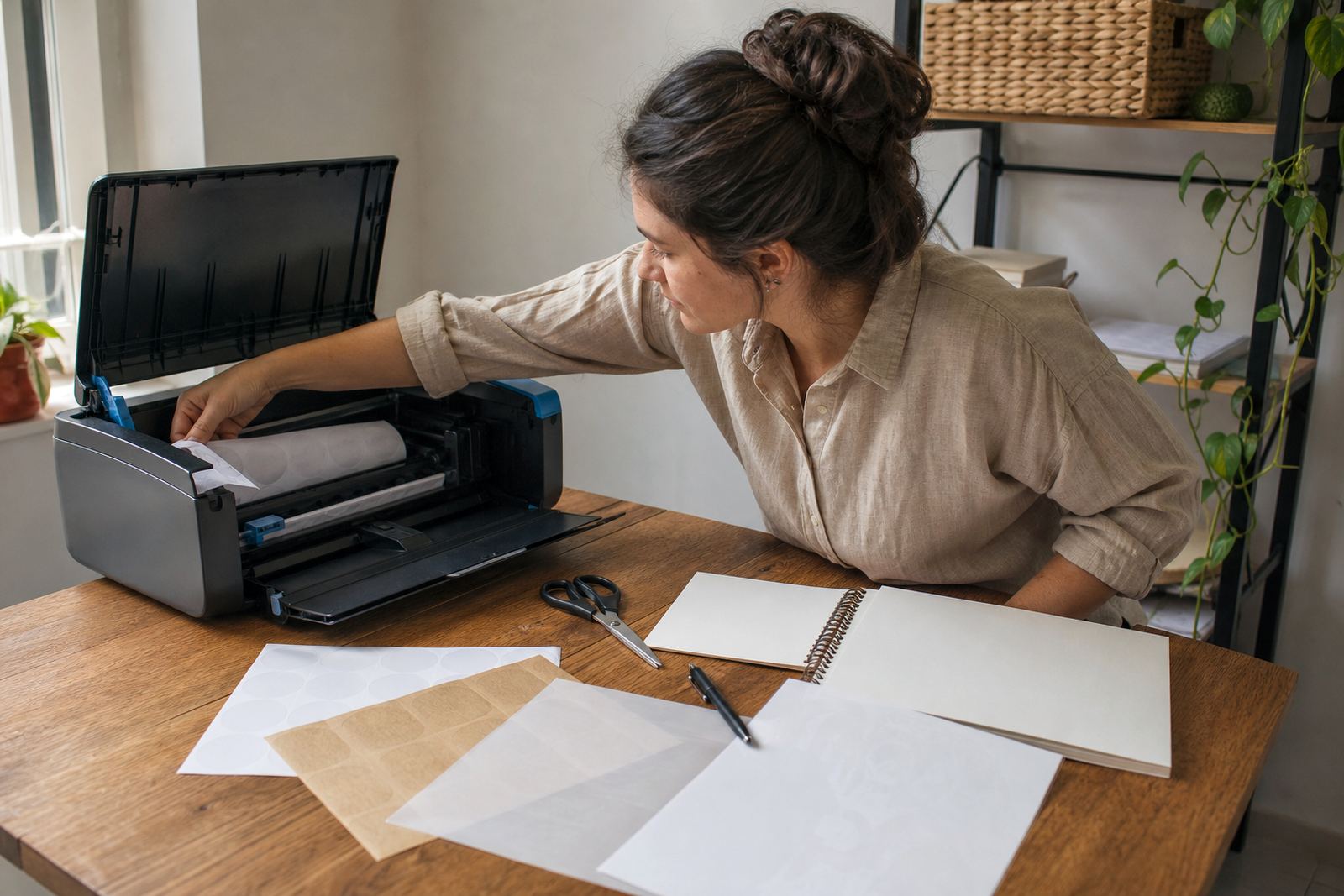
First, we look at the artwork file and the intended use of the stickers. A label for a glass jar may need stronger contrast than a decorative gift sticker, while a clear sheet often needs different colour handling from a white matte sheet. Then we guide the test print setup so the sample reflects the paper finish and printer type as closely as possible.
We usually focus on the areas most likely to shift in print: background colour, skin tones, dark blocks, fine lines, transparent sections and text smaller than 8 pt. If your sheet will be trimmed on a craft cutter, we also check that the registration, spacing and borders leave enough room for the blade path.
- Step 1: confirm paper type, printer type and sheet size
- Step 2: print a sample on the same settings you plan to use
- Step 3: compare the sample to the intended colours and layout
- Step 4: adjust density, contrast or spacing if needed
- Step 5: move to the full batch once the sample looks right
Paper types and print behaviour we check
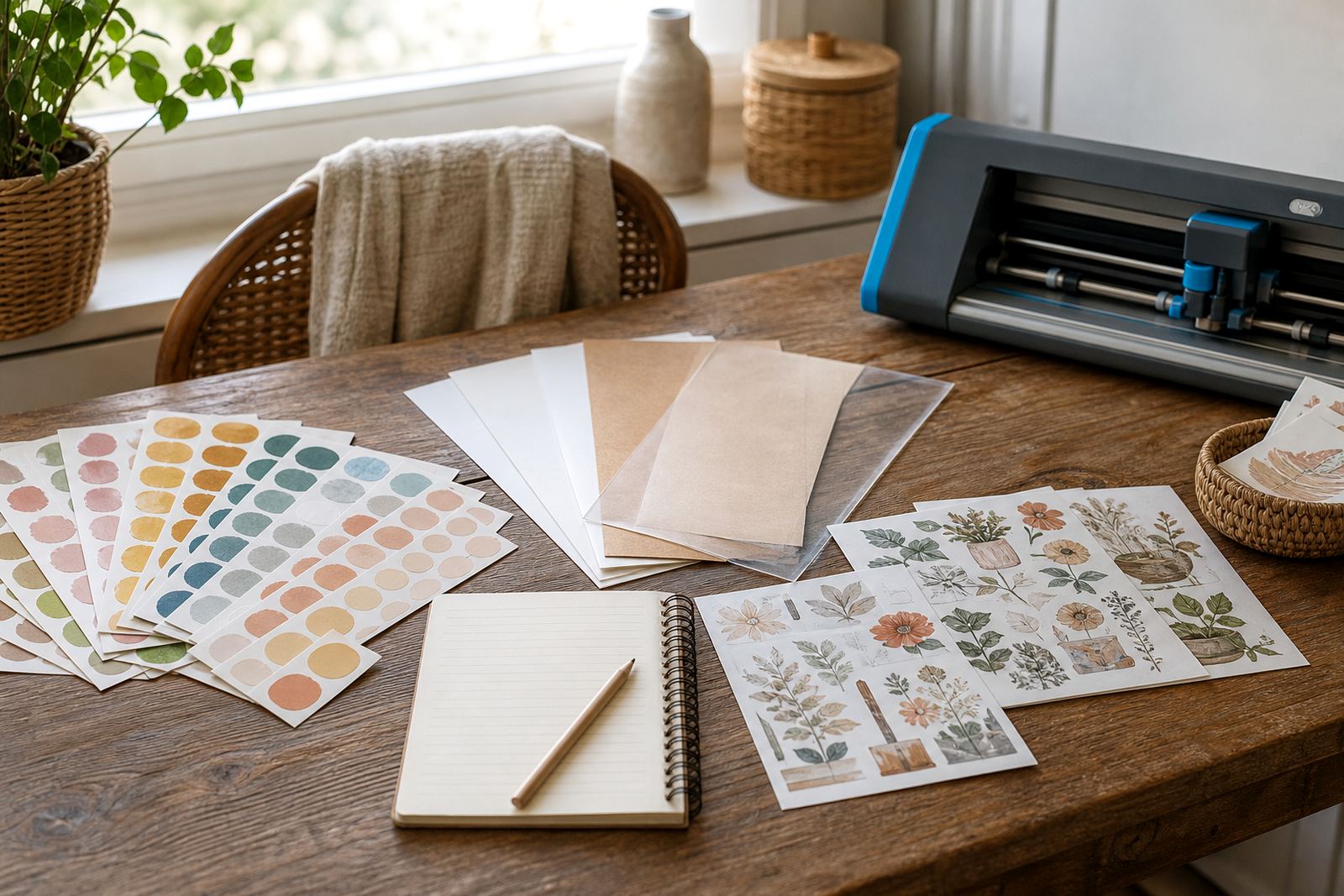
Different sticker paper types behave in different ways. Matte paper usually softens glare and can suit text-heavy labels, while gloss paper gives stronger colour depth and a cleaner shine. Clear sticker paper needs careful handling because the background shows through once applied. Vinyl sheets suit more durable use, and kraft paper gives a natural look that can mute bright colours. The test print shows how each finish affects the final result.
Inkjet printers and laser printers need different settings, so the colour test also checks whether the ink sits neatly on the sheet or appears muddy, streaky or overly saturated. In coastal areas like Cape Town and Durban, humidity can affect storage and sheet curl, so we also look at how the paper is kept before printing. That keeps the sheet flatter and easier to feed through the printer.
Turnaround and pricing approach for test work
Colour test help is priced according to the amount of review needed, the paper type and whether the job includes layout checks, print setting guidance or cutter setup support. A small label sheet with a basic colour check takes less handling than a mixed artwork sheet with several finishes or delicate cut lines. The pricing approach stays practical and tied to the work involved.
For larger home organising runs or sticker packs for markets, we can look at the test stage first and then move into the full print. That keeps wastage down and helps avoid a batch that looks fine on screen but prints too dark, too pale or too busy on paper. Quotes are built around the details of the job rather than a one size fits all figure.
Aftercare once the sample is approved
After the test print is approved, we give care notes for the finished stickers so the print stays crisp and the adhesive behaves properly. That may include storage tips, sheet handling and advice for applying stickers to smooth jars, bottles, folders or gift packaging. Freshly printed sheets should be kept flat and away from damp storage areas, especially in humid weather along the coast.
- Store printed sheets flat in a dry place
- Keep cut edges clean before peeling or applying
- Allow ink to settle fully before heavy handling
- Use a firm surface when applying labels to containers
If the sheet will be used on packaging, stationery or craft products, we can also talk through smudge reduction and cutting method so the finished stickers look tidy from the first peel.
Key facts
| Paper types | Matte, gloss, clear, vinyl and kraft |
|---|---|
| Printer compatibility | Inkjet and laser |
| Sheet handling | Suitable for hand cutting or craft cutters |
| Use cases | Labels, planner stickers, gifts, home organisation and craft projects |
| Service focus | Colour density, layout, bleed and text clarity checks |
| Areas served | Durbanville, Cape Town, Johannesburg, Durban, Pretoria, Bloemfontein and nationwide delivery |