Feed path, tray choice and sheet handling
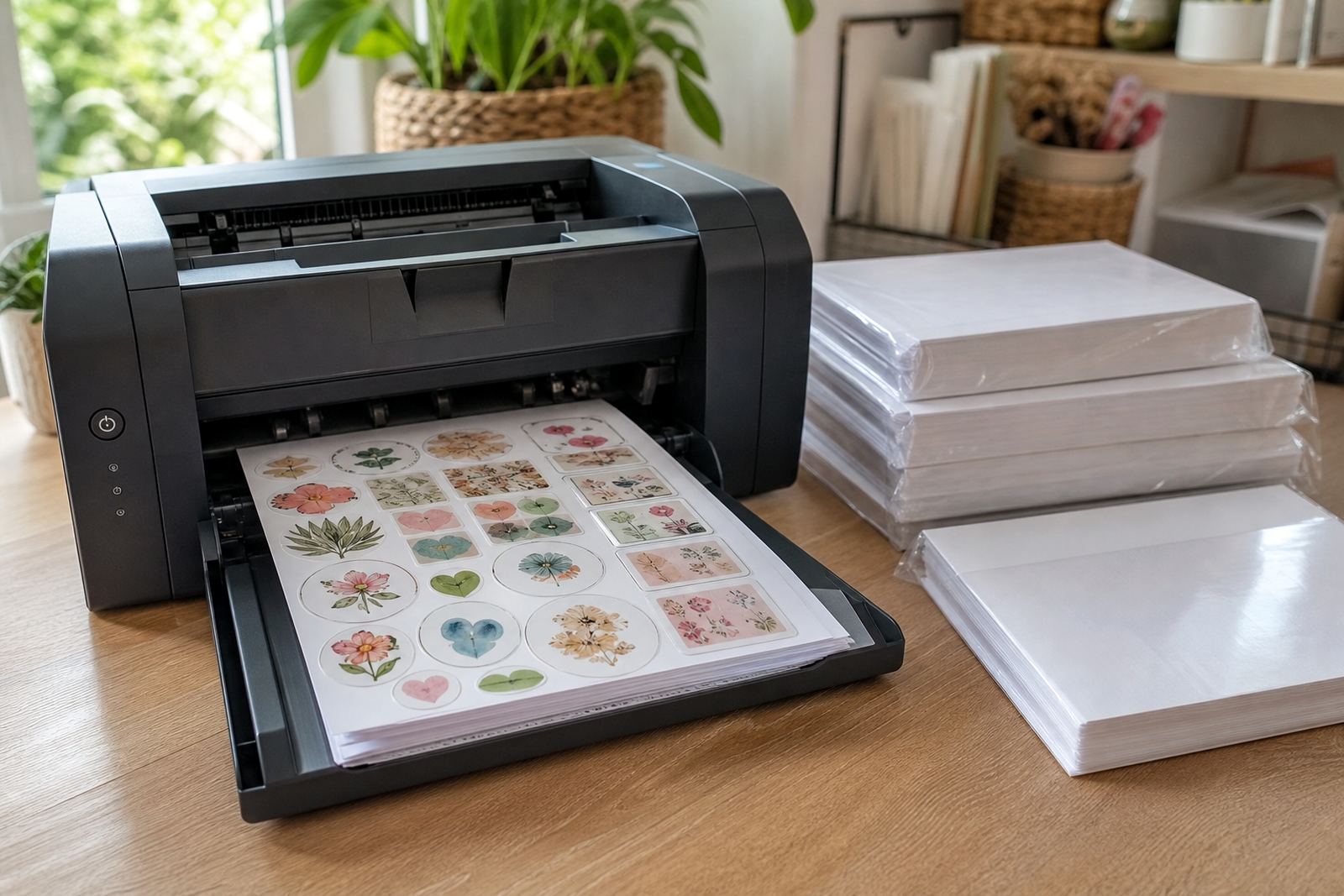
The feed path can make the difference between a neat page and one that curls, skews or marks at the edge. We look at whether your printer handles sticker paper better from the rear feed, manual slot or main tray, then match that to the sheet thickness and finish. A straight path is often kinder to labels with adhesive backing, especially when the printer roller pressure is firm.
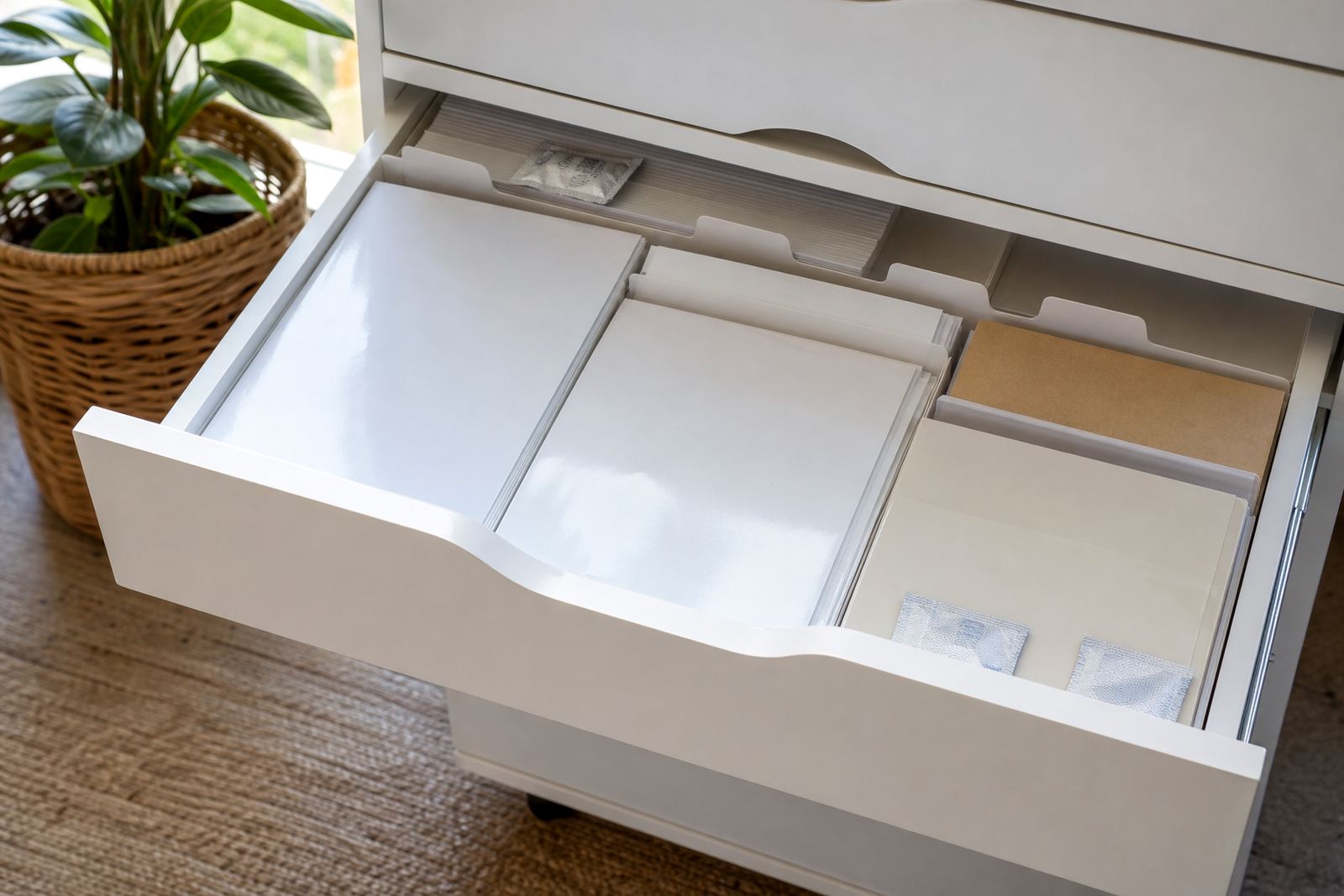
We also cover basic handling before printing. Sheets should stay flat, free of dust and stored in a dry place. In Durban and other coastal areas, humidity can soften the corners and make feeding less consistent. A clean stack and careful fan-out of the sheets helps, though not every printer likes the same approach.
- Check for curl before loading the stack.
- Use one sheet first when testing a new setting.
- Keep the printable side marked and loaded correctly.
- Leave printed sheets to settle before cutting.
Inkjet and laser guidance without guesswork
Inkjet and laser printers need different treatment on sticker paper. Inkjet machines work with liquid ink, so dry time and absorbency matter most. Laser printers use heat, so the sheet must tolerate the fuser without warping, lifting or softening the adhesive. We help you identify the right path for the printer you already have at home or in a small studio.
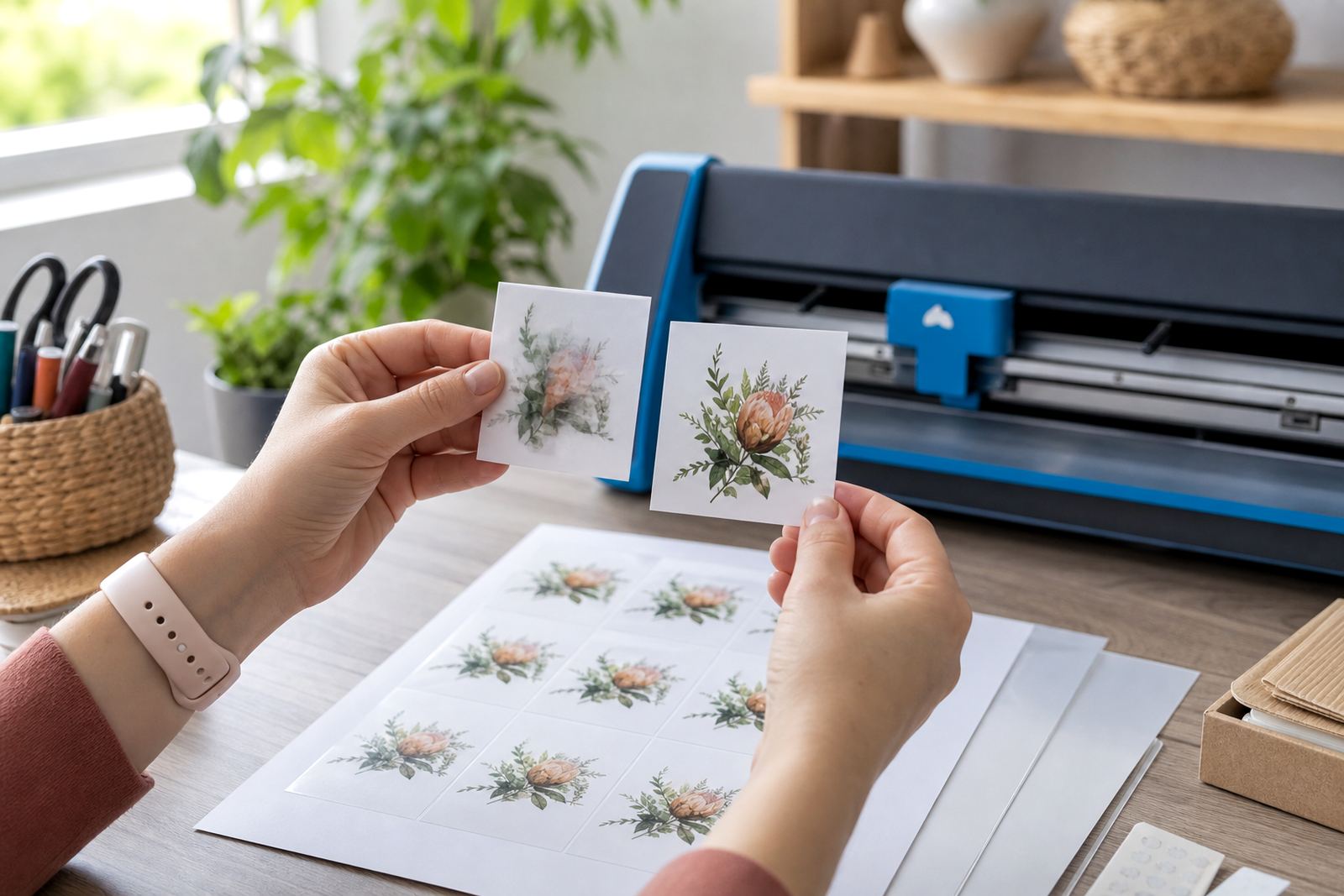
Clear sheets and gloss sheets can show the difference very quickly. If the printer lays down too much ink, text may look heavy or smudge when touched early. If the heat is too high on a laser unit, edges can curl or the adhesive can shift a little. The aim is a clean print that still cuts well by hand or in a craft cutter.
- Inkjet setup: paper type, quality and drying room.
- Laser setup: heat-safe feed and stable toner laydown.
- Test prints: one label or a small sheet first.
- Colour tests: tone, contrast and legibility on your chosen stock.
How the help session runs
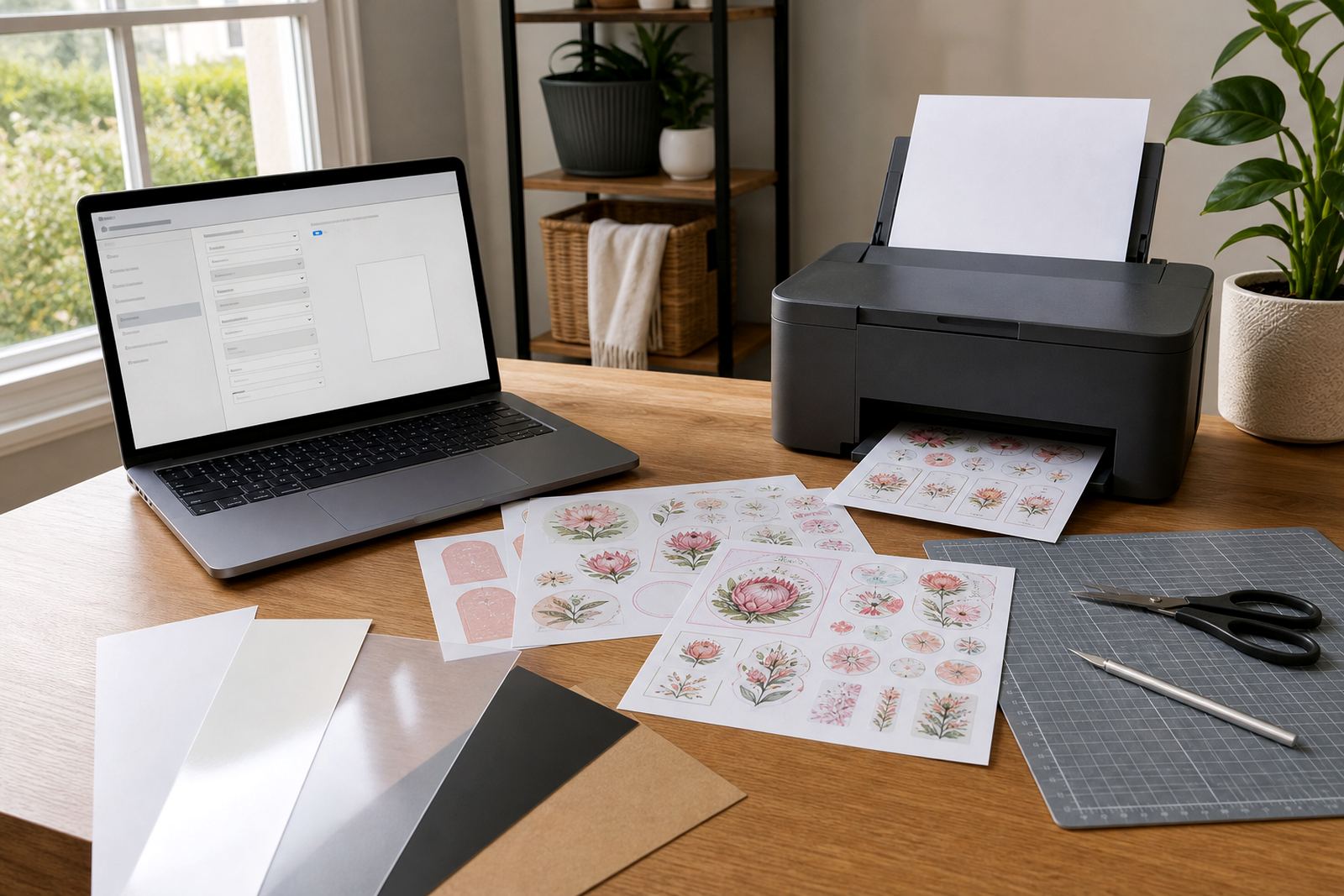
We keep the process practical. You share the printer type, the sticker paper finish and what you are making, whether that is pantry labels, school items or personalised gifts. From there we guide the basic settings, the feed path and the print quality choice that fits the job. If the issue is more specific, such as paper jams, weak colour or smudging, the guidance shifts to that problem first.
For Durbanville and the wider Cape Town area, the same service can be done around the way you print at home. If you are using a craft cutter after printing, we can also note the cut line placement, blade pressure basics and sheet handling so the print and cut stage line up properly.
- Printer type and model details.
- Sticker paper finish and sheet size.
- What you are printing and cutting.
- Any issue you are seeing on the page.
What this service includes and how we price it
Printer setting help covers general guidance on paper type, feed path and print quality settings for sticker paper. It may also include colour test direction, smudge reduction guidance, help with paper jams that start during loading and advice on the best handling method for hand cutting or craft cutters. The work is quoted according to the support needed, the number of paper types involved and whether the job is for one printer or a few different setups.
We keep the pricing approach straightforward. A simple setup check is treated differently from a more involved troubleshooting session that covers colour balance, feed errors and cutter alignment. Where a project uses several sheet types, the guidance is grouped so the setup stays practical and easy to follow.
- Single printer setup help.
- Support for matte, gloss, clear, vinyl or kraft sheets.
- Cutting guidance for hand tools or craft cutters.
- Extra support for colour tests and jam checks.
Aftercare for a steadier print run
After the settings are sorted, we explain how to keep the process steady for the next few sheets. That includes storage for unused sticker paper, handling printed sheets before cutting and simple checks if the colours shift or the feed starts slipping. A neat result often depends on small habits more than one big adjustment, and sometimes the printer just needs a different paper choice rather than a stronger setting.
Clients in Johannesburg, Pretoria, Durban, Bloemfontein, Paarl and Stellenbosch can apply the same basics wherever they print. If a sheet is leaving marks or the cut is drifting, we look at the paper type first, then the feed path and then the print mode. It keeps the process practical for labels, craft sets and home organisation jobs.
Key facts
| Service area | Online support from Durbanville, Cape Town with delivery across South Africa |
|---|---|
| Paper types | Matte, gloss, clear, vinyl and kraft sticker sheets |
| Printer compatibility | Inkjet and laser guidance |
| Cutting methods | Hand cutting and craft cutter setup guidance |
| Common uses | Home labels, jars, gifts, school items and craft projects |
| Support topics | Paper type, feed path, print quality, colour tests, smudge reduction and jams |