Where paper jams usually begin
Most jam trouble comes from small things added together, not one single fault. A stack that is curled, dusty, mixed with different sheet weights or loaded the wrong way can catch inside the printer and leave adhesive sheets creased or marked. That matters even more with printable sticker paper, because the coated face and backing sheet need steadier feeding than plain copier paper.
Our paper jam help looks at the way the sheets sit in the tray, how they are fanned before loading and whether the printer settings match the sticker stock. We cover inkjet and laser use, and we help crafters work with matte, gloss, clear, vinyl and kraft finishes without forcing the machine to fight the paper.
- Sheet curl from storage in humid coastal air
- Too many sheets in the tray at once
- Mixed paper weights in one stack
- Wrong media setting for the sticker stock
- Dust, fibres or sticker edge lift on the feed path
What the service includes
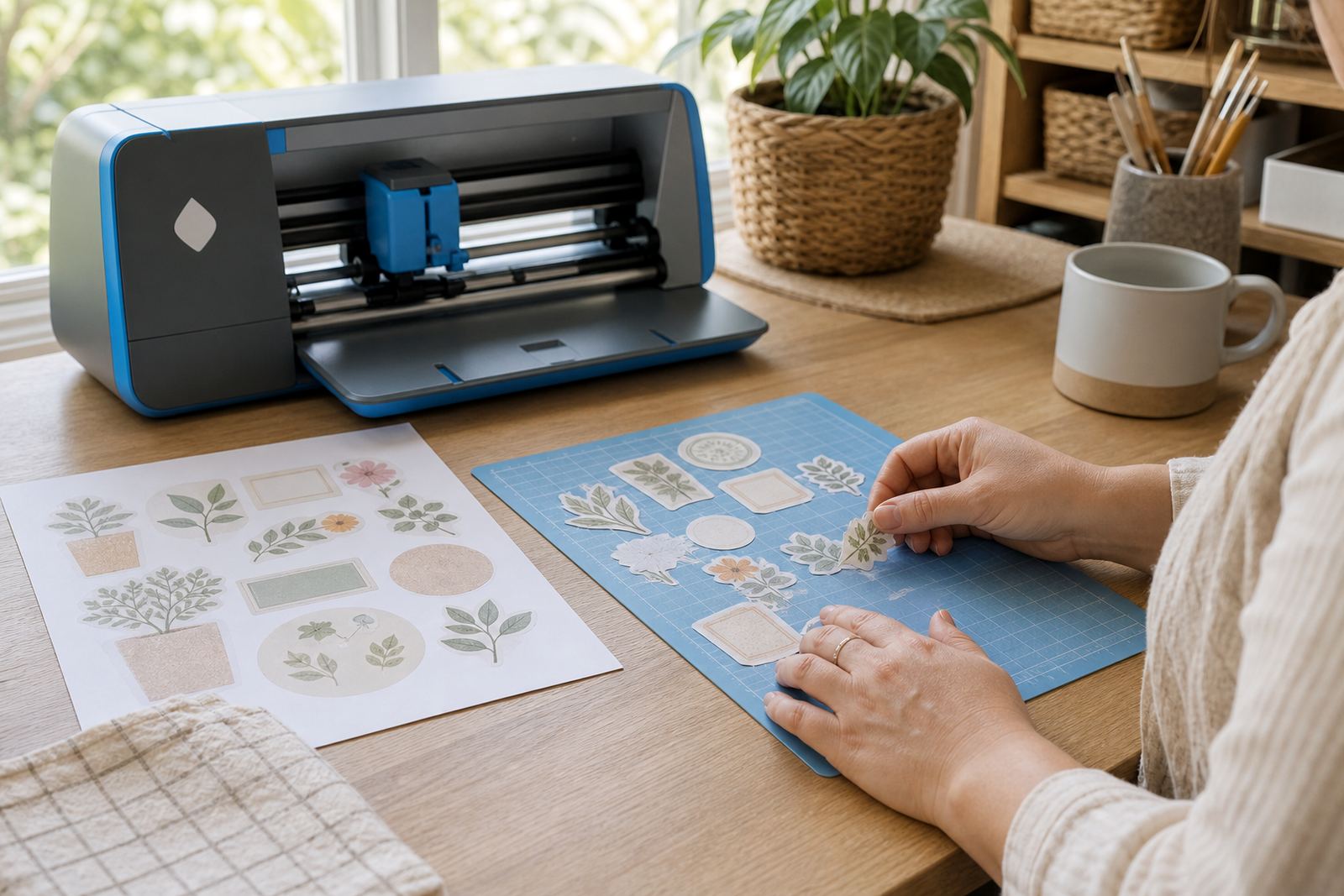
This service covers the practical checks that lower the chance of a jam before printing starts. We look at the sheet count, the direction of the printable side, the tray guides and whether the paper is suited to the printer type. If the issue is linked to craft cutting later in the process, we can also point out where the cut settings may be pulling the sheet too hard after print.
The support is useful for label sheets, home organisation projects, gift stickers and short-run craft work. We also help with mixed batches where one stack is matte and another is clear or vinyl, because those finishes often need different handling. If you print at home in Durbanville, Cape Town, or send work to family and friends in Johannesburg, Durban, Pretoria or Bloemfontein, the same feeding principles apply.
- Stack preparation and fanning guidance
- Tray alignment and guide spacing checks
- Media setting guidance for inkjet or laser printers
- Sheet count checks for safe feeding
- Notes on storage in dry or humid rooms
Paper types and printer compatibility
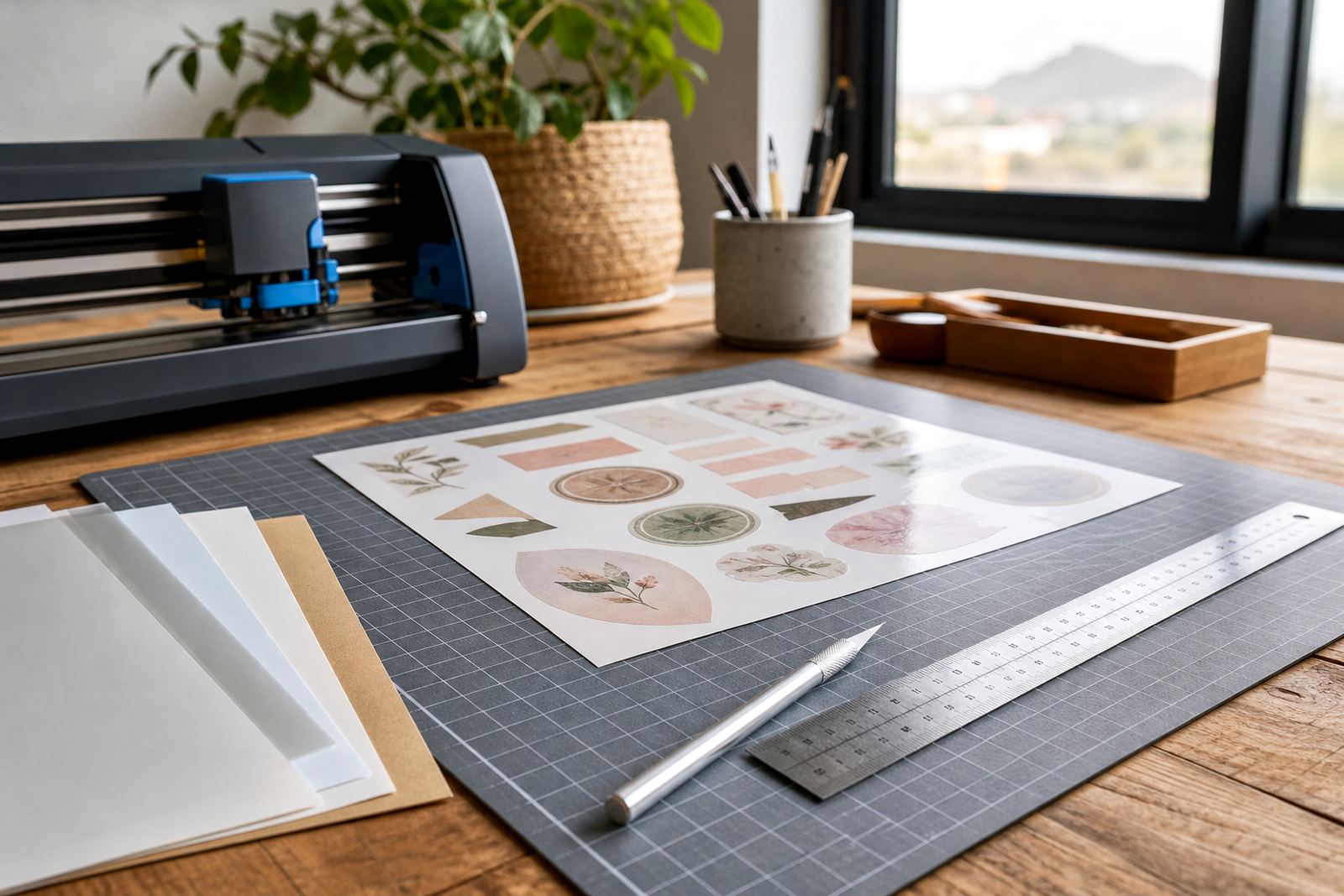
Different finishes behave differently in the feed path. Matte sticker paper often feeds cleanly and suits labels, while gloss can hold more glare and needs careful setting selection. Clear sheets can show fingerprints and edge marks more easily, and vinyl sheets may feel heavier or less flexible in a tray. Kraft sticker paper has a firmer feel and can need a steadier feed if the printer prefers lighter stock.
Inkjet and laser printers do not treat sticker paper the same way. Inkjet printing usually needs a surface that can accept liquid ink without smudging, while laser printing uses heat and can stress some adhesive papers if the sheet is not suitable. We help identify the right stock for the machine and the project, so the sheet feeds cleanly and the print stays usable.
- Matte: good for labels, planners and hand written notes
- Gloss: suited to bright colour and polished artwork
- Clear: useful for see-through labels and clean packaging
- Vinyl: chosen for tougher, more flexible sticker work
- Kraft: used for a natural look on jars, folders and gifts
How we handle a jam-prone job
We begin with the paper stack, because that is where many issues start. Sheets are checked for curl, corner damage and dust, then fanned so they enter the tray more evenly. After that we look at the printer setting, the tray guides and the way the sticker paper has been stored. If the room is humid, as it often is near the coast, the paper may need more time to settle before printing.
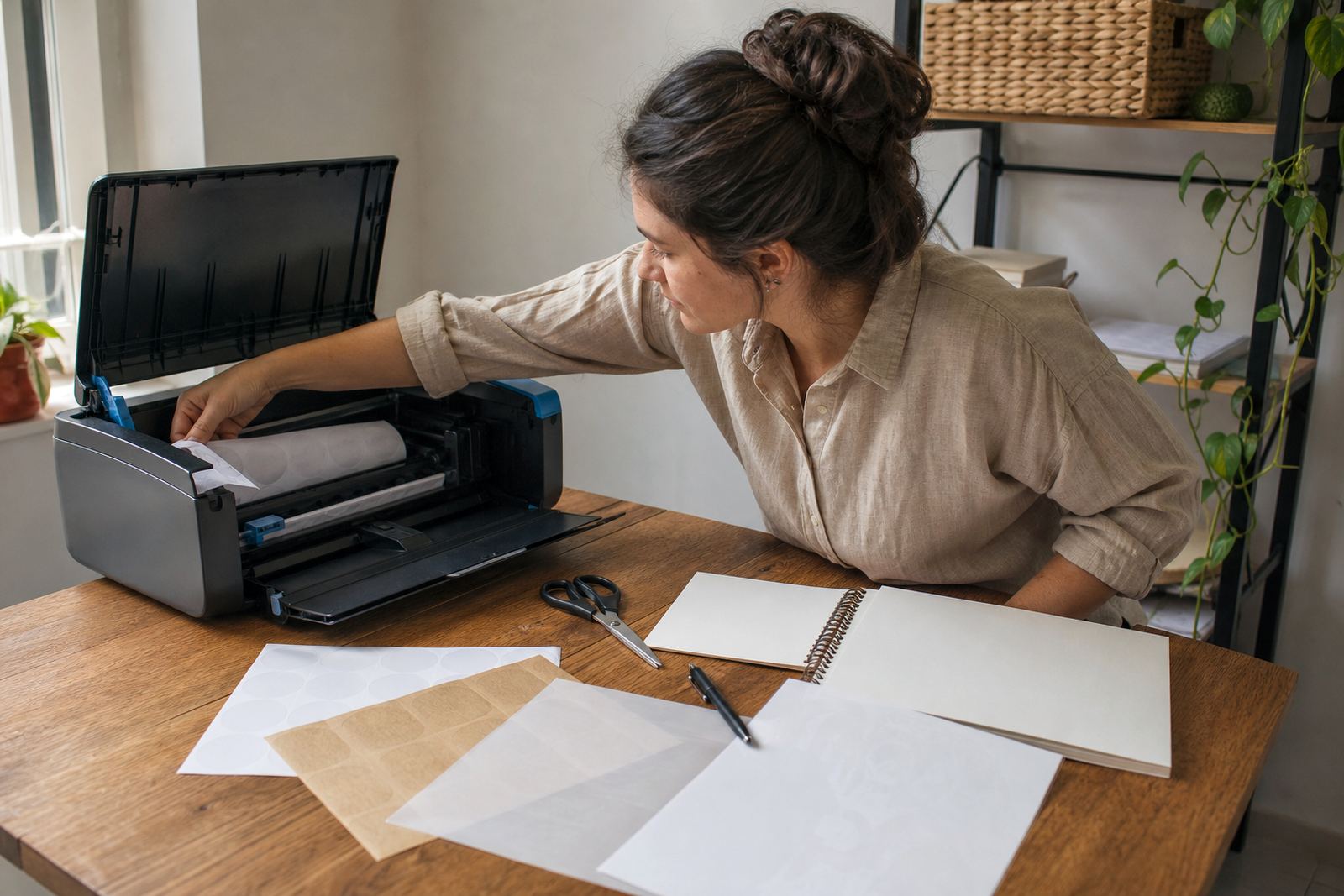
The next step is a simple print path check. That includes confirming that the printable side is facing correctly, that the tray is not overloaded, and that the sticker sheet is not sticking to another sheet from static or storage pressure. If needed, we explain how to test with one or two sheets first instead of loading a full stack and hoping for the best.
- Check sheet condition before loading
- Align tray guides to the sheet width
- Use the correct media setting for the stock
- Test a small stack before larger print runs
- Separate damaged or curled sheets from the batch
What the price covers and how it is set
Pricing depends on the sticker paper type, the amount of support needed and whether the issue involves a single printer setup or a mixed batch of papers. A simple feed check is different from helping with several stock types, a laser printer on heavier material, or a project that combines print and craft cutter work. We keep the pricing approach practical and tied to the actual support needed, not a one-size rate that ignores the job.
If you are ordering paper for a home label project, a gift run or a larger creative batch, the stock choice also affects the handling. Matte and gloss sheets may need different guidance from clear or vinyl stock, and kraft sheets can suit projects where a natural finish is preferred. The aim is to match the paper to the printer and the project so the feed is calmer from the start.
Aftercare for cleaner feeding next time
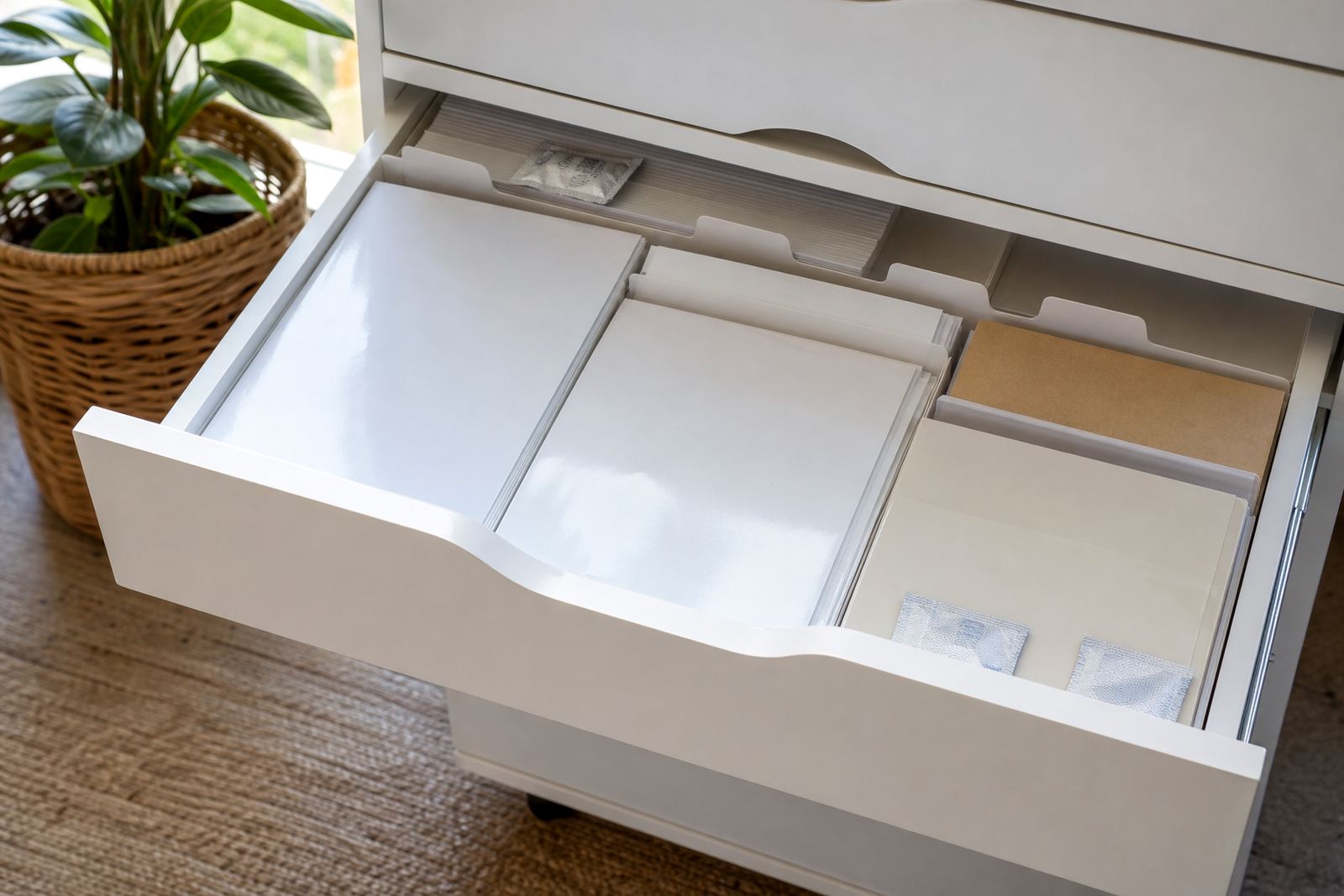
Good aftercare starts with storage and handling. Keep sticker sheets flat, away from damp surfaces and out of direct sunlight, then close the pack properly once you finish printing. If sheets have been in a warm room or near the sea air, let them settle before loading. That small step can reduce curl and help the feed rollers grip the stack more evenly.
We also suggest keeping note of the settings that worked best for each paper type. A clear sheet may need a different tray setup from matte stock, and a laser printer can behave differently from an inkjet when the same stack is used. When a sheet jams, do not pull it hard through the path because that can mark the rollers or crease the backing.
- Store sheets flat in the original pack where possible
- Keep different paper types separated
- Record the printer setting used for each job
- Remove jammed sheets gently to avoid damage
- Check tray guides before each fresh stack
Local support from Durbanville to delivery areas
StickerPaper works from Durbanville, Cape Town and supplies printable sticker paper across South Africa, including Cape Town, Johannesburg, Durban, Pretoria and Bloemfontein. The same paper handling advice applies whether the stock is used for home jars, school projects, craft markets or small business labels. For customers in Stellenbosch and Paarl, local delivery areas are also covered.
Our support team, led by Morne van der Merwe, works with the warehouse and dispatch side so the stock description and handling notes match the paper in the pack. That helps cut down on guesswork when the job calls for a matte sheet on an inkjet printer or a tougher vinyl sheet on a laser machine. Clients reach us through the enquiry form on our contact page when they need help matching stock to a printer setup.
Key facts
| Service focus | Paper jam help for printable sticker paper |
|---|---|
| Paper types covered | Matte, gloss, clear, vinyl and kraft |
| Printer compatibility | Inkjet and laser sticker paper guidance |
| Handling methods | Careful feeding, stack preparation and tray checks |
| Cutting support | Hand cutting and craft cutter guidance after print |
| Area coverage | Durbanville, Cape Town and delivery across South Africa |