Ink That Settles Before Fingers Move
Smudge reduction help starts with matching the sheet to the printer and the job. Matte stock usually gives a dryer touch and easier writing, gloss gives a brighter finish but needs more care, clear sheets need neat print handling, vinyl suits more durable labels, and kraft gives a softer handmade look. For inkjet use, allow the print to settle before stacking or trimming. For laser use, let the sheet cool fully so the toner can firm up properly.
We look at the whole path, from printer settings to the way sheets are lifted from the tray. A print can look fine on the page but still mark if it is touched too soon or stored badly. Coastal humidity in Cape Town and Durban can also slow drying, so paper choice and storage matter more than many people expect.
What This Service Covers On A Real Job
This service is for home makers, label makers and crafters who want cleaner prints and fewer marks on finished sheets. We help with ink transfer, edge rub, sheet scuffing, and the dull patches that appear when printed stock is handled too soon. It also covers advice on clear sheets, vinyl sheets and kraft stock where print behaviour is different from ordinary paper.
- Sheet choice for inkjet or laser printing
- Drying and cooling steps after printing
- Handling guidance before cutting or peeling
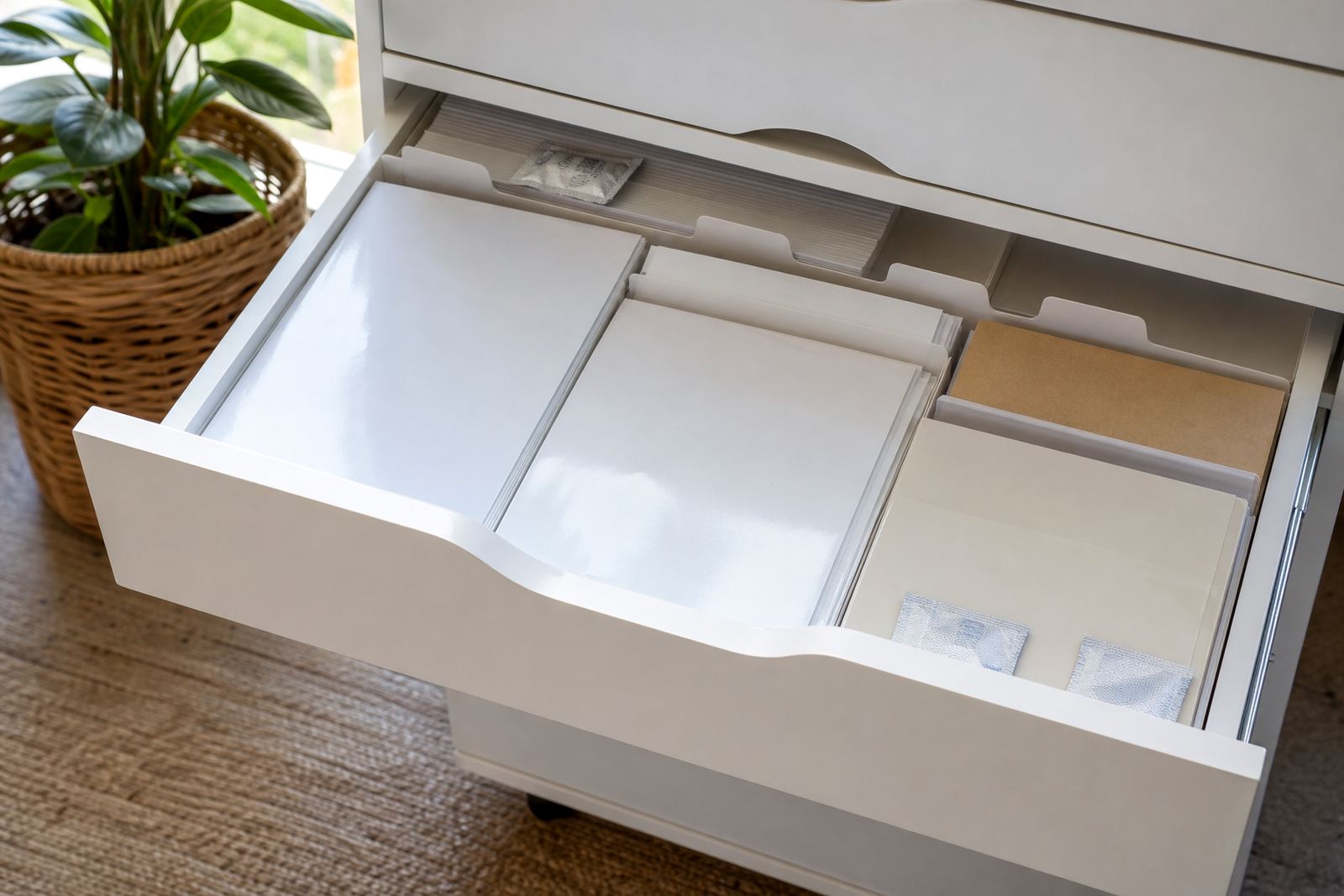
- Storage tips for open packs in humid weather
- Basic print setting checks for cleaner output
The work is practical rather than fussy. If a design has heavy ink coverage, we point out where it is likely to stay tacky longer and how to move it safely without adding marks. Small changes in handling often make a visible difference.
How We Work Through Smudge Problems
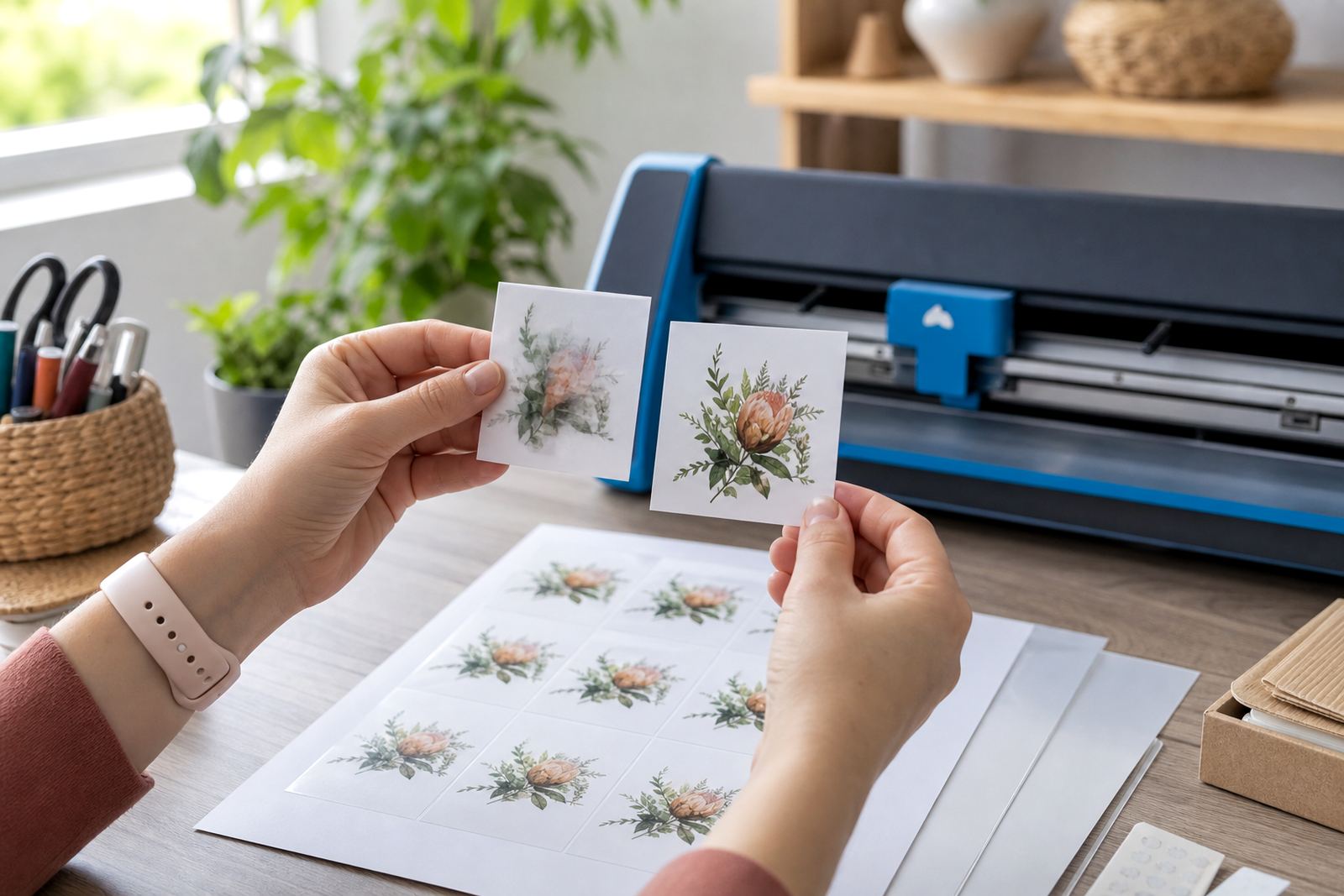
We start by looking at the paper type, the print method, and the stage where marks appear. If the issue happens straight after printing, the answer is usually drying time, printer heat, or heavy saturation. If the marks appear later, the cause is often stacking, friction from storage, or handling with damp hands.
- Check whether the sheet is matte, gloss, clear, vinyl or kraft
- Match the print method to the media
- Adjust the printer settings for cleaner output
- Test one sheet before you run a full batch
- Let printed sheets rest before cutting or packing
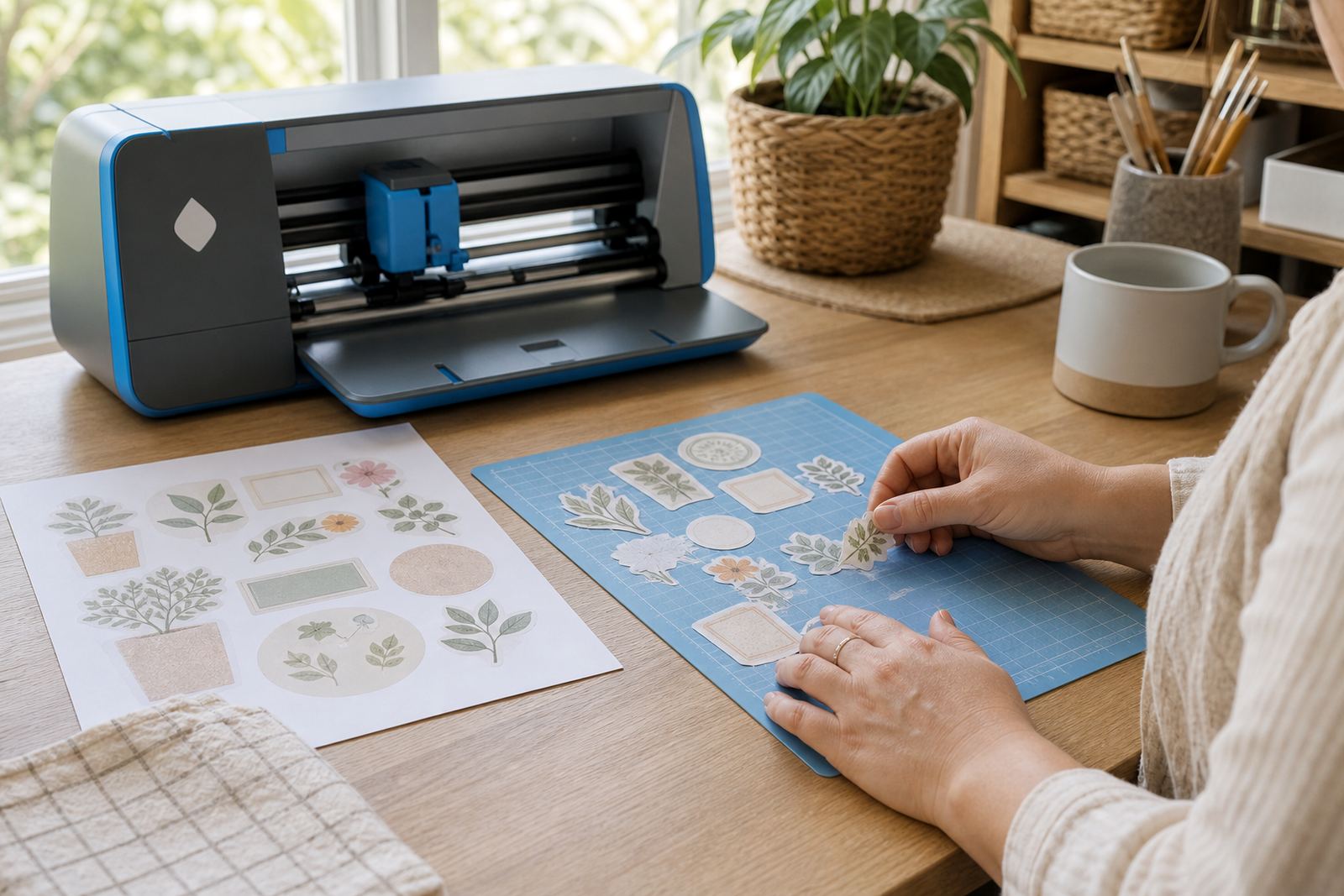
We can also talk through cut lines and trimming pressure. A craft cutter that is set too deep can roughen the printed layer, while hand cutting with a blunt blade can drag ink across the edge. A lighter touch and a clean cutting mat usually help.
Pricing For Smudge Reduction Help
Pricing depends on the sheet type, the print method, and how much testing is needed. A simple guide for one sticker project costs less than a mixed setup with inkjet, laser and cutter checks. If the job needs several media types, the quote reflects the time spent checking each one properly.
We keep pricing plain and tied to the work actually needed. There are no bundled extras hidden in the note. For some customers, a short setting review is enough. For others, the better path is a fuller check that covers drying, storage and cutting. The point is to match the work to the print issue, not pad the invoice.
- Single media review for one sticker sheet type
- Mixed media review for two or more sheet types
- Printing setting checks for inkjet or laser machines
- Handling and storage advice for bulk home use
Sheet Care After The Print Is Done
Aftercare matters, especially when sheets are moved between rooms or stored near open windows. Printed sticker paper should lie flat, away from dust and damp air, and it should not be stacked with weight on top while the ink is still settling. In Durbanville and along the coast, moisture can soften the surface feel, so closed storage helps.
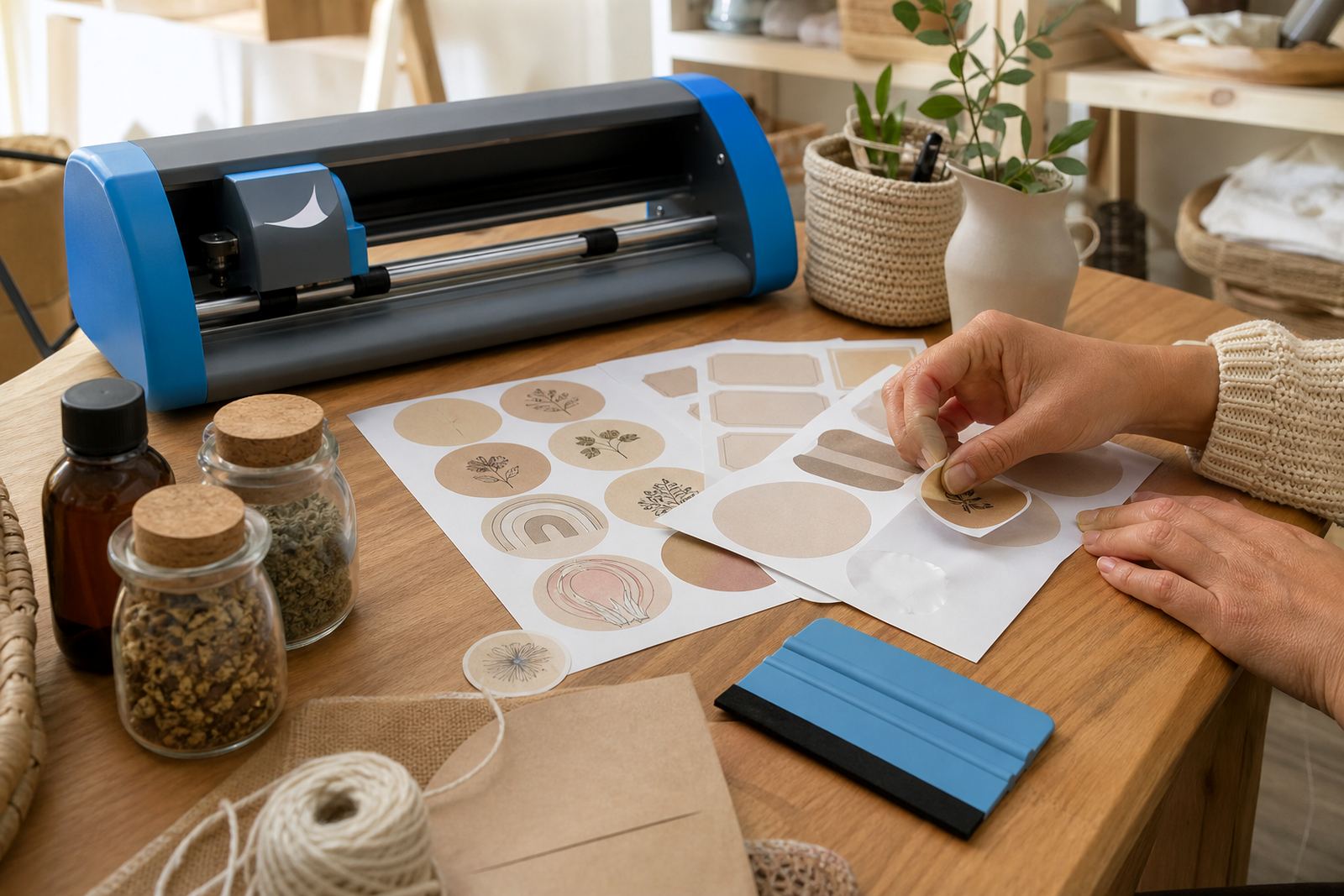
If the sheets are for labels on jars, tubs or home storage, we also talk through surface preparation before application. Clean, dry surfaces reduce rubbing during placement and help the printed area stay neat. For craft projects, a light touch and patient drying period make the finished piece look more settled. A rushed finish usually shows finger marks.
When The Job Needs A Better Match Between Paper And Printer
Some smudging is caused by the wrong sheet for the printer itself. Inkjet paper needs to receive liquid ink cleanly, while laser-compatible stock must handle heat and toner without curling or dulling. If the paper finish does not suit the machine, no amount of careful handling will fix every mark. That is where media selection becomes part of the solution.
We help customers compare matte, gloss, clear, vinyl and kraft options for the task at hand. A planner label, pantry jar, party favour or school project may all call for different handling. The right match can cut down on transfer, flaking and rubbed edges without making the process difficult.
- Inkjet sheets for liquid ink printers
- Laser sheets for toner based printers
- Matte stock for easier handling and writing
- Gloss stock for brighter colour on clean surfaces
- Clear and vinyl stock for specific label finishes
Key facts
| Service area | Durbanville, Cape Town with delivery across South Africa |
|---|---|
| Paper types | Matte, gloss, clear, vinyl and kraft |
| Printer compatibility | Inkjet and laser, with media matched to the machine |
| Cutting methods | Hand cutting and craft cutter support |
| Common issues covered | Ink transfer, edge rub, scuffing and storage marks |
| Support focus | Drying, handling, printer settings and media choice |