Test Cuts That Save a Full Sheet
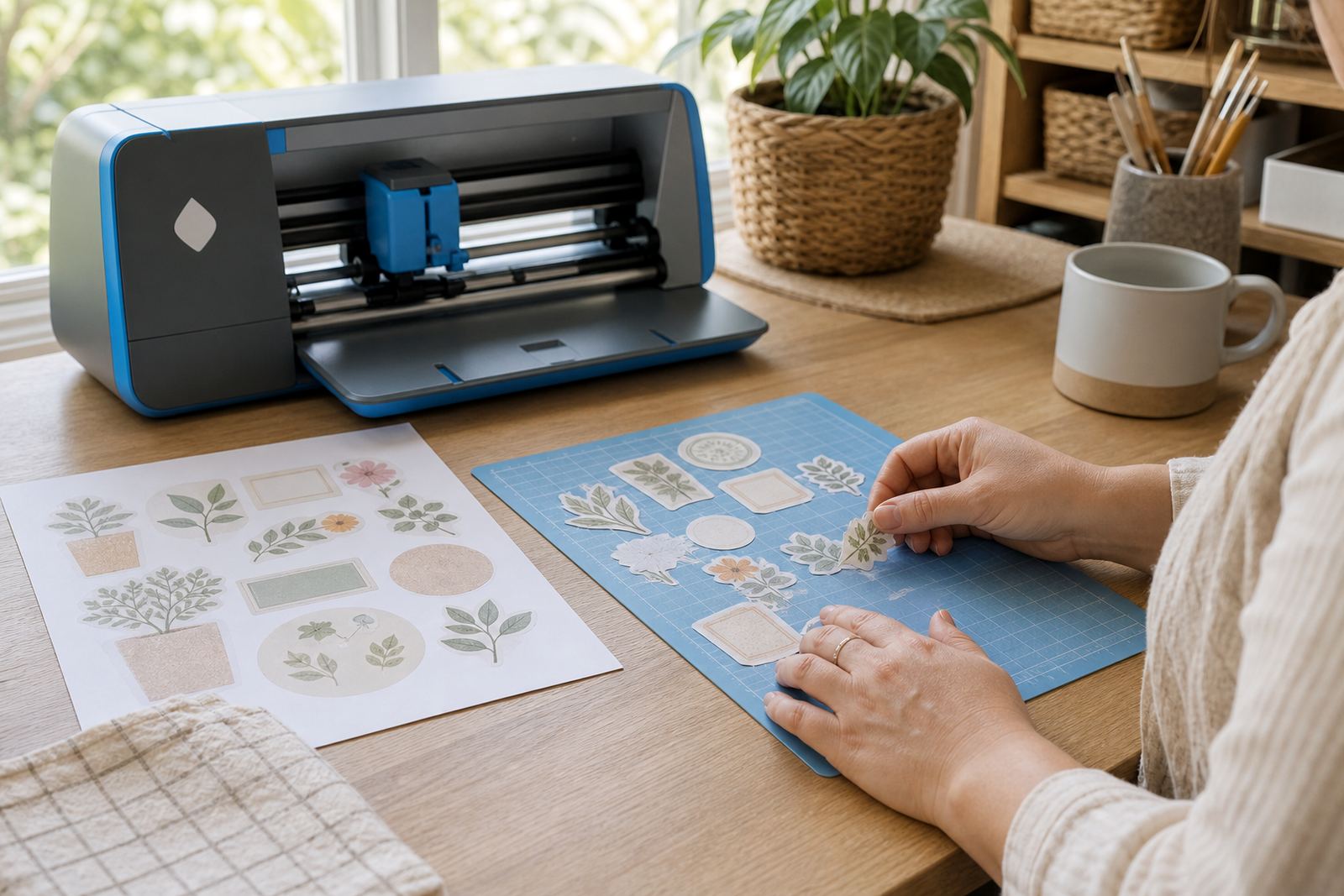
Every cutter behaves a little differently, so a small test cut matters before you send a full design through the machine. We help you check blade depth, pressure and speed against the finish you are using, whether that is matte, gloss, clear, vinyl or kraft sticker paper. A clean test gives a better edge and avoids tearing, lifting or over-cutting into the backing sheet.
For printed sticker sheets, the cut line needs to sit just outside the artwork without biting too deep. That is especially important for small labels, round seals and detail-heavy shapes where a rough cut shows immediately. We also look at whether your machine reads registration marks cleanly or needs a lighter pass, because alignment errors can waste good stock.
Mat Grip, Feed Direction and Sheet Control
Sticker sheets need a steady hold on the cutting mat, especially when the backing is smooth or the room is warm and humid. In Durban and coastal Cape Town, a sheet can curl a little more than expected, so we talk through flat storage and proper mat contact before cutting starts. The goal is to keep the page square to the rollers and stop any sideways drift.
We also help with feed direction, mat placement and border spacing so the sheet enters the machine straight. If the artwork sits too close to the edge, the cutter may struggle with registration or pull the mat at an angle. A few millimetres of planning makes the cut cleaner and keeps the layout usable for the next sheet too.
Paper Types We Work Through
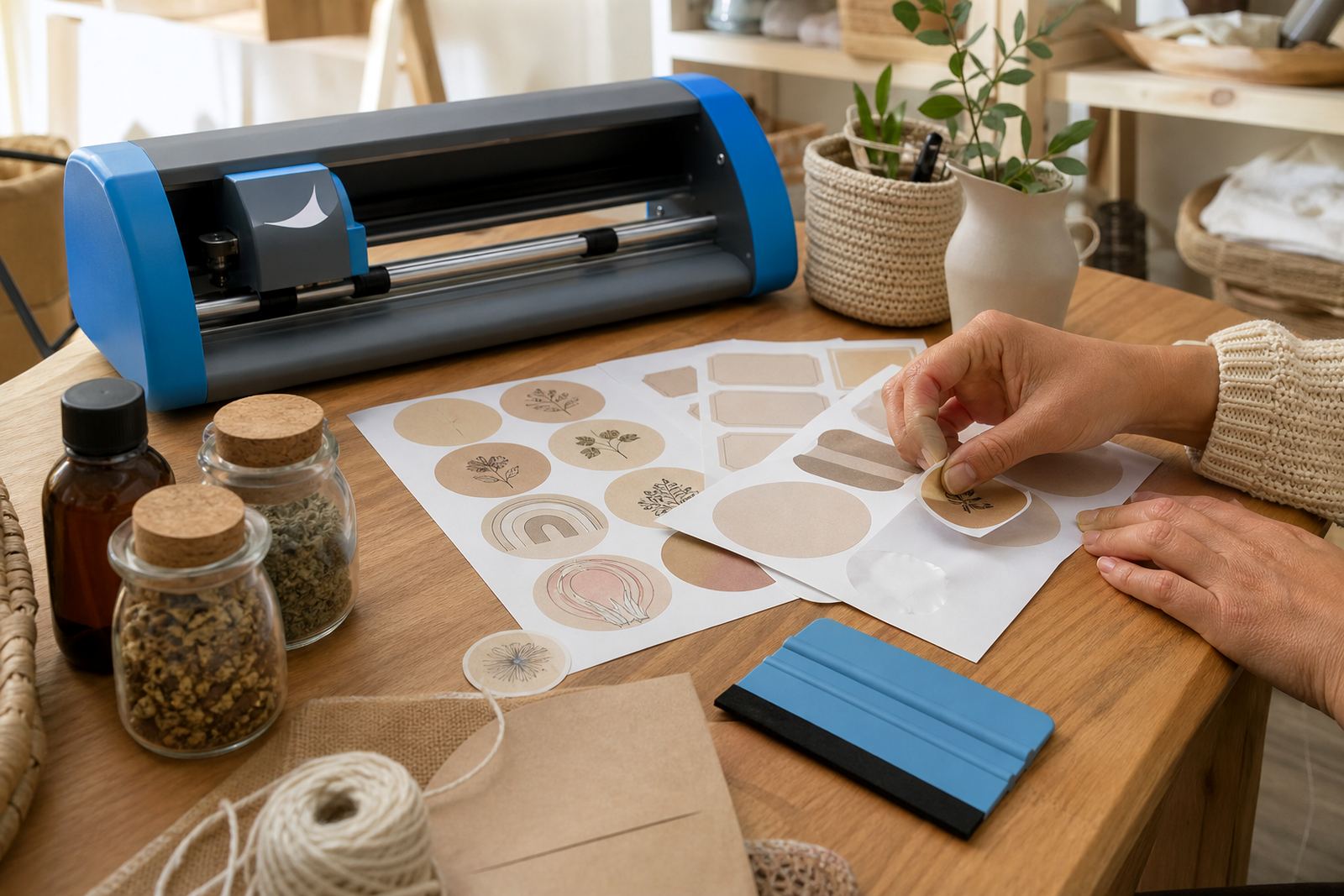
Different sticker papers need different handling, and we explain the cut style for each finish. Matte paper usually takes a neat, quiet cut and works well for labels, pantry jars and stationery. Gloss paper can need a lighter setting because the coated face may resist too much pressure, while clear stock asks for careful alignment so the artwork appears crisp once applied.
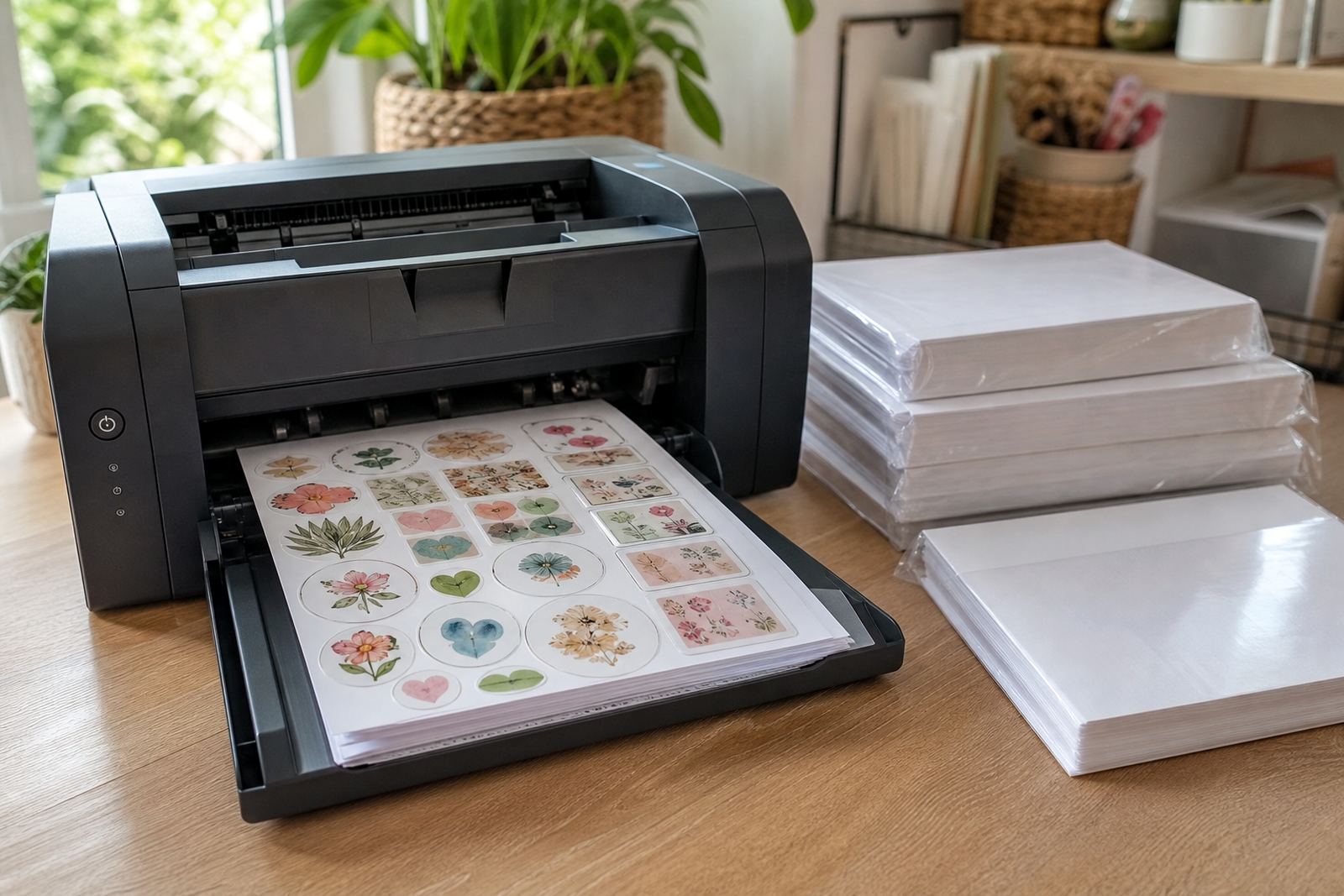
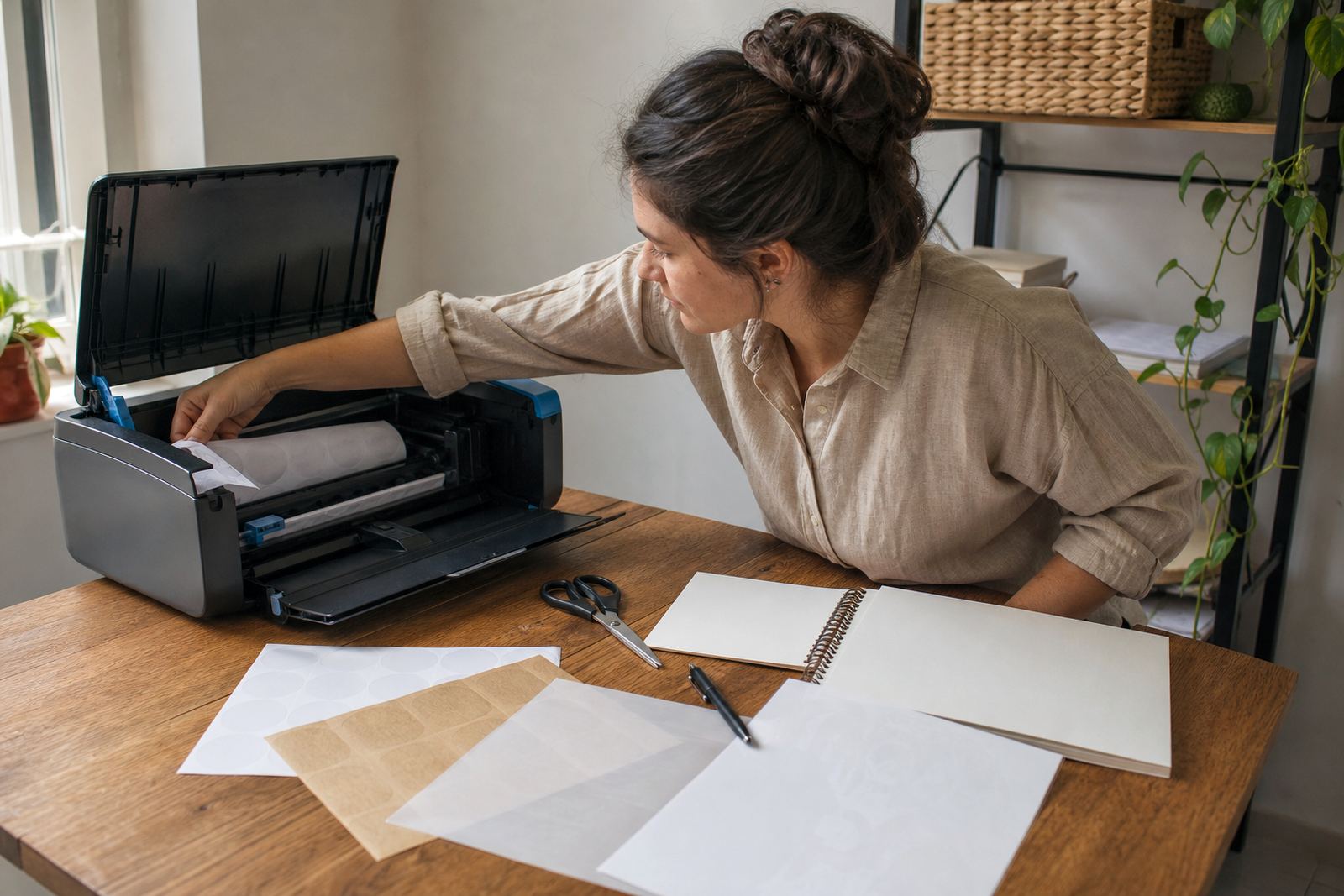
Vinyl sheets are useful for items that may get handled often, and kraft paper gives a natural look for home made packaging or rustic gifts. Inkjet and laser printed sheets behave differently once they have been printed, so we help match the cutting approach to the print method as well. This keeps the edges tidy and helps the final sticker sit properly on glass, plastic, cardboard or envelopes.
How the Help Process Runs
We begin with the sheet type, the cutter model and the size of the artwork, then work through the cut settings that suit the job. If the design has many small pieces, we check whether a kiss cut or a full cut is needed, and whether the mat needs a firmer hold. For simple shapes, the setup is quick; for intricate artwork, the alignment gets a bit more attention.
From there, we look at blade wear, mat condition and whether the sheet was printed on inkjet or laser equipment. If the backing is slipping or the cut line is drifting, we adjust the setup before another run. That way the sheet is not sacrificed to trial and error, and the final labels stay usable for real projects at home or in a small workshop.
- Share the sheet type, size and cutter details.
- Check the design for safe cut margins.
- Set blade, pressure and speed for the finish.
- Run a test, then refine if needed.
Key facts
| Compatible finishes | Matte, gloss, clear, vinyl and kraft |
|---|---|
| Print methods | Inkjet printed and laser printed sheets |
| Cut styles | Kiss cut, full cut, contour cut |
| Sheet sizes | Common benchtop sizes and custom sheet layouts |
| Cutting methods | Craft cutter setup and hand cutting guidance |
| Use cases | Labels, pantry jars, gifts, stationery and home organisation |