Inkjet settings that suit sticker paper
Inkjet printers suit many sticker jobs, but the paper type has to match the print settings. Matte sheets usually take text, labels and artwork neatly, while gloss sheets suit sharper colour and a brighter surface. Clear sheets need careful colour handling because light areas can look softer once the adhesive layer shows through.
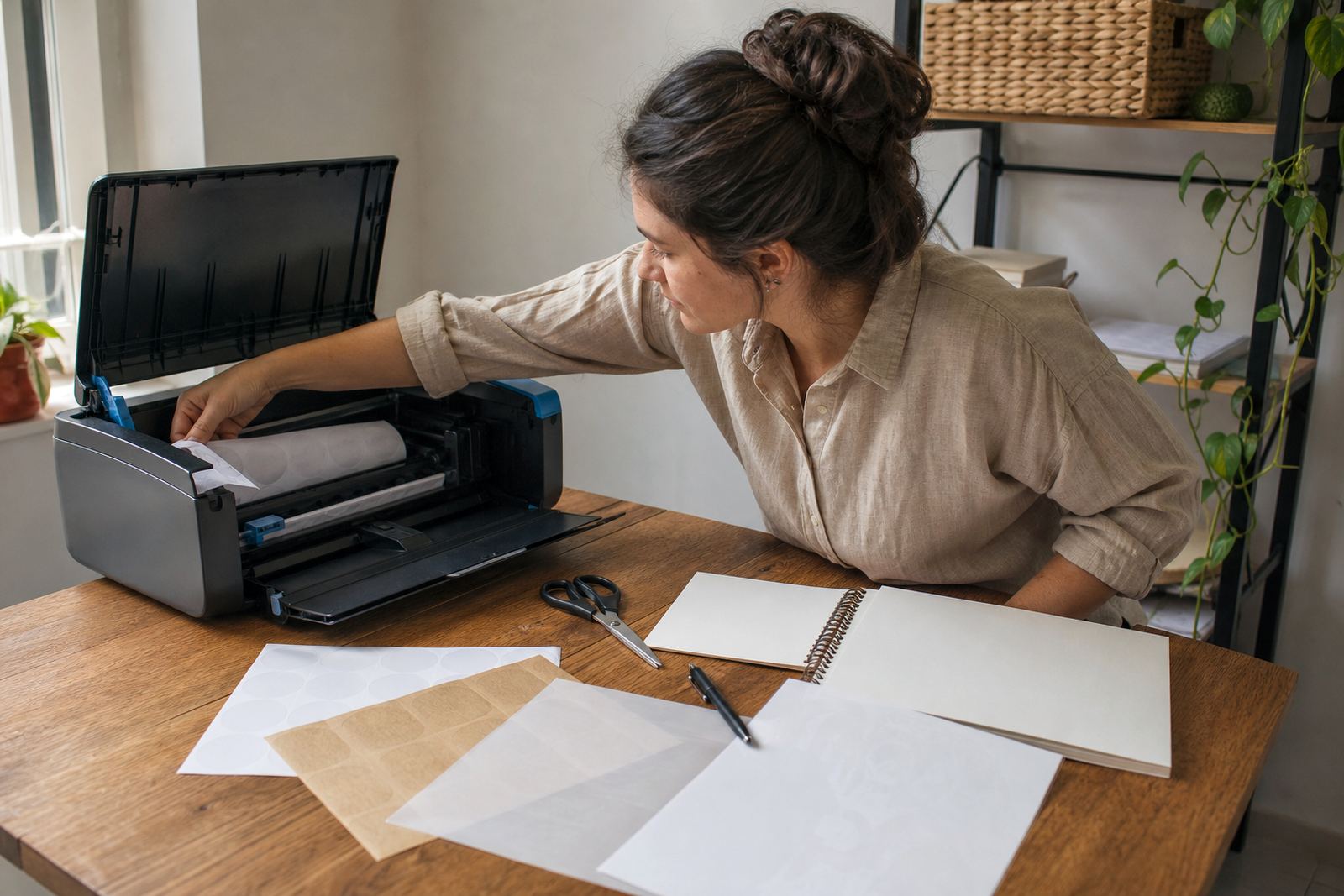
We guide crafters through the basic setup on ordinary home and office inkjet machines. That includes paper type selection, print quality choice, border settings and the order in which sheets should be fed. If a printer has a rear feed or manual slot, that often helps with thicker stock and reduces curling at the tray.
- Matte sheets for handwriting, kitchen labels and organisers
- Gloss sheets for full colour artwork and gift labels
- Clear sheets for transparent effects on smooth containers
- Vinyl sheets for tougher handling and moisture exposed items
Drying time, smudging and the first touch test
Fresh ink on sticker paper needs space to settle before the sheet is cut, stacked or handled too much. Drying time changes with printer model, ink load and room conditions. In Durban humidity, for example, glossy sheets can stay tacky a little longer than they do inland, so we work with a slower touch test rather than forcing the job.
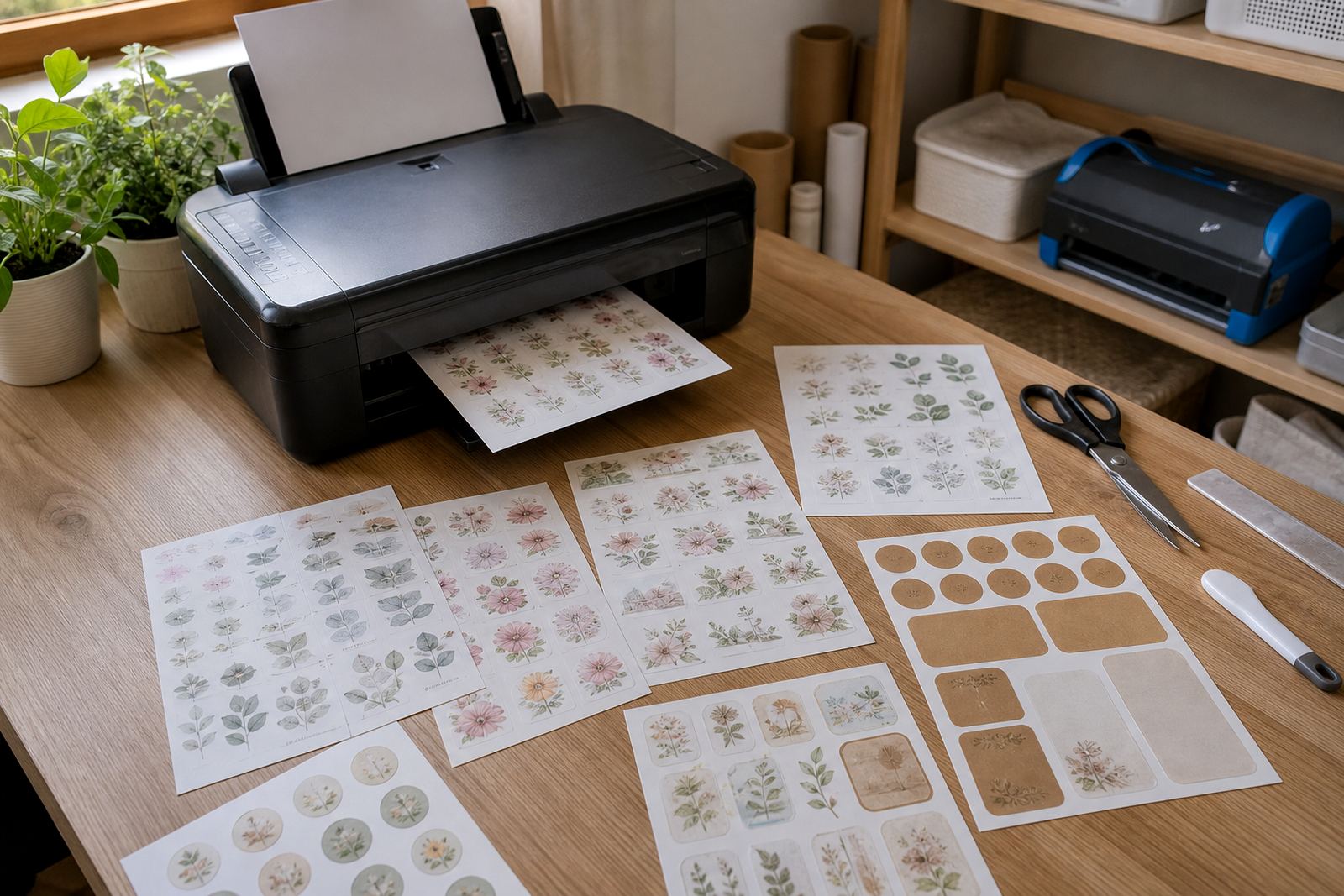
Smudging often starts with heavy ink coverage or a sheet that is moved too soon. We check whether the print is sitting on the surface or sinking into the coating the way it should. A light rub test on a spare corner usually shows whether the sheet is ready for cutting, or if it needs another pause on a flat surface.
- Let sheets rest flat before trimming
- Avoid stacking warm prints directly on top of each other
- Use a clean, dry hand when moving finished sheets
- Keep printed work out of damp kitchens or laundry rooms while it settles
Sheet handling from tray to final cut
Sticker paper bends and marks more easily than ordinary copy paper, so handling matters from the moment it leaves the printer tray. We show customers how to pick up a fresh sheet by the edges, keep the print face up and avoid curling the corners. Small marks around the edge are common when a sheet is dragged across a rough table or stacked under weight.
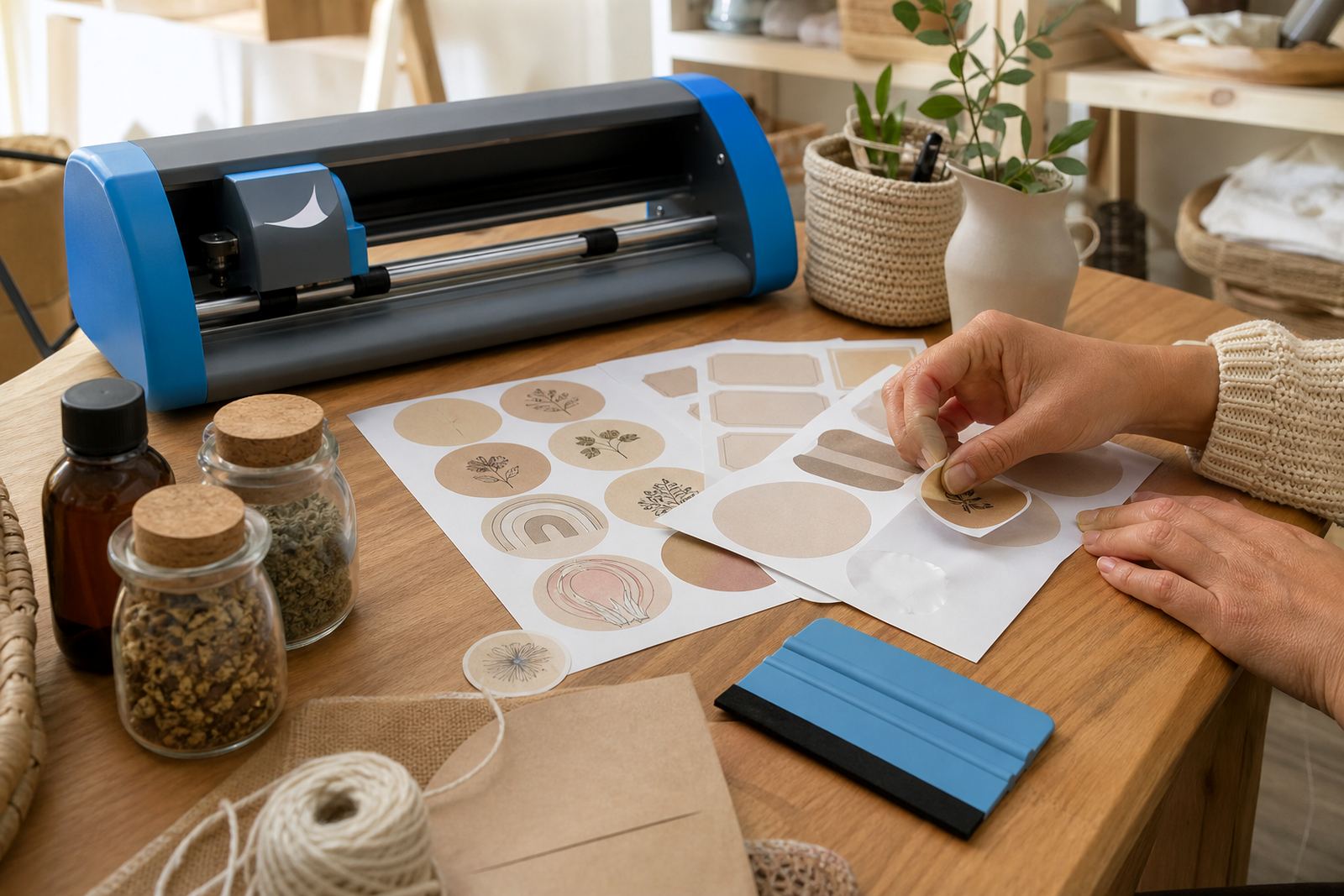
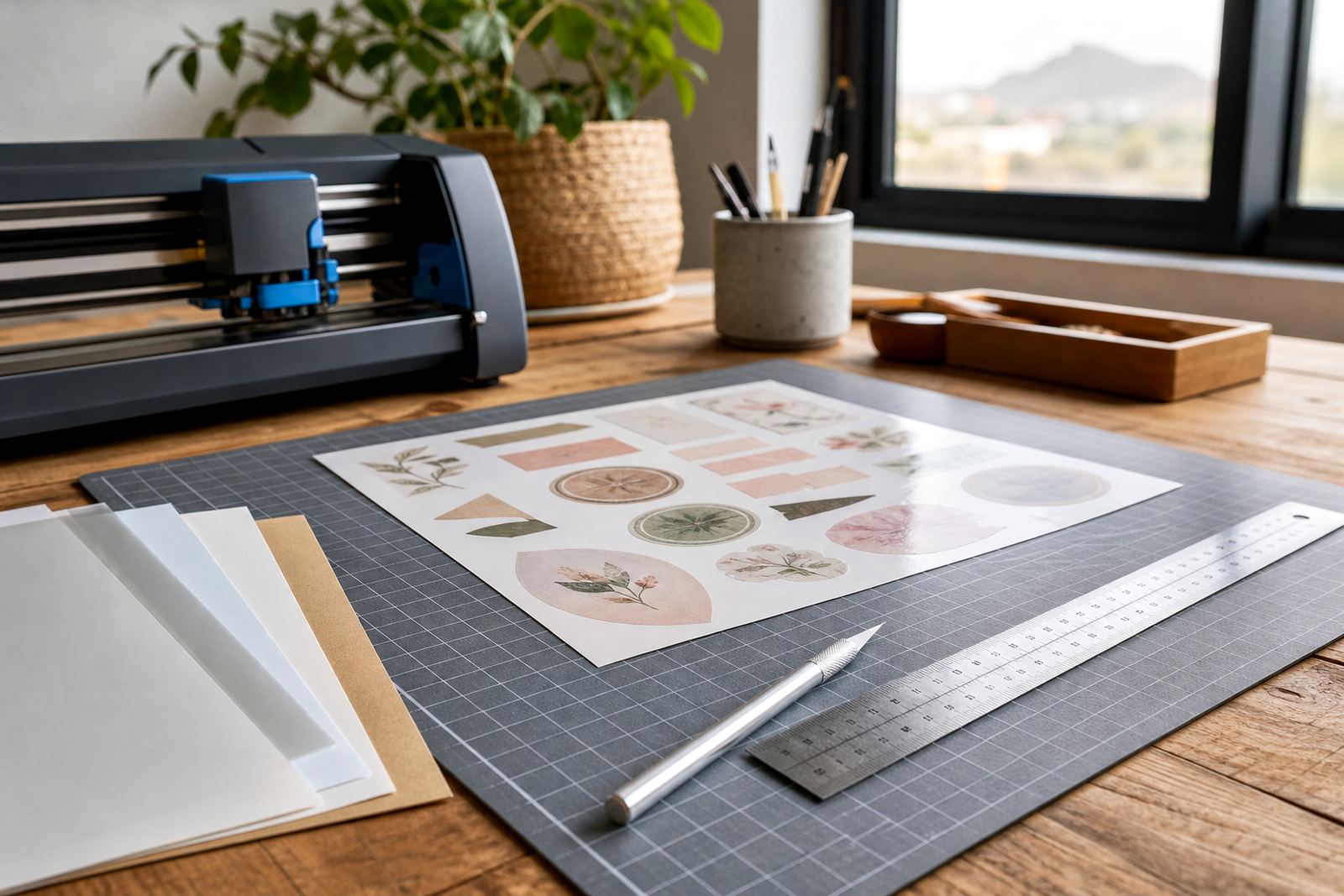
For cut work, the sheet should sit on a clean board or mat. Hand cutters need a steady edge and a ruler that does not slip. Craft cutters need a straight feed and a clean backing sheet, especially on smaller sizes where movement can throw off the cut line by a few millimetres.
Our support also covers clear and vinyl stock where the carrier feel is different from paper. Those sheets often hold a shape better, but they still need careful peeling and a steady lift when moving from the printer to the cutting surface.
Matching inkjet printing to the right sticker finish
Not every finish behaves the same way under inkjet ink. Matte gives the most forgiving surface for text, black line work and home labels. Gloss gives brighter colour, but it can show drying issues sooner if the printer lays down too much ink. Clear sheet works best when the design already has solid colour blocks or strong outlines. Kraft brings a warmer, earthy look, though fine pale details can disappear if the contrast is too soft.
Vinyl is useful where a label must handle more touching, movement or occasional moisture, yet it still needs the printer settings to be correct. On any finish, the ink has to sit cleanly without pooling. If the print looks washed out or streaked, the problem is often feed, profile or paper choice rather than the sheet itself.
- Matte for pantry jars, folders and school items
- Gloss for bright gift labels and decorative graphics
- Clear for glass, bottles and see-through packaging
- Kraft for natural looking labels and handmade gifts
How the support process works for home printers
We start with the printer model, the sticker paper type and the result you want on the finished sheet. From there we look at feeding, ink use, drying behaviour and whether the sheet should be cut by hand or with a craft cutter. If a design needs a colour test, we can talk through a small sample run before the full batch goes through.
The support is practical and direct. We do not send people on a guesswork trail, because most print issues come down to a few repeatable points. A slightly slower feed, a different paper setting or a smaller ink load can make a real difference when the printer is working on sticker stock. Here the wrong setting can waste sheets fast, so the steps matter.
- Check the printer type and feed path
- Match the print setting to the sheet finish
- Review drying before cutting or stacking
- Adjust colour and coverage for the final use
Turnaround and pricing approach for this service
Inkjet printing help is handled as part of the online support flow for crafters and home makers in Durbanville, Cape Town and across South Africa. Turnaround depends on the question being asked, the sheet type and whether we need to consider a few settings before advising on the next step. Some jobs only need a straight answer, while others need a fuller look at feed, ink and drying.
Pricing is approached according to the level of guidance needed, the kind of sheet involved and whether the request includes printer setting help alongside the inkjet advice. There is no fixed one-size figure because a quick paper match is different from a detailed colour and smudge check. For delivery orders, the sticker paper itself is packed flat and kept clean so the sheets arrive ready for use.
Clients in Cape Town, Johannesburg, Durban, Pretoria and Bloemfontein are supported through the same online route, with delivery arranged across South Africa. If the order includes multiple finishes, the packing note reflects that mix so the sheets are stored and handled properly on arrival.
Aftercare for stored sheets and repeat use
Aftercare is mostly about keeping the printed sheets flat, dry and away from dust. Fresh prints should not be left in a warm car, near a sink or beside a window where moisture can curl the edges. For home storage, a folder or rigid sleeve helps keep the sheet face clean and the adhesive layer protected.
If labels will be used on jars, containers or gifts, the surface should be wiped before application. Even good ink can lift or smear if the sheet is pressed onto a damp surface. For clear, gloss and vinyl work, a gentle hand gives the best result, because overworking the label can leave marks on the top coat.
- Store printed sheets flat and dry
- Keep them out of direct sun before use
- Wipe the target surface before sticking
- Press from the centre outward to limit air pockets
Key facts
| Inkjet compatibility | Suitable for common home and office inkjet printers |
|---|---|
| Finish options | Matte, gloss, clear, vinyl and kraft |
| Cutting methods | Hand cutting or craft cutter use |
| Sheet handling | Flat storage, edge handling and low-smudge workflow |
| Supported use cases | Labels, home organisation, gifting and craft projects |
| Delivery areas | Cape Town, Johannesburg, Durban, Pretoria and Bloemfontein |