Start With The Surface Your Label Will Sit On
Jars, bottles, storage tubs, gift wraps, and pantry containers all ask for something slightly different. A label on glass in a cool kitchen has different needs from one on a plastic lunch tub that gets handled often. If the label must stay neat in a humid Durban kitchen or on a bottle that gets wiped often, look at adhesion and top finish first.
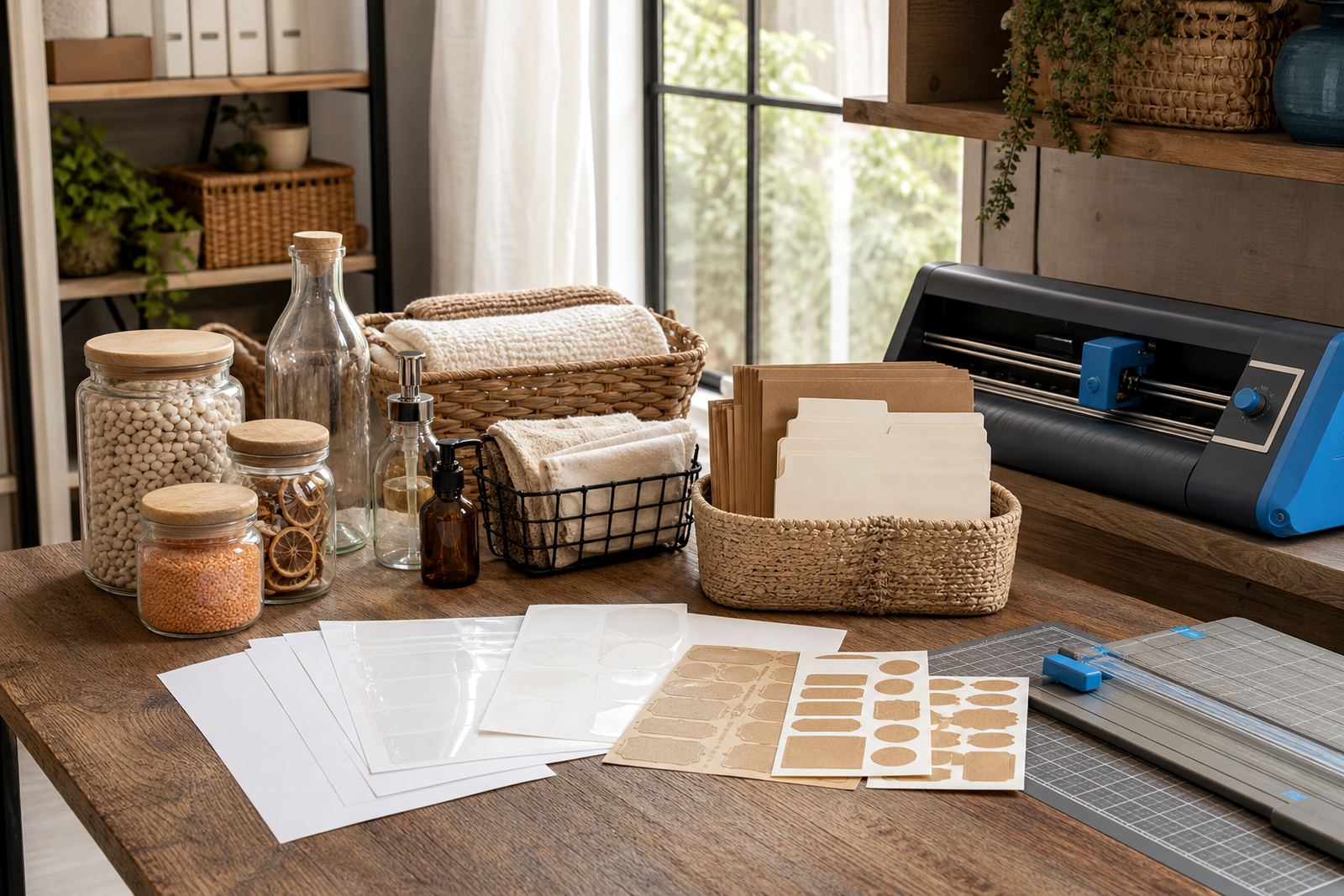
For smooth glass and glossy plastic, clear or gloss sticker paper often gives the cleanest result. For paper bags, boxes, or kraft-style packaging, kraft sticker paper keeps the look more natural. Matte works well when you want writing to read easily, and it suits home labels that need a calm, tidy finish.
Pick The Paper Finish That Matches The Job
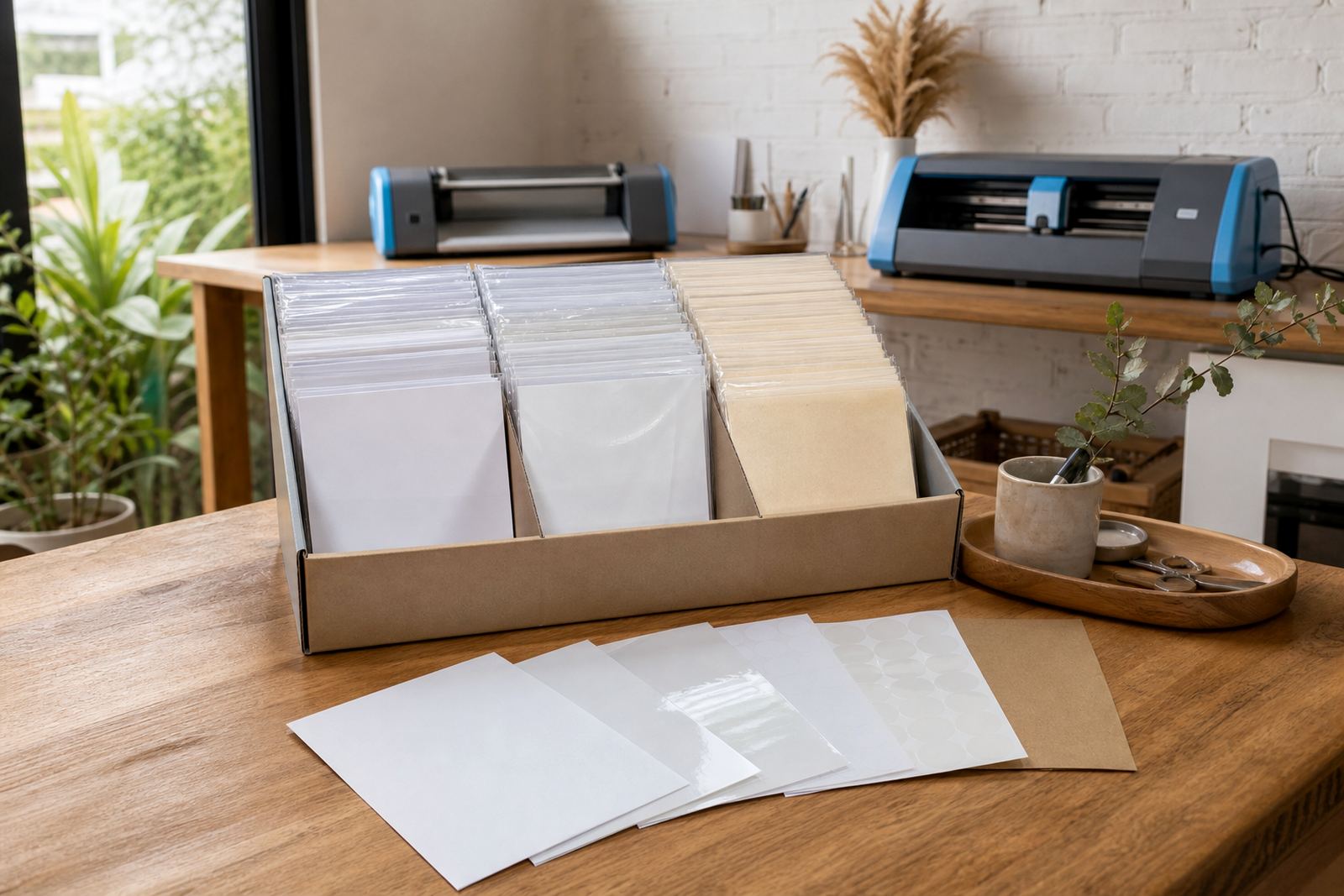
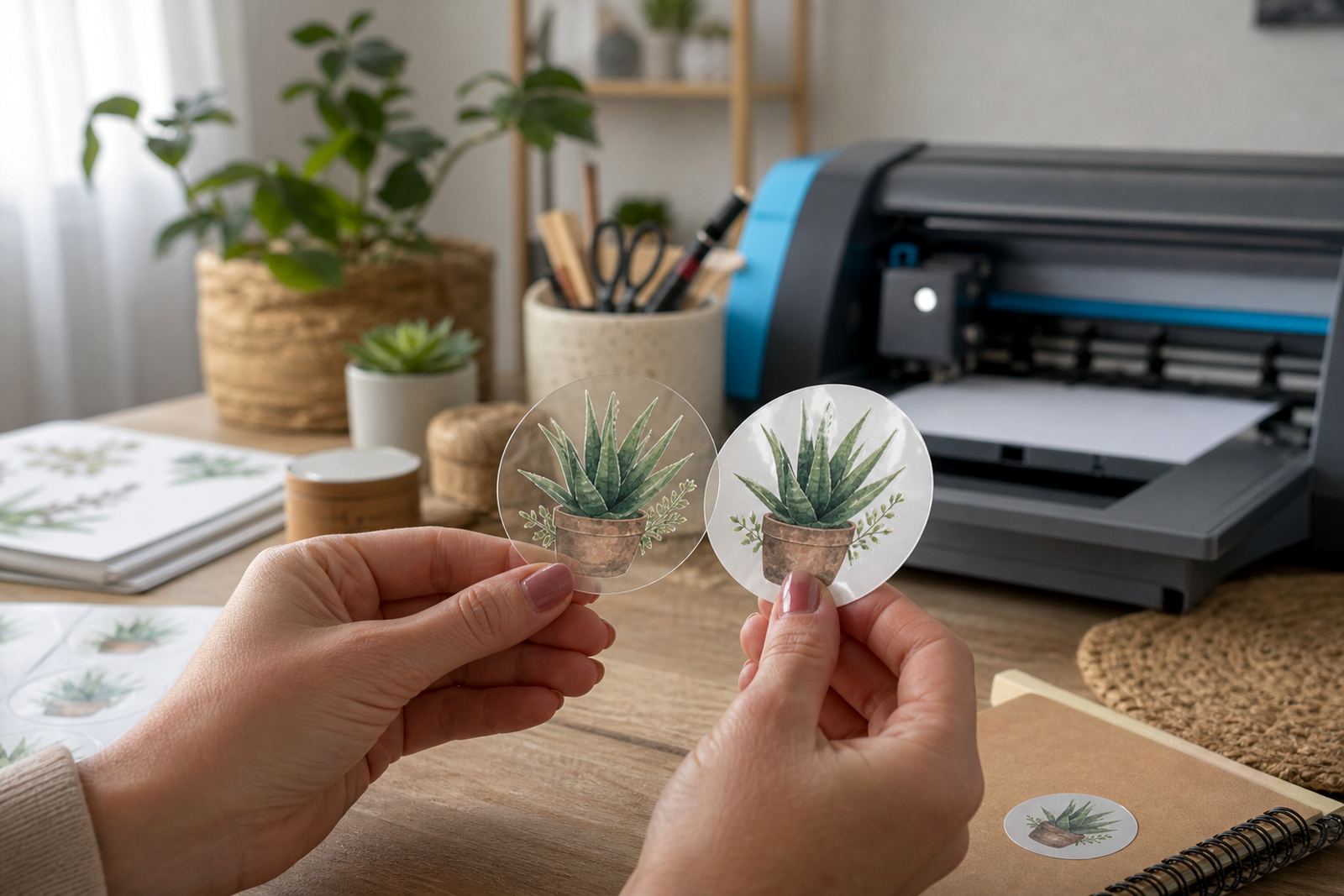
Different finishes change both the look and the everyday handling of the label. Matte has a low sheen and is easier to write on with a pen or marker. Gloss gives a brighter finish and makes colour labels stand out on gift packs and storage jars. Clear paper lets the surface show through, which helps when you want a discreet label on glass or plastic. Vinyl is the better choice for labels that may face more handling or a bit more moisture. Kraft gives a warm, natural look that suits homemade food gifts and organiser tags.
- Matte: neat writing, softer colour, less reflection.
- Gloss: sharper colour, brighter shelf presence.
- Clear: almost invisible edges on glass or plastic.
- Vinyl: stronger handling for busy surfaces.
- Kraft: natural finish for rustic packaging.
Match The Sheet To Your Printer Type
Inkjet and laser printers behave differently, so the sheet must match the machine. Inkjet printable sticker paper is made to take liquid ink well, while laser-compatible sheets are made for heat used in laser printing. If the wrong sheet is used, the print can smudge, curl, or sit unevenly on the page. That can waste time and leave you with labels that look patchy.
Before printing a full batch, do a colour test on one sheet and check the edges after the page leaves the printer. A label for spice jars or bathroom bottles needs crisp text, and tiny fonts can blur if the settings are not right. For labels with strong colour blocks, a test sheet helps you see whether the paper keeps the shade balanced.
- Check whether the sheet is made for inkjet or laser use.
- Set the paper type in your print settings if available.
- Run one sample before a full label run.
- Let printed sheets dry fully before handling them.
Choose A Size That Fits The Container Properly
Label size matters just as much as finish. A jar label that is too wide will wrap awkwardly and may lift at the overlap. A tiny bottle label can look lost if the text is not sized carefully. Measure the flat space on the container, then leave a small margin so the label does not press into curves or ridges.
For pantry jars, a front label and a smaller lid label can work well together. For cleaning bottles, leave room for the product name and safety notes if needed. On gift tags, a smaller label can look cleaner when paired with ribbon or twine. If you work with several container shapes, keep a shortlist of sizes that suit your most used jars and tubs.
Cutting By Hand Or With A Craft Cutter
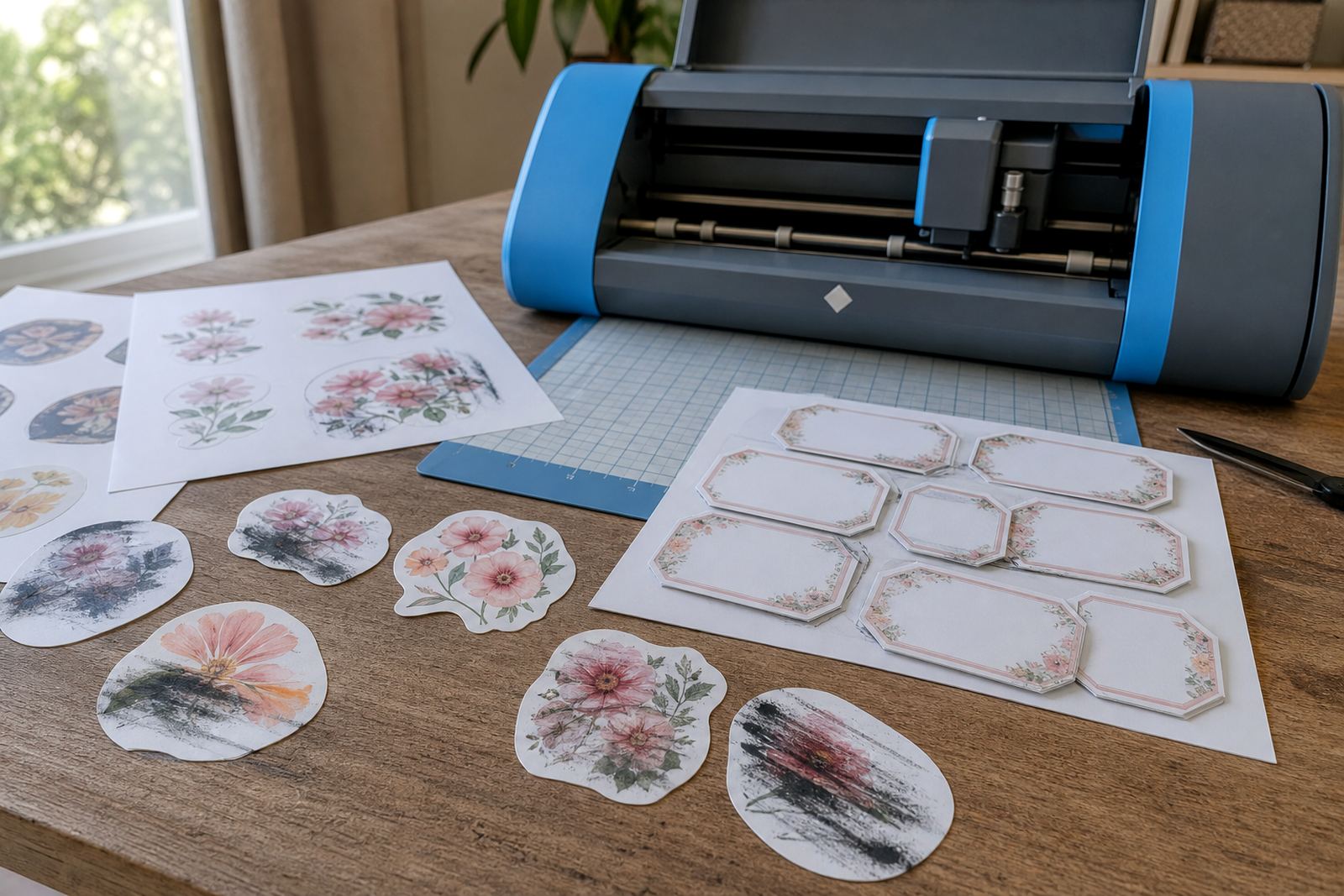
Some labels are easiest to trim with scissors or a craft knife, while others are faster with a craft cutter. Hand cutting works well for simple rectangles, circles, and small one-off labels. A craft cutter helps when you need repeated shapes or neat borders across a larger batch. Clean lines matter most when the label will be seen up close on kitchen shelves or gift packaging.
Keep blades sharp and sheets flat, because curled paper can shift during cutting. Leave a small border around the printed design if you plan to cut by hand, it gives you more control on the final edge. For clear or gloss sheets, handle the printed surface lightly to avoid fingerprints before application.
- Use a cutting mat for hand trimming and blade work.
- Leave a border for easier alignment.
- Keep spare blades ready for tidy cuts.
- Store cut labels flat so corners do not lift.
Keep Labels Looking Neat After Application
A good label also needs sensible care once it is on the container. Make sure the surface is clean and dry before applying, especially on bottles or jars that may have dust, oil, or moisture. Press from the centre outward so air bubbles do not sit under the sheet. If the container will be washed, wipe around the label rather than soaking it directly.
For home organisers, keep a few extra sheets stored flat in a dry place. Humidity can make paper curl, especially in coastal areas like Cape Town and Durban. If a label has to sit near frequent handling, vinyl or a tougher finish usually holds up better than a decorative sheet that is meant for light use only. A neat label lasts longer when the base is clean and the edge is well pressed.
- Clean the container before sticking the label down.
- Apply pressure across the whole sheet.
- Avoid soaking the label during cleaning.
- Store unused sheets flat and dry.